
Discover the key features that make AKG headsets a favorite for audio lovers. This guide breaks down what to look for, from sound quality to comfort and connectivity, helping you choose the perfect AKG headset for your needs. Understand the technology and craftsmanship AKG brings to your ears, ensuring a superior listening experience.
Welcome to Headphone Horizon! If you’re diving into the world of headphones, you’ve likely come across the AKG brand. Renowned for their exceptional audio quality and innovative designs, AKG offers a wide range of headsets for music enthusiasts, professionals, and everyday listeners. But with so many options and features, it can feel a bit overwhelming to know where to start. Don’t worry, that’s exactly why we’re here! This guide is designed to demystify AKG headset features in a way that’s easy to understand. We’ll walk you through the essential aspects to consider, helping you make a confident choice for your next audio companion. Get ready to discover what makes AKG stand out!
Understanding AKG’s Commitment to Sound

AKG, a Harman International brand, has a rich history dating back to 1947. Their core philosophy revolves around delivering accurate and natural sound reproduction. This means when you listen to music, you’re hearing it as the artist intended, with all the nuances and details intact. They achieve this through meticulous engineering and a deep understanding of acoustics.
Key Sound Technologies and Their Impact
AKG employs several technologies to achieve their signature sound. Understanding these can help you appreciate why certain models sound the way they do.
- High Sensitivity Drivers: These drivers are designed to be very efficient, meaning they can produce a loud sound with minimal power. This is great for mobile devices, as it doesn’t drain your battery as quickly.
- Wide Frequency Response: A wider frequency response means the headset can reproduce a broader range of sounds, from the lowest bass notes to the highest trebles. AKG often boasts impressive frequency ranges, aiming for a full-bodied listening experience. For example, a typical human hearing range is around 20 Hz to 20,000 Hz, and many AKG headphones aim to exceed these limits for greater detail.
- Proprietary Diaphragm Materials: AKG often uses specially designed diaphragm materials, like their Flat Wire Voice Coil technology, to ensure precise movement and accurate sound reproduction with minimal distortion.
- Tuned Acoustics: Beyond the drivers, the physical design of the earcups and acoustic chambers is carefully tuned to shape the sound, creating a balanced and immersive listening environment.
Essential Comfort and Design Features
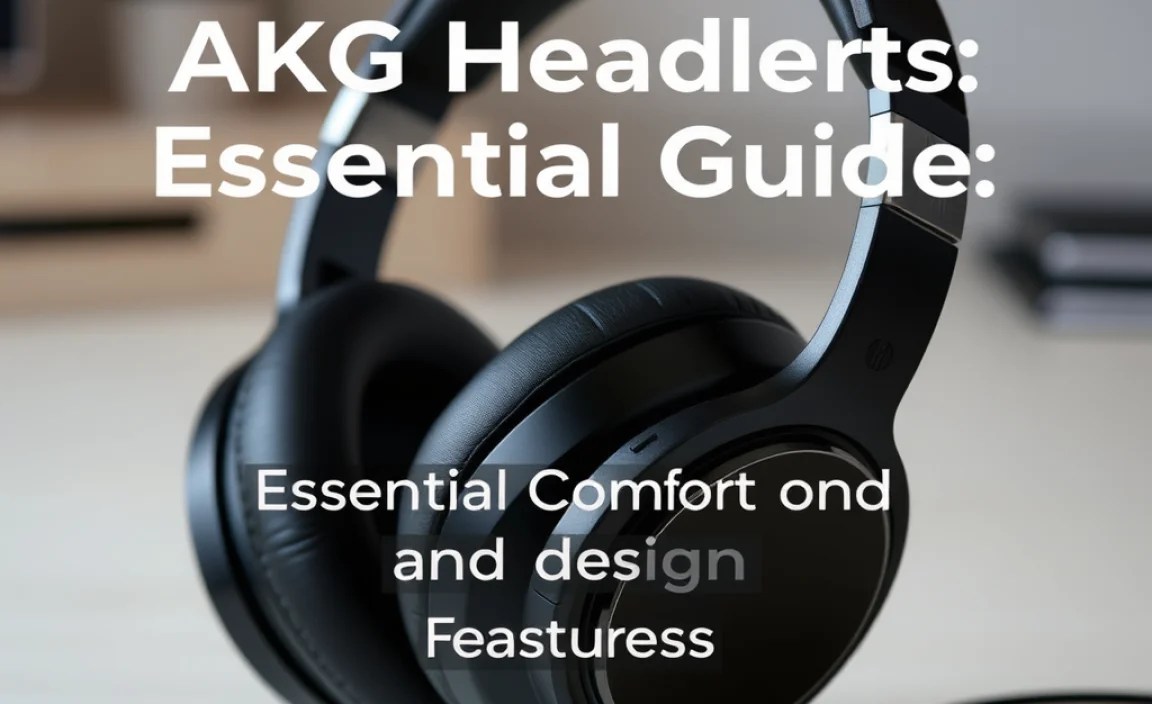
Sound quality is paramount, but comfortable headphones are crucial for extended listening sessions. AKG pays close attention to ergonomics and build quality.
Materials Matter: Earcups and Headbands
The materials used directly impact comfort and durability.
- Earpads: AKG often uses plush materials like velour or high-quality synthetic leather for their earpads. These are chosen for their softness, breathability, and ability to create a good seal around the ear, which is important for both comfort and sound isolation.
- Headband Padding: A well-padded headband distributes weight evenly, preventing pressure points on the head. AKG headbands are typically adjustable and feature comfortable cushioning.
- Build Quality: From robust plastics to premium metals, AKG headsets are generally built to last. This ensures they can withstand daily wear and tear.
Ergonomics for Long Listening Sessions
Ergonomics refers to how well the headset fits and feels on your head and ears.
- Adjustability: A good headset should have ample adjustment options for the headband and, often, the earcups. This allows you to find the perfect fit for your head shape and size.
- Weight Distribution: Lighter headphones are generally more comfortable, but balanced weight distribution is equally important. AKG aims to optimize this balance so the headset feels secure without being cumbersome.
- Clamping Force: This is the pressure the headset applies to your head. It needs to be firm enough to stay in place but not so tight that it causes discomfort or headaches. AKG strikes a balance here based on the intended use of the headset.
Connectivity Options: Wired vs. Wireless
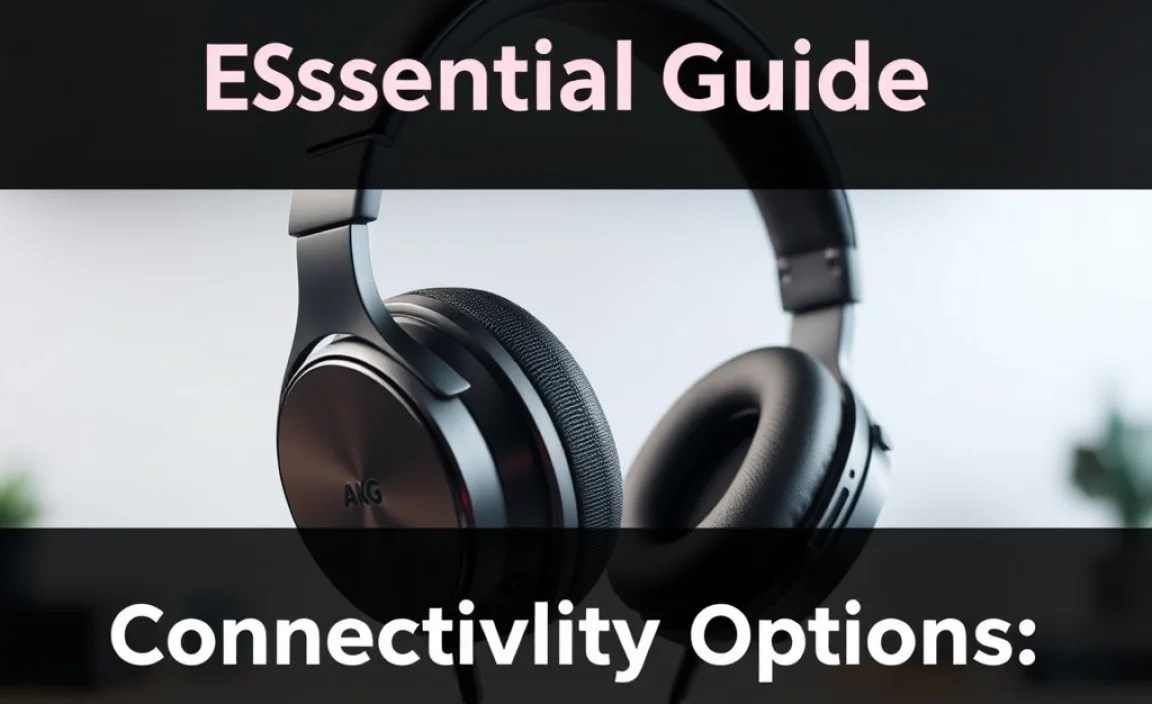
The way your headset connects to your devices impacts convenience and audio quality. AKG offers both wired and wireless solutions.
Wired Connections: Reliability and Purity
Wired headphones have long been the go-to for audiophiles due to their potential for uncompressed audio and stable connections.
- Detachable Cables: Many AKG headsets feature detachable cables. This is a huge plus for durability, as if the cable gets damaged, you can easily replace it without needing a new headset.
- Standard Connectors: Look for standard connectors like 3.5mm (1/8-inch) or 6.3mm (1/4-inch) jacks. The 3.5mm is common for most modern devices, while the 6.3mm is often found on home audio equipment. Some professional models might offer both or interchangeable cables.
- Cable Length and Type: Consider the cable length you’ll need. Shorter cables are good for mobile use, while longer ones are better for studios or home listening. Straight vs. coiled cables also offer different benefits.
Wireless Connectivity: Freedom and Convenience
Wireless technology has advanced significantly, offering excellent sound quality and unparalleled freedom of movement.
- Bluetooth Technology: Most wireless AKG headsets use Bluetooth. Look for the latest Bluetooth versions (e.g., Bluetooth 5.0 or later) for better stability, range, and power efficiency.
- Códec Support: Bluetooth códecs determine how audio is compressed and transmitted wirelessly. Common códecs include SBC (standard), AAC (popular for Apple devices), and LDAC or aptX (higher quality for Android devices). Choosing those with higher-quality códec support can lead to better wireless audio.
- SBC (Subband Coding): The most basic códec, universally supported but offers lower quality.
- AAC (Advanced Audio Coding): Offers better quality than SBC, especially for Apple devices.
- aptX (Adaptive/HD): Developed by Qualcomm, offers near CD-quality audio and lower latency, common on Android devices.
- LDAC: Developed by Sony, can transmit audio at very high bitrates (up to 990 kbps), supporting Hi-Res Audio wirelessly.
- Signal Strength and Range: Bluetooth range is typically around 30 feet (10 meters), but this can vary. The headset should maintain a stable connection within this range.
Specialized Features: Tailoring Your AKG Experience

Beyond the basics, AKG incorporates features to enhance specific listening scenarios.
Active Noise Cancellation (ANC)
ANC is a game-changer for commuters, frequent flyers, and anyone working in noisy environments. It uses microphones to detect ambient noise and then generates an opposing sound wave to cancel it out.
- How it Works: Microphones on the headset capture external sounds. An internal processor analyzes these sounds and creates an anti-noise signal. This anti-noise is played through the headphone drivers, effectively neutralizing the unwanted ambient noise.
- Types of ANC:
- Feedforward ANC: Microphones are on the outside of the earcups.
- Feedback ANC: Microphones are inside the earcups, closer to your ear, allowing for more precise cancellation.
- Hybrid ANC: Combines both feedforward and feedback for maximum effectiveness.
- Benefits: Allows you to hear your audio more clearly at lower volumes, reducing listening fatigue and protecting your hearing.
For more information on noise cancellation technology and its effectiveness, you can explore resources from organizations like the National Institute on Deafness and Other Communication Disorders (NIDCD), which discusses the impact of noise on hearing.
Transparency Mode (Ambient Aware)
This feature is the opposite of ANC. It uses the external microphones to pick up ambient sounds and play them through your headphones, allowing you to hear your surroundings without taking them off.
- When to Use It: Ideal for conversations, announcements at airports or train stations, or staying aware of traffic while walking.
- Adjustable Levels: Some AKG models allow you to adjust the level of ambient sound being fed through.
Microphones for Calls and Voice Control
If you plan to use your headset for phone calls or interacting with voice assistants, the microphone quality is important.
- Call Clarity: Look for headsets with multiple microphones or noise-reducing microphone technology for clearer voice pickup, even in noisy environments.
- Voice Assistant Integration: Many wireless AKG headsets support integration with voice assistants like Google Assistant or Siri.
Portability and Foldable Designs
For those on the go, portability is a key consideration.
- Folding Mechanisms: Many AKG headphones feature designs that allow them to fold up compactly, making them easier to store in a bag or case.
- Carrying Cases: Some models come with a protective carrying case, which is excellent for safeguarding your headset during travel.
AKG Headset Feature Comparison Table

To help you visualize, here’s a comparison of common features you might find across different AKG headset lines.
| Feature | Entry-Level Models | Mid-Range Models | High-End/Professional Models |
|---|---|---|---|
| Sound Quality | Good, balanced sound for everyday listening. | Excellent, detailed, and refined sound with wider frequency response. | Audiophile-grade, highly accurate, and neutral sound reproduction. |
| Build Materials | Durable plastics, comfortable synthetic leather. | Premium plastics, mixed metals, high-quality padding. | Metal construction, plush natural/synthetic leather, reinforced joints. |
| Connectivity | Wired (3.5mm), basic Bluetooth (SBC/AAC). | Detachable wired cables, advanced Bluetooth (aptX/LDAC), multipoint. | Detachable cables (various lengths/types), high-fidelity códecs, sometimes USB-C audio. |
| Comfort | Decent, good for moderate use. | Excellent, designed for long wear. | Superb ergonomics, lightweight, pressure-optimized. |
| Extra Features | Basic inline mic. | ANC, Transparency Mode, improved mic quality, foldable design. | Advanced ANC, sophisticated mic arrays, sometimes app control for EQ. |
Choosing the Right AKG Headset for You
With a better understanding of AKG headset features, you can now think about your personal needs.
Consider Your Primary Use Case
For Music Lovers at Home: Focus on sound quality, comfort, and potentially open-back designs if you prefer a wider soundstage and don’t need noise isolation. Wired connections may be preferred for the purest audio.
For Commuters and Travelers: Active Noise Cancellation (ANC) and a durable, portable design (foldable with a case) are essential. Wireless connectivity offers convenience.
For Gamers: Look for features like low latency (especially for wireless), clear microphone quality for communication, and an immersive sound profile that helps pinpoint in-game audio cues.
For Professionals (Studio Monitoring): Accuracy and neutrality are paramount. AKG’s reference headphones are designed for this, offering a flat frequency response to reveal every detail without adding coloration. Wired connections are standard.
For Everyday Use (Work/Study/Calls): A balance of comfort, good sound, reliable wireless connectivity, and a decent microphone for calls would be ideal. ANC can be a bonus for focus.
Understanding AKG Product Lines
AKG has product lines tailored to different needs:
K-Series (e.g., K701, K92, K371): Often geared towards home listening and studio use, with varying levels of audio fidelity and open/closed-back designs. The K371, for example, is praised for its Harman Target curve compliance.
Y-Series (e.g., Y400, Y600): Typically more lifestyle-oriented, offering a blend of good sound, comfort, and features like ANC in a more portable package.
N-Series (e.g., N90Q, N700NC): Premium wireless headphones often featuring advanced technologies like ANC and high-resolution audio support.
Doing Your Research: Reviews and Specifications
Once you have an idea of your needs, dive into specific model reviews. Look for objective measurements and subjective opinions on sound, comfort, and feature performance. Reputable audio review sites and detailed product specifications on the official AKG website are your best friends here. Pay attention to user reviews as well, as they often highlight real-world usability.
Basic Maintenance for Your AKG Headset
To ensure your AKG headset performs optimally and lasts for years, a little care goes a long way.
Cleaning Your Headset
Regular cleaning keeps your headset hygienic and ensures sound quality isn’t affected by debris.
- Earcups: For synthetic leather or pleather earcups, gently wipe them with a slightly damp, soft cloth. Avoid harsh chemicals. For velour earcups, you can often use a lint roller or a dry, soft brush. If they are removable, you might be able to gently hand wash them with mild soap and water, but always check the manufacturer’s instructions first.
- Headband: Wipe the headband with a soft, dry or slightly damp cloth.
- Grilles and Drivers: Be extremely careful not to let any moisture or debris enter the driver area. You can use a dry, soft brush or a can of compressed air (held at a distance) to gently remove dust from the grilles.
- Cables: Wipe down wired cables with a dry, soft cloth. Ensure connectors are clean and free of debris.
Storing Your Headset
Proper storage prevents physical damage.
- Use the Case: If your headset came with a carrying case, use it, especially when traveling.
- Avoid Extreme Temperatures: Don’t leave your headphones in direct sunlight for extended periods or in very cold environments, as this can damage materials and electronics.
- Manage Cables: Avoid tightly wrapping cables, which can strain the wires inside. Gentle loops are better.
For detailed maintenance advice, consult the official AKG product manuals or their support pages. Many principles of headphone care align with general audio equipment maintenance guidelines found on sites like Crutchfield’s learning center.
Troubleshooting Common AKG Headset Issues
Even the best gear can sometimes have glitches. Here are solutions to common problems.
- No Sound from One Earcup (Wired):
Check cable connections at both the headset and the device.
Try a different cable if detachable.
Test the headset with a different audio source.
Ensure the audio balance is centered on your device settings. - No Sound (Wireless):
Ensure the headset is charged and powered on.
Check that it’s properly paired and connected to your device’s Bluetooth.
Increase the volume on both the headset and the audio source.
Restart both the headset and the audio device.
Try unpairing and re-pairing the headset. - Bluetooth Connectivity Issues:
Ensure your device’s Bluetooth is on.
Move closer to your device to maintain a strong signal.
Turn off other nearby Bluetooth devices that might be causing interference.
Reset the headset’s Bluetooth pairing (consult your manual). - Sound Distortion or Crackling:
For wired: Check the cable for damage and ensure the plug is fully inserted.
For wireless: Ensure you are within Bluetooth range and that there isn’t significant interference. Update your device’s software.
Check the audio source; the issue might not be with the headphones.
Try lowering the volume slightly. - ANC Not Working Effectively:
Ensure ANC is switched on.
Check that the earcups are creating a good seal around your ears.
Clean the ANC microphones (usually small holes on the outside of the earcups) gently with a dry brush.
* For wireless models, ensure the headset firmware is up to date.
