
Quick Summary: The Apekx Clip Bluetooth adapter transforms wired headphones into wireless wonders, offering freedom and enhanced audio quality. This guide explains how to easily set it up and enjoy your music untethered.
Apekx Clip Bluetooth: Your Essential Audio Upgrade for Wireless Freedom
Hey there, audio adventurers! Edward Cavitt here from Headphone Horizon. Are you tired of tangled wires holding your music experience hostage? Do you dream of the liberation that comes with wireless audio but don’t want to ditch your beloved, high-quality wired headphones? Well, I’ve got some exciting news that might just be the answer you’re looking for. Today, we’re diving deep into the world of the Apekx Clip Bluetooth adapter. This little gadget is a game-changer, offering a simple, affordable, and effective way to bring the magic of Bluetooth connectivity to virtually any pair of headphones. Let’s explore how this essential audio upgrade can unlock a new level of listening pleasure and convenience for your everyday life.
Why Go Wireless? The Benefits of Bluetooth Audio

Before we get hands-on with the Apekx Clip, let’s quickly touch upon why upgrading to Bluetooth audio is such a smart move for many of us. The most obvious benefit is freedom from wires. No more wrestling with knots, no more snagging your cable on door handles, and definitely no more tripping hazards! This freedom is particularly valuable when you’re on the go, exercising, or moving around your home. Beyond convenience, modern Bluetooth technology offers impressive audio quality, often rivaling wired connections for casual listening. Plus, with the rise of smartphones ditching headphone jacks, Bluetooth solutions are becoming not just a luxury but a necessity.
Introducing the Apekx Clip Bluetooth Audio Adapter

So, what exactly is the Apekx Clip Bluetooth? At its core, it’s a compact device designed to bridge the gap between your existing wired headphones and your Bluetooth-enabled devices (like smartphones, tablets, or laptops). It acts as a receiver, taking the audio signal from your device wirelessly and then transmitting it through a standard 3.5mm headphone jack to your headphones. Think of it as a tiny, portable wireless hub for your ears. It clips discreetly onto your clothing, keeping the adapter close and the audio cable short and manageable. This makes it perfect for commuting, working out, or simply lounging around without the fuss of dangling wires.
Key Features to Love
The Apekx Clip isn’t just about going wire-free; it’s packed with thoughtful features:
- Universal Compatibility: With its standard 3.5mm headphone jack, it works with almost any wired headphones you already own.
- Compact and Lightweight Design: You’ll barely notice it clipped to your collar or pocket.
- Easy Pairing: Connecting to your devices is a breeze.
- Built-in Microphone: Take calls on the go without needing to pull out your phone.
- Rechargeable Battery: Enjoy extended listening sessions on a single charge.
- Reliable Bluetooth Connection: Offers a stable link to your audio source.
Getting Started: A Simple Setup Guide
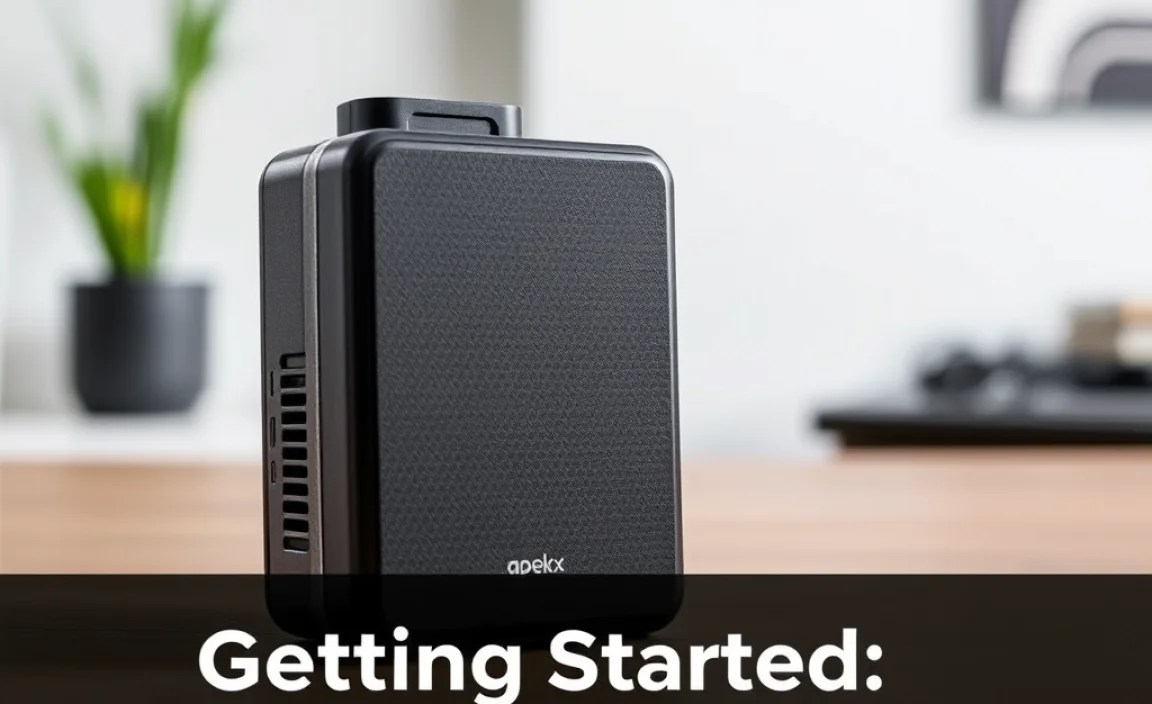
One of the best things about the Apekx Clip Bluetooth is how straightforward it is to set up and use. You don’t need to be a tech wizard to get it working. Follow these simple steps, and you’ll be enjoying wireless audio in no time.
Step 1: Charge Your Apekx Clip
Before you can pair your adapter, it needs power! Most Apekx Clip models come with a USB charging cable. Simply plug the smaller end into the adapter’s charging port and the other end into a USB power source – a computer USB port, a wall adapter, or even a portable power bank will work perfectly.
- Look for an indicator light on the adapter. It will typically change color or turn off when fully charged. Refer to your user manual for specific light indicators.
- A full charge usually takes about 1-2 hours, and it should provide ample listening time for your daily needs.
Step 2: Power On and Enter Pairing Mode
Once charged, it’s time to bring your Apekx Clip to life. Press and hold the power button (usually a multi-function button) for a few seconds. You should see an indicator light flash, often alternating between red and blue, signaling that it’s powered on and ready to pair.
Tip: If it doesn’t automatically enter pairing mode, you might need to press and hold the button for a slightly longer period, or a quick double-press might activate pairing. Check your manual!
Step 3: Enable Bluetooth on Your Device
Now, turn to the device you want to connect to (your smartphone, tablet, laptop, etc.). Navigate to its Bluetooth settings.
- On most smartphones (iOS and Android): Go to Settings > Bluetooth.
- On Windows PCs: Go to Settings > Devices > Bluetooth & other devices.
- On MacBooks: Go to System Preferences > Bluetooth.
Make sure Bluetooth is toggled ON. Your device will then start scanning for nearby Bluetooth devices.
Step 4: Select and Pair the Apekx Clip
In the list of detected Bluetooth devices on your screen, you should see an entry that likely says “Apekx Clip” or something similar. Click on it to initiate the pairing process.
The indicator light on the Apekx Clip will usually change to solid blue or flash less frequently once successfully paired. Your device will also confirm that the Apekx Clip is connected.
Step 5: Connect Your Headphones
Now for the final step! Take your favorite wired headphones and plug their 3.5mm audio cable directly into the corresponding jack on the Apekx Clip adapter. Make sure it’s securely plugged in.
Step 6: Play Your Audio!
That’s it! You should now be able to play music, podcasts, videos, or any other audio from your connected device, and it will come through your headphones wirelessly via the Apekx Clip. You can control playback and volume through your source device as usual.
Using Your Apekx Clip: Everyday Scenarios

The Apekx Clip Bluetooth isn’t just for initial setup; it’s designed for seamless integration into your daily routine. Here’s how it shines in various situations:
On Your Commute
Tired of your phone slipping out of your pocket and yanking your earbuds? The Apekx Clip solves this. Clip it onto your jacket lapel or shirt, plug in your headphones, and put your phone in your bag or pocket. You gain the freedom to move without wires, making crowded trains or buses much more comfortable.
At the Gym
Wires and workouts are a notoriously bad combination. Sweat, movement, and the risk of snagging can ruin both your music and your workout. The Apekx Clip keeps your audio source secure and your headphones untethered, allowing you to focus on your fitness goals. Many users find the short cable from the clip to their ears provides just the right amount of slack without being a nuisance.
At Your Desk
If your computer lacks Bluetooth or you simply prefer using a comfortable pair of wired headphones with your laptop, the Apekx Clip offers a great solution. Clip it to your shirt and enjoy wireless freedom while you work, attend virtual meetings, or listen to background tunes without the desk clutter of extra cables.
Taking Calls
The built-in microphone on the Apekx Clip is a fantastic bonus. When a call comes in, you don’t need to fumble for your phone. Simply use the multi-function button on the adapter to answer or end the call. The microphone quality is generally sufficient for clear conversations, making it a convenient hands-free solution.
Understanding Sound Quality and Bluetooth Technology
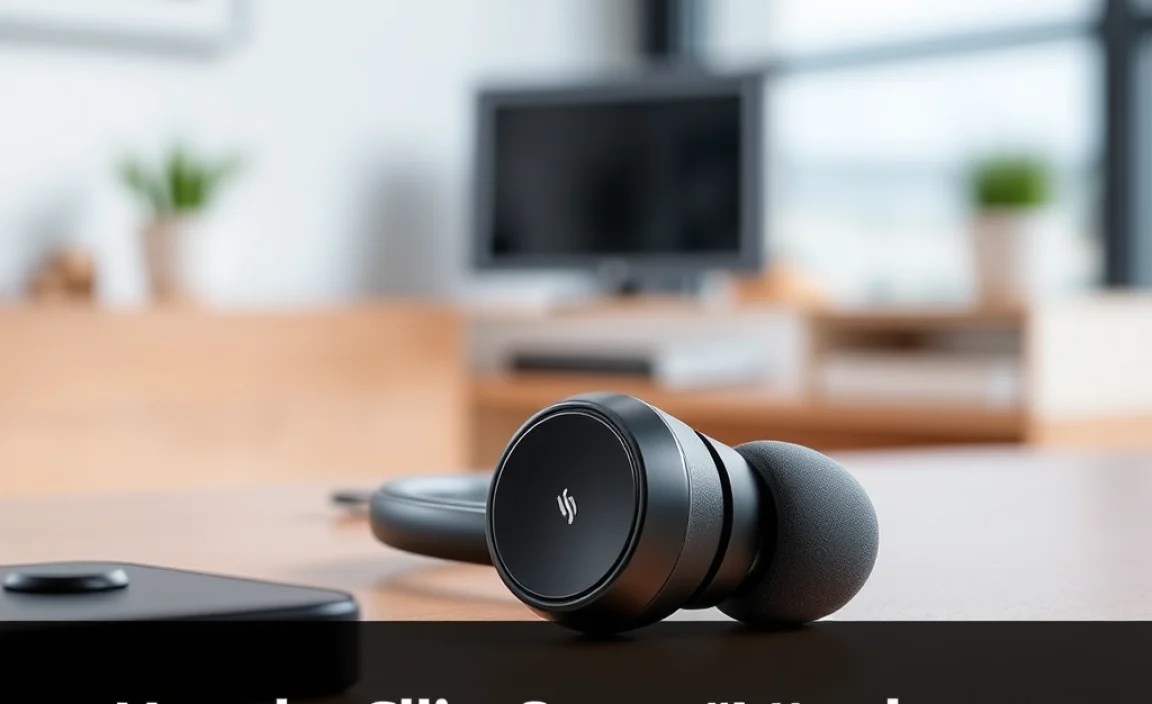
You might be wondering, “How does Bluetooth audio really sound compared to wired?” For many years, there was a noticeable difference, with wired often being superior. However, technology has come a long way. Bluetooth codecs (the way audio is compressed and transmitted) like aptX and LDAC offer near-CD quality audio wirelessly. The Apekx Clip typically uses standard Bluetooth codecs, which are excellent for everyday listening, podcasts, and most music genres. While audiophiles seeking the absolute highest fidelity might still prefer a direct wired connection, for the vast majority of users, the sound quality delivered by the Apekx Clip is more than satisfactory and a significant step up in convenience.
It’s also worth noting that the quality of your headphones still plays a massive role. The Apekx Clip simply transmits the audio signal; your headphones are what produce the sound. So, pairing it with good-quality wired headphones will yield the best results.
For more detailed information on Bluetooth codecs and their impact on audio quality, you can explore resources like the Bluetooth Technology Website.
Troubleshooting Common Issues
Even the best gadgets can sometimes throw a curveball. If you encounter any issues with your Apekx Clip Bluetooth, don’t worry! Most problems are easily solvable.
Issue: Cannot Pair the Apekx Clip
Possible Solutions:
- Ensure both the Apekx Clip and your source device have sufficient battery charge.
- Make sure the Apekx Clip is in pairing mode (flashing red/blue light). If not, power it off and re-enter pairing mode.
- Turn off Bluetooth on your source device and then turn it back on.
- Restart both the Apekx Clip and your source device.
- “Forget” the Apekx Clip in your device’s Bluetooth settings and try pairing again from scratch.
- Check if the Apekx Clip is already connected to another device. Disconnect it from the other device before attempting to pair with a new one.
Issue: Audio Cutting Out or Stuttering
Possible Solutions:
- Move your source device closer to the Apekx Clip. Physical obstructions and distance can weaken the signal.
- Minimize interference from other wireless devices (like Wi-Fi routers or microwave ovens).
- Close unnecessary background applications on your source device that might be consuming processing power.
- Ensure your Apekx Clip’s firmware (if applicable) is up-to-date.
- Try playing audio from a different app or file to rule out a source issue.
Issue: No Sound
Possible Solutions:
- Confirm that your headphones are securely plugged into the Apekx Clip.
- Check that your headphones are working correctly by plugging them directly into another audio source.
- Verify that the Apekx Clip is connected to your device in the Bluetooth settings.
- Ensure the volume is turned up on both your source device and, if applicable, any physical volume controls on your headphones.
- Restart the Apekx Clip and your source device.
Issue: Microphone Not Working for Calls
Possible Solutions:
- During a call, check your device’s communication settings to ensure the Apekx Clip is selected as the microphone input.
- Make sure the Apekx Clip is properly connected via Bluetooth.
- Restart the adapter and your phone.
- Test the microphone in a different calling app to see if the issue is app-specific.
Apekx Clip Bluetooth vs. Other Wireless Solutions
It’s helpful to understand where the Apekx Clip fits in the broader landscape of wireless audio. Here’s a quick comparison:
| Feature | Apekx Clip Bluetooth Adapter | True Wireless Earbuds (e.g., AirPods, Galaxy Buds) | Wireless Over-Ear/On-Ear Headphones |
|---|---|---|---|
| Primary Use Case | Adds Bluetooth to existing wired headphones | Completely wireless, compact earbuds | Full-sized wireless listening experience |
| Audio Quality Potential | High (dependent on headphones) | Good to Very Good (codec dependent) | Very Good to Excellent (codec and driver dependent) |
| Portability | Excellent (small adapter) | Excellent (charging case included) | Good (can be bulky) |
| Battery Life | Moderate (hours per charge, needs recharging) | Moderate (multiple charges via case) | Excellent (many hours per charge) |
| Cost | Low | Medium to High | Medium to High |
| Keeps Your Existing Headphones? | Yes! | No | No |
As you can see, the Apekx Clip shines for those who already own and love a specific pair of wired headphones and want an affordable way to make them wireless. It’s a fantastic intermediate step or an economical choice for many.
Maintaining Your Apekx Clip for Longevity
To ensure your Apekx Clip continues to be a reliable audio companion, a little care goes a long way.
- Keep it Clean: Wipe the adapter with a soft, dry cloth periodically. Avoid exposing it to moisture, dust, or extreme temperatures.
- Handle with Care: While durable, avoid dropping it or subjecting it to rough handling.
- Charging Port: Ensure the charging port is free from debris. Use the provided cable for charging.
- Storage: When not in use, store it in a safe place, perhaps in a small pouch or your pocket, to prevent damage.
Following these simple tips will help extend the life of your Apekx Clip Bluetooth adapter and keep it performing at its best.
Frequently Asked Questions (FAQ) about Apekx Clip Bluetooth
Q1: Can the Apekx Clip work with any headphones?
A1: Yes, as long as your headphones have a standard 3.5mm audio jack, the Apekx Clip is compatible. This covers the vast majority of wired headphones.
Q2: How long does the battery last on the Apekx Clip?
A2: Battery life varies depending on usage, but most users can expect several hours of playback on a single charge. It’s typically enough for a day’s commute or a good few listening sessions. Always check the specific product details for the model you have.
Q3: Can I use the Apekx Clip to connect my non-Bluetooth speakers to my phone?
A3: While the Apekx Clip is designed for headphones, some users have had success plugging it into auxiliary (AUX) inputs on larger speaker systems. However, performance might vary, and dedicated Bluetooth audio receivers are generally better suited for this purpose.
Q4: Will the Apekx Clip improve my headphone’s sound quality?
A4: The Apekx Clip transmits the audio signal wirelessly. It doesn’t inherently improve the sound quality of your headphones but allows them to function wirelessly. The sound quality you experience will be determined by your headphones and the Bluetooth connection itself.
Q5: Is it difficult to pair the Apekx Clip with multiple devices?
A5: Most Bluetooth devices can only be actively paired with one device at a time. If you want to switch to a different device (e.g., from your phone to your laptop), you’ll need to disconnect the Apekx Clip from the current device and then pair it with the new one through its Bluetooth settings. Some advanced adapters offer multi-point pairing, but simple models like many Apekx Clips focus on one-to-one connections.
Q6: Can I charge the Apekx Clip while using it?
A6: Some Apekx Clip models may allow charging while in use, but this is not always the case. It’s best to check your specific model’s manual. For optimal battery health and performance, it’s generally recommended to charge it when it’s not in use.
Conclusion: Embracing Your Wireless Future
The Apekx Clip Bluetooth audio adapter truly is an essential upgrade for anyone looking to shed the constraints of wires without sacrificing their favorite headphones. It’s a testament to how innovative, small gadgets can significantly enhance our daily tech experience. The ease of setup, universal compatibility, and the sheer freedom it offers make it a standout product for everyday listeners, busy professionals, and students alike. By following the simple steps outlined in this guide, you can confidently transform your audio setup and enjoy a cleaner, more convenient, and ultimately more enjoyable listening journey.
So, if you’ve been contemplating the move to wireless or simply want a more streamlined way to enjoy your music and podcasts, the Apekx Clip Bluetooth adapter from Apek
