
Quick Summary: Elevate your audio experience with an attachable microphone for your headphones. This simple upgrade enhances call clarity, gaming immersion, and voice recording quality, transforming your existing headphones into a versatile communication and creation tool. Discover the benefits and how to choose the right mic for your needs.
Attachable Mic for Headphones: The Essential Upgrade You Didn’t Know You Needed
Ever found yourself struggling to be heard clearly on a call, wishing your gaming commentary was sharper, or needing to record a quick voice memo with better quality? If you love your current headphones but feel their built-in microphone (or lack thereof) is holding you back, you’re in the right place. An attachable microphone for headphones is a game-changer, offering a straightforward and affordable way to dramatically improve your audio input. It’s not just for podcasters or streamers; for everyday users, it means smoother conversations, richer gaming interactions, and more professional-sounding personal recordings. Let’s explore why this simple accessory is an essential upgrade!
Why Bother with an Attachable Mic for Headphones?

You might be thinking, “My headphones have a mic already,” or “I don’t really need a mic on my headphones.” While many headphones come with integrated microphones, they are often a compromise. They might be passable for casual calls, but for anything more, their quality can be lacking. An attachable mic is a dedicated piece of audio gear designed specifically for capturing your voice, offering a significant leap in performance.
Here’s why it’s an essential upgrade:
- Superior Sound Quality: Dedicated microphones generally produce clearer, richer, and more detailed audio than the small, often omnidirectional mics found in many headphone cables. This means less background noise and a more natural-sounding voice.
- Improved Communication: Whether you’re on a crucial work video call, coordinating with teammates in an online game, or chatting with family, a better mic ensures everyone hears you without strain.
- Versatility: It transforms your favorite, comfortable headphones into a complete audio solution for communication, gaming, content creation, and more.
- Cost-Effective: Instead of buying new, high-end headphones with a great mic, you can enhance your existing pair for a fraction of the cost.
- Customization: You can often choose a mic that suits your specific needs, from boom mics for crystal-clear voice pickup to more discreet options.
Understanding the Types of Attachable Mics

When you start looking for an attachable mic, you’ll notice a few common types. Knowing the difference will help you pick the one that best fits your headphones and your needs.
1. Boom Microphones
These are the most recognizable type, often seen on gaming headsets. They feature a long, flexible arm (the “boom”) that extends from the earcup or attaches to the headphone band, positioning the microphone close to your mouth. This proximity helps isolate your voice from ambient noise.
- Pros: Excellent voice isolation, often very clear audio, ideal for noisy environments or when you need to be heard above everything else.
- Cons: Can be visually prominent, might interfere with glasses, and sometimes require a specific mounting point.
2. Clip-On Microphones (Lavalier/Lapel Mics)
These small microphones clip onto your clothing, typically near your collar. They might connect to a small transmitter or directly to an adapter that plugs into your headphones or an audio device. Some are designed to work wirelessly with an attached receiver plugged into your headphones.
- Pros: Discreet, offers good voice pickup if positioned correctly, can be very portable.
- Cons: Relies on clothing for positioning, which can lead to rustling noise if not careful; might not offer the same level of noise cancellation as a boom mic.
3. Inline Microphones
These mics are built into a separate cable that replaces or supplements your original headphone cable. They often feature a small microphone capsule on the cable itself, positioned to be near your mouth when worn. This is often the most seamless integration if your headphones have a detachable cable system.
- Pros: Integrated look, convenient if your headphones support detachable cables, can offer a good balance of quality and discreetness.
- Cons: Limited adjustability, quality can vary significantly depending on the specific product.
- Pros: Adds a mic to almost any headphone, offers flexibility in positioning.
- Cons: Attachment can sometimes be less secure, may add bulk or alter the headphone’s balance.
- 3.5mm Jack: This is standard for many audio devices. Some attachable mics will have a 3.5mm plug that goes directly into your computer, console controller, or even an adapter that plugs into your phone.
- USB: Some more advanced mics, especially those designed for PC use, might connect via USB. This usually means they are external sound cards as well, offering potentially better audio processing.
- Proprietary Connectors: Some gaming headsets or specific headphone models might use unique connectors. Ensure compatibility!
- Wireless: Less common for direct “attachable” mics, but some systems use small wireless transmitters.
- Omnidirectional: Picks up sound from all directions. Good for general use but can pick up more background noise.
- Cardioid: Picks up sound primarily from the front. This is ideal for isolating your voice and reducing background noise, common in boom mics.
- Bidirectional: Picks up sound from the front and back. Less common for personal use.
- Noise-Cancelling: Many mics, especially cardioid ones, offer some level of noise-cancelling technology to further reduce ambient sounds.
- 3.5mm or USB connectivity: Depending on your gaming setup.
- Cardioid pickup pattern: To focus on your voice and reduce game or background noise.
- Good noise cancellation: Essential for competitive gaming environments.
- Flexible boom: For easy adjustment.
- Inline microphones: If your headphones have a detachable cable, a replacement cable with a high-quality inline mic can be the cleanest solution.
- Discreet boom mics: Some attachable boom mics are designed to be less visually striking than gaming-focused ones.
- Good voice clarity: Prioritize mics known for clear, natural sound reproduction.
- High-quality boom mics: These are designed for voice clarity and often offer excellent noise rejection.
- USB connectivity: Many USB mics are designed for direct connection to computers and offer studio-like sound.
- Consider a dedicated USB mic: While this article focuses on attachable mics, for serious content creation, a dedicated USB microphone (like a Blue Yeti or Rode NT-USB Mini) might eventually be a better long-term investment. However, an attachable mic can be a fantastic stepping stone.
- Clip-on mics: These can be attached to clothing and plugged into an audio jack.
- Headband-mounted mics: These attach to the headphone band itself.
- Universal adapter mics: Some products are designed to clip onto the earcup or band and attach via a 3.5mm jack.
- Examine your headphones. Do they have a smooth surface on the earcup or headband where a clip can grip?
- Are there any existing ports or seams that might help secure the mic?
- If using a replacement cable; ensure it’s compatible with your headphone model (e.g., 2.5mm for some Sennheisers, 3.5mm for many others, or specific multi-pin connectors for brands like Beyerdynamic or Shure).
]];
4. Standalone or Adapter Mics
Some microphones are designed to be attached to the headphone band using a clip or a dedicated adapter. These might be small capsules or even miniature boom mics. They can be a good option for headphones that don’t have detachable cables or specific mounting points.
Key Features to Consider When Buying
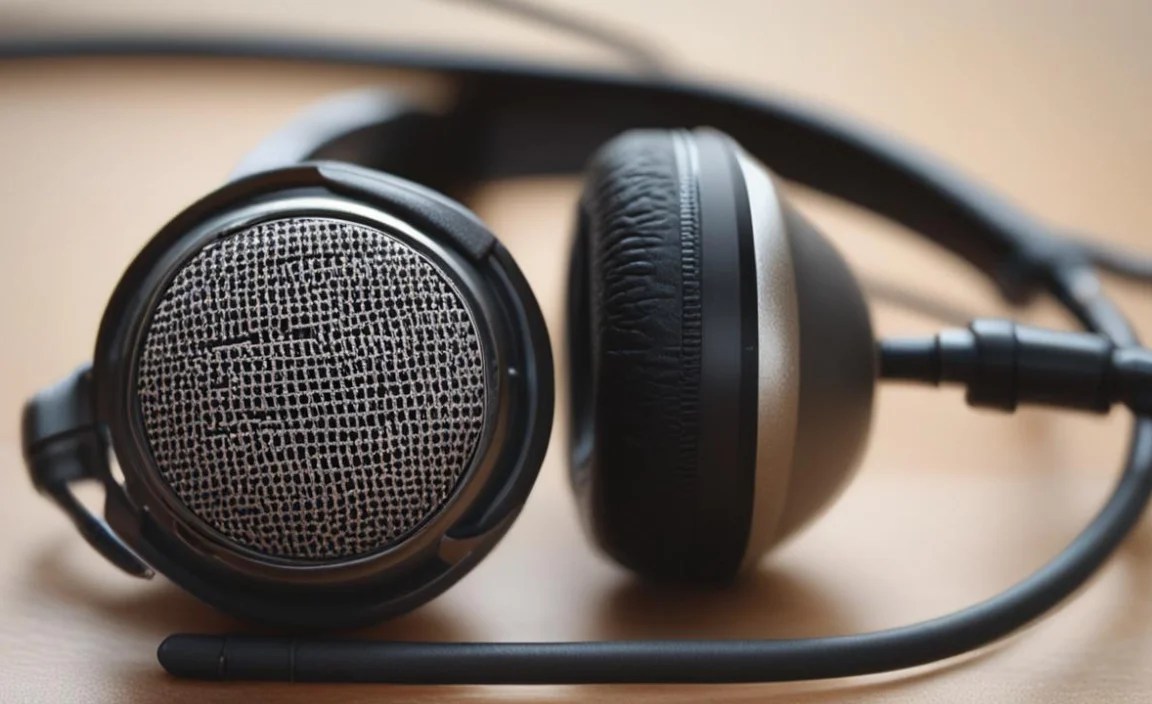
Shopping for an attachable mic can seem daunting with all the options. Here are the most important features to look for to ensure you get a great fit for your needs and headphones:
1. Connectivity
How does the mic connect to your device or headphones? This is crucial.
2. Microphone Type & Pickup Pattern
This determines how the mic captures sound.
3. Build Quality and Flexibility
A well-built mic will last longer and perform better. For boom mics, a flexible gooseneck is essential for optimal positioning. Materials like brushed metal or durable plastics often indicate good quality.
4. Detachable Cable Compatibility
If your headphones have a detachable cable, you’re in luck! Many high-quality replacement cables come with an integrated, high-performance microphone. This is often the most elegant solution, as it offers a clean look and excellent sound.
5. Price and Brand Reputation
Prices can range from under $20 to over $100. For beginners, a reputable brand known for audio peripherals (like V-MODA, Antlion Audio, Rode, or specialized gaming brands) is a safe bet. Reading reviews is paramount.
How to Choose the Right Attachable Mic for Your Headphones

Let’s break down the selection process based on your primary use case and headphone style.
Scenario 1: Gaming Enthusiast with Standard Headphones
If you primarily game and want to communicate with your team on PC, console, or even a mobile device, a boom microphone is often the best choice. Look for mics that offer:
Brands like Antlion Audio (with their ModMic series) are very popular in this space. They often come with various adapters and mounting solutions to attach to virtually any headphone for a secure fit.
Scenario 2: Professional on Calls with Favorite Headphones
For work calls, video conferencing, and general communication, you’ll want clarity and a professional sound without being overly intrusive.
Consider USB microphones if you’re exclusively using a PC, as they can offer enhanced digital processing. For mobile use, a 3.5mm inline or attachable mic is usually preferred.
Scenario 3: Content Creator or Aspiring Podcaster
If you’re starting to record voiceovers, podcasts, or social media content, you need excellent audio quality.
Scenario 4: User with Non-Detachable Cables
Don’t despair if your headphones don’t have a detachable cable! Your options include:
The key here is secure attachment and proper microphone positioning. Read reviews specifically mentioning attachment to different headphone styles.
Attaching Your New Mic: A General Guide
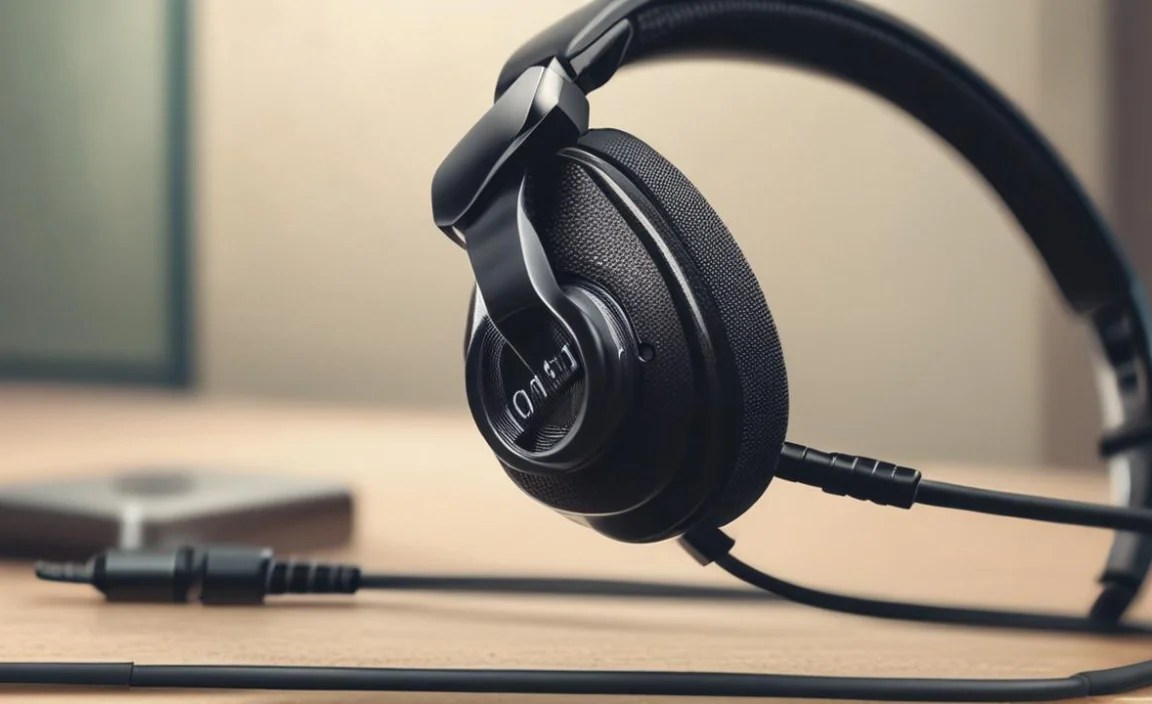
The exact process for attaching your microphone will vary greatly depending on the type of mic and your headphones. However, here are some general steps and tips to get you started.
Step 1: Identify Attachment Points (If Necessary)
If you have a boom mic or a clip-on style that attaches to the headphones:
Step 2: Secure the Microphone
For Boom Mics with Clips:
- Gently open the clip.
- Position the clip on the edge of an earcup or the headphone band where it feels secure and won’t easily slip off.
- Ensure the clip is firmly attached.
- Attach the microphone arm to the clip.
For Replacement Cables:
- Carefully disconnect your original headphone cable from the earcups.
- Align the new cable’s connector with the port on the earcup.
- Push gently but firmly until it’s fully seated.
For Clip-On (Lavalier) Mics:
- The microphone itself will clip onto your clothing (shirt collar, lapel).
- The cable will then be routed to your device or headphone jack.
Step 3: Position the Microphone
This is critical for clear audio!
- Boom Mics: Bend the flexible arm so the microphone capsule is approximately 1-3 inches (2-8 cm) from the corner of your mouth. Experiment with slight adjustments. It should be off to the side, not directly in front of your lips, to minimize plosive sounds (harsh P’s and B’s).
- Inline Mics: These are often positioned passively by the cable’s design. Ensure the cable isn’t pulled too tight or too loose, allowing the mic to hang naturally near your mouth.
- Lavalier Mics: Clip them high on your shirt collar or lapel. Avoid clipping them directly onto thick fabric that can muffle sound.
Step 4: Connect the Microphone
- Plug the microphone’s audio cable (usually a 3.5mm jack or USB) into the appropriate port on your computer, console, smartphone, or audio interface.
- If using a 3.5mm jack, ensure it’s plugged into the microphone input (often pink on PCs) or a combined headset jack, not the headphone output.
Step 5: Configure Your Audio Settings
This is often overlooked but vital for optimal performance.
On Windows:
- Right-click the speaker icon in the system tray (bottom right corner).
- Select “Sounds” or “Open Sound settings.”
- Go to the “Recording” tab or your microphone settings.
- Select your attachable microphone as the default recording device.
- Click “Properties” for the microphone and go to the “Levels” tab. Adjust the microphone boost and volume to a good starting point (usually around 70-90 for volume, and maybe a slight boost if needed, but be careful – too much boost causes distortion).
- Click “Listen” to test your mic. Speak normally and observe the levels.
On macOS:
- Open “System Preferences” (or “System Settings” in newer versions).
- Click “Sound.”
- Go to the “Input” tab.
- Select your attachable microphone as the input device.
- Adjust the “Input volume” slider. Speak into the microphone and watch the input level meter.
On Consoles (Xbox/PlayStation/Switch):
Console settings vary. Generally, you’ll go into the System Settings, then Audio or Devices, and select your microphone as the input device. Test it in a party chat or game.
Troubleshooting Common Issues
Even with the best setup, you might encounter a few hiccups:
- No sound: Double-check all connections. Ensure the mic is selected as the default device in your OS or application settings. Try a different port or cable if possible.
- Background noise: Adjust the microphone’s position to be closer to your mouth. Lower any microphone boost settings and try to reduce ambient noise sources. Some mics have built-in wind screens or foam covers that can help.
- Distant or weak sound: Ensure the mic is positioned correctly and close enough. Increase the microphone volume and boost levels cautiously.
- Distorted or clipping sound: This usually means the microphone is picking up too much volume. Lower the volume and boost levels in your computer’s sound settings.
- Popping/Plosive sounds: Re-position the microphone so it’s not directly in the path of your breath. A pop filter (a small screen that attaches to the mic) can also help, though these are less common on attachable mics.
For more in-depth troubleshooting, consult the manual for your specific microphone and headphone models.
Maintain Your Gear for Longevity
To keep your attachable mic and headphones in top shape:
- Clean Regularly: Dust accumulates on microphones. Use a soft, dry brush to gently clean the mic capsule. For headphone cups and bands, follow their specific cleaning instructions (often a slightly damp cloth, but avoid moisture getting into drivers or ports).
- Store Properly: Avoid leaving cables tangled or mic booms bent at extreme angles for extended periods. Use a headphone stand or a dedicated case when not in use.
- Handle with Care: Especially when attaching and detaching. Don’t force connectors, and be gentle with flexible boom arms.
- Avoid Extreme Conditions: Keep your audio gear away from excessive heat, moisture, and direct sunlight.
Frequently Asked Questions (FAQ)
Q1: Can I use any attachable mic with any headphones?
Not exactly. The primary consideration is the connection type. Most attachable mics use a 3.5mm jack or USB. If your headphones have a detachable cable, check its connector type (e.g., 2.5mm, 3.5mm). If your headphones have no detachable cable and only a 3.5mm jack for listening, you might need adapter solutions or choose
