
Quick Summary: Unlock the best sound from your headphones! This beginner’s guide demystifies audio for headphones, covering everything from understanding sound drivers and codecs to connecting your gear and simple maintenance. Learn how to get the clearest, richest audio experience possible, making your music and calls sound amazing.
Welcome to Headphone Horizon! I’m Edward Cavitt, and I’m thrilled you’re here to dive into the wonderful world of “audio for headphones.” Whether you’re a seasoned audiophile or just someone who loves their music on the go, understanding the basics of how sound is delivered to your ears can make a huge difference.
Forget confusing jargon; we’re going to break down what makes your headphones tick, how to connect them right, and how to keep them sounding their best. Get ready to appreciate your favorite tunes in a whole new light!
Understanding the Heart of Your Headphones: Sound Drivers

At the core of every pair of headphones lies a tiny speaker called a sound driver. Think of it as the engine that produces the sound. The type and quality of these drivers significantly impact how your headphones sound, affecting everything from bass response to clarity.
Types of Sound Drivers
There are a few main types of drivers you’ll come across. Each has its own characteristics that contribute to the overall sound signature:
- Dynamic Drivers: These are the most common type. They work like miniature loudspeaker cones, using an electromagnet to move a diaphragm and create sound waves. They are generally good at producing a wide range of frequencies and can deliver powerful bass. Many affordable and mid-range headphones use dynamic drivers.
- Balanced Armature (BA) Drivers: Much smaller than dynamic drivers, BA drivers are often found in in-ear monitors (IEMs). They use a small metal “armature” suspended between magnets. When an electrical signal passes through, the armature vibrates, moving a rod to push air and create sound. BA drivers are known for their precision, detail, and excellent mid-range and treble performance. Some high-end headphones and IEMs use multiple BA drivers to cover different frequency ranges.
- Planar Magnetic Drivers: These are less common but highly regarded for their accuracy and detail. They use a large, thin diaphragm with a conductive coil pattern suspended in a magnetic field. The entire diaphragm moves uniformly when the electrical signal passes through the coils, resulting in very low distortion and excellent transient response (how quickly drivers react to changes in sound). Planar magnetic headphones can be larger and more expensive.
- Electrostatic Drivers: These are the most niche and typically the most expensive. They use a very thin, electrically charged diaphragm stretched between two perforated stator plates. Applying a high voltage causes the diaphragm to vibrate and produce sound. Electrostatic headphones are renowned for their incredible detail, speed, and airy treble, often described as the most “pure” sound. They usually require a dedicated amplifier (an energizer).
What to Look for in Drivers:
When choosing headphones, driver type is a good starting point, but it’s not the whole story. Driver size (especially for dynamic drivers, often measured in millimeters) can influence bass output and overall volume, but a larger driver doesn’t automatically mean better sound. The materials used for the diaphragm and the driver’s overall design are just as crucial.
Decoding Audio Formats and Codecs
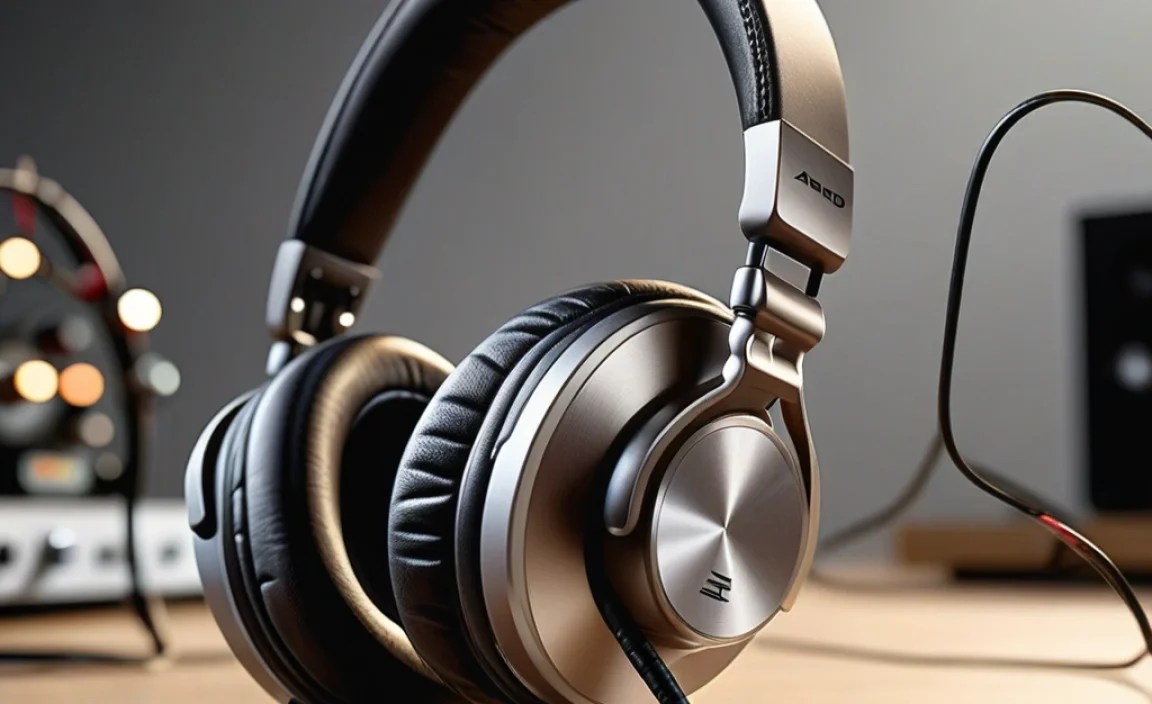
The journey of audio from your device to your headphones involves several steps, and the format or codec used can significantly impact sound quality. Simply put, codecs are algorithms that compress and decompress audio data. Different codecs offer varying levels of compression and therefore different levels of audio fidelity.
Lossy vs. Lossless Audio
This is a fundamental concept in digital audio. Understanding the difference will help you choose the right files and streaming services for the best listening experience.
- Lossy Audio: These formats, like MP3, AAC, and Vorbis, reduce file size by removing parts of the audio data that are less perceptible to the human ear. While they make files smaller and easier to store and stream, some audio information is permanently lost. For most everyday listening, especially with good headphones, the difference might be subtle. Popular streaming services like Spotify and Apple Music use primarily lossy formats for their standard tiers.
- Lossless Audio: Formats like FLAC (Free Lossless Audio Codec), ALAC (Apple Lossless Audio Codec), and WAV preserve all the original audio data. This means no sound quality is sacrificed for file size. Lossless files are much larger than lossy files, so they require more storage space and bandwidth. Services like Tidal offer lossless streaming options.
Common Audio Codecs (Especially for Wireless Headphones)
If you’re using Bluetooth headphones, codecs become even more important. Your device (phone, laptop) and your headphones need to support the same codec to use it. If they don’t, they’ll fall back to a more basic, universally supported codec like SBC.
| Codec | Bitrate Range (kbps) | Pros | Cons | Commonly Supported By OS/Devices |
|---|---|---|---|---|
| SBC (Subband Coding) | Up to 328 | Universal compatibility, low latency | Lower audio fidelity, can sound compressed | All Bluetooth devices |
| AAC (Advanced Audio Coding) | Up to 320 | Better quality than SBC, efficient compression | Less efficient than some others, higher CPU load | Apple devices (iOS, macOS), Android, Windows |
| aptX (Qualcomm) | Up to 352 (aptX), Up to 576 (aptX HD) | Significantly better than SBC, good balance of quality and latency | Requires compatible hardware (often Qualcomm chipsets) | Many Android devices, some Windows PCs |
| aptX HD / aptX Adaptive | Up to 576 (aptX HD), variable up to 420 (Adaptive) | Near-CD quality, improved stability and lower latency (Adaptive) | Still requires compatible hardware, Adaptive can still vary | Many higher-end Android devices, some Windows |
| LDAC (Sony) | Up to 990 | Very high quality, can transmit Hi-Res Audio | High battery consumption, can be prone to connection drops at highest settings, requires compatible hardware | Many Sony devices, increasing number of Android devices (often needs to be enabled in developer options) |
| LHDC/HWA (Savitech) | Up to 900 | Similar to LDAC in quality, transmits Hi-Res Audio | Less common than LDAC, requires compatible hardware | Some Huawei, Xiaomi, and other Android devices |
For wired headphones, you generally don’t need to worry about codecs in the same way, as the audio signal travels directly. However, digital connections (like USB-C audio) will still process audio digitally, and the quality of the Digital-to-Analog Converter (DAC) in your device or headphones will play a role.
Connecting Your Headphones: Wired vs. Wireless
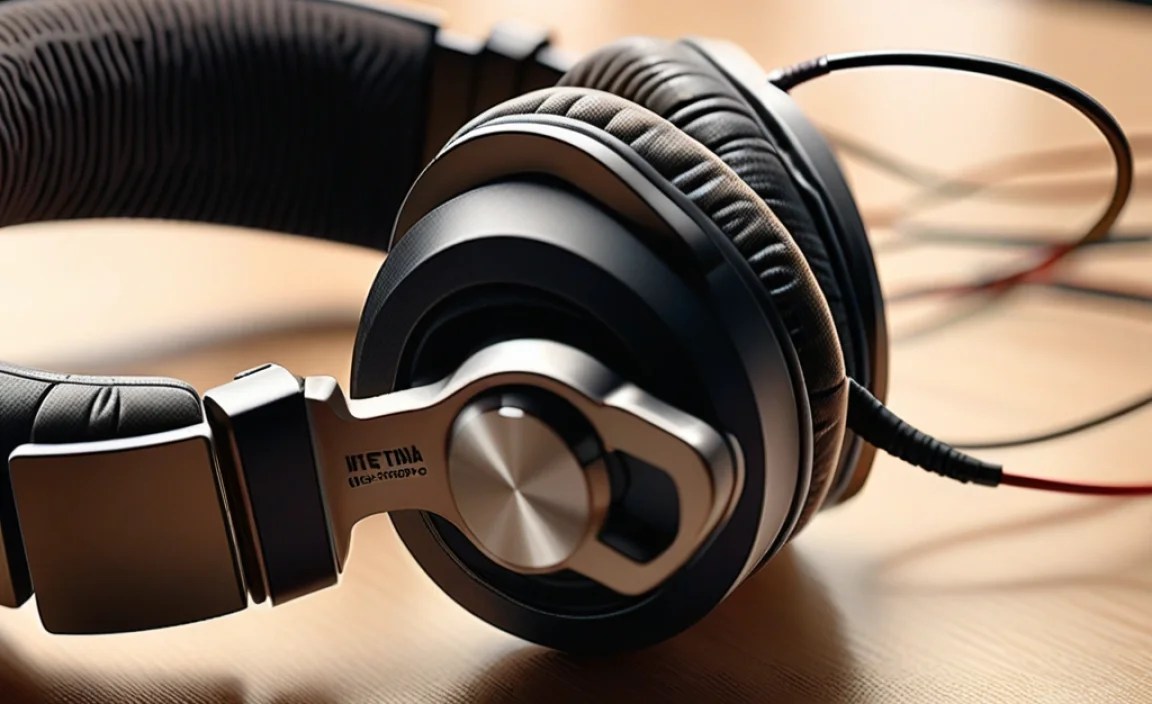
How you connect your headphones to your audio source is a significant factor in sound quality and convenience.
Wired Connections
Wired headphones have been the standard for decades, and for good reason. They often offer the most straightforward and highest potential for audio fidelity, especially at their price point.
Common Connectors:
- 3.5mm (1/8-inch) Audio Jack: This is the ubiquitous analog audio connector found on phones (though increasingly rare), laptops, audio players, and many other devices. It’s simple, reliable, and transmits an analog signal.
- 6.35mm (1/4-inch) Audio Jack: Larger than the 3.5mm jack, this is commonly found on professional audio equipment like amplifiers, mixers, and stereo systems. You can often use a simple adapter to connect a 3.5mm plug into a 6.35mm jack.
- USB-C Audio: With the decline of the headphone jack on many smartphones, USB-C is becoming a common connector for wired headphones. This connection is digital, meaning your device’s internal DAC converts the digital audio signal to analog before it reaches the headphones. Some high-end USB-C headphones have their own DACs for potentially better sound.
- Lightning Audio (Apple): Apple’s proprietary connector for iPhones and iPads that lack a headphone jack. Similar to USB-C, it’s a digital connection.
Advantages of Wired:
- Generally better sound quality for the price.
- No battery required for the headphones.
- No wireless interference or latency issues.
- Direct analog signal for maximum purity (with 3.5mm/6.35mm).
Disadvantages of Wired:
- Cables can tangle or break.
- Limited freedom of movement.
- Requires compatible ports on your device.
Wireless Connections (Bluetooth)
Bluetooth headphones offer unparalleled convenience, freeing you from cables. However, sound quality can be a trade-off, depending heavily on the codecs supported and Bluetooth version.
Key Considerations for Bluetooth:
- Bluetooth Version: Newer versions (like Bluetooth 5.0 and above) offer better range, faster pairing, and more efficient power consumption.
- Codecs: As discussed earlier, the codec used dictates the audio quality. Always check which codecs your headphones and source device support.
- Multi-point Pairing: The ability to connect your headphones to two devices simultaneously (e.g., your phone and laptop) is a huge convenience for many users.
Advantages of Wireless:
- Unmatched freedom of movement.
- No tangling cables.
- Sleek and modern aesthetic.
Disadvantages of Wireless:
- Requires charging; battery life can be a concern.
- Potential for audio latency (delay), which can be problematic for gaming or watching videos.
- Sound quality can be compromised compared to wired, especially with basic codecs.
- Can be susceptible to wireless interference.
Boosting Your Headphone Audio: Amplifiers and DACs
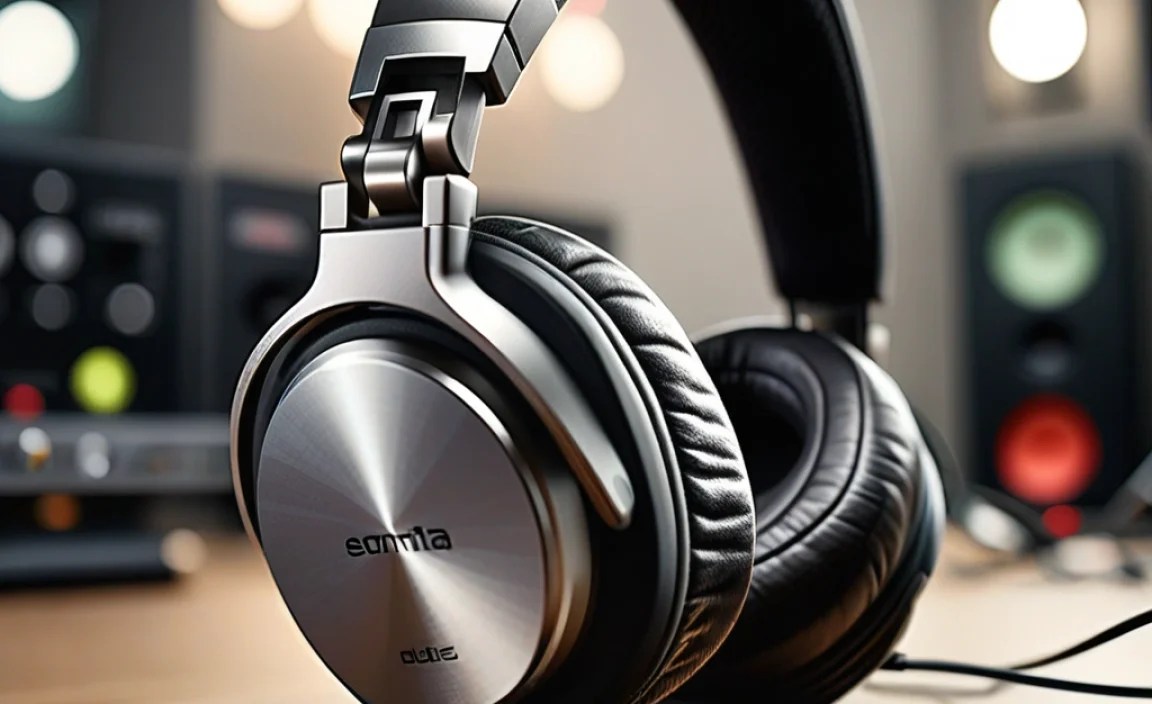
For many listeners, the audio source (phone, laptop) and their headphones are perfectly fine. But if you’re looking for that extra edge in clarity, detail, or power, you might explore Digital-to-Analog Converters (DACs) and headphone amplifiers.
What is a DAC?
Your digital audio files (MP3s, streamed music) are just numbers. To hear them through your headphones, they need to be converted into an analog electrical signal. This is the job of the DAC. Most devices have a built-in DAC, but dedicated external DACs can offer superior conversion quality.
- When to consider: If you notice digital harshness, a lack of detail, or a generally “unrefined” sound from your current setup, an external DAC might help.
- Types: DACs can be standalone units, built into amplifiers, or integrated into USB dongles that plug into your phone or computer.
What is a Headphone Amplifier?
A headphone amplifier takes the analog signal (either from your device’s DAC or an external DAC) and boosts its power. This is particularly important for headphones that are “hard to drive” – meaning they require more power to reach their full potential in terms of volume and dynamics.
- When to consider: If your headphones sound too quiet even at max volume, or if they lack impact and have a compressed sound, an amplifier might be the answer. This is especially true for high-impedance or low-sensitivity headphones. You can learn more about impedance and sensitivity at Audio Science Review’s guide.
- Types: Amplifiers can be desktop units, portable “amp/DAC combos” that fit in your pocket, or even built into larger stereo equipment.
When Do You Need Both (Amp/DAC Combo)?
Many users find that an integrated Amp/DAC combo unit offers the best balance of quality and convenience. These all-in-one devices handle both the digital-to-analog conversion and the power amplification, often providing a significant upgrade over what’s built into a smartphone or laptop.
Optimizing Your Listening Environment
Even the best headphones can be let down by a poor listening environment. While you can’t always control your surroundings, there are ways to get the most out of your audio.
Noise Isolation and Noise Cancellation
These two features are crucial for immersive listening, especially in noisy places.
- Passive Noise Isolation: This is achieved through the physical design of the headphones, particularly the earcups and earpads. A good seal around your ears physically blocks out external sounds. Over-ear and in-ear headphones generally offer better passive isolation than on-ear models.
- Active Noise Cancellation (ANC): ANC uses microphones to detect ambient noise and then generates an opposite sound wave to cancel it out. This is incredibly effective for steady, low-frequency noises like airplane engines, train hum, or office air conditioning.ANC technology has advanced rapidly, with many headphones offering adjustable ANC levels. Organizations like the Federal Communications Commission (FCC) provide consumer guides on wireless device features, including noise cancellation.
Room Acoustics (for speakers, but relevant to understanding sound)
While this guide is about headphones, understanding room acoustics helps appreciate why headphones are beneficial. Sound waves interact with surfaces in a room (walls, furniture), causing reflections and echoes that can color the sound. Headphones bypass this by placing the sound directly in your ears, offering a more controlled and accurate listening experience.
Headphone Fit and Comfort: It Matters for Sound!
It might seem obvious, but the way your headphones fit can drastically alter their sound quality and your listening enjoyment. This is especially true for in-ear monitors (IEMs) and over-ear headphones.
In-Ear Monitors (IEMs)
For IEMs, a proper seal is paramount. If you don’t have a good seal, you’ll lose bass and external noise will leak in.
- Ear Tips: Most IEMs come with multiple sizes and types of ear tips (silicone, foam). Experiment with them!
- Silicone Tips: Offer a good balance of comfort, seal, and durability.
- Foam Tips: Can expand to create a very secure seal and excellent noise isolation, often leading to a more pronounced bass response. They may need to be replaced more frequently.
- Insertion Depth: Sometimes, simply inserting the IEMs slightly deeper or at a different angle can dramatically improve the seal and sound.
Over-Ear and On-Ear Headphones
- Earpad Seal: For over-ear headphones, ensure the earpads create a consistent seal around your ears. If they are worn out or the clamping force is too light, bass can escape, and external noise will enter.
- Clamping Force: While not directly adjustable for most, headphones that clamp too lightly can compromise seal and bass. Too much clamping force can be uncomfortable over long listening sessions.
Comfort is key. If your headphones are uncomfortable, you won’t wear them for long, no matter how good they sound. Look for good padding, adjustable headbands, and earcups that suit your head shape.
Basic Headphone Maintenance and Care
Taking good care of your headphones will ensure they sound great and last longer. Here are some simple tips.
- Keep Them Clean: Regularly wipe down the earcups and headband with a dry or slightly damp microfiber cloth. For ear tips on IEMs, remove them and wash them gently with mild soap and water, ensuring they are completely dry before reattaching. Avoid harsh chemicals.
- Store Them Safely: When not in use, store your headphones in a protective case or on a stand to prevent damage from accidental drops or impacts. Avoid stuffing them into pockets or bags where they can be crushed.
- Handle Cables with Care: For wired headphones, avoid wrapping the cable too tightly or yanking on it. Coil cables loosely. Inspect cables periodically for any signs of wear or damage, especially near the connectors.
- Protect from Moisture: Avoid exposing your headphones to excessive sweat, rain, or humidity. Sweaty earcups can degrade materials over time, and moisture ingress can damage electronics.
- Be Gentle with Connectors: When plugging and unplugging headphones, gently grip the connector itself, not the cable.
- Battery Care (for wireless): While modern lithium-ion batteries are robust, it’s good practice to avoid extreme temperatures and to try not to let them discharge completely
