
Quick Summary:
Dirty audio jacks can cause crackling or no sound from your headphones or speakers. This guide shows you how to safely and effectively clean them at home using common household items. Keep your audio crystal clear with these simple, beginner-friendly steps.
Audio Jack Cleaning at Home: Your Essential Guide
Hey audio enthusiasts! Edward Cavitt here from headphonehorizon. Ever notice that annoying crackle when you plug in your headphones, or worse, silence when you know there should be sound? Often, the culprit isn’t your expensive headphones or the device they’re connected to, but a rather overlooked part: the humble audio jack. Dust, lint, and grime can accumulate inside the port, interfering with the connection. But don’t worry! Cleaning your audio jack at home is surprisingly simple and can make a world of difference to your listening experience. This guide is designed for everyone, whether you’re a seasoned audiophile or just someone who loves to jam out, to help you restore clear sound without any fuss. Let’s dive in and get your audio back in pristine condition!
Why Cleaning Your Audio Jack Matters
Think of your audio jack like a tiny gateway for sound. If that gateway is blocked or dirty, the signal struggles to get through. This can lead to a range of frustrating audio problems, from intermittent sound to complete signal loss. Consistent use, especially with devices that spend time in pockets or bags, exposes the jack to a variety of debris. Lint from pockets, dust from the environment, and even tiny particles from the headphone plug itself can find their way in. These contaminants create a physical barrier or can even oxidize the metal contacts within the jack, degrading the electrical connection.
Keeping your audio jacks clean is crucial for several reasons:
- Restores Sound Quality: The most immediate benefit is the return of clear, uninterrupted audio. Say goodbye to static, pops, and dips in volume.
- Prevents Damage: Accumulated debris can sometimes scratch or damage the delicate internal components of both the jack and the plug itself over time.
- Extends Lifespan: By ensuring good contact and preventing corrosion, you help maintain the integrity of your audio ports and cables, potentially extending their usable life.
- Ensures Reliable Connections: Whether you’re listening to music, taking calls, or gaming, a clean jack means a stable and reliable connection every time you plug in.
Understanding Audio Jacks: A Quick Look
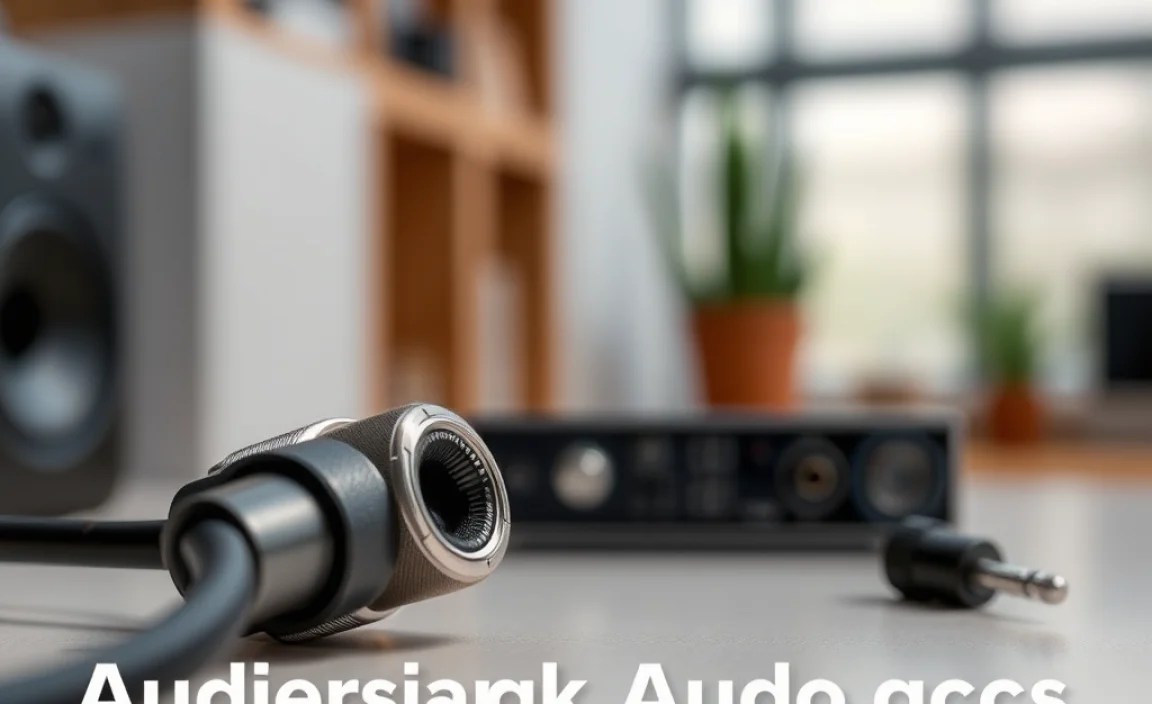
Before we start cleaning, it’s helpful to know what we’re dealing with. The most common type of audio jack you’ll encounter is the 3.5mm headphone jack, also known as a TRS (Tip-Ring-Sleeve) or TRRS (Tip-Ring-Ring-Sleeve) connector. It’s a cylindrical plug with different sections that carry audio signals (and sometimes microphone signals or controls).
The different sections are:
- Tip (T): Usually carries the left audio channel.
- Ring (R): Usually carries the right audio channel.
- Sleeve (S): Carries the ground connection.
- Extra Ring (for TRRS): Carries the microphone signal or control signals (play/pause, volume, etc.) on some headsets.
When you insert a plug into the jack, these sections make electrical contact with corresponding contacts inside the port. If any of these contacts are obstructed by dirt or corrosion, the signal will be weak or absent.
How to Clean Your Audio Jack: A Step-by-Step Guide

Cleaning an audio jack is a delicate process. The most important rule is to be gentle. We want to remove debris without damaging the sensitive internal components. Here’s your beginner-friendly guide:
Tools You’ll Need
You don’t need fancy gadgets for this! Most of what you need can be found around your home or at a local drugstore. Here’s a rundown:
- Compressed Air Can: Excellent for blowing out loose dust and debris.
- Cotton Swabs (Q-tips): Ideal for gently wiping away stubborn grime.
- Isopropyl Alcohol (91% or higher): A great cleaning agent that evaporates quickly and helps remove oxidation.
- Wooden Toothpick or Plastic Dental Pick: For carefully dislodging any packed-in debris. (Avoid metal !)
- Soft, Lint-Free Cloth: For wiping the exterior.
- Small Flashlight: To inspect the jack before and after cleaning.
Safety First!
Before you begin, remember these safety tips:
- Power Off: Always turn off the device you’re cleaning.
- Disconnect: Unplug any power adapters or charging cables.
- Be Gentle: The internal components are fragile. Avoid excessive force.
- No Liquids Directly: Never spray liquids directly into the jack. Apply them to your cleaning tool instead.
- Allow to Dry: Ensure the jack is completely dry before powering the device back on or plugging in headphones.
Step 1: Visual Inspection
Grab your flashlight and take a good look inside the audio jack. Can you see any obvious dust bunnies, lint, or other foreign objects? This initial inspection will help you decide which cleaning method is most appropriate.
Step 2: Blowing Out Loose Debris (Compressed Air)
This is your first line of defense for loose dust and particles.
- Hold the compressed air can upright.
- Position the nozzle a few inches away from the audio jack opening.
- Give a short, controlled burst of air into the jack. Aim to blow the debris out, not further in.
- Repeat a couple of times, then inspect again with your flashlight.
Tip: If your compressed air can has a straw attachment, use it to direct the airflow more precisely, but be careful not to insert it too deeply into the jack.
Step 3: Gently Removing Stuck Debris (Toothpick/Dental Pick)
If compressed air didn’t get everything, you might have some more stubborn debris packed in. This is where a rounded wooden toothpick or a plastic dental pick comes in handy.
- Carefully insert the tip of the toothpick or pick into the audio jack.
- Gently try to scrape or dislodge any visible debris. Imagine you’re trying to coax something out rather than digging.
- Work slowly and methodically. If you encounter significant resistance, stop and try a different approach.
- After dislodging, use another burst of compressed air to remove the loosened particles.
Important Note: Never use sharp metal objects like pins, paperclips, or needles. These can easily scratch the jack’s interior or damage the springy contact points, causing permanent issues. For more on the delicate nature of electronics, organizations like HP’s electronics care guidelines offer general advice on handling sensitive components.
Step 4: Cleaning with a Cotton Swab and Isopropyl Alcohol
For grime that’s stuck or if you suspect a bit of oxidation, isopropyl alcohol is your best friend.
- Lightly dampen a cotton swab with isopropyl alcohol. It should be damp, not dripping wet.
- Gently insert the swab into the audio jack.
- Rotate the swab carefully to clean the inner walls. You can also try to gently wipe the internal contacts if you can see them.
- If the swab gets dirty, use a fresh one. Avoid using the same dirty swab repeatedly.
- You might need to insert and gently twist the swab a few times.
- Once you’ve cleaned it, let the jack air dry for at least 15-30 minutes to ensure all alcohol has evaporated. You can also give it a final puff of compressed air.
Why Isopropyl Alcohol? High-concentration isopropyl alcohol (91% or higher) is ideal because it cleans effectively and evaporates very quickly, leaving no residue. This is far safer than using water or standard rubbing alcohol, which can leave moisture behind and potentially cause corrosion or short circuits.
Step 5: Final Inspection and Testing
After you’ve completed the cleaning process and allowed ample drying time, use your flashlight for one last inspection. Does the jack look clean? Now, it’s time for the moment of truth!
Plug in your headphones or audio cable firmly. Play some audio.
- If the sound is now clear and crackle-free, congratulations! You’ve successfully cleaned your audio jack.
- If there are still issues, you might need to repeat the process, or it could indicate a problem with the headphone plug itself or an internal hardware issue with the device.
Cleaning Different Types of Audio Ports

While the 3.5mm jack is ubiquitous, you might encounter other audio ports. The principles of cleaning remain largely the same, but the approach might vary slightly.
USB-C Audio Ports
Some modern devices use USB-C ports for audio. These are more complex internally with many more pins.
- Compressed Air: Your primary tool for dust.
- Cotton Swab: Use with extreme caution and only if you can clearly see debris. Lightly dampen with isopropyl alcohol. Gently clean the contacts you can see, avoiding pressing hard.
- Avoid: Definitely do not insert toothpicks or any rigid object deeply into a USB-C port. The pins are very delicate.
Remember the NIST guidelines on cleaning electronic devices emphasize caution and proper methods to prevent damage.
Charging Ports (If Used for Audio)
Some older devices or specific adapters might use a charging port (like micro-USB or lightning) for audio. The same caution applies as with USB-C ports. Compressed air is safest. If using a swab with alcohol, be incredibly gentle.
Common Problems and Troubleshooting
Sometimes, cleaning might not solve the issue, or you might run into other problems. Here’s a quick troubleshooting guide.
Problem: Still Getting Static or Crackling
- Check the Plug: The issue might be with the headphone plug itself. Inspect it for dirt or damage and clean it using a similar method (cotton swab with alcohol).
- Try Different Headphones: Rule out faulty headphones by testing with another pair you know works well.
- Try a Different Device: Test your headphones on a different phone or computer to see if the problem persists. This helps isolate whether the issue is with the headphones, the original device’s jack, or the audio source.
- Repeat Cleaning: Sometimes, a second cleaning session is necessary for particularly stubborn grime.
Problem: No Sound at All
- Speaker Selection: Ensure your device hasn’t defaulted to a different audio output. Check your sound settings.
- Bad Connection: Make sure the headphone plug is inserted all the way.
- Damaged Jack: If repeated cleaning doesn’t help, the internal contacts might be bent, broken, or corroded beyond simple cleaning. This usually requires professional repair.
Problem: Audio Only Comes from One Side
- Cable Damage: This often indicates damage to the headphone cable, particularly near the plug or where the cable splits to the left and right earbuds.
- Jack Contact Issue: Less commonly, a specific contact within the audio jack might be damaged or completely blocked, affecting only one channel. Cleaning might help, but a damaged contact is harder to fix.
Preventing Future Audio Jack Issues
Once you’ve got your audio sounding great again, you’ll want to keep it that way! Here are some tips to prevent your audio jacks from getting dirty in the future:
- Use a Case: A good protective case for your phone or device can prevent dust and debris from entering the audio jack.
- Keep it Covered: If your device has a dedicated port cover or if you can use a small, lint-free plug cover, consider using it when the jack isn’t in use.
- Clean Your Pockets/Bags: Regularly clean out pockets and bags where you store your devices or headphones to reduce lint transfer.
- Handle with Care: When plugging and unplugging, avoid yanking the cable. A smooth, steady motion is best.
- Clean Plugs Regularly: Don’t forget to occasionally clean the plugs of your headphones and audio cables the same way you clean the jack.
When to Seek Professional Help
While most audio jack cleaning can be done at home, there are times when it’s best to leave it to the experts. If:
- You’ve tried cleaning multiple times, and the audio issues persist.
- You suspect physical damage to the jack (e.g., it feels loose, wobbly, or bent).
- Your device is still under warranty, and you’re concerned about performing the cleaning yourself.
- You’re dealing with a very expensive or sensitive piece of audio equipment.
In these situations, contacting the manufacturer or a reputable electronics repair shop is the safest bet to avoid causing further damage.
Frequently Asked Questions (FAQ)
Here are answers to some common questions about cleaning audio jacks:
Q1: Can I use a paperclip to clean my audio jack?
A: It is strongly advised not to use metal objects like paperclips, pins, or needles. They are too sharp and can easily scratch the inside of the jack or damage the delicate electrical contacts, which can lead to permanent audio problems.
Q2: How often should I clean my audio jack?
A: There’s no strict schedule. Clean your audio jack when you notice audio problems like crackling, static, or intermittent sound. As a preventative measure, you might give it a quick compressed air blast every few months, especially if you notice a lot of lint accumulation.
Q3: What if my audio jack is wet?
A: If your audio jack gets wet, immediately disconnect any headphones, turn off your device, and do not try to plug anything in. Gently shake out any excess water. Use compressed air to blow out moisture. Apply a small amount of isopropyl alcohol to a cotton swab and gently clean to help absorb and evaporate any remaining moisture. Then, let it air dry completely for at least 24 hours before attempting to use it. Check your device manufacturer’s guidelines for water damage.
Q4: Can I clean the audio jack on my car stereo?
A: Yes, the same principles apply. Use compressed air first, followed by a lightly alcohol-dampened cotton swab if necessary. Be extra careful as car interiors can be dusty. Ensure the car is off before cleaning.
Q5: Is it safe to use a cotton swab that’s too wet with alcohol?
A: No. Over-saturation can lead to excess alcohol seeping into the device’s internal circuitry, which can cause damage. Always ensure the swab is only lightly damp. It should feel moist, not wet enough to drip.
Q6: My headphones are new but crackle. Is it my jack?
A: It’s possible, but not always. While a dirty jack is a common cause, new headphones or cables can sometimes have manufacturing defects. Try your new headphones on a different device first. If they still crackle, the headphones might be the issue. If they work fine on another device, then proceed with cleaning the audio jack on your original device.
Conclusion
There you have it – a comprehensive, beginner-friendly guide to cleaning your audio jack at home! It’s amazing how a simple clean-up can revive your sound quality and prevent those frustrating audio glitches. Remember, a little care and attention to these small details can go a long way in ensuring your devices perform at their best. By following these steps, using the right tools, and most importantly, being gentle, you can confidently tackle a dirty audio jack and enjoy your music, podcasts, and calls with crystal-clear sound once more. Don’t let dust and grime get between you and your audio – keep those jacks clean and your audio horizons wide open!
