
Quick Summary: An aux Bluetooth adapter transforms wired headphones into wireless wonders. This guide simplifies choosing, setting up, and using these handy devices for a wire-free listening experience, making your favorite headphones Bluetooth-compatible in just a few steps.
Aux Bluetooth Adapter for Headphones: Your Essential Guide to Wireless Freedom
Tired of tangled wires interrupting your music or calls? Do you have a pair of fantastic wired headphones that you love, but wish you could use them without being tethered to your device? You’re not alone! Many of us cherish the sound quality of our existing headphones but crave the convenience of Bluetooth. The good news is, you don’t need to buy a whole new set. An aux Bluetooth adapter for headphones is the perfect solution, bridging the gap between your classic audio gear and modern wireless technology. This guide will walk you through everything you need to know, from understanding what these adapters do to making a smart purchase and enjoying your newfound wireless freedom.
What Exactly is an Aux Bluetooth Adapter for Headphones?

At its core, an aux Bluetooth adapter is a small, portable device that allows you to connect your non-Bluetooth headphones (or any device with a 3.5mm headphone jack) to a Bluetooth-enabled source, like your smartphone, tablet, or laptop. It acts as a translator, taking the audio signal from your source (e.g., your phone) via Bluetooth and sending it wirelessly to the adapter, which then outputs the audio through your headphones via their standard audio cable (the “aux” connection). Think of it as giving your old headphones superpowers!
How Does it Work? The Magic Behind the Connection
The process is elegantly simple. The adapter contains Bluetooth technology to receive audio signals wirelessly. It also has a 3.5mm female audio jack where you plug in your headphones’ cable. You then pair the adapter to your audio source (like your phone) using Bluetooth, just like you would pair any other wireless headphones. Once paired, your phone sends the audio to the adapter, which then plays it through your connected headphones. It’s a direct bridge between your device and your ears, sans the wire.
Why Go Wireless with an Aux Bluetooth Adapter? The Benefits You’ll Love

The reasons to consider an aux Bluetooth adapter are numerous, catering to different needs and lifestyles. Let’s break down the key advantages:
- Untethered Freedom: This is the most obvious benefit. Move around, dance to your music, or take calls without being restricted by a cord. No more accidentally yanking your headphones out or getting tangled while you’re on the go.
- Save Money: Instead of buying expensive new Bluetooth headphones, you can convert your already great-sounding wired headphones for a fraction of the cost. This is a fantastic way to upgrade your audio experience without a significant financial outlay.
- Extend the Life of Your Favorite Headphones: Do you have a specific pair of wired headphones known for their exceptional sound quality? An adapter lets you continue enjoying them with the latest technology, giving them a new lease on life.
- Compatibility Across Devices: Many modern smartphones are ditching the headphone jack. An adapter allows you to use your beloved wired headphones with these devices, ensuring you don’t miss out on your music or podcasts.
- Enhanced Convenience for Calls: Many adapters come with built-in microphones, allowing you to take calls wirelessly. This means you can enjoy hands-free conversations without fumbling with your phone.
- Versatility: These adapters aren’t just for headphones. You can use them to make your car stereo, home stereo system, or any device with an aux input Bluetooth-capable.
Choosing the Right Aux Bluetooth Adapter: What to Look For
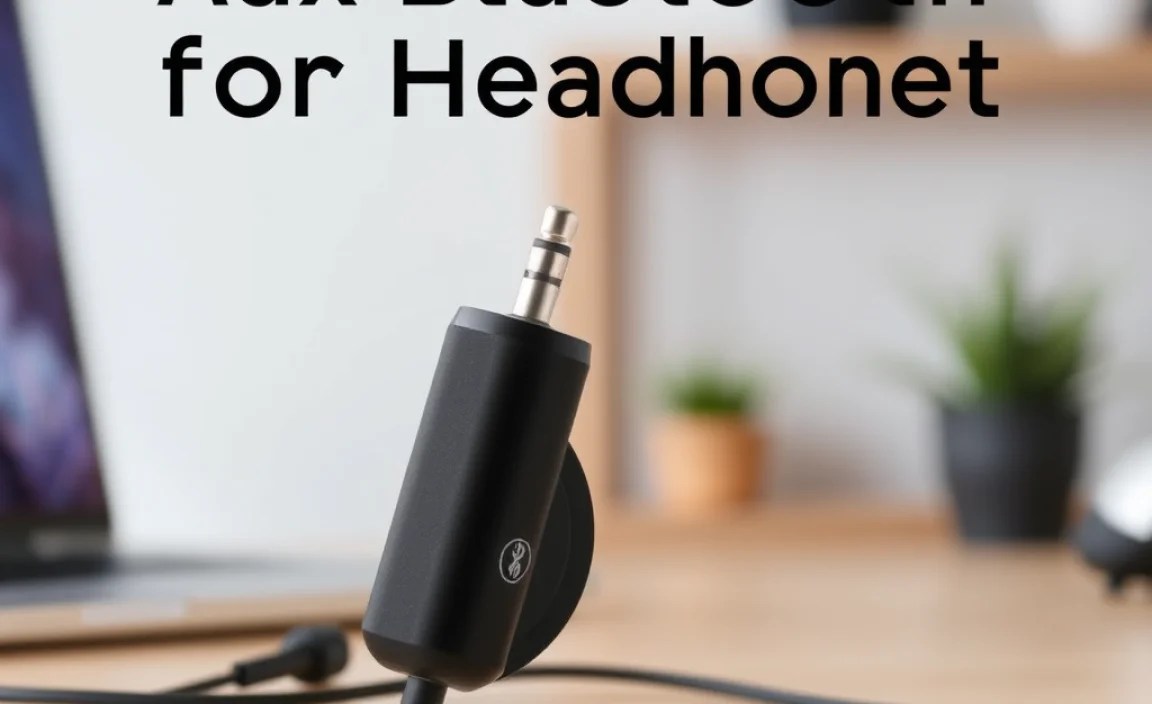
With a growing market, finding the “best” aux Bluetooth adapter can feel overwhelming. Here’s a breakdown of key features to consider, ensuring you pick a device that meets your needs:
Key Features to Consider: A Checklist
- Bluetooth Version: Look for Bluetooth 4.0 or higher (e.g., 5.0, 5.1, 5.2). Newer versions offer better stability, range, power efficiency, and audio quality. Bluetooth 5.0, for instance, provides a more robust connection and can support higher-fidelity audio codecs.
- Audio Codec Support: This is crucial for sound quality.
- SBC (Subband Coding): The most common and basic codec. It’s universally compatible but offers lower quality.
- AAC (Advanced Audio Coding): Offers better quality than SBC and is standard on Apple devices.
- aptX (and aptX HD/Low Latency): Developed by Qualcomm, these codecs provide near CD-quality audio and crucially, low latency (delay) for video synchronization, which is great for watching movies or gaming. If you’re an Android user or watch a lot of videos, aim for aptX support.
- Battery Life: How long does the adapter last on a single charge? Consider your typical usage. Some adapters offer 8-10 hours, while others can go up to 20+ hours. Many are rechargeable via USB.
- Microphone Quality: If you plan to use the adapter for calls, check for reviews regarding microphone clarity. Some adapters have better mics than others.
- Range: What’s the effective Bluetooth range? Most standard Bluetooth devices offer around 30 feet (10 meters), but some adapters might promise more. Keep in mind this can be affected by physical obstructions.
- Portability and Design: Most are small clips or small rectangular devices. Consider ease of use, whether it has a clip to attach to your clothing, and its overall durability.
- Multipoint Pairing: Does it support connecting to two devices simultaneously? This is handy if you want to switch between your phone and laptop easily.
- Ease of Use: Look for simple pairing processes and intuitive controls (e.g., power button, volume controls, play/pause).
Bluetooth Codecs Explained: Get the Best Sound
Understanding Bluetooth codecs can elevate your listening experience. Here’s a quick rundown:
| Codec | Quality | Latency | Compatibility | Best For |
|---|---|---|---|---|
| SBC | Basic | Medium | Universal | General listening, standard devices |
| AAC | Good | Medium | Apple devices, some Android | iPhone/iPad users, everyday listening |
| aptX | Very Good (Near CD Quality) | Low | Android devices, some Windows | Music lovers, watching videos |
| aptX HD | Excellent (Hi-Res Audio) | Low | Select Android devices | Audiophiles, critical listening |
| aptX Low Latency | Very Good | Very Low | Select Android, Windows devices | Gaming, watching movies/TV |
Pro Tip: For the best sound, both your audio source (phone, tablet) and the Bluetooth adapter need to support the same advanced codec. If your source supports aptX but the adapter only supports SBC, you’ll still get SBC quality.
Setting Up Your Aux Bluetooth Adapter: A Step-by-Step Guide
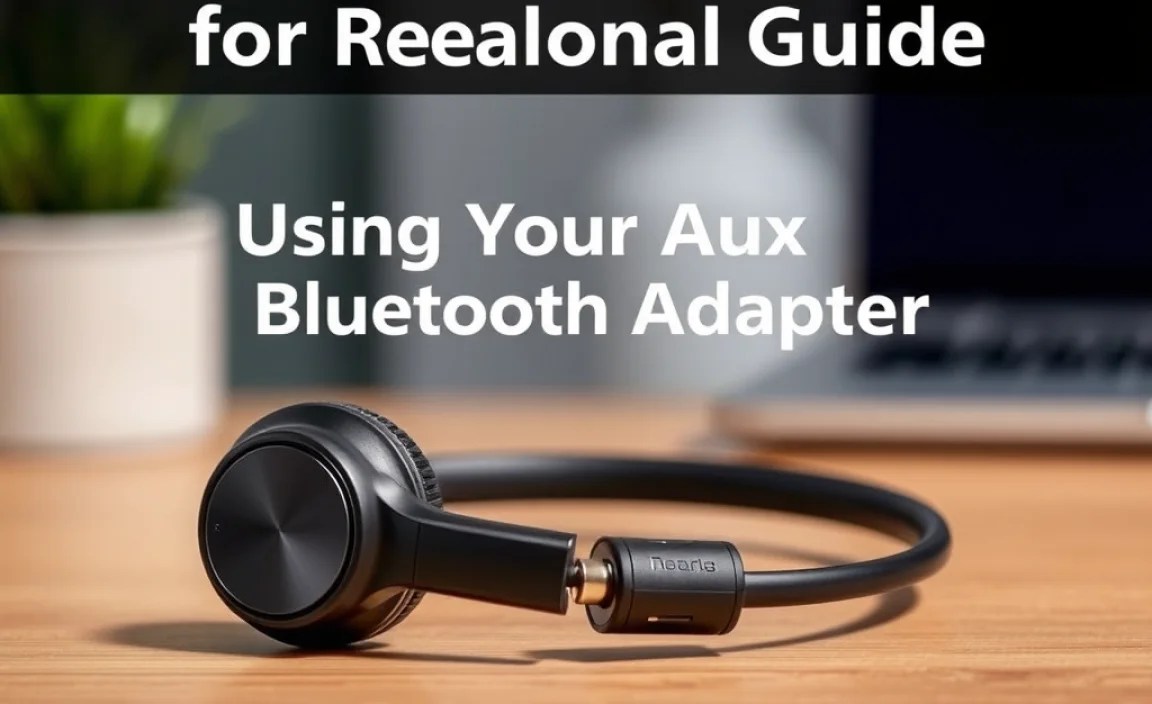
Getting your aux Bluetooth adapter up and running is straightforward. Follow these steps:
Step 1: Charge Your Adapter
Most Bluetooth adapters are rechargeable. Plug it into a power source using the provided USB cable. Many modern adapters also support fast charging. Consult your adapter’s manual for specific charging times and indicators.
Step 2: Turn On and Enter Pairing Mode
Press and hold the power button on your adapter until an indicator light (usually red and blue, or flashing blue) signals it’s in pairing mode. Again, check your adapter’s manual for exact instructions, as button combinations can vary.
Step 3: Enable Bluetooth on Your Source Device
On your smartphone, tablet, or laptop, go to the Bluetooth settings and turn it on. Make sure your device is discoverable or in pairing mode.
Step 4: Pair the Adapter to Your Device
Your source device should scan for nearby Bluetooth devices. Look for the name of your adapter (e.g., “XYZ BT Adapter” or a generic name) in the list and select it. You might hear a confirmation tone or see a solid light on the adapter indicating a successful connection.
Step 5: Connect Your Headphones
Plug the 3.5mm audio cable from your beloved wired headphones into the aux port on the Bluetooth adapter. You should now hear audio from your source device through your headphones.
Step 6: Adjust Volume and Enjoy
You can typically control the volume either from your source device or directly from the adapter if it has volume buttons. Enjoy your music, podcasts, or calls wirelessly!
Using Your Aux Bluetooth Adapter: Tips for a Seamless Experience
Once set up, a few tips can help you get the most out of your adapter:
- Keep Devices Close: While Bluetooth range is improving, staying within 10-20 feet of your source device generally ensures the most stable connection and best audio quality. Obstacles like walls can further reduce this range.
- Manage Battery Life: Charge your adapter when you’re not using it, and keep an eye on its battery life indicator. Some adapters have a low-battery warning.
- Update Your Source Device’s Software: Ensuring your smartphone or tablet has the latest operating system updates can sometimes improve Bluetooth performance and compatibility. Resources from the respective manufacturers, such as Apple’s Support documentation or Google’s support pages, can offer further insights into managing device connections.
- Troubleshoot Connectivity Issues: If you experience dropouts or connection problems, try turning Bluetooth off and on again on both devices, or “forgetting” the adapter in your device’s Bluetooth settings and re-pairing it. Restarting both the adapter and your source device can also resolve many minor glitches.
- Consider Audio Lag for Videos: If you notice a delay between the video and audio when watching movies or playing games, check if your adapter and source device support low-latency codecs like aptX Low Latency. Not all devices and adapters support these, so it’s a feature to look for when buying if video synchronization is important to you.
Common Aux Bluetooth Adapter Use Cases
These versatile adapters can enhance audio experiences in a multitude of settings:
1. In Your Car: Upgrade Your Stereo
Many older car stereos have an aux input but lack Bluetooth. An aux Bluetooth adapter can wirelessly connect your phone to your car’s speakers. This allows for hands-free calling and streaming music from your phone without messy cables. Just plug the adapter into the car’s aux port, pair it with your phone, and tune your car stereo to the adapter’s output (if it has a transmitter mode) or simply select the adapter as the audio source.
2. At Home: Revive Your Stereo System
Got a great home stereo or bookshelf speakers with a 3.5mm input that you rarely use because it’s not wireless? An adapter can make it Bluetooth-enabled. Stream music from your phone, tablet, or even your computer directly to your home audio system. This is a fantastic, cost-effective way to bring a modern wireless experience to your existing high-quality sound setup.
3. For Your Favorite Wired Headphones
This is the primary use case! Take your premium wired headphones, perhaps known for their comfort and soundstage, and make them wire-free for your commute, gym sessions, or just lounging around the house. It’s a perfect blend of established audio quality and modern convenience.
4. For Gaming and Entertainment Devices Without Bluetooth
Some older gaming consoles, smart TVs, or other entertainment devices might lack Bluetooth audio output. An adapter can be a lifesaver, allowing you to connect your wireless headphones (or any wired headphones) to these devices without needing to sit right next to them.
Troubleshooting Common Issues
While generally reliable, you might encounter a few hiccups. Here’s how to solve them:
- No Sound: Double-check that the headphones are fully plugged into the adapter and that the adapter is paired to your device. Ensure the volume is up on both the adapter and your source device.
- Choppy or Intermittent Audio: This often indicates a weak Bluetooth signal. Move your source device closer to the adapter, or ensure there are no major obstructions (like metal objects or thick walls) between them. Restarting both devices can also help re-establish a stable connection.
- Pairing Problems: Make sure the adapter is in pairing mode and that Bluetooth is enabled on your source device. Try turning Bluetooth off and on again on both. If problems persist, “forget” the adapter in your device’s Bluetooth settings and attempt to re-pair it from scratch. You might also need to check if the adapter needs to be cleared of previous pairings if it supports multipoint connection.
- Poor Sound Quality: Ensure your device and the adapter support the same high-quality audio codec (like aptX or AAC). If not, you’ll be limited to SBC. Also, check if a low-budget adapter is the bottleneck; sometimes, investing in a slightly more premium model can yield better audio fidelity.
- Adapter Not Charging: Try a different USB cable and power adapter. Clean the charging port gently with a soft brush or compressed air to remove any dust or debris.
Frequently Asked Questions (FAQ)
Q1: Do aux Bluetooth adapters work with all headphones?
Yes, as long as your headphones have a standard 3.5mm audio jack, an aux Bluetooth adapter should work perfectly. The adapter converts the Bluetooth signal into an analog audio signal that your wired headphones can understand.
Q2: Can I use a Bluetooth adapter with my car’s aux input?
Absolutely! This is one of the most popular uses. It allows you to stream music and take calls wirelessly through your car’s existing speaker system, provided your car has a 3.5mm aux port.
Q3: Will the sound quality be as good as wired headphones?
It depends on the Bluetooth version, supported audio codecs, and the quality of the adapter itself. With newer Bluetooth versions and codecs like aptX or AAC, the sound quality can be very close to wired, often imperceptible to the average listener. Basic SBC codecs will offer lower fidelity.
Q4: How long does the battery usually last on these adapters?
Battery life varies significantly. Most adapters offer between 8 to 20 hours of continuous playback on a single charge. Some higher-end models can even last longer. Always check the product specifications for precise battery life estimates.
Q5: Do these adapters have a microphone for calls?
Many do! If taking calls is important to you, look for adapters that explicitly mention having a built-in microphone. The quality of the microphone can vary, so reading reviews is helpful. You can learn more about Bluetooth profiles for audio and voice over at the Bluetooth SIG website, which explains how these systems function.
Q6: Can I connect the adapter to my phone and my tablet at the same time?
Some adapters offer “multipoint pairing,” which allows them to connect to two devices simultaneously. This is incredibly convenient if you want to switch between listening to music on your tablet and taking a call on your phone without re-pairing. Check the product description for this feature.
Q7: How do I know if my phone supports better audio codecs like aptX?
For Android devices, you can usually check in Developer Options (you may need to enable this first by tapping “Build number” in your phone’s “About phone” settings). Look for Bluetooth audio codec settings. For Apple devices, they primarily support AAC, which is widely implemented by many Bluetooth receivers. Understanding your phone’s capabilities is a key step in ensuring optimal audio streaming.
Conclusion: Embrace Your Wire-Free Future
An aux Bluetooth adapter for headphones is an incredibly simple yet powerful tool that democratizes wireless audio. It’s a gateway to untethered listening, allowing you to keep using your favorite headphones while enjoying the convenience and freedom of modern technology. Whether you’re looking to upgrade your car stereo, bring your home audio system into the Bluetooth era, or simply want to cut the cord on your beloved headphones, an aux Bluetooth adapter offers an affordable and effective solution. By considering the features that matter most – Bluetooth version, codecs, battery life, and microphone quality – you can confidently choose an adapter that fits your lifestyle. So, dive in, experiment, and enjoy the liberating world of wireless audio!
