
The aux cable for headphones is a simple yet essential tool for audio enthusiasts, enabling high-quality sound transmission between audio devices. Understanding its significance can enhance your listening experience and provide a reliable connection across various gadgets. Dive into this comprehensive guide to learn about its benefits, usage, and troubleshooting tips.
Auxiliary cables, commonly known as aux cables, are a staple in the world of audio technology. These cables are utilized to connect different audio devices, such as headphones, speakers, and car stereo systems, facilitating seamless sound transfer. As technology evolves, understanding the purpose and advantages of aux cables becomes increasingly important for both audiophiles and everyday users.
Key Takeaways
– **Versatile Connectivity**: Aux cables connect a wide range of devices, ensuring compatibility with most audio equipment.
– **High-Quality Audio**: They transmit sound with minimal interference, providing a clear and crisp audio experience.
– **Cost-Effective**: Aux cables are relatively inexpensive compared to wireless alternatives.
– **Durability**: With proper care, aux cables can last for a significant period, making them a reliable choice.
– **Ease of Use**: These cables offer a plug-and-play solution, requiring no additional setup or configuration.
– **Compatibility**: Aux cables support both analog and digital devices, ensuring extensive usability.
– **Troubleshooting Simplicity**: Issues with aux cables are usually straightforward to diagnose and resolve.
What is aux cable for headphone?

Aux cables, short for auxiliary cables, are used to transmit audio signals between devices. These cables come with a 3.5mm connector, which is the standard headphone jack size, making them compatible with a vast array of audio equipment. From smartphones and laptops to car stereo systems and home audio setups, aux cables bridge the gap, ensuring that high-quality sound is delivered seamlessly.
Definition and Features
– **3.5mm Connector**: The standard size for most aux cables, ensuring compatibility.
– **Analog Signal Transmission**: Allows for the transfer of audio signals without the need for digital conversion.
– **Cable Length Variability**: Available in various lengths to suit different needs and setups.
– **Durable Construction**: Usually made with materials that prevent tangling and withstand wear and tear.
– **Shielded Wiring**: Reduces interference and improves sound quality.
Aux cables are essential for anyone looking to connect audio devices without relying on wireless technology. Their physical connection ensures robust audio output while avoiding the pitfalls of wireless interference.
Why aux cable for headphone is Important?

In an age where wireless technology is prevalent, aux cables remain a crucial component for audiophiles and casual users alike. They offer reliable connections, superior sound quality, and are often more affordable than their wireless counterparts. Understanding the importance of aux cables can guide users in making informed choices about their audio setups.
Benefits of Aux Cables
– **Consistent Audio Quality**: Offers stable and clear audio free from wireless signal interference.
– **Universal Compatibility**: Can connect to any device with a headphone jack.
– **No Latency**: Ensures immediate sound transmission without delay.
– **Battery Independence**: Unlike wireless devices, aux cables do not require power, making them convenient for long-term use.
– **Cost-Effectiveness**: Typically more affordable than wireless solutions, reducing setup costs.
– **Ease of Replacement**: Simple to replace if damaged, without the need for complex pairing or installation.
Aux cables are a timeless solution in the audio world, providing unmatched reliability and quality. Their straightforward functionality and compatibility make them a staple in various audio setups.
Step-by-Step Guide to aux cable for headphone
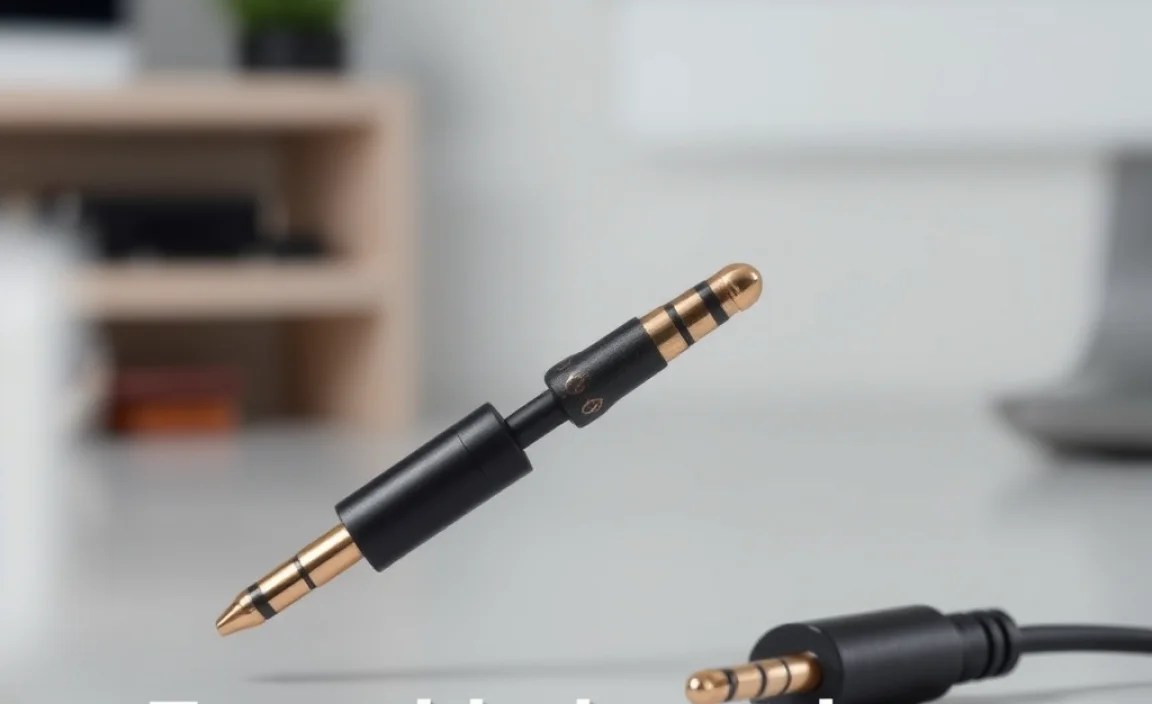
Step 1: Selecting the Right Cable
– **Device Compatibility**: Ensure the cable is compatible with your devices.
– **Cable Length**: Choose a length that suits your needs without causing excess slack.
– **Material Quality**: Opt for cables with durable materials for longevity.
– **Brand Reputation**: Consider reputable brands known for audio accessories.
Selecting the appropriate aux cable is crucial for achieving an optimal audio experience. Consider factors like length, compatibility, and build quality.
Step 2: Connecting Your Devices
– **Inspect Ports**: Make sure the audio jack and ports are clean and free of debris.
– **Insert Cable**: Plug the cable firmly into the headphone jack of both devices.
– **Check Connection**: Ensure the connection is secure and test the sound output.
Proper connection of the aux cable ensures that audio is transmitted clearly and without interruptions. Secure and clean connections are key to achieving the best results.
Step 3: Adjusting Sound Settings
– **Volume Control**: Adjust the volume on both devices to a comfortable level.
– **Equalization**: Fine-tune the sound settings on your device for optimal audio output.
– **Test Audio**: Play a track to verify the sound quality and connection strength.
Fine-tuning the sound settings can enhance your audio experience, ensuring that the sound is balanced and to your preference.
Alternative Methods / Tools
Bluetooth Adapters
– **Wireless Connection**: Allows audio transmission without cables.
– **Compact Design**: Small and portable, easy to attach to devices.
– **Rechargeable**: Most adapters have built-in batteries for extended use.
Bluetooth adapters offer a wireless alternative to aux cables, providing flexibility in device placement without sacrificing sound quality.
USB Audio Interfaces
– **Digital Conversion**: Converts analog signals to digital for improved audio quality.
– **External Use**: Often used with computers and professional audio equipment.
– **Multiple Ports**: Can support various audio input and output options.
USB audio interfaces are ideal for professionals seeking enhanced sound processing capabilities, offering a digital solution to traditional analog connections.
Troubleshooting Common Issues
No Sound Output
– **Check Connections**: Verify that the cable is properly plugged into both devices.
– **Device Volume**: Ensure both devices are not muted or set to low volume.
– **Cable Condition**: Inspect the cable for any visible damage or fraying.
If there is no sound output, checking the connections and ensuring the devices are correctly set up can quickly resolve the issue.
Static or Interference
– **Cable Quality**: Use a high-quality shielded cable to reduce interference.
– **Move Devices**: Ensure devices are not too close to other electronic equipment.
– **Check Ports**: Clean the ports to ensure a stable connection.
Static or interference can often be mitigated by ensuring the use of quality cables and maintaining clean, interference-free environments.
Advanced Techniques
For those seeking to enhance their audio experience further, several advanced techniques can be employed. These include performing a clean install of your audio drivers to ensure compatibility and optimization, rolling back drivers to resolve compatibility issues, and making use of audio software for enhanced equalization and sound quality optimization.
Prevention & Maintenance Tips
To prolong the life of your aux cable and ensure consistent performance, consider regular maintenance practices. **Keep cables coiled properly** to avoid tangling, routinely check for any signs of wear and tear, and **clean the audio jacks** periodically to prevent dust buildup. These simple steps can help maintain audio quality and device functionality.
Driver Update Methods Compared
| Method | Difficulty | Speed | Best For | Notes |
|---|---|---|---|---|
| Manual Update | Moderate | Slow | Tech-savvy Users | Requires finding and installing drivers manually |
| Software Tool | Easy | Fast | General Users | Automated updates with a single click |
| System Update | Easy | Moderate | General Users | Regular system updates may include driver updates |
Conclusion
Aux cables remain a vital component in audio setups, offering reliable and high-quality sound transmission. By understanding their benefits, proper usage, and maintenance, users can enjoy an enhanced audio experience. Whether for personal use or professional setups, aux cables provide a cost-effective and efficient solution for connecting audio devices.
Frequently Asked Questions
Question 1: What Devices Can I Connect with an Aux Cable?
**Answer**: Aux cables can connect any device with a 3.5mm audio jack, including headphones, speakers, and cars.
Question 2: How Do I Fix a Loose Connection in an Aux Cable?
**Answer**: Ensure the cable is securely plugged in, and check for any damage or dirt in the ports.
Question 3: Are Aux Cables Better than Bluetooth?
**Answer**: **Answer**: Aux cables provide better sound quality due to direct connection, but Bluetooth offers wireless convenience.
Question 4: Can Aux Cables Transmit Stereo Sound?
**Answer**: Yes, aux cables can transmit stereo sound, supporting two-channel audio for a rich listening experience.
Question 5: How Long Do Aux Cables Usually Last?
**Answer**: With proper care, aux cables can last several years, depending on usage and quality.
Question 6: Do Aux Cables Require Power to Function?
**Answer**: No, aux cables do not require power as they transmit analog signals directly.
Question 7: Can I Use an Aux Cable with My Smartphone?
**Answer**: Yes, provided your smartphone has a 3.5mm headphone jack.
Question 8: What Should I Do if My Aux Cable Isn’t Working?
**Answer**: Check the connections, test with another device, and inspect for any visible damage.
Question 9: Are All Aux Cables the Same?
**Answer**: While most have the same 3.5mm connector, they can vary in terms of build quality, length, and shielding.
