
Quick Summary: This guide demystifies headphone batteries, explaining types, lifespans, charging best practices, and replacement options. Learn simple tips to extend battery life and choose the right power source for your favorite headphones, ensuring uninterrupted listening enjoyment.
Your Essential Guide to Headphone Batteries

Hey audio adventurers! Edward Cavitt here, your friendly guide from headphonehorizon. We all love our headphones – they’re our escape, our productivity boosters, our soundtrack to life. But what happens when that trusty battery starts to fade? It can feel like a tiny tech crisis, right? Don’t worry, it’s actually simpler than you might think!
This guide is all about understanding the heart of your wireless headphones: their batteries. Whether you’re rocking earbuds on your commute or over-ear cans for deep focus, we’ll walk through everything you need to know about “battery for headphones,” keeping your music playing and your calls clear.
Understanding Headphone Battery Types
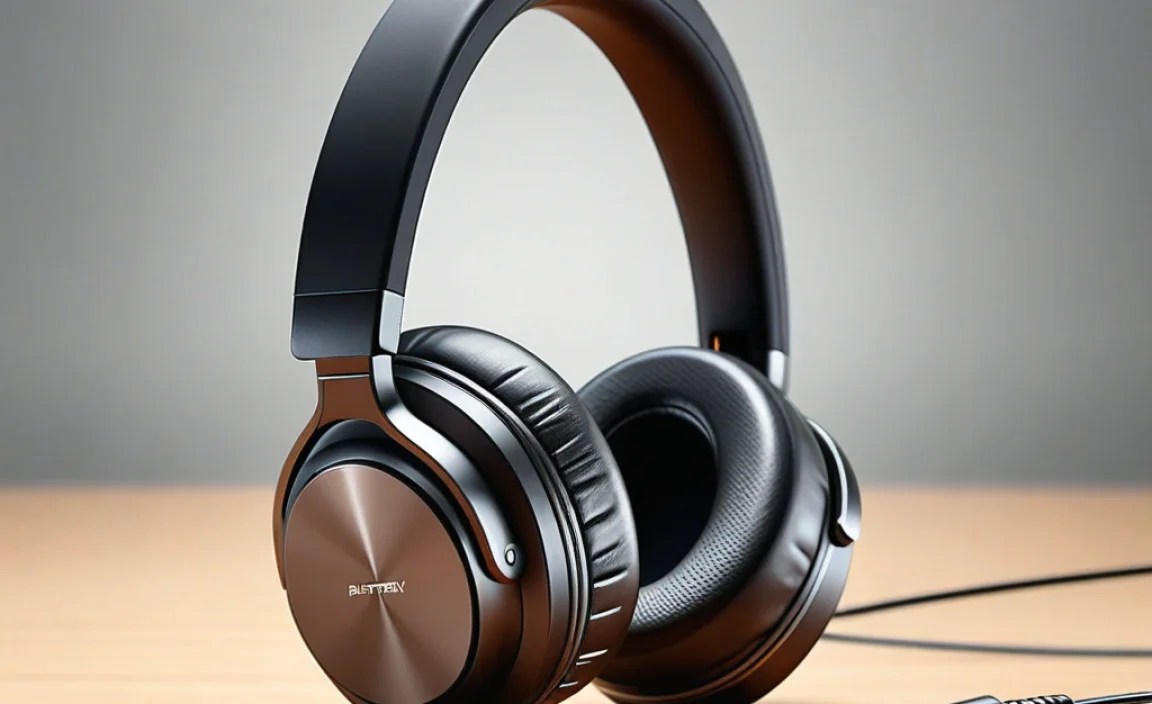
Most modern headphones, especially wireless ones, rely on a specific type of rechargeable battery. Knowing what you’re dealing with is the first step to proper care and understanding performance.
Lithium-Ion (Li-ion) Batteries: The Dominant Player
The vast majority of your wireless headphones – from sleek earbuds to powerful noise-canceling cans – are powered by Lithium-ion batteries. These are the same kind of batteries found in smartphones and laptops, and for good reason. They offer a fantastic balance of being lightweight, compact, and able to hold a significant charge.
- Pros:
- High energy density (more power in a smaller size).
- No “memory effect”: You don’t need to fully discharge them before recharging.
- Relatively long lifespan compared to older battery technologies.
- Cons:
- Can degrade over time, even with no use.
- Sensitive to extreme temperatures (both hot and cold).
- Require specific charging circuitry to prevent overcharging or damage.
When we talk about battery for headphones, we’re almost always talking about their internal Li-ion power source.
Older Technologies (Less Common Now)
Before Li-ion became standard, you might have encountered headphones using Nickel-Metal Hydride (NiMH) or even Nickel-Cadmium (NiCad) batteries. These are much less common in new headphones today but might be found in older models.
- NiMH: Better than NiCad, but still prone to the “memory effect” and generally lower energy density than Li-ion.
- NiCad: The oldest rechargeable type, suffering significantly from the memory effect and having a shorter lifespan. They also contained toxic cadmium.
For your convenience and to avoid confusion, focus on the Li-ion technology as it’s the standard for contemporary headphone batteries.
How Long Do Headphone Batteries Last?
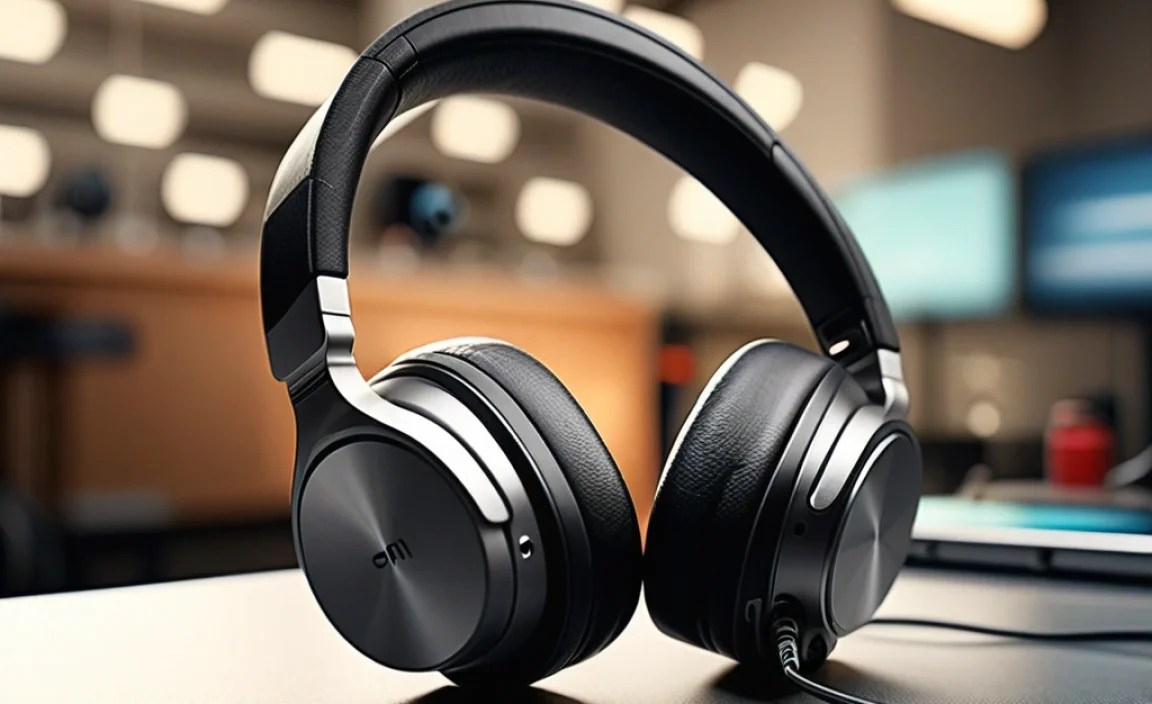
This is the million-dollar question (or perhaps the hour-long listening session question!). The battery life of your headphones is influenced by several factors, from the type of headphone to how you use them.
Factors Affecting Battery Life
Here are the main culprits that determine how long your headphones will keep the music playing:
- Headphone Size and Type: Larger over-ear headphones usually have physically larger batteries than compact earbuds, leading to longer playback times.
- Features in Use: This is a big one! Activating features like Active Noise Cancellation (ANC), Bluetooth connectivity, or high-fidelity audio codecs (like LDAC or aptX HD) consumes more power.
- Volume Level: Listening at higher volumes drains the battery much faster than at lower volumes.
- Age of the Battery: Like all rechargeable batteries, Li-ion cells degrade over time. Their capacity will gradually decrease, meaning they won’t hold as much of a charge as they did when new.
- Charging Habits: How you charge and discharge your headphones can impact their longevity.
Typical Battery Life Expectations
While it varies greatly, here are some general expectations for different types of headphones:
| Headphone Type | Playback Time (Hours) | Notes |
|---|---|---|
| True Wireless Earbuds (No ANC) | 4-8 hours | Often a total of 20-30 hours with charging case. |
| True Wireless Earbuds (With ANC) | 3-6 hours | ANC significantly reduces battery life. Charging case still adds extra hours. |
| On-Ear/Over-Ear Bluetooth Headphones (No ANC) | 15-40 hours | Depends on battery size and Bluetooth efficiency. |
| Over-Ear Bluetooth Headphones (With ANC) | 10-30 hours | ANC is a major power draw, but larger batteries compensate. |
| Wired Headphones with Bluetooth Dongle | Highly Variable | Depends entirely on the dongle’s battery. |
Remember, these are estimates. Always check the manufacturer’s specifications for your specific model when looking at battery for headphones performance.
Mastering the Charge: Best Practices for Battery Health

Your charging habits play a crucial role in how long your headphone battery stays healthy and performs well. Think of it like taking care of a valuable tool – a little effort goes a long way!
Charging Safely and Effectively
- Use the Original Charger or a Certified Equivalent: This is paramount! Using chargers with incorrect voltage or amperage can damage your headphones’ battery and charging circuitry. For most headphones, the USB cable they came with is designed specifically for them.
- Avoid Extreme Temperatures: Don’t charge your headphones in a scorching hot car or a freezing cold environment. Extreme temperatures, especially heat, are battery killers. The ideal charging temperature is usually room temperature (around 20-25°C or 68-77°F).
- Don’t Leave Them Plugged In Indefinitely (Generally): While modern Li-ion batteries have protection against overcharging, it’s still a good practice not to leave them plugged in for days on end once fully charged. Most devices will stop charging, but consistently topping them off can still contribute to minor heat buildup and stress.
- Don’t Let Them Die Completely Too Often: Unlike older battery types, Li-ion batteries don’t suffer from a severe “memory effect.” However, letting the battery drain to 0% repeatedly can put stress on the battery and shorten its overall lifespan.
- Partial Charges are Fine: It’s perfectly okay to charge your headphones for a short period to get a few hours of listening time. Partial charges are not detrimental to Li-ion batteries. Some experts even suggest keeping Li-ion batteries between 40% and 80% for optimal long-term health, but for most users, simply avoiding full drains is sufficient.
Understanding Charging Indicators
Most headphones and their charging cases have indicator lights to show charging status. These can be simple LEDs or more complex systems.
- Solid Light: Often indicates charging is in progress or complete.
- Blinking Light: Usually means charging is in progress, or sometimes, it can indicate a low battery or an error.
- Different Colors: Red often signifies charging, while green or blue means fully charged. Always check your headphone’s manual for specific light meanings.
Fast Charging vs. Standard Charging
Some headphones support fast charging, allowing you to get a significant amount of playback time from a short charge (e.g., 1 hour of listening from 10 minutes of charging). While convenient, frequent use of fast charging can generate more heat, potentially leading to slightly faster degradation over the very long term compared to standard, slower charging. For everyday use, it’s generally safe and incredibly convenient.
For more on battery care that applies broadly, check out resources from the U.S. Department of Energy on battery technologies here.
Extending Your Headphone Battery Life: Practical Tips
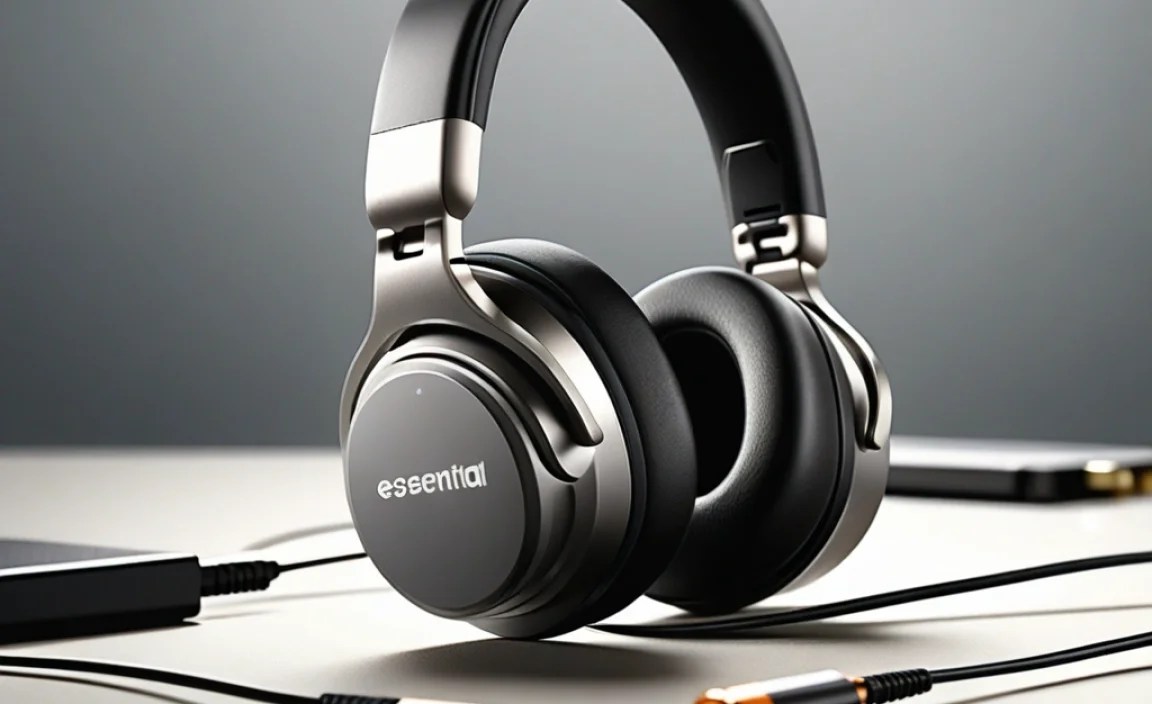
Want to squeeze more listening time out of every charge? Here are some practical, beginner-friendly tips that really work.
Simple Ways to Increase Playback Time
- Manage Active Noise Cancellation (ANC): ANC is a battery hog. If you don’t need it – maybe you’re in a quiet room or using wired mode – turn it off. This is one of the biggest power savers.
- Lower the Volume: Listening at moderate volumes significantly reduces battery drain compared to cranking it up. Not only is it better for your hearing, but it’s also better for your battery!
- Disable Unused Features: If your headphones have companion apps, check for settings that can be turned off when not needed. This might include specific EQ profiles, voice assistant listening, or “awareness” modes.
- Use Bluetooth 5.x or Higher (if applicable): Newer Bluetooth versions, like Bluetooth 5.0 and above, are generally more power-efficient than older ones.
- Disconnect When Not in Use: For truly wireless earbuds, put them back in their charging case. For over-ear headphones, if they don’t have an auto-off feature, consider turning them off manually after listening sessions. Some headphones can be used in wired mode; if you only need audio and don’t need wireless connectivity, plugging them in bypasses Bluetooth power usage entirely.
- Keep Firmware Updated: Manufacturers often release firmware updates that can improve battery efficiency. Connect your headphones to their app and check for available updates periodically.
Understanding Battery Health Over Time
It’s natural for batteries to degrade. A Li-ion battery is rated for a certain number of charge cycles (the number of times it can be fully discharged and recharged). Over time, its maximum capacity will decrease.
- Signs of Degradation:
- Significantly shorter playback time than when new.
- Headphones shutting off unexpectedly, even when the battery indicator shows charge remaining.
- Longer charging times than usual.
Don’t be discouraged if your battery doesn’t last as long as it used to. It’s a normal part of the battery’s life cycle. The good news is that with careful use, you can maximize its useful life.
When to Consider a Battery Replacement
Eventually, every rechargeable battery reaches the end of its reliable life. If your headphone battery is significantly impacting your listening experience, it might be time to think about replacement.
Can Headphone Batteries Be Replaced?
This is where things get a bit more complex, and it varies significantly by headphone model.
- True Wireless Earbuds: Generally NOT designed for user battery replacement. Their small size and sealed construction make DIY replacement extremely difficult and often impossible without specialized tools and skills, and is not recommended.
- Over-Ear and On-Ear Headphones: Some higher-end or older models might be designed with replaceable batteries, often accessed by unscrewing a panel or removing the earcup. Many modern models, however, are also sealed and not intended for user replacement.
Options if Your Battery is Failing
- Check Manufacturer Warranty: Most manufacturers offer a warranty that includes battery defects. If your headphones are relatively new and experiencing rapid battery degradation, contact the manufacturer.
- Professional Repair Services: For some models, especially more expensive over-ear headphones, professional repair services might exist that can replace the battery. This can be costly and may void any remaining warranty. Search for reputable electronics repair shops near you.
- DIY Replacement (for specific models): If you’re technically inclined, you can find replacement batteries online (often on sites like eBay or iFixit) and tutorials for specific headphone models. This is only feasible if your headphones are designed for it, and it carries the risk of damaging your headphones if not done carefully. Always ensure you purchase a high-quality replacement battery. Proceed with caution and only if you are comfortable with electronics repair.
- Consider New Headphones: Sadly, for many small earbuds and increasingly for larger headphones, the most practical and often cost-effective solution when the internal battery dies is to purchase a new pair. This is especially true if they are several years old and newer models offer significant improvements.
Where to Find Replacement Batteries (If Applicable)
If your headphones are designed for battery replacement, you’ll need to find the right part. For example, you might search for:
- “[Your Headphone Model] replacement battery”
- “[Brand Name] headphone battery part number”
Reputable online electronics component suppliers or specialized repair part websites are your best bet. Always verify the part number and specifications (voltage, capacity, connector type) match your original battery precisely.
Choosing Headphones with Good Battery Performance
When you’re in the market for a new pair, don’t forget to evaluate the battery life and charging capabilities. It’s an often-overlooked, yet crucial, aspect of the headphone experience.
What to Look For in New Headphones
- Advertised Playback Time: This is your primary indicator. Look for numbers that align with your typical usage. If you take long flights, you’ll need more hours than someone using them for short commutes.
- Charging Case Capacity (for Earbuds): For true wireless earbuds, the charging case is just as important as the earbuds themselves. A case that provides 3-4 full charges is standard, giving you 20+ hours of total listening time.
- Fast Charging Support: If you’re often in a rush, fast charging can be a lifesaver. A quick 10-15 minute charge can give you hours of playback.
- USB-C Charging: While not directly battery life, USB-C is becoming the standard and offers faster charging speeds than older micro-USB ports. It also means fewer cables to carry around if your phone and other devices use USB-C.
- Anc Efficiency: If ANC is important to you, look for reviews that specifically comment on how much ANC impacts battery life for that particular model.
- Battery Replacement Options (If Available): For over-ear models, if battery longevity is a top concern, check if the battery is user-replaceable.
Trustworthy Brands Known for Battery Life
While individual model performance varies, some brands have a reputation for reliable battery performance in their audio products:
- Sony: Often praised for excellent battery life, especially in their noise-cancelling over-ear headphones.
- Sennheiser: Known for premium audio and generally solid battery performance.
- Bose: A leader in ANC, they balance active features with respectable battery life.
- Anker/Soundcore: Often offer excellent battery life and fast charging at more accessible price points.
- Apple (AirPods): While not setting world records, Apple’s ecosystem integration means their battery management is usually well-optimized for their devices.
Always read independent reviews for the specific model you’re interested in. Real-world usage numbers are often more telling than manufacturer claims.
Frequently Asked Questions About Headphone Batteries
Here are answers to some common beginner questions about battery for headphones.
1. Can I use my phone’s fast charger with my headphones?
Generally, yes, but with a crucial caveat. If your headphones support fast charging, using a compatible fast charger (like a USB PD or Quick Charge charger) is fine and can be very convenient.
However, if your headphones do not support fast charging, using a high-wattage fast charger won’t make them charge faster but is unlikely to cause harm as the headphones’ internal circuitry will regulate the power. Always use the cable that came with your headphones or a high-quality, certified USB cable.
2. My headphones won’t charge. What should I do?
First, try a different USB cable and a different USB power source (like another wall adapter or a computer’s USB port) to rule out problems with the accessories. Ensure the charging port on your headphones is clean and free of debris.
If using wireless charging, ensure the charging pad and headphones are aligned correctly. If it’s a case, try charging the case from empty. If none of these steps work, the battery or charging port might be damaged, and you may need to contact the manufacturer for support or consider professional repair.
3. How do I know if my headphone battery is dying?
The most common signs are significantly reduced playback time compared to when they were new, headphones shutting off unexpectedly even when indicating battery charge, or the battery taking an unusually long time to charge.
If you notice your headphones no longer last even half the time they used to, it’s a strong indicator the battery health has degraded.
