
Discover if Beats headphones offer the “essential power” for your gaming adventures. This beginner-friendly guide explores their suitability, key features, and how to maximize their performance for an immersive gaming experience. Learn what to expect and how to make an informed choice.
Hello, fellow gamers and audio enthusiasts! Edward Cavitt here from Headphone Horizon. Today, we’re diving into a question that’s sparked lively debate in gaming circles: can Beats headphones truly deliver the “essential power” for your gaming sessions?
Many of us love Beats for their stylish look and thumping bass in music, but when it comes to the nuanced world of gaming audio, things can get a little more complex. We’ll break down what makes headphones great for gaming and see how Beats stack up, ensuring you get the most out of every in-game sound. Let’s power up your gaming audio knowledge!
Beats Headphones For Gaming: Essential Power? Unpacking the Hype

When you hear “Beats headphones,” what comes to mind? Often, it’s vibrant sound, a strong bass response, and that iconic design. But for gaming, we need a bit more than just style. We need clarity to hear footsteps, precise directional audio to pinpoint enemy positions, and comfort for those long gaming marathons.
So, do Beats headphones, known for their music-centric tuning, possess the “essential power” for gaming? The answer isn’t a simple yes or no. It depends on the specific model, your gaming priorities, and your expectations. We’ll explore the factors that make a headset good for gaming and how Beats fit into the picture.
What Makes Headphones “Good” For Gaming?

Before we focus on Beats, let’s establish what gamers generally look for in headset audio. It’s not just about loud sound; it’s about effectiveness. Here are the key elements:
- Soundstage & Imaging: This refers to how open the sound feels and how accurately you can place sounds in the virtual environment. A wide soundstage makes the game world feel larger, and good imaging helps you discern where an enemy’s shot came from or where footsteps are approaching.
- Clarity and Detail: In games, subtle sounds like rustling leaves, distant explosions, or faint dialogue can be crucial. Headphones need to reproduce these details clearly without being muddy.
- Microphone Quality: If you play multiplayer games, a clear microphone is essential for communicating with your teammates. They need to hear you, and you need to hear them.
- Comfort: Gaming sessions can last for hours. Comfortable earcups, a lightweight design, and good weight distribution are vital to prevent fatigue and pressure points.
- Durability: Gaming gear often takes a bit of a beating. A robust build quality ensures your headphones can withstand regular use.
- Low Latency: For competitive gaming, audio needs to reach your ears with minimal delay. Wireless headphones can sometimes introduce latency, which can be a disadvantage.
Beats Headphones: A Closer Look at Their Gaming Prowess

Beats headphones, now under the Apple umbrella, are renowned for their signature sound profile: a prominent bass response and a generally energetic output. This can translate to an exciting and impactful audio experience in games, especially for explosions, engine revs, and other low-frequency effects. However, this signature tuning might not always be ideal for games where fine audio detail and precise spatial awareness are paramount.
Common Beats Models and Their Gaming Potential
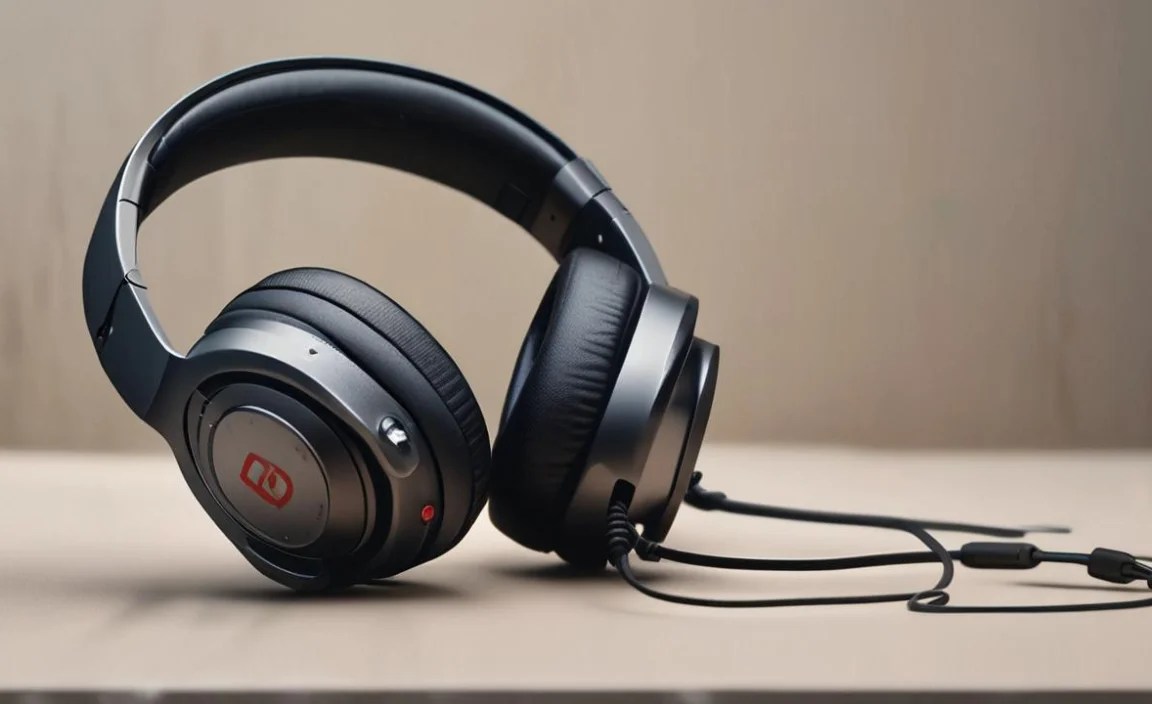
Let’s consider a few popular Beats models and how they might perform in a gaming context:
| Beats Model | Pros for Gaming | Cons for Gaming | Best For |
|---|---|---|---|
| Beats Studio Pro | Excellent Active Noise Cancellation (ANC) for immersion. Comfortable fit. Balanced sound can be adjusted via EQ. Good battery life. | Potentially less emphasis on sharp highs and mids compared to dedicated gaming headsets. Microphone might not be as clear as specialized gaming mics. | Immersive single-player games, genres where ANC enhances focus, users who also prioritize music quality. |
| Beats Fit Pro | Secure fit, good for active gaming. ANC is effective. Spatial Audio support can enhance immersion. | Smaller earcups might become less comfortable for very long sessions compared to over-ear models. Bass can sometimes overpower other game sounds. | Mobile gaming, genres with less emphasis on subtle audio cues, users who want versatility for workouts and gaming. |
| Beats Solo3 Wireless | Lightweight and portable. Long battery life. Easy to connect. | On-ear design can be less comfortable for extended wear and may leak sound. Bass might be too dominant for competitive gaming. Limited ANC. | Casual gaming sessions, users who prioritize portability and a familiar brand; less ideal for critical listening or competitive play. |
It’s important to note that while Beats are improving their sound profiles, they often cater to a consumer audio market that favors a more impactful, bass-heavy sound for music. Dedicated gaming headsets, on the other hand, are engineered with gaming’s specific audio needs in mind. For instance, research from institutions like Simon Fraser University’s work on spatial audio in virtual environments highlights the importance of accurate sound positioning for game immersion and player performance.
Optimizing Your Beats for the Gaming Arena
While Beats might not be purpose-built gaming headsets, you can still enhance their performance for gaming. The key is to leverage their strengths and mitigate their weaknesses.
Step 1: Understanding Your Beats’ Sound Profile

Most modern Beats headphones, especially those integrated with Apple’s ecosystem, offer some level of EQ (Equalizer) customization. This is your first and most powerful tool.
- Connect Your Beats: Ensure they are paired and connected to your gaming device (PC, console, or mobile).
- Access EQ Settings:
- On iOS/macOS: Go to Bluetooth settings, tap the ‘i’ next to your connected Beats, and look for “Audio” or “EQ” options. You can often select presets or create custom ones.
- On Windows PC: You might need to use the Beats App (if available for your model) or your system’s audio settings. Right-click the speaker icon in the taskbar, select “Sound settings,” then “Sound Control Panel.” Under the “Playback” tab, right-click your Beats and select “Properties,” then explore the “Enhancements” or “Spatial Sound” tabs.
- On Consoles (PS5/Xbox): Console settings are often more limited. You might not have direct EQ control for headphones. In this case, you’ll rely more on the game’s audio settings.
- Adjust for Gaming:
- Reduce Bass Boost: If the bass feels overwhelming and muddy, slightly reduce the lower frequencies.
- Boost Mids and Highs: Increase the mid-range frequencies (where voices and crucial sound cues like footsteps often sit) and subtly enhance the higher frequencies for better clarity on directional sounds.
- Experiment: There’s no perfect EQ setting for everyone. Play a game you enjoy and tweak the EQ in real-time until you find what sounds best for picking out details.
Step 2: Leveraging Spatial Audio Features
Many newer Beats models support Spatial Audio, especially when used with compatible devices like iPhones, iPads, or Macs running recent software versions. This technology simulates a 3D audio environment, which can significantly enhance immersion in games that support it.
- Check Compatibility: Ensure your Beats model and your gaming device support Spatial Audio.
- Enable Spatial Audio: This is usually done within your device’s Bluetooth settings or control center when your Beats are connected.
- Head Tracking: If your Beats and device support head tracking, this feature can make the sound feel like it’s anchored in front of you, moving realistically as you turn your head. This adds a fantastic layer of immersion, making the game world feel more real.
While Spatial Audio is primarily designed for movies and music, its principles can still contribute to a more immersive gaming experience by creating a sense of direction and depth. For more on how spatial audio works, academic resources like those found at universities exploring human-computer interaction often delve into the nuances of perceived audio sources.
Step 3: Prioritizing Comfort for Long Sessions

Gaming is often an endurance sport. Comfort is key to maintaining focus and enjoyment over extended periods.
- Over-Ear vs. On-Ear: Over-ear headphones (like the Studio Pro) generally offer better long-term comfort as they distribute pressure around the ear rather than directly on it. On-ear models (like the Solo3) can become uncomfortable for some users after a few hours.
- Earcup Material: Softer, breathable materials can help prevent ears from getting too warm.
- Headband Padding: Ensure the headband is well-padded and adjustable to reduce pressure on your head.
- Weight Distribution: Lighter headphones or those with good weight balance feel less cumbersome during long sessions.
Step 4: Wired vs. Wireless for Gaming
One of the biggest considerations for gamers is latency – the delay between an action in the game and the sound you hear. For competitive gaming, even a few milliseconds can make a difference.
- Wireless: Most modern Beats headphones use Bluetooth, which has become much better at reducing latency. However, it’s rarely zero. For casual gaming, this is usually not an issue. If you’re playing fast-paced, competitive games, you might notice a slight delay.
- Wired: Some Beats models may come with an audio cable or have a port for one. Using a wired connection eliminates Bluetooth latency entirely, providing the most responsive audio experience. Always check if your specific Beats model supports a wired connection.
Step 5: Microphone Performance and Communication
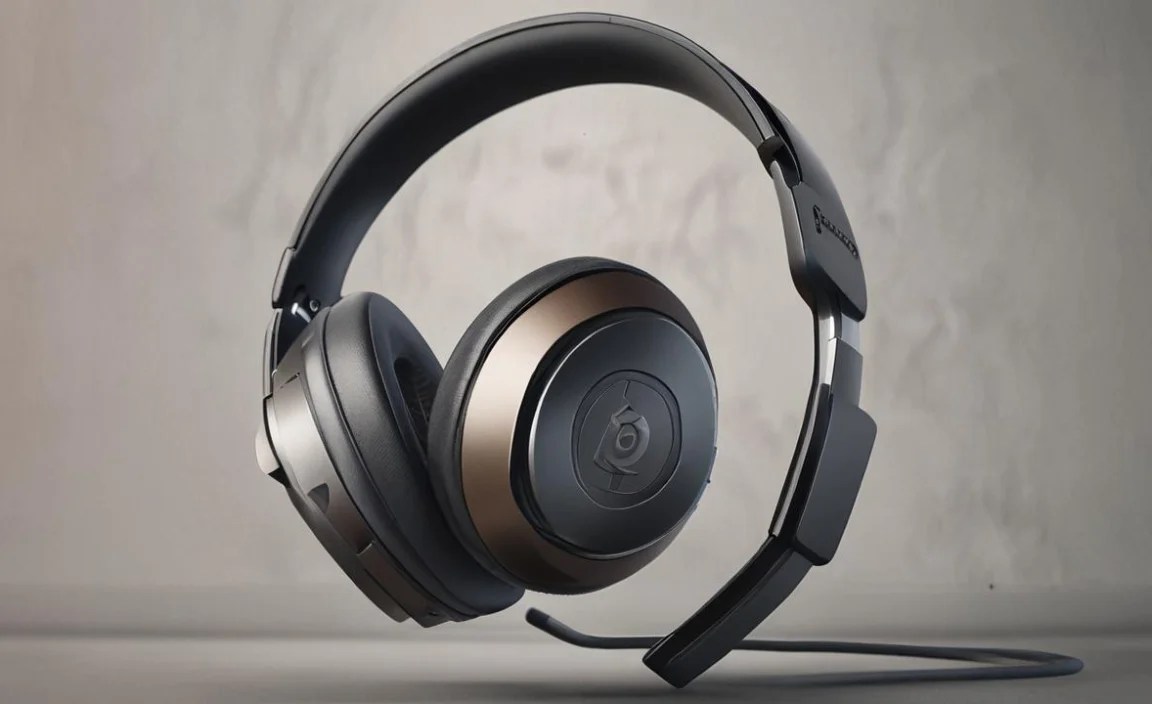
Effective communication is a cornerstone of team-based gaming. While Beats headphones have built-in microphones, their performance can vary. They are generally designed for voice calls and might not offer the same clarity or noise-filtering as dedicated headset microphones.
- Test Your Mic: Always test your microphone before jumping into a serious match. Use your system’s audio settings or in-game voice chat options to check if your teammates can hear you clearly.
- Speak Clearly: Position the built-in microphone optimally and speak directly into it at a comfortable volume.
- Consider a Separate Mic: If microphone clarity is paramount for your gaming, you might consider a dedicated USB microphone or a headset with a superior boom mic, running it alongside your Beats headphones for audio output.
When to Choose Beats for Gaming (And When to Look Elsewhere)

Beats headphones can bring “essential power” to your gaming in certain scenarios, particularly if:
- You’re a Casual Gamer: If you play for fun, enjoy immersive single-player experiences, or play games where split-second audio precision isn’t the deciding factor, Beats can add a layer of excitement with their punchy sound.
- You Prioritize Immersion and Bass: For games with epic soundtracks and explosive effects, the Beats’ signature sound can be incredibly engaging.
- You Value Noise Cancellation: If you game in a noisy environment, the Active Noise Cancellation on models like the Studio Pro can be a game-changer, allowing you to focus on the game without distractions.
- You Already Own Beats: If you’re invested in the Apple ecosystem and already have a compatible pair of Beats, leveraging them for gaming is a practical choice.
- Versatility is Key: You want headphones that excel at music and are also good enough for gaming.
Conversely, you might want to consider dedicated gaming headsets if:
- Competitive Play is Your Focus: For esports and highly competitive titles (e.g., CS:GO, Valorant, Apex Legends), precise directional audio and zero latency are critical. Dedicated gaming headsets are engineered for this.
- Crystal Clear Voice Chat is Essential: If you’re a team leader or require your voice to be heard with absolute clarity in all conditions, a gaming headset with a boom mic is often superior.
- Audiophile-Grade Sound is a Must: While Beats can be adjusted, some dedicated gaming headsets offer a more neutral, detailed sound profile that reveals even more subtle in-game cues.
- You Need Advanced Gaming Features: Many gaming headsets offer features like dedicated volume controls, mic mute buttons, and virtual surround sound software that are tailored specifically for gaming.
The Takeaway: Beats and Gaming Power – It’s About the Right Fit
Beats headphones can absolutely contribute to your gaming experience, offering a powerful and immersive sound profile that can make games feel more engaging. Their strengths lie in their impactful bass, stylish design, and increasingly, features like active noise cancellation and spatial audio. For casual gamers or those who use their headphones for music and gaming alike, popular Beats models like the Studio Pro or Fit Pro can be a fantastic, albeit often pricier, choice.
However, for the hardcore competitive gamer where every millisecond and every directional cue matters, dedicated gaming headsets often hold the edge. These are purpose-built, fine-tuned for the specific demands of gaming audio. The “essential power” of Beats for gaming, therefore, is less about raw capability and more about how well their specific features align with your personal gaming style and priorities. By understanding how to optimize their sound and leveraging features like EQ and Spatial Audio, you can definitely boost the gaming performance of your Beats headphones and enjoy a more powerful, immersive experience.
Frequently Asked Questions (FAQ)
Can I use any Beats headphones for gaming?

Generally, yes. Most Beats headphones, whether wired or wireless, can be connected to gaming devices. However, performance can vary significantly based on the model’s audio tuning, comfort for long sessions, microphone quality, and potential latency for wireless models.
Are Beats headphones good for hearing enemy footsteps?

This depends on the specific Beats model and its sound profile. While Beats often boost bass, which can sometimes mask subtle high-frequency sounds like footsteps, adjusting the EQ settings or using Spatial Audio can help improve the clarity of these crucial in-game cues. For absolute best-in-class footstep detection, dedicated gaming headsets are often tuned specifically for this.
What is the latency of Beats headphones for gaming?

Wireless Beats headphones use Bluetooth, and while latency has improved, there can still be a slight delay. This is generally not noticeable for casual gaming or single-player games. For highly competitive, fast-paced games, this latency might be perceptible and potentially a disadvantage. Using a wired connection (if supported by your Beats model) will eliminate Bluetooth latency.
Do Beats headphones work with consoles like PlayStation and Xbox?

Newer Beats models with Bluetooth can connect wirelessly to the PlayStation 5 and Xbox Series X/S controllers (or directly to the console if it has Bluetooth). Older models might require a specific adapter for wireless connection. Check your console’s and Beats’ specifications for compatibility. Wired connections are also often possible if the Beats have a headphone jack and your controller does.
Is Active Noise Cancellation (ANC) useful for gaming with Beats?

Absolutely! If you’re gaming in a noisy environment, the ANC on Beats models like the Studio Pro can be invaluable. It helps block out external distractions, allowing you to immerse yourself more deeply in the game’s audio and focus better on in-game sounds.
How can I improve the microphone quality of my Beats for gaming?

Ensure the microphone is positioned correctly and that you speak clearly. For significantly clearer communication, especially in team-based games, you might consider using a separate, dedicated gaming microphone or a headset known for superior mic quality, while still using your Beats for audio output.
Should I buy Beats specifically for gaming, or a dedicated gaming headset?

If gaming is your primary focus, especially competitive gaming, a dedicated gaming headset is generally recommended due to specialized audio tuning, often better microphone quality, and features designed for gamers.
However, if you are a casual gamer, value the brand, often use your headphones for music, or already own Beats, they can certainly provide a powerful and enjoyable gaming audio experience, especially with optimization.
So there you have it! We’ve explored the world of Beats headphones and their place in the gaming landscape, aiming to demystify their “essential power” for gamers. Whether you’re a casual player looking for that extra immersive punch or a dedicated gamer scrutinizing every in-game sound, understanding your gear is key to unlocking its full potential.
Remember to experiment with EQ settings, embrace features like Spatial Audio if available, and always prioritize comfort for those epic gaming ventures. Don’t be afraid to test and tweak until your audio setup feels just right for your gaming style. Happy gaming, and may your audio be ever clear!
