
Discover the best Anker wireless headphones for clear, reliable audio that fits your lifestyle. This guide breaks down top models, key features, and why Anker is a smart choice for everyday listeners seeking quality and value.
Best Anker Wireless Headphones: Proven Audio, Made Simple

Hey headphone fans! Edward Cavitt here from headphonehorizon. If you’re looking for fantastic wireless audio without breaking the bank or getting lost in complicated tech talk, you’ve come to the right place. Anker has quietly become a giant in reliable tech, and their wireless headphones are no exception.
They offer a sweet spot of impressive sound, durable build, and smart features that make them perfect for everyone, from busy students to music-loving commuters. Let’s dive into what makes Anker a top contender and how to pick the perfect pair for you.
Why Choose Anker for Wireless Headphones?

Anker has built its reputation on delivering excellent value. They focus on the essentials that matter most to everyday users: consistent performance, long battery life, and robust build quality. For wireless headphones, this translates to:
- Reliable Connectivity: Anker headphones generally use stable Bluetooth connections, minimizing frustrating dropouts when you’re on the go or in a crowded space.
- Impressive Battery Life: Nobody likes their headphones dying mid-playlist. Anker is known for packing in battery power that lasts through long commutes, workdays, or flights.
- Durable Design: These aren’t delicate pieces of equipment. Anker headphones are built to withstand daily use, whether they’re tucked into a backpack or worn during a workout.
- Great Sound Quality for the Price: While they might not compete with ultra-premium audiophile brands, Anker headphones deliver clear, balanced sound that satisfies the vast majority of listeners.
- Smart Features: Many models include active noise cancellation (ANC), transparency modes, and app support, offering premium features at accessible prices.
Understanding Anker’s Wireless Headphone Range
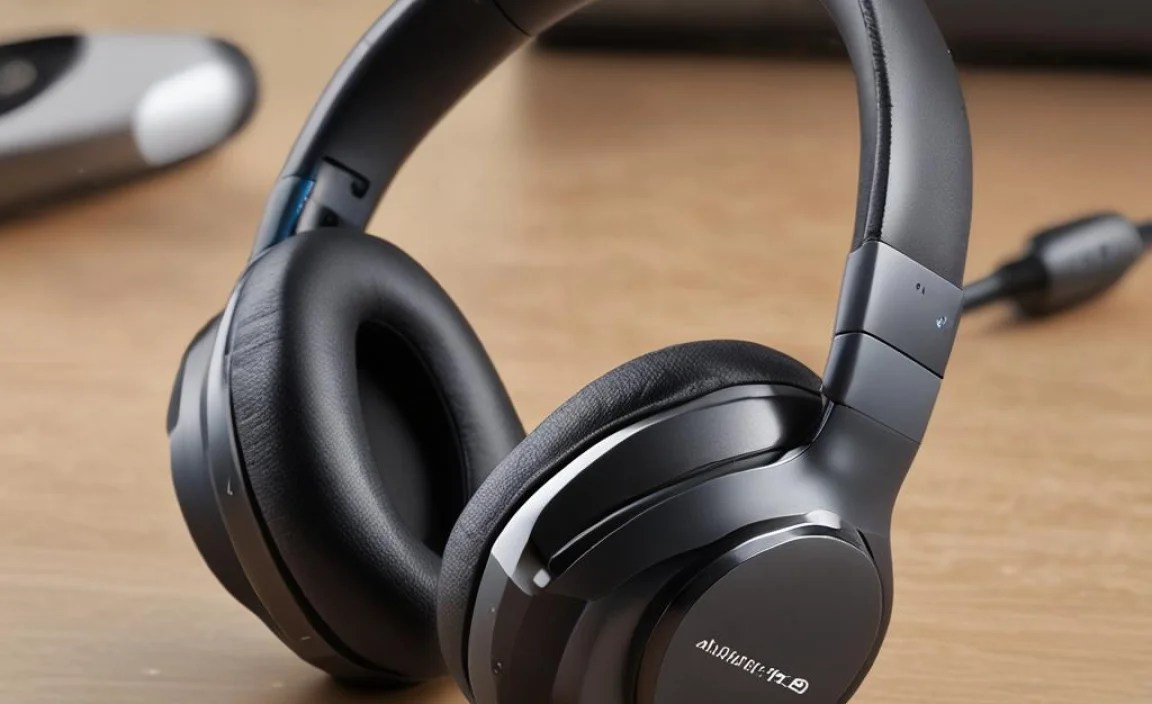
Anker’s wireless headphone lineup, often under their Soundcore sub-brand, offers a variety of styles to suit different needs. Here are the main types you’ll typically find:
True Wireless Earbuds
These are compact, completely wireless earbuds that come with a charging case. They’re ideal for portability, workouts, and everyday convenience. Anker’s true wireless offerings usually boast good battery life in the case, comfortable fit options, and often include ANC.
Over-Ear Wireless Headphones
For a more immersive listening experience and often superior noise cancellation, Anker’s over-ear models are fantastic. They provide a comfortable fit for long listening sessions and tend to have longer battery life per charge than earbuds. They’re great for travel, focused work, or just enjoying your music without distractions.
Neckband Wireless Earbuds
While less common now, these feature earbuds connected by a band that rests around your neck. They offer a secure fit, easy access to controls, and a reduced risk of losing an individual earbud. Battery life is often a strong point here.
Our Top Picks: The Best Anker Wireless Headphones

Anker, primarily through its Soundcore brand, offers several standout wireless headphones. Based on user reviews, expert opinions, and my own experience, here are some of the best and most popular options:
1. Soundcore Liberty 4 NC: Best All-Around True Wireless Earbuds with ANC
The Liberty 4 NC has made a significant splash for its incredible value, especially considering its robust Active Noise Cancellation. For their price point, they offer ANC that rivals much more expensive competitors. They also boast impressive battery life, customizable EQ via the Soundcore app, and a comfortable, secure fit.
- Key Features: Adaptive Active Noise Cancellation, Hi-Res Wireless Audio support, 50-hour total battery life (with case), wireless charging case, multipoint connection.
- Pros: Top-tier ANC for the price, excellent battery stamina, customizable sound through the app, comfortable fit.
- Cons: Touch controls can be a bit sensitive for some.
2. Soundcore Space Q45: Best Over-Ear Headphones for Travel and Commuting
If you’re looking for over-ear comfort and excellent noise cancellation for travel or noisy environments, the Space Q45 is a stellar choice. They offer a blend of effective ANC, long battery life, and a comfortable design. The ability to connect to two devices simultaneously is also a major plus for productivity.
- Key Features: Enhanced ANC with multiple modes, 50-hour playback (ANC on), 65-hour playback (ANC off), LDAC support for Hi-Res audio, Multipoint Bluetooth connection, comfortable earcups.
- Pros: Very effective noise cancellation, excellent battery life, comfortable for long wear, good sound quality with LDAC support.
- Cons: Design is functional rather than premium-looking for some.
3. Soundcore R500: Best Budget Wireless Earbuds for Everyday Use
For those on a tighter budget who still want reliable wireless audio, the Soundcore R500 earbuds are fantastic. They provide good sound, decent battery life, and a secure fit for general listening and light activity. They might lack advanced features like ANC but excel at delivering core performance affordably.
- Key Features: 10mm dynamic drivers, USB-C fast charging, 5-minute charge for 1 hour playback, 20-hour total battery life, IPX5 water resistance.
- Pros: Extremely affordable, good battery life for the price, quick charging, sweat-resistant.
- Cons: No ANC, sound quality is good but not exceptional.
4. Soundcore Life P3: Versatile True Wireless Earbuds with Effective ANC
The Life P3 offers a great balance of features for its price. They provide effective active noise cancellation, customizable sound profiles via the app, multiple color options, and a comfortable fit. They are a solid choice for anyone wanting good ANC without spending top dollar.
- Key Features: Active Noise Cancellation with multiple modes, 11mm drivers, Soundcore App customization (EQ, ANC modes), wireless charging, 35-hour total battery life (with case).
- Pros: Good ANC performance, highly customizable sound, comfortable and secure fit, decent battery life, wireless charging support.
- Cons: Transparency mode could be more natural.
How to Choose the Best Anker Wireless Headphones for You

With several great options, picking the right pair depends on your priorities. Here’s a step-by-step guide to help you decide:
Step 1: Define Your Primary Use Case
Think about where and how you’ll use your headphones most often. Are they for:
- Commuting/Travel: Look for excellent Active Noise Cancellation (ANC) to block out engine noise and chatter. Over-ear headphones or true wireless earbuds with strong ANC are prime candidates.
- Workouts/Fitness: Prioritize a secure, sweat-resistant fit. True wireless earbuds with good ear tip options and at least an IPX4 or IPX5 rating are ideal.
- Everyday Listening (Music, Podcasts): Balanced sound quality and good battery life are key. Comfort for extended wear is also important.
- Gaming/Calls: Low latency (minimal delay) and clear microphone quality are beneficial. Some Anker models offer specific gaming modes.
Step 2: Consider the Form Factor
The type of headphone matters for comfort and function:
- True Wireless Earbuds: Maximum portability and freedom of movement. Best for active lifestyles and minimal bulk.
- Over-Ear Headphones: Immersive sound, superior noise isolation (passive and active), and often longer battery life. Best for home, travel, and focused listening.
- Neckband Earbuds: A good compromise between true wireless portability and security. Less likely to be lost.
Step 3: Evaluate Key Features
Beyond the basics, what features will enhance your experience?
- Active Noise Cancellation (ANC): Essential for noisy environments. Look for adaptive ANC for the best results.
- Battery Life: Check both per-charge battery life and total playback time with the charging case. For daily use, aim for at least 6-8 hours per charge and 24+ hours total.
- Sound Quality & Customization: Do you prefer a bass-heavy sound, a balanced profile, or the ability to tweak EQ settings? The Soundcore app is your friend here.
- Connectivity: Bluetooth version affects stability and range. Multipoint connection (connecting to two devices at once) is great for switching between your phone and laptop.
- Comfort and Fit: Essential for long listening sessions. Look for multiple ear tip sizes (for earbuds) or well-padded earcups (for over-ear).
- Water Resistance (IP Rating): Look for at least IPX4 for sweat and light rain resistance. IPX5 or higher offers better protection.
- Charging: USB-C is standard now. Wireless charging is a convenient bonus for true wireless earbuds.
Step 4: Compare Specifications and Prices
Once you’ve narrowed down your choices, create a simple comparison chart. Here’s an example:
| Feature / Model | Soundcore Liberty 4 NC | Soundcore Space Q45 | Soundcore Life P3 |
|---|---|---|---|
| MSRP (Approx.) | $90 | $150 | $60 |
| Type | True Wireless Earbuds | Over-Ear Headphones | True Wireless Earbuds |
| ANC | Yes (Adaptive) | Yes (Enhanced) | Yes |
| Battery (Headphones/Earbuds) | 10 hours | 50 hours (ANC on) | 7 hours |
| Total Battery (with Case) | 50 hours | N/A | 35 hours |
| Water Resistance | IPX4 | N/A | IPX5 |
| App Support | Yes | Yes | Yes |
Note: Prices are approximate and can vary. Always check current pricing from reputable retailers.
Step 5: Read Reviews and Check Authoritative Sources
Don’t just rely on product descriptions. Look for real-world reviews from actual users on sites like Amazon, Best Buy, or tech retail platforms. Reputable tech review sites (like CNET, Rtings.com, TechRadar) also offer detailed, unbiased comparisons and performance tests.
Getting the Most Out of Your Anker Wireless Headphones
Once you’ve got your new Anker headphones, here are some tips to ensure they perform their best:
1. Master the Fit (Earbuds)
For true wireless earbuds, the included ear tips are crucial for both comfort and sound quality, especially for ANC effectiveness. Experiment with the different sizes until you find a seal that is snug but not painful. A good seal blocks out external noise passively and allows the ANC to work more efficiently.
2. Explore the Soundcore App
Anker’s Soundcore app is a powerful tool. Download it and take some time to:
- Update Firmware: Keep your headphones up-to-date for the latest features and bug fixes.
- Customize EQ: Tailor the sound profile to your preferences. Use presets or create your own.
- Adjust ANC Modes: Switch between noise cancellation, transparency mode, and normal listening. Some models offer adaptive ANC that adjusts automatically.
- Configure Controls: Many earbuds allow you to customize the touch controls.
The app is a great resource for understanding features like HearID, which creates a personalized sound profile based on your hearing. For more on audio personalization, resources like the National Institute on Deafness and Other Communication Disorders (.gov) offer insights into hearing health and how sound perception can vary.
3. Understand Battery Management
Anker headphones are known for battery life, but it’s still good practice:
- Charge Regularly: Don’t let them drain completely too often.
- Use the Right Charger: Stick to reputable USB-C chargers.
- Store Properly: When not in use, store earbuds in their case to prevent damage and accidental power drain. For over-ear headphones, consider a carrying case provided or purchased separately.
4. Maintain Your Headphones
Keep your Anker headphones in top condition with simple maintenance:
- Clean Ear-Tips: For earbuds, regular cleaning of ear tips prevents earwax buildup, which can affect sound quality and hygiene. Use a slightly damp cloth or a dry brush.
- Wipe Down Earcups: For over-ear headphones, gently wipe the earcups and headband with a soft, dry cloth. Avoid harsh chemicals.
- Keep Charging Ports Clean: Gently clear any debris from the charging port on earbuds and cases using a dry, soft brush or compressed air.
- Protect from Moisture: While some have IP ratings, it’s always best to avoid exposing them to excessive water or humidity.
Troubleshooting Common Issues
Even the best headphones can sometimes have a hiccup. Here are some common issues and simple fixes:
Issue 1: Headphones Won’t Connect
Solution:
- Ensure Bluetooth is enabled on your device.
- Turn off Bluetooth on your device, wait 10 seconds, and turn it back on.
- Try resetting the headphones per the manufacturer’s instructions (often a button hold).
- Forget the headphones in your device’s Bluetooth settings and re-pair them.
- Check the headphone battery level.
Issue 2: One Earbud Isn’t Working
Solution:
- Clean the charging contacts on both the earbud and the inside of the case.
- Place both earbuds back in the charging case, ensure the case is charged, and let them sit for a few minutes.
- Reset the earbuds.
- Try pairing them again.
Issue 3: Sound Quality is Poor or Muffled
Solution:
- Check if there’s a good seal with the ear tips.
- Clean the ear tips and the mesh grills on the earbuds.
- Check EQ settings in the Soundcore app; an extreme setting might be affecting clarity.
- Ensure the audio source (your phone, music app) isn’t the issue.
Issue 4: ANC Not Working Effectively
Solution:
- Ensure you have a proper seal with the ear tips.
- Make sure ANC is enabled in the app or via controls.
- Check for wind noise, as ANC can sometimes struggle in very windy conditions.
- Clean the ear tips and the outer casing where ANC microphones are typically located.
Frequently Asked Questions (FAQ)
Q1: Are Anker wireless headphones good for music?
A: Yes, Anker (Soundcore) headphones are generally well-regarded for their sound quality, especially considering their price. They offer balanced audio profiles and often allow for EQ customization via the Soundcore app, letting you fine-tune the sound to your liking. While they might not satisfy the most demanding audiophiles seeking ultra-high fidelity, they provide an excellent listening experience for everyday music lovers.
Q2: How long do Anker wireless headphones last on a single charge?
A: Battery life varies by model. True wireless earbuds typically offer 6-10 hours per charge, with charging cases providing an additional 20-40 hours. Over-ear headphones often deliver 40-65 hours on a single charge, even with ANC on. Always check the specific model’s specifications for exact battery life figures.
Q3: Do Anker headphones have Active Noise Cancellation (ANC)?
A: Many of Anker’s premium and mid-range wireless headphones and earbuds feature Active Noise Cancellation. Models like the Soundcore Liberty 4 NC and Space Q45 are particularly praised for their effective ANC capabilities, competing well with more expensive options.
