
Quick Summary: Discover the best Bluetooth headphones for your workday. This guide simplifies choosing models with great sound, comfort, and noise cancellation. Find the perfect pair to boost focus, manage calls, and enjoy your work environment without distractions. We break down key features to help you make an informed decision easily.
Best Bluetooth Headphones For Work: Your Essential Guide

Welcome to headphonehorizon! As a busy professional, student, or anyone navigating the modern workplace, having reliable audio companions can make a world of difference. Whether you’re deep in concentration, hopping on important calls, or simply want to create your own peaceful oasis, the right Bluetooth headphones are a game-changer.
But with so many options out there, how do you find the “best” pair for work? Don’t worry, we’re here to simplify it. This guide will walk you through everything you need to know, from understanding essential features to picking out models that will truly enhance your productivity and your day. Get ready to find headphones that feel like an extension of your focus.
Why Bluetooth Headphones Are Essential for Work
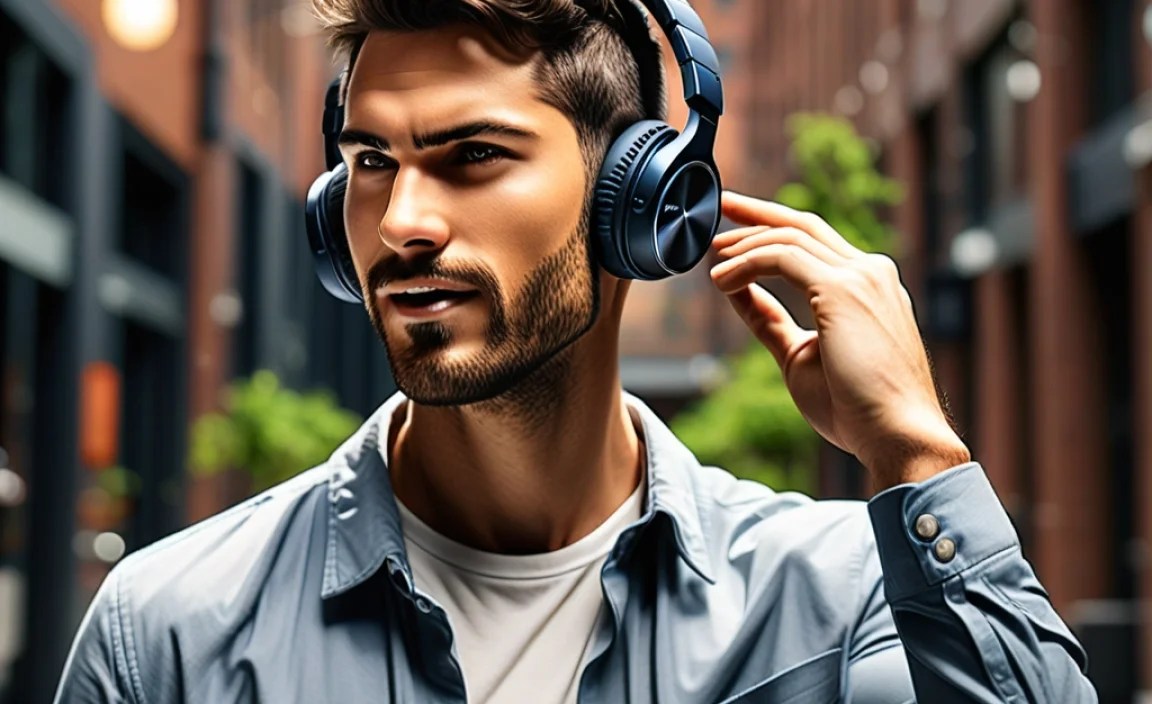
In today’s dynamic work environments, whether it’s a bustling open office, a quiet home study, or a busy coffee shop, Bluetooth headphones have become indispensable tools. They offer a blend of convenience and functionality that wired counterparts simply can’t match.
The freedom from tangled cords allows for unrestricted movement, which is incredibly useful when you need to grab a document, refill your coffee, or even take a quick walk to clear your head without missing a beat. This mobility is crucial for staying productive and engaged throughout the day.
Beyond just freedom of movement, Bluetooth headphones play a significant role in managing your auditory environment. With the right pair, you can effectively block out distracting office chatter, the hum of machinery, or the general noise of a busy commute. This ability to control your soundscape is vital for deep work and concentration.
Furthermore, they are designed with communication in mind, often featuring high-quality microphones that ensure your voice comes through clearly on conference calls and client meetings. This clarity is professional, reassuring, and essential for effective collaboration. For anyone looking to optimize their work experience, investing in good Bluetooth headphones is a smart, practical choice that pays dividends in productivity and well-being.
Key Features to Look For in Work Bluetooth Headphones

When selecting Bluetooth headphones specifically for work, certain features rise to the top of importance. It’s not just about how good the music sounds; it’s about how they integrate seamlessly into your professional life. Let’s break down the essentials:
1. Active Noise Cancellation (ANC)
This is arguably the most critical feature for most work environments. ANC technology uses microphones to detect external sounds and then generates opposing sound waves to cancel them out. This creates a quieter, more focused environment, especially effective against low-frequency, constant noises like office air conditioning, airplane engines, or traffic hum.
- Benefits: Significantly reduces distractions, improves concentration, and allows you to work effectively in noisy settings.
- Considerations: Not all ANC is created equal. Higher-end models offer more effective cancellation. Some users find ANC can cause a slight pressure sensation.
2. Microphone Quality and Call Clarity
If your work involves frequent calls, video conferences, or virtual meetings, the microphone is just as important as the speakers. Look for headphones that boast clear voice pickup and background noise reduction for the microphone itself. Some advanced models use multiple microphones to isolate your voice.
- Benefits: Ensures your voice is heard clearly by colleagues and clients, preventing miscommunication and enhancing professionalism.
- Considerations: Check reviews specifically mentioning microphone performance in real-world scenarios, not just lab tests.
3. Comfort and Ergonomics
You’ll likely be wearing these headphones for extended periods. Comfort is paramount to avoid fatigue, headaches, or ear irritation. Consider the weight, the clamping force (how tightly they grip your head), the ear cup material, and whether they fit over or on your ears.
- Benefits: Allows for all-day wear without discomfort, preventing distractions caused by physical irritation.
- Considerations: Over-ear (circumaural) headphones generally offer more comfort for long sessions than on-ear (supra-aural) ones.
4. Battery Life and Charging
A long battery life is essential for a full workday, especially if you can’t easily charge them during your shifts. Most decent work headphones offer anywhere from 20 to 40 hours of playback on a single charge. Fast charging is also a valuable perk.
- Benefits: Ensures your headphones won’t die mid-task, providing reliable use throughout the day and even into the next.
- Considerations: Check the advertised battery life with and without ANC enabled, as ANC typically consumes more power.
5. Connectivity and Multipoint Pairing
Seamless Bluetooth connectivity is a given, but multipoint pairing is a feature that many professionals find incredibly useful. This allows the headphones to connect to two devices simultaneously – for example, your laptop for work calls and your smartphone for personal music or calls. You can switch between them effortlessly.
- Benefits: Simplifies managing audio from multiple devices, avoiding the hassle of constantly disconnecting and reconnecting.
- Considerations: Ensure the switching is smooth and reliable; some implementations are better than others.
6. Durability and Build Quality
Your work headphones will likely experience daily wear and tear. Look for sturdy materials, reinforced joints, and a design that feels robust. A carrying case can also be a great accessory for protection when not in use.
- Benefits: Ensures your investment lasts longer and can withstand the rigors of daily use.
- Considerations: Materials like metal hinges and high-quality plastics generally indicate better durability than all-plastic constructions.
Types of Bluetooth Headphones for Work

When it comes to form factor, there are a few main types of Bluetooth headphones that excel in a work setting. Each has its strengths, catering to different preferences and work styles.
Over-Ear Headphones
These are the classic, full-sized headphones that completely encircle your ears. They often provide the best comfort for long wear and typically offer superior sound quality and noise cancellation due to the larger earcups and drivers.
- Pros:
- Excellent comfort for extended use.
- Superior passive noise isolation.
- Often deliver the best ANC and sound quality.
- Larger batteries can mean longer playtime.
- Cons:
- Can be bulky and less portable.
- May cause ears to get warm after prolonged use.
- Can sometimes feel too constricting for some users.
On-Ear Headphones
These headphones rest directly on your ears rather than around them. They are generally more compact than over-ear models and can be a good compromise between portability and sound quality.
- Pros:
- More compact and portable than over-ear.
- Lighter weight for some models.
- Allow for some awareness of your surroundings (less isolation).
- Cons:
- Can become uncomfortable after long periods due to pressure on the ears.
- Noise isolation is generally less effective than over-ear.
- Sound quality may not be as rich as over-ear models.
In-Ear Headphones (Earbuds)
Wireless earbuds are a popular choice for their extreme portability and discreetness. True wireless earbuds have no wires connecting the two earpieces at all. Many now offer good ANC and respectable microphone quality.
- Pros:
- Highly portable and discreet.
- Lightweight and comfortable for many people.
- Good passive isolation with well-fitting ear tips.
- Often come with a compact charging case.
- Cons:
- Battery life can be shorter per charge (though cases recharge them).
- Microphone quality can vary significantly between models.
- Can be easier to lose.
- ANC effectiveness may not match premium over-ear models.
Our Top Picks: Best Bluetooth Headphones for Work

Choosing the “best” is subjective and depends on your specific needs and budget. However, based on a combination of features like ANC, call quality, comfort, and battery life, here are some consistently highly-rated options that are excellent for work.
1. For the Ultimate Focus: Sony WH-1000XM Series (e.g., WH-1000XM5)
Sony’s flagship noise-cancelling headphones are legendary for a reason. They offer industry-leading ANC, superb sound quality, and comfortable earcups perfect for long work sessions. The microphones are also excellent for calls.
- Key Features:
- Exceptional Active Noise Cancellation.
- Rich, detailed audio.
- Comfortable for all-day wear.
- Long battery life (approx. 30 hours with ANC).
- Multipoint Bluetooth connection.
- Ideal For: Travelers, open-office workers, anyone needing to block out maximum noise.
2. For Seamless Connectivity & Calls: Bose QuietComfort Series (e.g., QuietComfort Ultra Headphones)
Bose is another giant in the ANC space, and their QuietComfort line consistently delivers. They are renowned for their supreme comfort and balanced sound. Their microphones have also seen significant improvements, making them reliable for calls.
- Key Features:
- Excellent noise cancellation.
- Very comfortable, lightweight design.
- Clear call quality.
- Good battery life (approx. 24 hours with ANC).
- Intuitive controls.
- Ideal For: Professionals who prioritize comfort and clear communication, frequent travelers.
3. For the Hybrid Professional: Jabra Evolve2 Series (e.g., Evolve2 75)
Jabra specializes in headsets for professionals, and the Evolve2 series is a prime example. These are built with collaboration in mind, offering excellent microphone performance, comfort, and features like active noise cancellation and busy lights to signal you’re on a call.
- Key Features:
- Superior microphone array for crystal-clear calls.
- Comfortable, ergonomic design for all-day wear.
- Effective ANC.
- Multipoint connectivity.
- Dedicated work features (e.g., talk-time indicators).
- Ideal For: Heavy callers, remote workers, open-plan office workers who need professional call quality.
4. Best Budget-Friendly ANC: Anker Soundcore Life Q30/Q35
If you’re looking for great value without sacrificing too many key features, Anker’s Soundcore line is fantastic. The Life Q30 and Q35 offer surprisingly good ANC, long battery life, and decent comfort at a fraction of the price of premium options.
- Key Features:
- Impressive ANC for the price.
- Very long battery life (around 40-60 hours without ANC).
- Comfortable earcups.
- Good default sound, with EQ customization via app.
- Multipoint connection.
- Ideal For: Students, budget-conscious professionals, those new to ANC.
5. Best True Wireless Earbuds for Work: Apple AirPods Pro (2nd Gen) or Jabra Elite 7 Pro/Active
For those who prefer the compact nature of earbuds, these are excellent choices. The AirPods Pro (if you’re in the Apple ecosystem) offer seamless integration, good ANC, and decent mics. The Jabra Elite 7 series (Pro for call quality, Active for a secure fit) are strong Android-friendly contenders with excellent call features and ANC.
- Key Features (AirPods Pro):
- Excellent ANC and Transparency mode.
- Seamless Apple device integration.
- Good call quality.
- Comfortable fit.
- Key Features (Jabra Elite 7 Pro/Active):
- Top-tier call quality with advanced mic technology.
- Good ANC.
- Secure fit (especially Active models).
- Multipoint connectivity.
- Ideal For: Those who prefer earbuds, mobile professionals, users within a specific ecosystem (Apple).
How to Maximize Your Work Headphones
Owning great headphones is only half the battle; using them effectively can significantly boost your productivity and enjoyment. Here are some tips and best practices:
1. Master Your Noise Cancellation Settings
Most modern ANC headphones offer adjustable levels or even specific modes (like “commute” or “office”). Experiment with these to find what works best for your environment. Some headphones also have a “transparency” or “aware” mode that lets in outside sound, which is useful for quick conversations or staying aware of your surroundings without removing them.
2. Optimize Microphone Usage
- Positioning: For over-ear headphones with boom mics, ensure the mic is positioned correctly near your mouth for the clearest pickup. For in-ear models, speak naturally, and the mics are usually positioned to pick up your voice well.
- Mute Button: Get familiar with the mute function on your headphones or within your communication software. It’s a polite and professional way to handle background interruptions.
- Environmental Noise: If your headphones have a dedicated setting for reducing background noise during calls, use it! Many also allow you to adjust mic sensitivity via an app.
3. Leverage Multipoint Pairing Wisely
If your headphones support multipoint connections, take advantage of it! Connect to your work laptop for official calls and your phone for personal notifications or music. Most systems will automatically pause music or calls from one device if a more important one comes in from the other. This seamless transition is a massive productivity saver.
4. Take Regular Breaks
Even the most comfortable headphones can cause fatigue if worn continuously for 8+ hours. Make it a habit to take short breaks every hour or two. Remove your headphones, stretch, and give your ears a rest. This can prevent discomfort and keep you feeling fresh.
5. Keep Them Charged and Updated
- Charging Habits: Get into a routine of charging your headphones fully overnight or during breaks if you know you have a heavy usage day. Many headphones also offer quick charging, so a 10-15 minute top-up can provide hours of playback.
- Firmware Updates: Manufacturers often release firmware updates that can improve ANC performance, call quality, connectivity, and battery management. Check your headphone’s companion app periodically and install updates.
For more information on how ambient noise affects focus, you can check out resources from institutions like the National Institute for Occupational Safety and Health (NIOSH), which discusses noise in the workplace.
Troubleshooting Common Work Headphone Issues
Even the best headphones can encounter hiccups. Here are some common issues and their simple solutions that can get you back to work quickly.
Issue 1: Bluetooth Connection Problems
Solutions:
- Restart Devices: Turn off Bluetooth on your connected device (phone/laptop) and then turn it back on. Also, power cycle your headphones off and on.
- Forget and Re-pair: Go into your device’s Bluetooth settings, find your headphones, select “Forget Device” or “Unpair,” and then re-initiate the pairing process.
- Check Distance: Ensure your headphones are within Bluetooth range of your device (typically up to 30 feet, but walls and interference can reduce this).
- Interference: Other wireless devices, microwaves, or even Wi-Fi routers can cause interference. Try moving away from potential sources.
Issue 2: Poor Microphone Quality During Calls
Solutions:
- Check Mic Mute: Ensure the microphone isn’t muted on the headphones or within your calling application.
- Clean the Mic Port: Gently clean the microphone openings with a dry, soft brush or compressed air. Avoid using liquids.
- Update Firmware: Ensure your headphones have the latest firmware installed, as updates can improve performance.
- Test in a Different App: If quality is bad in one app, try a different communication app to rule out software-specific issues.
Issue 3: ANC Not Working Effectively
Solutions:
- Check ANC Setting: Ensure ANC is actually turned on and not in a “
