
Quick Summary: Discover the best Bluetooth wireless headphones for your needs. This guide breaks down key features like sound quality, comfort, battery life, and active noise cancellation, empowering you to make a confident purchase. Learn what matters most for an enjoyable, wire-free listening experience.
Best Bluetooth Wireless Headphones: Your Essential Beginner’s Guide

Hey there, fellow music lovers and everyday listeners! Edward Cavitt here, ready to help you navigate the exciting world of wireless audio. We all love the freedom of ditching those tangled cords, but with so many fantastic Bluetooth headphones out there, choosing the right pair can feel a little overwhelming. Don’t worry, though! This guide is designed to make things simple. We’ll explore the essential features, what they mean for your listening pleasure, and how to pick headphones that are just right for you. Get ready to find your perfect wireless soundtrack!
Why Go Wireless? The Perks of Bluetooth Headphones

The biggest draw of Bluetooth headphones is, of course, the freedom they offer. No more getting snagged on doorknobs or untangling a mess before you can even put them on. But the benefits go beyond just convenience:
- Unmatched Freedom of Movement: Perfect for workouts, commuting, or just moving around the house without being tethered.
- Sleeker Designs: Wireless technology has allowed for some incredibly stylish and minimalist headphone designs.
- Universal Compatibility: Most modern smartphones, tablets, and laptops come equipped with Bluetooth.
- Enhanced Features: Many wireless models boast advanced features like active noise cancellation and smart assistants.
Key Features to Consider When Buying Bluetooth Headphones

When you’re on the hunt for the best Bluetooth wireless headphones, looking at a few key features will help you narrow down your choices. Think of these as your essential checklist.
1. Sound Quality: What Will Your Music Sound Like?
This is arguably the most important factor for any headphone. For Bluetooth headphones, sound quality is influenced by a few things:
- Drivers: These are the small speakers inside your headphones that create sound. Larger drivers often mean a richer sound, but it’s more about the tuning and quality of the drivers.
- Bluetooth Codecs: Codecs are like translators that send audio data wirelessly. Different codecs offer different levels of audio quality and efficiency. Common ones include SBC (basic, widely compatible), AAC (better than SBC, good for Apple devices), aptX and aptX HD (offering near CD-quality sound for compatible Android devices), and LDAC (Sony’s high-resolution codec). For the best sound, look for headphones that support AAC or, ideally, aptX HD or LDAC if your device also supports them.
- Brand Tuning: Different brands have different sound signatures. Some prefer a neutral, balanced sound, while others boost bass or treble. Reading reviews can give you a good idea of a headphone’s sound profile.
2. Comfort and Fit: Wear Them For Hours
If your headphones aren’t comfortable, you won’t want to wear them, no matter how good they sound. Consider:
- Headphone Type:
- Over-ear (Circumaural): These cups completely surround your ears. They often offer the best comfort for long listening sessions and good passive noise isolation.
- On-ear (Supra-aural): These rest on your ears. They can be more compact but might cause discomfort after extended use and less noise isolation.
- In-ear (Earbuds/IEMs): These go inside your ear canal. They are the most portable and are great for active use but require a good seal for optimal sound and noise isolation. Look for multiple tip sizes for a secure fit.
- Weight: Lighter headphones generally mean more comfort, especially for over-ear models.
- Materials: Soft earcups (like memory foam) and adjustable headbands contribute significantly to long-term comfort.
3. Battery Life and Charging: Stay Powered Up
This is crucial for wireless devices. You don’t want your headphones dying mid-commute or during an important call.
- Playback Time: Look for headphones that offer at least 8-10 hours of battery life on a single charge for in-ear and on-ear models, and 20+ hours for over-ear headphones. Many premium models offer 30 hours or more.
- Quick Charging: Most modern headphones come with a quick charge feature, giving you a few hours of playback from just 10-15 minutes of charging.
- Charging Method: USB-C is the current standard and widely compatible. Some earbuds also come with charging cases that extend battery life significantly.
4. Active Noise Cancellation (ANC): Silence the World
ANC uses microphones to detect ambient noise and generate opposing sound waves to cancel it out. It’s a game-changer for noisier environments like airplanes, trains, or busy offices.
- Effectiveness: ANC quality varies. Higher-end headphones generally offer more effective noise cancellation.
- Transparency Mode: This feature allows you to hear your surroundings without taking off your headphones, which is great for situational awareness (e.g., hearing announcements or talking to someone briefly).
- ANC & Battery Life: Be aware that ANC can consume extra battery power.
5. Microphone Quality: For Calls and Voice Commands
If you plan to use your headphones for calls or interacting with voice assistants, the microphone quality is important. Look for reviews that specifically mention call quality in both quiet and noisy environments. Some headphones use multiple microphones to isolate your voice.
6. Connectivity: Stable and Seamless Pairing
Stable Bluetooth connectivity is key. Most headphones use Bluetooth 4.0 or newer. Newer versions (like 5.0, 5.1, 5.2, 5.3) offer better range, faster pairing, and improved power efficiency. Look for features like:
- Multipoint Pairing: This allows your headphones to connect to two devices simultaneously (e.g., your phone and laptop), seamlessly switching between them.
- Reliable Connection: Read reviews to ensure the connection is generally stable and doesn’t drop out frequently.
7. Durability and Build Quality: Built to Last
Your headphones should be able to withstand daily use. Consider the materials used and whether they feel robust. For sports or travel, look for water resistance or sweatproofing (often indicated by an IP rating). For example, an IP rating of IPX4 or higher is generally good for sweat resistance.
Types of Bluetooth Wireless Headphones for Every Need

The “best” headphones are subjective and depend heavily on how you plan to use them. Here’s a breakdown of common categories:
For Music Lovers and Commuters: Over-Ear Headphones
These are often the champions for immersive sound, comfort, and effective Active Noise Cancellation. If you want to block out the world and sink into your music, over-ear is usually the way to go. They tend to have the best battery life and features.
For the Active Lifestyle: True Wireless Earbuds
Tiny, discreet, and completely cable-free, true wireless earbuds are fantastic for working out, running, or just easy portability. Look for a secure fit, good battery life (often extended by the charging case), and sweat/water resistance.
For Everyday Versatility: Neckband Earbuds
These feature two earbuds connected by a band that rests around your neck. They offer a good balance of convenience (always around your neck, less likely to lose) and decent sound. They often have longer battery life than true wireless earbuds and can be more comfortable for some users during extended listening.
For On-the-Go Professionals: On-Ear Headphones
More compact than over-ears, on-ear headphones can be a good compromise for portability and sound. They might not offer the same level of isolation or comfort as over-ears, but they are lighter and often more affordable.
Understanding Bluetooth Audio Codecs: A Simple Explanation
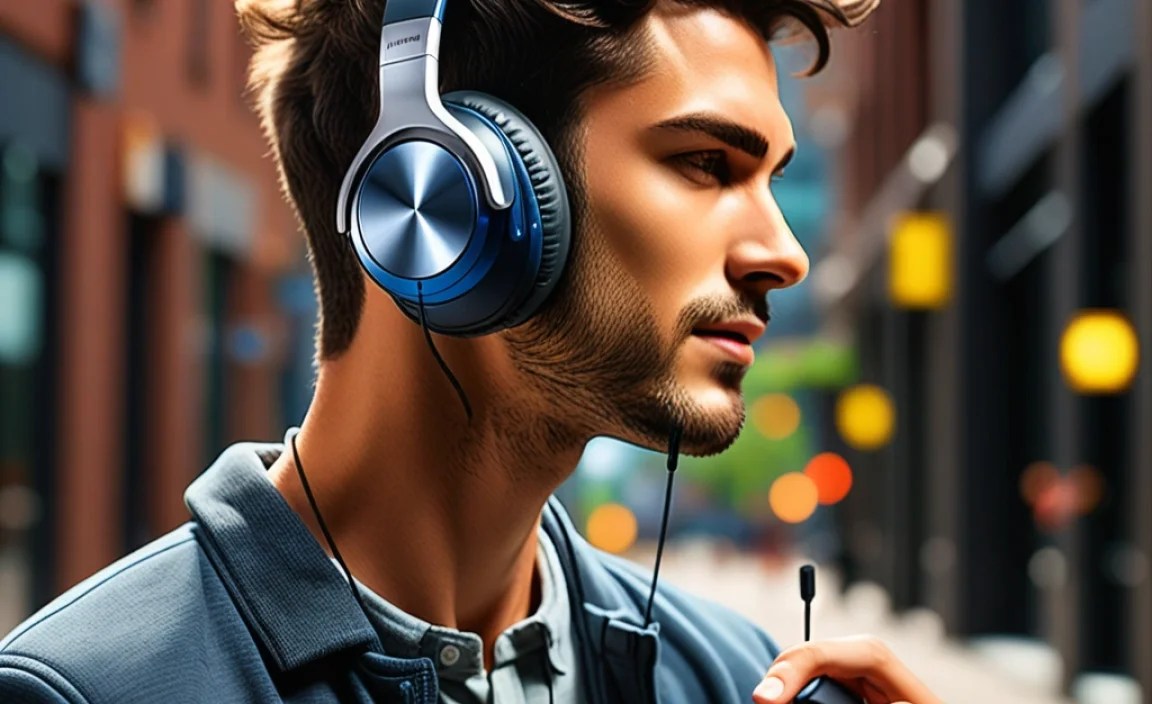
We touched on this earlier, but codecs are worth a slightly deeper dive because they directly impact sound quality. Think of a codec as a language that your headphones and your device use to talk to each other wirelessly. A better language means clearer and more detailed communication (sound).
Here’s a quick look at common codecs:
| Codec | Manufacturer/Standard | Pros | Cons |
|---|---|---|---|
| SBC | Bluetooth SIG (Standard) | Universal compatibility, lowest power consumption. | Basic sound quality, can be compressed. |
| AAC | Apple | Better sound quality than SBC, efficient for Apple devices. | Less common on Android devices. |
| aptX / aptX HD / aptX Adaptive | Qualcomm | Near CD-quality audio, low latency (good for video), adaptive to connection quality. | Requires support from both device and headphones. AptX HD is more power-hungry than standard aptX. |
| LDAC | Sony | Highest potential audio quality (high-res audio), very good for detailed music. | Consumes more power, can be less stable in areas with much wireless interference, primarily on Sony and some Android devices. |
To get the best sound, both your headphones and your audio source (phone, tablet) need to support the same advanced codec. Your device will usually default to the best available codec supported by both devices. For most everyday users, AAC or aptX will provide a significant upgrade over SBC. For audiophiles, LDAC or aptX HD are the goals.
Making Your Choice: A Step-by-Step Approach
Ready to find your perfect pair? Follow these steps to make an informed decision:
Step 1: Define Your Primary Use Case
Where and how will you mostly use your headphones?
- Commuting/Travel: Prioritize Active Noise Cancellation (ANC) and long battery life. Over-ear models are great here.
- Workout/Sports: Focus on a secure fit, sweat/water resistance (IPX rating), and portability. True wireless earbuds are ideal.
- Home/Office Listening: Comfort for long periods and excellent sound quality are key. Over-ear or comfortable on-ear models work well.
- All-Around Use: Look for good balance: decent ANC, comfort, good battery life, and solid sound. Many premium over-ear or hybrid earbuds can fit this bill.
Step 2: Set Your Budget
Bluetooth headphones range from under $50 to well over $500. Decide how much you’re willing to spend. Generally, you get better sound quality, ANC, battery life, and build quality as you move up
