
Quick Summary: Discover the best headphone stands to protect your valuable audio gear, declutter your space, and showcase your headphones. This guide covers different types, materials, features, and what to look for to find the perfect stand for your needs, ensuring both style and functionality.
Best Headphone Stands: An Essential Guide
Hey there! Edward Cavitt here from headphonehorizon. If you’ve invested in a great pair of headphones, you know they’re more than just a listening device – they’re a gateway to your favorite music, podcasts, and immersive gaming worlds. Just like any cherished item, they deserve proper care and a designated home. Enter the headphone stand. It’s a simple accessory, but it can make a world of difference in keeping your headphones safe, looking sharp, and your desk tidy. Think of it as a stylish parking spot for your audio companions. In this guide, we’ll explore why you need one, the different types available, and how to choose the absolute best headphone stand for your setup. Let’s dive in and give your headphones the home they deserve!
Why You Need a Headphone Stand

It might seem like a luxury, but a headphone stand is actually a practical essential for any headphone user. Here’s why:
- Protection: Keeps headphones from getting knocked over, tangled with other cables, or accidentally damaged when not in use. This is especially important for expensive, delicate audiophile headphones.
- Cable Management: Many stands help organize your headphone cable, preventing knots and keeping your workspace neat.
- Preserves Headband and Earcups: Resting your headphones properly on a stand can prevent pressure points from forming on the headband and earcups, potentially extending their lifespan.
- Aesthetics: A good headphone stand can be a stylish addition to your desk, showcasing your headphones rather than hiding them away.
- Longevity and Value: By preventing damage and wear, a stand implicitly helps maintain the value and performance of your headphones over time.
Types of Headphone Stands

The world of headphone stands is surprisingly diverse, offering something for every taste, budget, and space constraint. Let’s break down the most common types:
1. Desktop Headphone Stands
These are the most popular and versatile. They sit on your desk or table and typically offer a simple, elegant way to display and store your headphones.
- Basic Stands: Often made of simple metal, wood, or plastic, these have a hook or a curved arm to hang your headphones from. They prioritize simplicity and affordability.
- Multi-functional Stands: These go beyond just holding headphones. Some come with built-in USB hubs, wireless charging pads, or even integrated speakers. They are great for maximizing desk real estate.
- Under-Desk Mounts: Designed to be screwed or adhered beneath your desk, these are fantastic for saving surface space and keeping things completely out of sight when not in use.
2. Wall-Mounted and Free-Standing Racks
If desk space is at a premium, or you want a more prominent display, consider these options.
- Wall Mounts: These are typically simple hooks or shelves that attach to your wall. They’re discreet and save all desk space.
- Freestanding Racks: These are often taller units with multiple arms or shelves, ideal for storing several pairs of headphones or other audio accessories like microphones.
3. Portable Headphone Stands
For those who travel or move their headphones around frequently, portable options offer convenience.
- Collapsible Stands: These can be folded down into a compact size, fitting easily into a bag.
- Compact Travel Stands: Small, often minimalist designs that provide a stable base for headphones without taking up much space.
Materials and Design Considerations
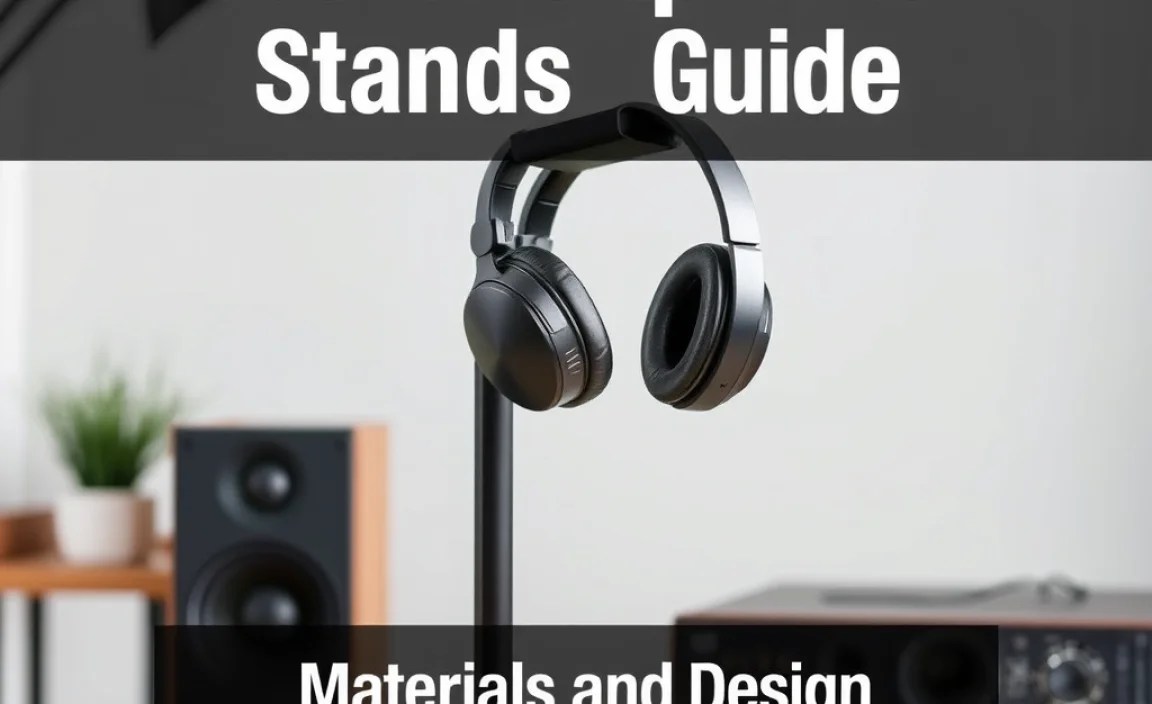
The material and design of a headphone stand play a big role in its durability, aesthetics, and how well it protects your headphones.
Popular Materials:
- Metal (Aluminum, Steel): Very durable and often have a modern, sleek look. They are sturdy and can support heavier headphones without issue.
- Wood (Bamboo, Walnut, Oak): Offers a warm, natural aesthetic that can complement various desk setups. Wood stands are generally stable but can be more susceptible to scratches than metal.
- Plastic (ABS, Acrylic): Lightweight, affordable, and available in many colors and designs. High-quality plastics can be surprisingly durable, but cheaper plastics might feel flimsy.
- Leather/Faux Leather Accents: Often used on the headband rest of more premium stands to prevent scratches and provide a softer surface.
Key Design Features to Look For:
- Ergonomic Headband Rest: A curved, padded, or smooth surface that conforms to the shape of your headphone headband. This distributes weight evenly and prevents creasing or damage. Look for materials that won’t leave marks or residues.
- Stability: The stand should be heavy enough or have a wide base to prevent tipping, especially when you take your headphones off or put them on. Non-slip feet are a big plus.
- Cable Management: Some stands have built-in clips, hooks, or channels to route your headphone cable neatly, keeping it from dangling too much.
- Footprint: Consider the amount of desk space you’re willing to give up. Some stands are very compact, while others are larger to accommodate extra features or multiple headphones.
- Weight Capacity: If you own heavy, full-sized studio headphones, ensure the stand can support their weight without bending or collapsing.
Choosing the Best Headphone Stand for You

With so many options, how do you pick the “best” headphone stand? It really depends on your individual needs and preferences. Here’s a step-by-step process to help you decide:
Step 1: Assess Your Needs
- How many headphones do you need to store? One pair, multiple pairs, or just your primary set?
- What type of headphones do you have? Lightweight on-ear, bulky over-ear, or gaming headsets with microphones?
- What is your budget? Stands range from under $10 to over $100.
- What is your aesthetic preference? Modern, minimalist, natural, or something with integrated tech?
- What is your available space? Do you have ample desk space, or do you need a compact or wall-mounted solution?
- Do you need extra features? Like USB ports, wireless charging, or cable management?
Step 2: Consider Different Types and Materials
Based on your needs assessment, start narrowing down the types of stands and materials that would be most suitable. For example:
- For gamers with a headset and multiple accessories: A multi-functional desk stand with USB ports and perhaps a hook for a controller might be ideal.
- For audiophiles with expensive headphones emphasizing preservation: A solid wood or metal stand with a well-padded, shaped rest would be a good bet.
- For students or those in small apartments: An under-desk mount or a sleek, minimalist stand would maximize space.
- For frequent travelers: A collapsible or compact portable stand is necessary.
Step 3: Read Reviews and Compare Features
Once you have a few contenders, it’s time to do some research. Look for product reviews on retail sites or tech blogs. Pay attention to comments regarding stability, build quality, and how well the rest accommodates different headphone sizes.
Here’s a quick comparison of some popular stand types:
| Stand Type | Pros | Cons | Best For |
|---|---|---|---|
| Basic Desktop Stand | Affordable, simple, good for one pair, minimal footprint. | Limited features, can get cluttered. | Casual listener, minimalists. |
| Multi-functional Desk Stand | Space-saving, integrated tech (USB, charging), tidy. | Can be more expensive, potential for more wires. | Gamers, professionals with multiple devices. |
| Under-Desk Mount | Maximizes desk space, hidden storage, clean look. | Requires installation, less accessible, might not fit all desks. | Small spaces, tidiness enthusiasts. |
| Wall Mount | Saves all desk space, clean display option. | Requires drilling, limited accessibility when mounted. | Minimalist setups, limited desk space. |
| Portable Stand | Lightweight, compact for travel, easy storage. | Less stable, often basic features, not for permanent display. | Travelers, frequent movers. |
Step 4: Consider Brand Reputation and Warranty
Brands known for quality audio accessories often make reliable headphone stands. Check if the stand comes with any warranty – it’s a good indicator of the manufacturer’s confidence in their product.
For example, brands often praised for their headphone accessories include Avantree, ElevationLab, Satechi, and many others that specialize in desk organization and tech peripherals. Researching these brands can give you a good starting point.
Step 5: Final Check for Compatibility and Fit
Before purchasing, double-check the dimensions or any specifications that might indicate compatibility with your specific headphone model. While most stands are quite universal, some very large or unusually shaped headphones might pose a challenge.
Top Features to Look For in a Headphone Stand
Beyond the basic functionality, several premium features can elevate a headphone stand from merely useful to truly essential.
1. Robust Build Quality
This is paramount. A flimsy stand isn’t just unsightly; it’s a risk to your headphones. Look for stands with:
- Solid construction (no wobbling).
- Durable materials (metal, dense wood, quality plastics).
- Clean finishes that won’t chip or peel easily.
2. Non-Slip Base or Feet
A stand that slides around is a disaster waiting to happen. Ensure it has:
- A weighted base.
- Rubber or silicone feet.
- A rubberized or textured surface on the headband rest.
3. Headband Protection
The part that touches your headphone’s headband is crucial. It should be:
- Curved: To match the natural arc of a headband.
- Padded or Smooth: Typically with silicone, rubber, or smooth wood to prevent scratching or indenting.
- Appropriately Sized: Wide enough to support the headband without concentrating pressure.
4. Integrated Cable Management
Tangled wires are an eyesore and a nuisance. Stands with clever cable management solutions include:
- Built-in hooks or loops.
- Grooves or channels on the stand’s body.
- A base designed to wrap cables.
This feature significantly contributes to a clean and organized workspace.
5. Extra Functionality (for multi-purpose stands)
These can be real game-changers for streamlining your setup:
- USB Hubs: For charging devices or connecting peripherals.
- Wireless Charging Pads: Convenient for qi-enabled smartphones or earbuds.
- Audio Ports: Less common, but some stands integrate DACs or headphone amplifiers.
- RGB Lighting: Primarily for gaming setups, adding visual flair.
When considering these, think about whether you actually need them or if they’re just adding complexity and cost.
6. Aesthetic Harmony
Your headphone stand should ideally complement the rest of your setup. Whether you prefer a minimalist metallic look, the warmth of wood, or a pop of color, choose a stand that enhances your desk’s overall appearance.
DIY Headphone Stand Ideas
Feeling crafty? You can create your own headphone stand, often with simple materials, for a truly personalized touch or as a budget-friendly option. Here are a few beginner-friendly DIY ideas:
1. The Simple Wood Block Stand
Materials: A solid block of wood (e.g., a 4×4 post, a nice piece of scrap wood), a jigsaw or handsaw, sandpaper, wood finish (optional), rubber feet (optional).
Steps:
- Cut the wood block to your desired height.
- (Optional) Cut a gentle arc or notch into the top surface to cradle your headphone headband.
- Sand all edges smooth.
- Apply a wood finish if desired.
- (Optional) Attach rubber feet to the bottom for stability.
2. Pegboard Mount
Materials: A piece of pegboard, some pegboard hooks (L-shaped or J-shaped), screws and anchors if mounting to a wall.
Steps:
- Determine where on your pegboard you want your headphones to hang.
- Insert a sturdy pegboard hook, ensuring it’s strong enough to support the weight.
- Hang your headphones by their headband on the hook.
This is a fantastic, modular solution for anyone already using pegboard for organization.
3. Upcycled Materials Stand
Materials: Old camera tripod, sturdy plastic pipe and fittings, even a large, decorative rock with a suitable notch.
Steps:
- Assess the material and how it can be modified (cut, notched, glued) to create a stable base and a resting place for headphones.
- Ensure stability and smooth contact points for the headphones.
The key here is creativity and ensuring the final product is safe for your headphones.
Important Note for DIY: Always ensure your DIY stand provides a smooth, non-damaging surface where the headphones will rest. Avoid sharp edges or materials that could scratch or dent your precious audio gear. A poorly made stand can do more harm than good.
Maintaining Your Headphones and Stand
Once you have a great stand, keeping both it and your headphones in top shape is easy.
Headphone Care:
- Cleaning: Regularly wipe down the earcups and headband with a slightly damp microfiber cloth. For tougher grime, use audiophile-specific cleaning solutions, or a very mild soap and water solution if recommended by the headphone manufacturer. Refer to CNET’s guide for detailed cleaning tips.
- Cable Management: Avoid coiling the cable too tightly. Gentle looping is better for the internal wires.
- Avoid Exposure: Keep headphones away from direct sunlight, extreme heat, and moisture, as these can degrade materials and damage electronics.
Stand Care:
- Dusting: Regularly dust your stand with a soft cloth, especially if it’s made of wood which can hold dust.
- Cleaning Materials: For metal or plastic stands, a damp cloth is usually sufficient. For wood, use a wood polish occasionally. For leather rests, use a leather cleaner as needed.
- Check Stability: Periodically ensure the stand is still stable and any non-slip feet are intact.
Proper care ensures both your headphones and their stand continue to perform and look their best for years to come.
Frequently Asked Questions (FAQ)
Q1: Do I really need a headphone stand? Can’t I just leave them on my desk?
While you can leave them on your desk, a headphone stand is highly recommended for protection. It prevents accidental falls, cable tangles, and potential damage to the headband or earcups from resting them precariously. It also contributes to a tidier workspace and can enhance the longevity of your headphones.
Q2: What’s the best material for a headphone stand to avoid damaging my headphones?
The best materials for the part that touches your headphone’s headband are smooth, non-abrasive ones like soft silicone, rubber, smooth finished wood, or padded leatherette. These materials prevent scratches and indentations. Avoid rough or unfinished materials that could snag or damage the headband over time.
Q3: Are multi-functional headphone stands worth the extra cost?
They can be, especially if you value desk space and convenience. If you frequently need extra USB ports or a place to wirelessly charge your phone, a stand that integrates these features can declutter your desk and streamline your charging routine. However, if you only need a place to store headphones, a simpler stand might be more cost-effective.</
