
Quick Summary: Discover the best headphones for college students, balancing price, sound quality, and durability. This guide helps you choose models perfect for studying, commuting, and unwinding, with tips on features and care to last your academic journey.
Best Headphones For College Students: Your Essential Guide
Hey there, fellow audio adventurers and students! Edward Cavitt here, your guide to all things headphones at headphonehorizon. Navigating the world of headphones can feel like trying to tune an orchestra – a lot of knobs, wires, and confusing terms! But don’t worry, that’s where I come in. Today, we’re zeroing in on a crucial demographic: college students. Whether you’re trying to block out noisy dorms for a study session, power through a long commute, or just escape into your favorite tunes, having the right pair of headphones is a game-changer. We’ll break down what makes a headphone “great” for student life, look at essential features, and help you make a smart choice that fits your budget and your ears. Let’s dive in and find your perfect audio companion!
Why the Right Headphones Matter for College Life

College is a whirlwind of activity. From late-night study sessions fueled by caffeine to early morning lectures, and everything in between, your headphones are often your personal oasis. They’re not just for listening to music; they’re your study partners, your focus enhancers, and your stress relievers. Imagine drowning out the chatter in the library, immersing yourself in an online lecture with crystal-clear audio, or enjoying a podcast on a chilly walk across campus. The right pair can transform these everyday moments. Conversely, a poor pair can lead to discomfort, frustration, and even distraction, hindering your academic success and overall well-being. This guide is designed to make sure you get the right pair, the one that supports your studies, uplifts your spirit, and stands up to the rigors of student life.
Key Features to Consider When Buying Headphones

When you’re a student on a budget, every feature counts. You want value, performance, and durability. Let’s break down the most important aspects to look for:
1. Sound Quality: Beyond Just Loud
This is subjective, of course, but for students, a balanced sound profile is usually best. You don’t necessarily need booming bass if you’re trying to focus on an audiobook or lecture. Look for clarity in vocals and mids, which are crucial for spoken word content and detailed music. Many headphones offer different sound signatures. Some are “warm,” with more emphasis on bass and lower mids, which can be great for casual listening. Others are “neutral” or “bright,” with clearer highs and mids, making them excellent for analytical listening or detailed study materials. Don’t be afraid to read reviews that describe the sound profile in simple terms.
2. Comfort & Fit: All-Day Wearability
You’ll be wearing these for hours – in lectures, libraries, and study groups. Comfort is paramount. Consider these types:
- Over-ear headphones: These cup around your ears. They often provide excellent comfort and passive noise isolation (blocking sound just by their design). Look for plush earcups and an adjustable headband that doesn’t pinch.
- On-ear headphones: These rest on your ears. They can be lighter but might become uncomfortable after extended wear if the clamping force is too high.
- In-ear headphones (earbuds): These fit inside your ear canal. They are very portable and can offer good noise isolation. Ensure they come with multiple ear tip sizes (silicone, foam) to get a secure and comfortable seal.
Tip: If possible, try headphones on before buying. If not, check return policies and read reviews specifically mentioning long-term comfort.
3. Durability: Built to Last Through Semesters
Student life can be tough on gear. Your headphones will likely get tossed in a backpack, travel on buses, and survive the occasional accidental drop. Look for headphones made with sturdy materials like reinforced plastics or metal components. Flexible headbands and robust hinges are good indicators of durability. Wireless headphones also need to consider battery life and charging port longevity.
4. Portability & Design: Style Meets Function
Will you be carrying them around campus all day? If so, a compact and lightweight design is essential. Many headphones fold up neatly, making them easy to store in a backpack. Wireless options offer the freedom of no tangled cords, which is a huge plus for students on the go. Consider a design that isn’t overly flashy, blending well with a typical student aesthetic.
5. Noise Cancellation (Active vs. Passive)
This is a big one for college students who need to find their focus zone. There are two main types:
- Passive Noise Isolation: This relies on the physical design of the headphones to block out external noise. Good over-ear and in-ear headphones with a snug fit offer excellent passive isolation.
- Active Noise Cancellation (ANC): This technology uses microphones to detect ambient sound and actively cancel it out with opposing sound waves. ANC is incredibly effective at blocking out low-frequency noises like airplane engines, bus hum, or general background chatter. It’s a fantastic tool for creating quiet study environments.
Note: ANC headphones are typically more expensive, but for many students, the ability to create silence is well worth the investment.
6. Wireless vs. Wired: Connectivity Choices
Wireless (Bluetooth): Offer freedom from tangled cables. They’re great for commuting and moving around. Key considerations include battery life, Bluetooth version (newer is better for stability and quality), and ease of pairing. Most modern smartphones are ditching headphone jacks, making wireless almost a necessity.
Wired: Generally cheaper, often offer better sound quality for the price, and never run out of battery. However, they can be cumbersome with multiple cables getting in the way. A good option if you have a device with a headphone jack and prioritize budget or raw audio fidelity over convenience.
7. Battery Life (For Wireless)
If you opt for wireless headphones, battery life is critical. You don’t want your headphones dying mid-lecture or during a crucial study session. Look for models offering at least 15-20 hours of playback on a single charge. Fast charging capabilities are also a big bonus – a few minutes of charging can give you hours of listening time.
Top Headphone Categories & Recommendations for Students
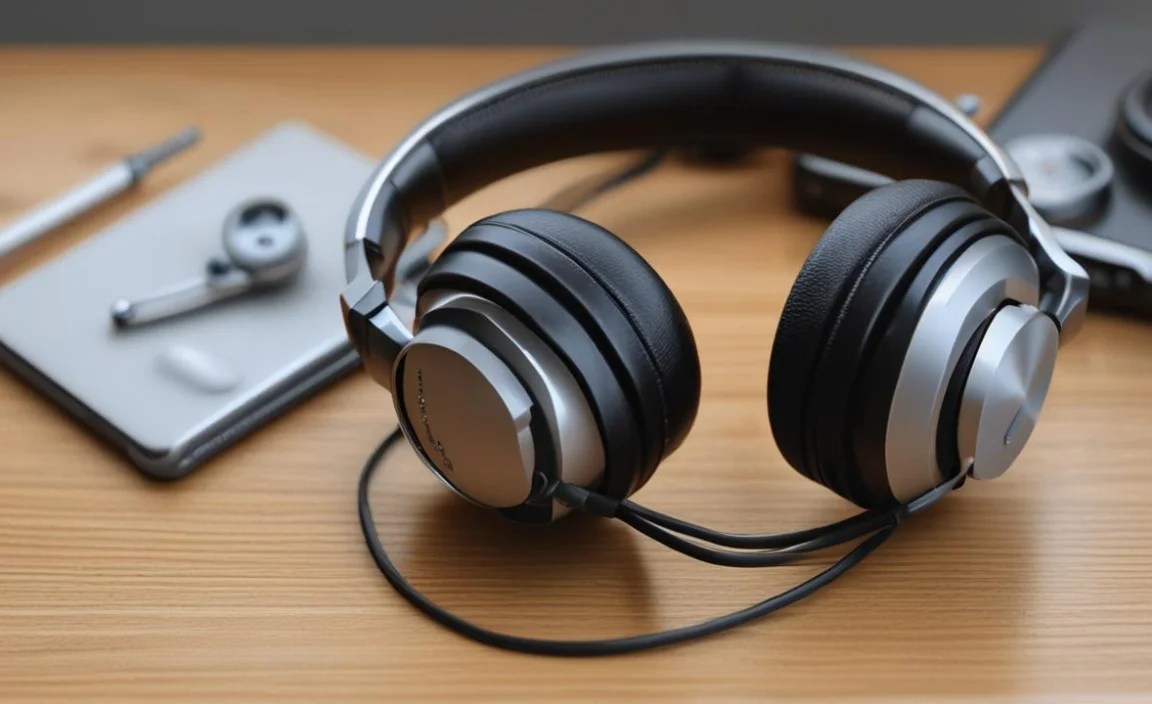
Based on these features, let’s look at the types of headphones that often suit college students best. While specific models change rapidly, these categories and representative examples will guide you.
1. The All-Rounder: Versatile Over-Ear Headphones
These are often the go-to for students seeking a balance of comfort, sound quality, and features like ANC. They provide great immersion for music and lectures, and good passive isolation for study.
Pros: Excellent comfort for long wear, good sound quality, often come with ANC, good passive noise isolation.
Cons: Can be bulkier than other types, generally more expensive, especially with ANC.
Who it’s for: Students who spend a lot of time studying in noisy environments, love immersive music, or travel frequently.
Example Brands/Models to Research: Sony WH-1000XM series (premium ANC), Bose QuietComfort series (legendary comfort and ANC), Sennheiser Momentum series (premium sound), Jabra Elite 75t (if looking for an over-ear option that’s also good for calls).
2. The Commuter’s Champion: Portable & Effective In-Ear Headphones (Earbuds)
For maximum portability and discretion, true wireless earbuds are fantastic. They fit in a small charging case, are easy to slip into a pocket, and newer models boast impressive battery life and sound quality. ANC is becoming common in earbuds too.
Pros: Extremely portable, discreet, often come with good noise isolation or ANC, sweat and water-resistant options are great for workouts.
Cons: Can be easy to lose, fit is critical for sound and isolation, battery life per charge (not including case) can be shorter, can be more expensive for advanced features.
Who it’s for: Students who prioritize portability, work out, or want a minimalist audio setup.
Example Brands/Models to Research: Apple AirPods Pro (seamless Apple integration), Sony WF-1000XM series (excellent ANC for earbuds), Jabra Elite Active series (rugged workout buds), Samsung Galaxy Buds (great for Android users).
3. The Budget-Conscious Choice: Affordable Wired Options
Don’t have a huge budget? Wired headphones still offer fantastic value. You can get incredible sound quality for a fraction of the price of their wireless, ANC-equipped counterparts. They’re also reliable – no Bluetooth pairing issues or battery anxiety.
Pros: Excellent value for money, no batteries to charge, simple to use, often lightweight.
Cons: Wired cables can be annoying, no ANC unless you specifically look for wired ANC models (rare), dependent on devices with headphone jacks.
Who it’s for: Students on a tight budget, those with devices that still have a headphone jack, or audiophiles who prioritize pure sound reproduction over wireless convenience.
Example Brands/Models to Research: Audio-Technica ATH-M series (studio standard, great for detail), Sennheiser HD series (various models offer great value), AKG K series (balanced sound), Skullcandy (youthful designs and decent affordable options).
4. The Study Buddy: Noise-Canceling Focused Headphones
If your primary goal is to create a silent study zone, then active noise-cancellation (ANC) is your best friend. Whether over-ear or in-ear, ANC headphones can make a world of difference in busy dorms, bustling cafes, or noisy shared living spaces.
Pros: Excellent at blocking ambient noise, create a peaceful environment for focus.
Cons: Typically more expensive, can sometimes introduce a slight “pressure” feeling for some users.
Who it’s for: Students who are easily distracted by noise, live in loud environments, or need absolute quiet to concentrate.
Example Brands/Models to Research: Sony WH-1000XM series, Bose QuietComfort series, Apple AirPods Pro, Sennheiser PXC series.
Headphones for College Students: A Comparison Table

Here’s a quick look at how different types of headphones stack up for student needs:
| Feature | Over-Ear (ANC) | True Wireless Earbuds (ANC) | Wired On-Ear/Over-Ear | True Wireless Earbuds (No ANC) |
|---|---|---|---|---|
| Best For: | Immersive Study & Travel | Portability & Active Use | Budget & Simplicity | Portability & Casual Listening |
| Noise Blocking: | Excellent (ANC + Passive) | Very Good (ANC + Passive) | Good (Passive only) | Good (Passive only) |
| Comfort (Long Wear): | Excellent | Good (can vary by fit) | Good (can vary by fit) | Good (can vary by fit) |
| Portability: | Moderate (foldable) | Excellent (pocketable case) | Good (foldable) | Excellent (pocketable case) |
| Durability: | Good (depends on model) | Good (case protects buds) | Good (depends on build) | Good (case protects buds) |
| Price Range: | $$$ | $$$ | $ to $$ | $$ |
Essential Features Beyond the Basics
Once you’ve narrowed down the type, let’s look at some other features that can make life easier for a college student.
1. Built-in Microphones & Call Quality
If you plan on taking calls, joining online classes (Zoom, Google Meet), or chatting with friends, a good microphone is crucial. Look for headphones with clear, noise-isolating microphones that can pick up your voice without being drowned out by background noise. Many modern wireless headphones boast impressive call quality, so check reviews specifically for microphone performance.
2. Connectivity: Bluetooth Versions and Multipoint
For wireless headphones, Bluetooth version matters. Bluetooth 5.0 and later offer better range, faster speeds, and more stable connections, leading to less dropouts. Multipoint pairing is a fantastic feature that allows your headphones to connect to two devices simultaneously (e.g., your laptop and your phone). This means you can be listening to music on your laptop and seamlessly answer a call from your phone without re-pairing.
3. Water and Sweat Resistance (IPX Rating)
If you’re active – hitting the gym, jogging to class, or just caught in the rain – look for headphones with an IPX rating (like IPX4 or higher). This indicates resistance to splashes and sweat, ensuring your headphones can handle a bit of moisture without damage. This is particularly common in true wireless earbuds designed for sports.
4. Companion Apps and Customization
Many higher-end headphones come with companion apps that allow you to customize the sound (EQ settings), adjust ANC levels, update firmware, and even customize button controls. This can be a great way to tailor the listening experience to your specific preferences, whether it’s boosting bass for your workout playlist or fine-tuning the EQ for audiobooks.
5. Fast Charging and Long Standby Time
We’ve touched on battery life, but fast charging is a lifesaver. A USB-C port is also standard now for quick and universal charging. Look for headphones that can give you a few hours of playback with just a 10-15 minute charge. Long standby time means they’ll still have juice even if you haven’t used them for a few days.
Maintaining Your Headphones for Longevity
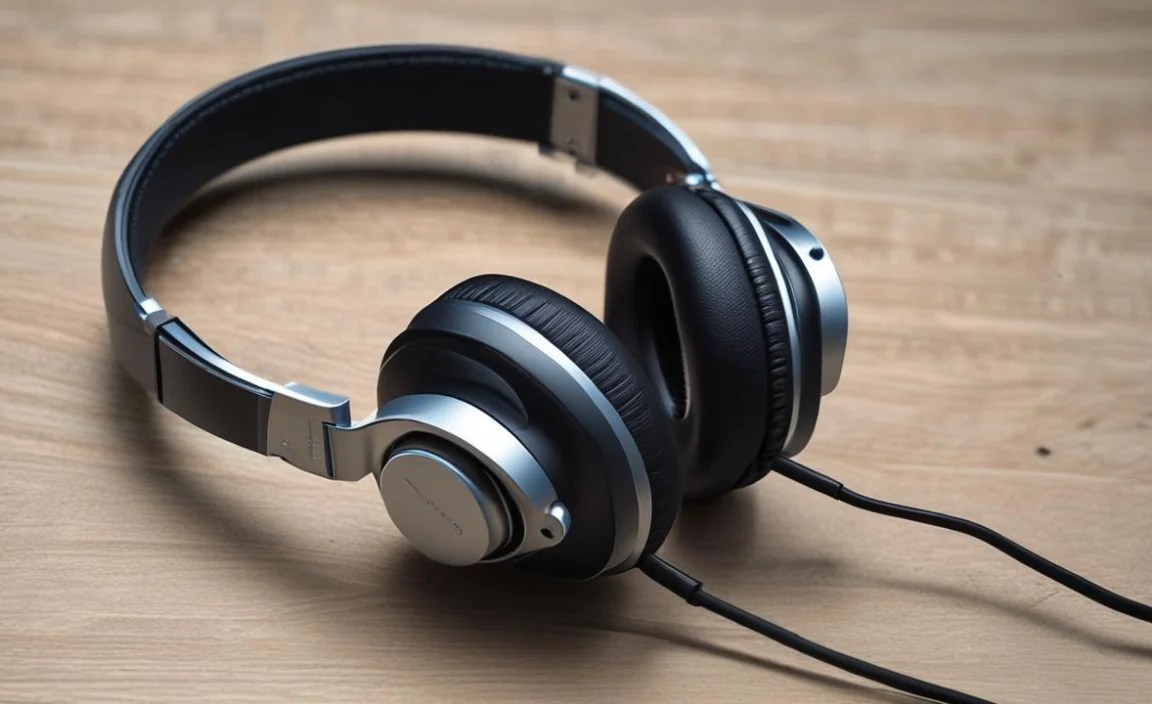
Investing in good headphones means taking care of them. These simple maintenance steps will help them last through your college years and beyond:
Daily Care: Quick Wipes and Storage
After each use, especially if worn during exercise or in a humid environment, gently wipe down the earcups and earpads with a dry microfiber cloth or a slightly damp cloth (using plain water, no harsh chemicals). Store them in their case or a dedicated pouch to protect them from dust, scratches, and accidental damage when not in use. This prevents earwax and sweat buildup, which can degrade materials over time.
Cleaning Earpads and Ear Tips
Ear pads and ear tips can accumulate oils, sweat, and debris, affecting both hygiene and sound quality. For over-ear headphones, many earpads can be gently removed. Clean them according to the manufacturer’s instructions – some can be wiped with a mild soap and water solution and air-dried thoroughly, while others are not easily removable and require careful surface cleaning. For in-ear earbuds, remove the silicone or foam tips and wash them with mild soap and water, ensuring they are completely dry before reattaching.
Cable Care (For Wired Headphones)
Avoid tightly wrapping headphone cables. Instead, use a loose coil or wrap them around your fingers gently. Never pull on the cable to disconnect headphones from a device; always grip the plug. Inspect cables regularly for any fraying or damage, especially near the connectors. If you notice damage, it might be time to consider replacement or professional repair.
Battery Health (For Wireless Headphones)
To maximize the lifespan of your wireless headphones’ batteries, avoid constantly leaving them plugged in at 100% charge for extended periods, especially in hot conditions. Modern battery management systems are good, but prolonged heat and full charge can still degrade lithium-ion batteries. If storing them for a long time, aim for a charge level around 50-60%. You can find more on battery care from resources like Energy.gov’s information on batteries.
Troubleshooting Common Issues
Even the best headphones can encounter minor glitches. Here are a few common problems and simple fixes:
- No Sound: Ensure the headphones are charged (wireless) or properly plugged in (wired). Check the volume on both the headphones and your device. Try pairing them again (wireless) or testing them on a different device.
- One Earbud Not Working: For true wireless earbuds, ensure both are properly seated in the charging case. Try cleaning the charging contacts on both the earbuds and the case. Resetting the earbuds (check your manual for instructions) often resolves this.
- Bluetooth Connectivity Issues: Turn off Bluetooth on your device and then turn it back on. Forget the headphones in your device’s Bluetooth settings and re-pair them. Ensure the headphones are in pairing mode and within range.
- Sound Distortion or Crackling: This can be Wi-Fi interference or a weak Bluetooth signal if you’re far from your device. Physical damage to
