
Discover the best headphones on the market with this essential guide. We break down key features, types, and brands to help you find your perfect audio companion for music, calls, and more. Learn how to choose wisely, maintain your gear, and ensure every listening session is exceptional.
The Ultimate Guide to Finding the Best Headphones On The Market

Hello, audio adventurers! Edward Cavitt here, your friendly guide to all things sound. Navigating the world of headphones can feel like stepping into a sonic labyrinth, with terms like “noise cancellation,” “driver size,” and “frequency response” flying around. But it doesn’t have to be overwhelming! Whether you’re a dedicated audiophile searching for that perfect note, a busy student needing focus, or just someone who enjoys their commute soundtrack, finding the right pair of headphones makes a world of difference. This guide is crafted with you in mind – to demystify the options and empower you to make a choice that resonates with your ears and your wallet. Let’s dive in and uncover the best headphones on the market together!
Understanding Headphone Types: What’s Your Style?

Before we even glance at brands, it’s crucial to understand the different types of headphones available. Each design offers a unique experience, catering to different listening environments and preferences.
Over-Ear Headphones
These are the classic, full-sized headphones that completely enclose your ears. They are known for their comfort during long listening sessions and excellent sound quality, often providing a wider soundstage (the sense of space and dimension in the audio).
- Circum-aural: These fully enclose the ear. They often offer excellent passive noise isolation.
- Supra-aural: These rest on the ear. They can be more compact but may cause discomfort after extended wear and offer less noise isolation.
On-Ear Headphones
As the name suggests, these headphones sit directly on your ears. They are generally smaller and more portable than over-ear models but might not offer the same level of comfort or noise isolation. They can be a good compromise for those who find over-ear headphones too bulky.
In-Ear Monitors (IEMs) / Earbuds
These small devices fit directly into your ear canal, creating a seal. They are incredibly portable and offer superior noise isolation and bass response due to the seal. Modern wireless earbuds have made these incredibly popular for everyday use and exercise.
- Wired: The traditional connection, offering potentially higher audio fidelity and no battery concerns.
- Wireless (True Wireless Stereo – TWS): Two independent earbuds with no wires connecting them, often paired with a charging case.
Bone Conduction Headphones
A unique category, these headphones rest on your cheekbones and transmit sound through vibrations. They leave your ear canal open, allowing you to hear your surroundings. This makes them ideal for outdoor activities where situational awareness is key, like running or cycling.
Key Features to Consider When Buying Headphones

Once you’ve got a handle on headphone types, let’s talk about the features that truly define performance and user experience. These are the bells and whistles that can elevate your listening.
Sound Quality: Beyond the Bass
This is arguably the most important factor. While everyone has a preference, good sound quality generally means:
- Balanced Sound Profile: No single frequency (bass, mids, treble) overpowers the others.
- Clarity and Detail: You can distinguish individual instruments and nuances in vocals.
- Dynamic Range: The ability to reproduce both quiet and loud sounds effectively.
Look for headphones that offer a sound signature that matches your preferred music genres. For example, electronic music lovers might prefer a bit more bass, while classical aficionados might prioritize detailed mids and highs.
Noise Cancellation (Active Noise Cancellation – ANC)
ANC technology uses microphones to detect ambient noise and produce opposing sound waves to cancel it out. This is a game-changer for noisy environments like airplanes, trains, or busy offices. However, it’s important to note that ANC can sometimes slightly alter the sound quality and adds to the cost.
- Pros of ANC: Significantly reduces background noise, enhances focus, improves listening clarity at lower volumes.
- Cons of ANC: Can be expensive, may affect battery life, some users experience a slight “pressure” sensation.
Comfort and Fit
You’ll be wearing these, so comfort is king! For over-ear and on-ear headphones, consider the weight, clamping force, and earcup material. For earbuds, the quality and variety of ear tips (silicone, foam) are crucial for a secure and comfortable fit.
Battery Life (for Wireless Models)
If you’re opting for wireless, battery life is paramount. Look for something that meets your daily needs. Many modern wireless headphones offer anywhere from 5 to 30+ hours of playback on a single charge, often with quick-charge capabilities.
A good benchmark is to aim for at least 6-8 hours for true wireless earbuds, and 20+ hours for over-ear models if you do a lot of traveling or extended listening.
Connectivity and Bluetooth Version
For wireless headphones, Bluetooth version matters. Newer versions (like Bluetooth 5.0 and above) offer more stable connections, faster pairing, and better power efficiency. Also, check for multi-point connectivity, which allows headphones to connect to two devices simultaneously (e.g., your phone and laptop).
Durability and Build Quality
Headphones are an investment. Inspect materials like plastic, metal, and padding. For earbuds, the charging case’s build quality is also worth considering. If you plan to use them for sports or travel, look for water and sweat resistance ratings (IPX ratings).
Microphone Quality
If you plan to use your headphones for calls or online meetings, the microphone quality is essential. Read reviews specifically mentioning call clarity in various conditions.
Top Headphone Brands and What They Offer

The headphone market is crowded, but certain brands have consistently delivered quality and innovation. Here’s a look at some of the most reputable brands and their typical strengths:
| Brand | Strengths | Typical Price Range |
|---|---|---|
| Sony | Industry-leading ANC, excellent sound quality, robust feature sets (especially in wireless). | $$ – $$$$ |
| Sennheiser | Renowned for neutral, detailed sound; excellent for audiophiles and professional listening. | $$ – $$$$ |
| Bose | Exceptional comfort, effective ANC, balanced sound profiles; great for travel and everyday use. | $$ – $$$ |
| Apple (AirPods) | Seamless integration with Apple devices, user-friendly, good ANC on Pro models, spatial audio. | $$ – $$$ |
| Jabra | Durable build, good for calls, strong features for fitness (Elite Sport series), reliable wireless. | $$ – $$$ |
| Audio-Technica | Great value for money, strong audio performance, particularly in wired headphones. | $ – $$$ |
Note: “$$” indicates mid-range pricing, “$$$” for premium, and “$$$$” for very high-end. Prices can vary based on specific models and sales.
Choosing the Right Headphones for Your Needs: A Step-by-Step Approach

Let’s put it all together! Follow these steps to narrow down your choices and find the perfect pair for you.
Step 1: Define Your Primary Use Case
Where and how will you use your headphones most often?
- Commuting/Travel: Look for strong ANC, portability, and good battery life. Over-ear or premium earbuds are excellent choices.
- Work/Study: Focus on comfort for long wear and effective ANC or passive isolation to block distractions.
- Exercise/Sports: Prioritize a secure fit, water/sweat resistance, and perhaps bone conduction if you need to hear your surroundings. True wireless earbuds are often best here.
- Critical Listening/Audiophile: Sound quality is paramount. Open-back over-ear headphones are often preferred for their expansive soundstage, but quality wired options exist in all categories.
- Gaming: Look for a good microphone, clear spatial audio (if supported), and comfort for marathon sessions. Wired options are often favored for low latency.
- Casual Everyday Use: A balance of comfort, sound, portability, and features will fit the bill.
Step 2: Determine Your Budget
Headphones range from under $50 to over $1000. Having a clear budget helps you filter options. Remember, the most expensive pair isn’t always the best for you. Focus on value within your price range.
Step 3: Consider Wired vs. Wireless
- Wireless: Offers freedom of movement, convenience, and modern features like Bluetooth codecs. Requires charging.
- Wired: Generally offers superior sound quality for the price, no battery anxiety, and no latency issues. More restricted by cable length.
Step 4: Prioritize Key Features
Based on your use case, decide which features are non-negotiable. Is ANC essential? Is a highly accurate microphone a must? Rank features like comfort, battery life, sound signature, and specific technologies (like Dolby Atmos or aptX HD).
Step 5: Read Reviews and Compare Models
Once you have a shortlist, dive into detailed reviews. Look for comparisons from trusted tech sites. Pay attention to user reviews for real-world comfort and durability insights. Check out resources like Rtings.com for in-depth, objective headphone testing and comparisons.
Step 6: Try Before You Buy (If Possible)
If you can, visit a store to try headphones on. Feel the fit, the clamping force, and the earcup materials. Even a few minutes can tell you a lot about long-term comfort.
Essential Headphone Maintenance: Keep Them Sounding Their Best

Treating your headphones with care can significantly extend their lifespan and ensure they continue to deliver optimal sound. Here’s how to keep them in top shape:
Cleaning Your Headphones
Regular cleaning prevents grime buildup, which can affect sound quality and hygiene.
- Earpads/Ear Tips:
- For removable earpads (over-ear headphones), gently detach them. Wipe with a slightly damp cloth (water only, or a very mild soap solution, wrung out well). Avoid soaking. Let them air dry completely before reattaching.
- For fabric earpads, a soft brush can help remove dust.
- For silicone or foam ear tips (in-earbuds), remove them and wash gently with mild soap and water. Ensure they are completely dry before reinserting them into your ears or placing them back in the case.
- Headband: Wipe with a slightly damp, soft cloth.
- Earcups/Housing: Use a dry microfiber cloth to wipe down the exterior. For stubborn smudges, a very slightly damp cloth can be used, but be careful not to let moisture seep into any openings.
- Grilles/Mesh: Use a dry, soft brush (like a clean toothbrush or makeup brush) to gently brush away earwax or debris from the speaker grilles. Never poke sharp objects into the grille.
- Charging Port (Wireless): Use a dry cotton swab or a can of compressed air to gently clear dust from the charging port on earbuds or headphones.
Important: Always power off your headphones before cleaning and unplug them from any charging cables. Never submerge headphones in water unless they are specifically rated as waterproof for immersion (which is rare for most audio gear).
Storage and Handling
- Use a Case: Whenever possible, store your headphones in their original case or a dedicated protective pouch. This shields them from dust, scratches, and accidental damage.
- Avoid Extreme Temperatures: Don’t leave your headphones in a hot car or expose them to freezing temperatures, as extreme heat or cold can damage batteries and delicate components.
- Manage Cables (Wired Headphones): Avoid tightly wrapping the cable around the headphones. Instead, use a loose loop to prevent kinks and internal wire damage. Consider a cable tie if needed.
- Be Gentle: Avoid dropping, throwing, or yanking on cables.
Battery Care (Wireless Headphones)
- Avoid Deep Discharges: While modern lithium-ion batteries are robust, frequently letting them drain completely can reduce their lifespan. Try to charge them before they reach 0%.
- Don’t Overcharge: Most devices have circuitry to prevent overcharging, but it’s good practice to unplug them once fully charged.
- Store Properly for Long Periods: If storing wireless headphones for an extended time (months), try to leave the battery at around 50% charge.
For more detailed care instructions specific to your model, always refer to the manufacturer’s manual. Organizations like the Federal Communications Commission (FCC) provide general safety guidelines for consumer electronics and batteries.
Troubleshooting Common Headphone Issues
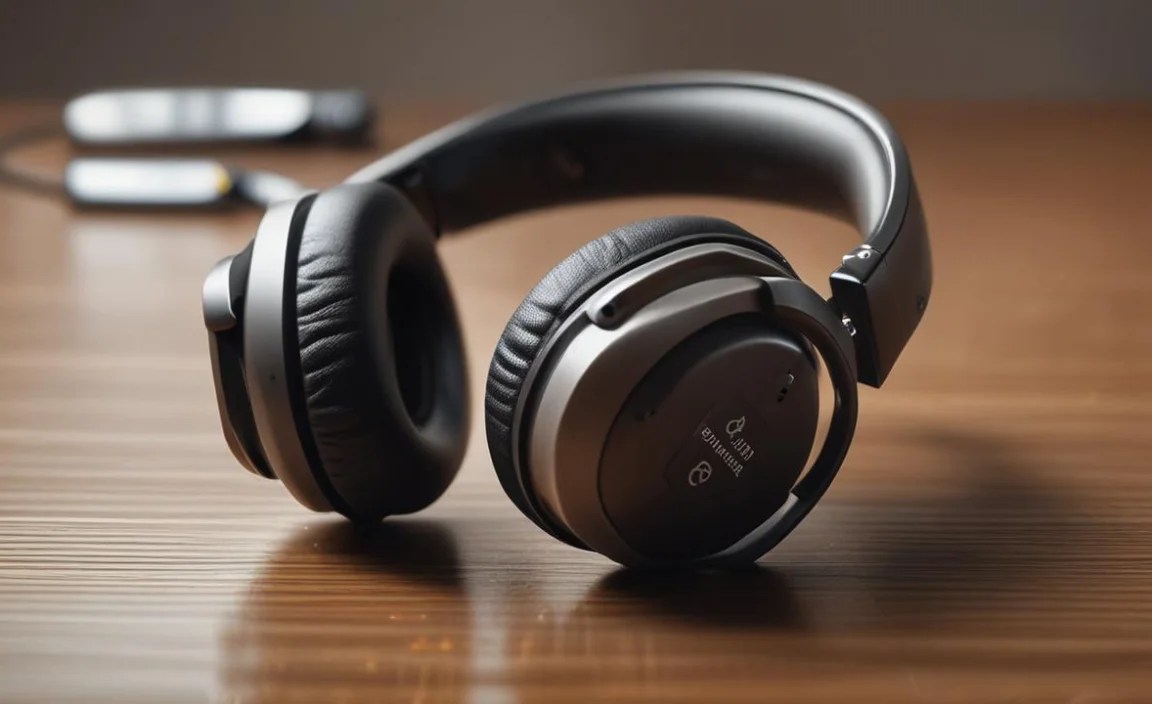
Even the best pairs of headphones can run into occasional hiccups. Here are some common problems and simple fixes:
No Sound / One Side Not Working
- Check Connection: Ensure the headphone jack is fully inserted into the device, or that Bluetooth is properly paired and connected.
- Test on Another Device: Try the headphones with a different phone, tablet, or computer to rule out an issue with your audio source.
- Check Device Volume: Make sure the volume on your device and the headphones (if they have on-ear controls) is turned up.
- Inspect Cable/Jack: For wired headphones, check the cable for visible damage. Ensure the audio jack on the headphones and the device is clean.
- Restart Both Devices: Sometimes a simple restart can resolve temporary glitches.
- Re-pair Bluetooth: For wireless headphones, “forget” the device in your Bluetooth settings and re-pair it.
Bluetooth Connectivity Issues
- Ensure Headphones Are in Pairing Mode: Consult your manual to confirm how to put your headphones into discoverable mode.
- Device Visibility: Make sure your phone or computer’s Bluetooth is on and set to be discoverable.
- Distance: Bring the headphones and device closer together.
- Interference: Other wireless devices (microwaves, Wi-Fi routers) or dense physical objects can interfere. Try moving to a different location.
- Firmware Update: Check if the manufacturer offers firmware updates for your headphones, which can resolve connectivity bugs.
