
Quick Summary: Seeking the best PC gaming headphones without a mic? This guide simplifies finding models with superior sound quality, comfort, and durability for an immersive gaming experience. Discover key features, top picks, and crucial buying tips designed for beginner gamers.
Best Headphones For PC Gaming No Mic: Your Essential Guide to Immersive Sound
Hey everyone, Edward Cavitt here from headphonehorizon! If you’re diving into the thrilling world of PC gaming, you know that great audio can seriously level up your experience. Imagine hearing every stealthy footstep, every distant explosion, or the subtle rustle of leaves as if you were right there. That’s where the right headphones come in. But what if you already have a separate microphone and just want fantastic sound? You’re in luck! This guide is all about finding the best headphones for PC gaming no mic, focusing purely on delivering top-notch audio immersion, comfort for those long sessions, and the durability to keep up with your wins (and maybe a few frustrations!). Let’s get your game sounding as epic as it looks!
Why Choose Headphones Without a Built-In Mic for PC Gaming?

It might seem a little counterintuitive at first – aren’t gaming headphones supposed to have mics? While many do, there are several compelling reasons why a dedicated pair of headphones without a microphone can be the superior choice for PC gamers:
- Superior Sound Quality: Manufacturers can dedicate more resources to audio drivers, acoustic engineering, and sound insulation when they don’t have to integrate microphone components. This often translates to richer, more detailed, and immersive soundscapes specifically tuned for gaming.
- Cost-Effectiveness: Sometimes, paying for a feature you don’t need (the mic) can drive up the price. Opting for mic-less headphones can mean getting better audio fidelity for your money.
- Flexibility: Many PC gamers already use high-quality standalone microphones (like USB or XLR mics) for streaming or clear voice communication. Having separate headphones and mics offers more control over your audio setup and allows you to mix and match the best gear for your needs.
- Comfort and Design: Without a bulky boom mic attached, headphones can often be lighter, more streamlined, and designed for maximum comfort during extended gaming marathons.
- Durability: A fixed microphone boom can be a point of failure. Removing this component can sometimes lead to a more robust and longer-lasting headphone design.
Key Features to Look For in PC Gaming Headphones (No Mic)

When you’re on the hunt for the perfect pair of headphones to enhance your PC gaming without a built-in mic, keep these essential features in mind:
1. Sound Quality and Audio Fidelity
This is paramount. You want headphones that can accurately reproduce the intricate soundscapes of your favorite games. Look for:
- Driver Size and Type: Larger drivers (typically 40mm or 50mm) can often produce a fuller sound with more powerful bass. Neodymium magnet drivers are common and offer good performance.
- Frequency Response: While a wide range is good, what matters most is how well the headphones reproduce frequencies important for gaming – clear highs for weapon fire, detailed mids for dialogue and environmental cues, and impactful lows for explosions.
- Soundstage: This refers to how “wide” or “spacious” the sound appears. A good soundstage helps you pinpoint enemy locations and feel more immersed in the game world. Open-back headphones often excel here, though they can let sound leak in and out.
- Impedance: This relates to how much power the headphones need to perform optimally. Lower impedance (under 50 ohms) is generally easier to drive and will sound good directly from your PC’s audio jack. Higher impedance (over 50-80 ohms) might require a headphone amplifier for the best performance, but can sometimes offer superior clarity and dynamic range.
2. Comfort and Fit
Long gaming sessions demand comfortable headphones. Consider these aspects:
- Earcup Material: Plush velour or memory foam earcups are ideal for breathability and soft cushioning. Leatherette can feel premium but may get warm.
- Headband Padding: A well-padded headband distributes weight evenly, preventing pressure on your head.
- Clamping Force: The headphones should fit snugly enough to stay put without causing discomfort or headaches.
- Adjustability: Look for adjustable headbands and swiveling earcups to achieve the perfect fit for your head shape.
- Open-Back vs. Closed-Back:
- Open-back: Offer a wider, more natural soundstage and better ear ventilation, making them very comfortable. However, they leak sound (both in and out) and provide less isolation. Great for quiet environments.
- Closed-back: Provide better sound isolation, preventing distractions from your environment and keeping your game audio private. They can sometimes have a slightly more intimate soundstage but offer deeper bass. Better for noisy environments.
3. Durability and Build Quality
Gaming gear needs to withstand regular use. Seek out headphones with:
- Robust Materials: Metal components in the headband or yokes are a good sign of quality. Sturdy plastics are also acceptable if they feel solid.
- Detachable Cables: If the cable is detachable, it’s much easier and cheaper to replace if it gets damaged. Look for standard connectors like 3.5mm or USB-C.
- Strain Relief: Look for reinforced cable entry points where they connect to the headphones and the plug.
4. Connectivity
For PC gaming, you’ll primarily encounter:
- 3.5mm Jack: The most common and versatile. Allows connection to most PC sound cards, motherboards, and audio interfaces. Ensure your PC has the necessary ports (usually separate headphone and mic jacks, but for no-mic headphones, just the headphone jack is needed).
- USB: Some headphones use USB for a direct digital connection, which can bypass your PC’s internal sound card and potentially offer higher quality audio.
Given you’re looking for no-mic headphones, you’ll primarily be using a 3.5mm jack, or a USB connection if the headphone is purely digital.
Top Picks: Best Headphones For PC Gaming No Mic

Finding the absolute “best” is subjective and depends on your budget and preferences. However, here are some highly-regarded models that consistently deliver for PC gaming when a separate mic is used. These focus on audio quality and comfort, making them excellent choices for an immersive, mic-less gaming experience.
For the Audiophile Gamer (Excellent Soundstage & Detail)
Sennheiser HD 599
Sennheiser is renowned for its audio engineering, and the HD 599 is a fantastic example of open-back headphones delivering superb clarity and a wide soundstage. This makes them brilliant for competitive gaming where positional audio is key.
- Type: Open-back
- Connectivity: 3.5mm jack
- Key Features: Exceptionally natural sound, incredibly comfortable earcups, very wide soundstage.
- Pros: Unmatched immersion, great for critical listening, fatigue-free for long sessions.
- Cons: Open-back design means sound leakage and less isolation, might require a stronger PC audio output or small amp for peak performance (though generally fine with most PCs).
For the Immersive Experience (Rich Sound & Isolation)
Audio-Technica ATH-M50x Studiomonitor Headphones
While marketed for studio use, the ATH-M50x are a favorite among gamers for their robust build, excellent isolation, and punchy, detailed sound with a slight emphasis on bass. Their closed-back design is perfect for blocking out distractions.
- Type: Closed-back
- Connectivity: 3.5mm jack (with detachable coiled and straight cables)
- Key Features: Powerful 45mm drivers, excellent sound isolation, very durable construction, collapsible design.
- Pros: Great for loud environments, impactful bass, clear mids and highs cover all game audio aspects, built to last.
- Cons: Soundstage is more intimate than open-back options, can get a bit warm during very long sessions for some users.
For the Best Value (Great All-Around Performance)
Philips SHP9500
These headphones are often praised as one of the best budget open-back options available. They offer remarkably good sound quality, comfort, and a decent soundstage for their price point, making them an accessible entry into high-fidelity gaming audio.
- Type: Open-back
- Connectivity: 3.5mm jack (often comes with a 3.5mm to 6.35mm adapter)
- Key Features: Lightweight design, large 50mm drivers, comfortable velour earpads, clear and balanced sound.
- Pros: Incredible bang for your buck, very comfortable, provides good spatial awareness.
- Cons: Build quality is good but not premium, sound leakage is significant due to open-back design.
For the Competitive Edge (Clear Positional Audio)
Beyerdynamic DT 770 PRO (80 Ohm Version)
A staple in professional audio, the DT 770 PRO (specifically the 80 Ohm version) offers exceptional detail and comfort. Its semi-open design provides a good balance of isolation and soundstage, making it fantastic for pinpointing in-game audio cues. Note that while they have a mic input, they are sold without a microphone, and are designed for professional use where mics are added separately or not needed.
- Type: Semi-open/Closed-back (depending on sub-model, the PRO is generally considered semi-open contributing to its unique sound profile)
- Connectivity: 3.5mm jack (with 6.35mm adapter)
- Key Features: Velour earcups, robust build, reproduce audio with high precision, excellent for detailed sound.
- Pros: Extremely durable, comfortable for long wear, accurate sound reproduction is invaluable for gaming.
- Cons: Can be a bit bass-heavy for some preferences, the 80 Ohm version is a good middle ground but higher impedance versions might benefit from an amp.
Understanding Different Headphone Types for Gaming
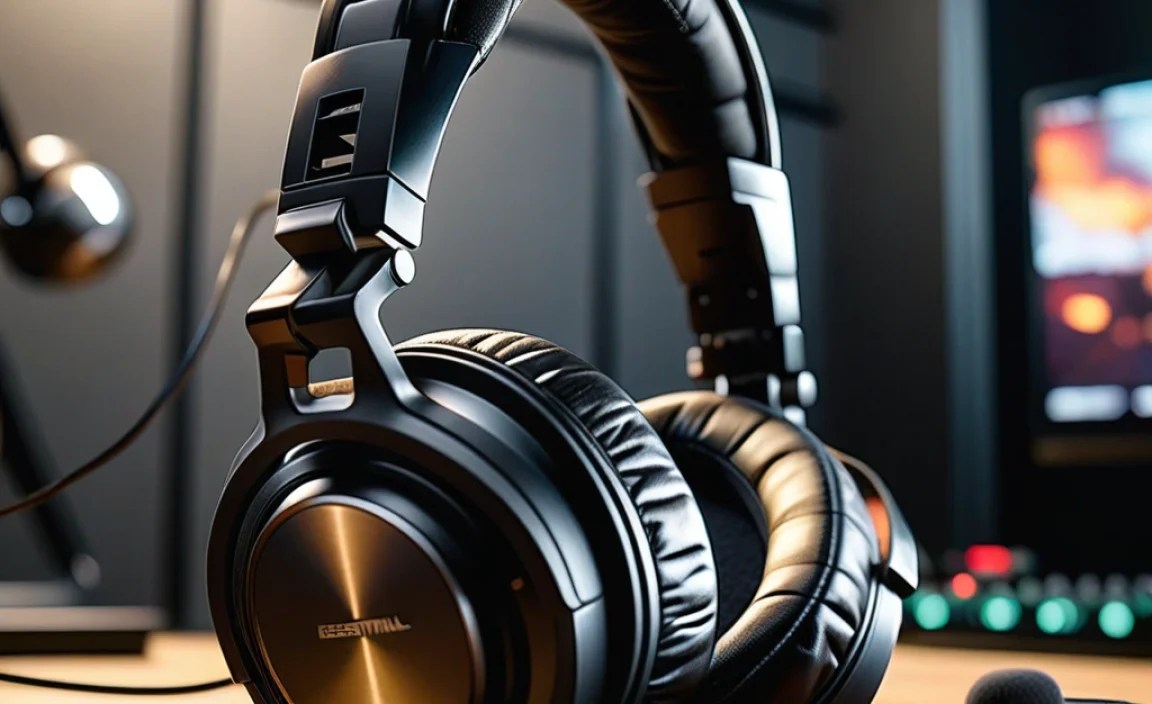
When choosing between open-back and closed-back headphones, consider your gaming environment and priorities:
Open-Back Headphones
These have perforated earcups. They allow air to pass through, which creates a more natural, spacious sound. This wide soundstage is fantastic for gaming, as it helps you better distinguish the direction and distance of in-game sounds.
- Pros:
- More natural and expansive soundstage.
- Better ventilation, leading to cooler ears and more comfort during long sessions.
- Less pressure buildup, can feel less “cupping” your ears.
- Cons:
- Poor sound isolation – you’ll hear your surroundings, and others will hear your game.
- Sound can leak out significantly, not ideal for quiet offices or shared living spaces.
Best for: Gamers in quiet environments who prioritize the most immersive and natural audio experience and positional accuracy.
Closed-Back Headphones
These headphones have solid earcups that seal around your ears. This design is excellent for blocking out external noise and preventing your game audio from disturbing others.
- Pros:
- Excellent sound isolation, muffling outside noise.
- Keeps your audio private.
- Often deliver more impactful bass.
- Cons:
- Can feel warmer and cause more ear sweat during long sessions.
- Soundstage can be more “in your head” and less expansive than open-back.
- Can sometimes sound a bit more “strained” if not well-engineered.
Best for: Gamers in noisy environments, those who need to focus without distraction, or who want to keep their game audio private.
Semi-Open Headphones
A hybrid approach, offering some of the benefits of both. They might have small vents or grilles, allowing for a balance between soundstage expansion and isolation. The Beyerdynamic DT 770 PRO is a good example, though it leans more towards a closed-back profile with unique acoustic properties.
Connecting Your Headphones to Your PC

Connecting your new headphones is usually straightforward. If you’re using a 3.5mm jack:
- Locate the Audio Ports: On most desktop PCs, these are on the back (motherboard) or front panel. They are usually colored green for line-out/speakers or headphones. Laptops typically have a single combined headphone/mic jack or a dedicated headphone jack.
- Plug In: Insert the 3.5mm plug from your headphones into the designated headphone or line-out port.
- Configure Audio Settings:
- On Windows: Right-click the speaker icon in the taskbar, select “Sounds” or “Open Sound settings.” Under the “Playback” tab, ensure your headphones are selected as the default audio device.
- On macOS: Go to System Preferences > Sound > Output, and select your headphones.
If you have a USB audio device or headphones:
- Plug In: Connect the USB cable to an available USB port on your PC.
- Driver Installation (Rare): Most USB audio devices and headphones are plug-and-play. However, some may require you to install drivers from the manufacturer’s website. Follow any on-screen prompts or manufacturer instructions.
- Configure Audio Settings: Similar to the 3.5mm jack, go into your system’s sound settings and select the USB device as the default playback device.
Maintaining Your Gaming Headphones
To keep your headphones sounding their best and lasting as long as possible, follow these simple maintenance tips:
- Keep them clean: Regularly wipe down the earcups and headband with a dry or slightly damp microfiber cloth. For tougher grime, use a mild soap diluted with water, but ensure the cloth is only slightly damp and avoid getting moisture into any openings.
- Clean the earpads: If your earpads are removable (most are), you can gently clean them with a damp cloth. Some velour pads can be brushed with a soft brush to lift debris. Avoid harsh chemicals. For deep cleaning, consult your manufacturer’s guidelines, as some earpads cannot be submerged or machine washed. You can find excellent guides on cleaning headphone parts on sites like RTINGS.com, a reputable source for detailed headphone reviews and advice.
- Store them properly: When not in use, store your headphones in a clean, dry place. Using the original box or a dedicated headphone stand/case can protect them from dust, pets, and accidental damage. Avoid leaving them in direct sunlight, which can degrade materials.
- Manage cables: Don’t wrap cables too tightly around your headphones. Looping them loosely or using a Velcro strap will minimize stress on the wires, preventing kinks and breaks. If you have detachable cables, unplug them by the connector, not by pulling on the wire itself.
- Listen at safe volumes: Prolonged exposure to loud noise can cause hearing damage. Gaming should be enjoyable, not detrimental to your health. Refer to resources from the National Institute on Deafness and Other Communication Disorders (NIDCD) for guidance on protecting your hearing.
Troubleshooting Common Headphone Issues
Even the best headphones can sometimes act up. Here’s how to tackle a few common problems:
- No Sound:
- Check if the volume is turned up on your headphones (if they have a physical volume dial) and in your operating system.
- Ensure the audio cable is fully plugged in at both ends.
- Verify that the correct playback device is selected in your PC’s sound settings.
- Try plugging the headphones into a different device (like a phone) to see if they work, which helps isolate whether the issue is with the headphones or the PC.
- One Earcup Not Working:
- This often indicates a damaged cable. Gently wiggle the cable near the headphone jack and near the earcup connection. If the sound flickers, the cable is likely the culprit. Try a different cable if yours is detachable.
- Clean the 3.5mm jack on your headphones and the port on your PC, as dust
