
Quick Summary: Elevate your PS5 gaming with the right headphones! This guide helps beginners choose immersive, comfortable audio gear, covering key features like mic quality, comfort, and connectivity to enhance every gaming session on your PlayStation 5.
Best Headphones PS5: Essential Gaming Audio for Every Player
Hey there, fellow gamers and audio explorers! Edward Cavitt here from Headphone Horizon. So, you’ve got that sleek PlayStation 5 humming, ready to dive into breathtaking worlds and intense battles. But are you truly hearing everything? The subtle footsteps of an approaching enemy, the rich environmental soundtrack, or the crucial callouts from your teammates? Your PS5’s audio capabilities are fantastic, but to unlock their full potential, a great pair of headphones is a game-changer. Choosing the “best” can feel a bit overwhelming with all the tech speak out there, but don’t sweat it! This guide is designed to cut through the noise, offering clear, friendly advice so you can pick out headphones that not only sound amazing but also feel great for those marathon gaming sessions. Let’s get your ears ready for an unparalleled PS5 experience!
Why Headphones Matter for Your PS5 Gaming Experience
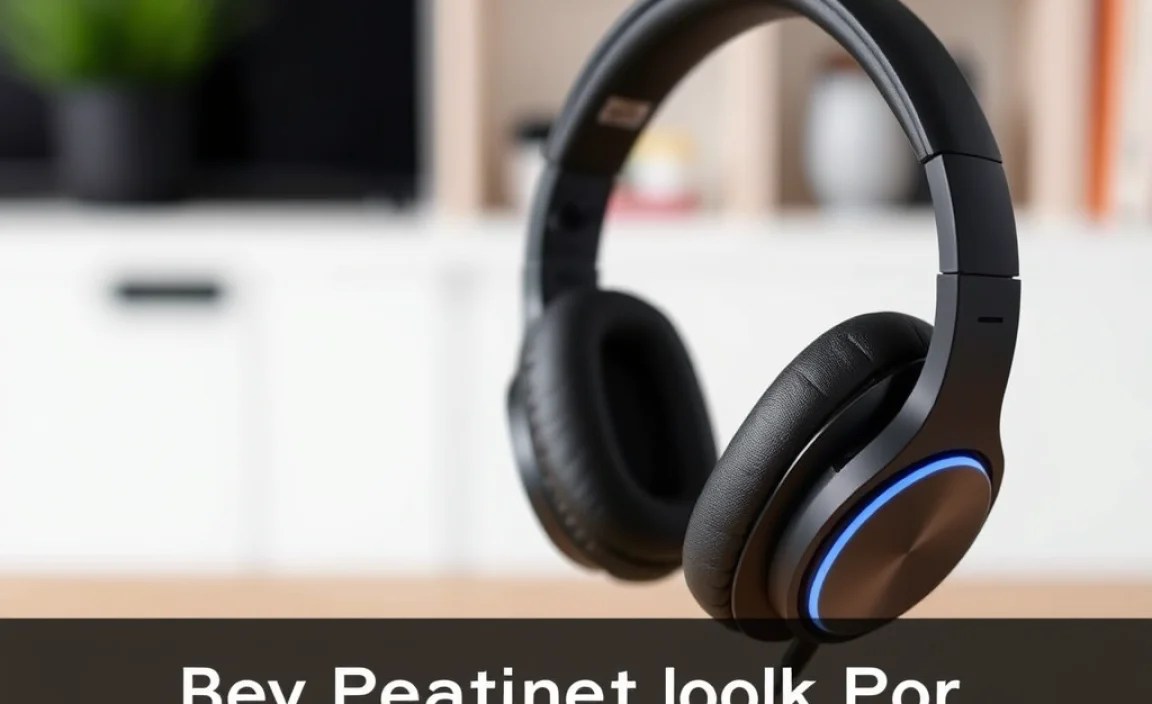
Think of your PS5’s audio as a hidden layer of the game. While your TV speakers do a decent job, headphones create a personal soundscape that immerses you like nothing else. They isolate you from distractions, allowing you to focus entirely on the game. More importantly, quality audio can give you a competitive edge. Hearing directional cues—like the precise location of an enemy’s gunfire or the direction of a distant explosion—can be the difference between victory and defeat. Beyond gameplay, headphones transform soundtracks and dialogue, bringing a cinematic quality to your gaming sessions. Plus, not disturbing others in your household is a big plus!
Key Features to Look For: A Beginner’s Guide

When you’re eyeing up headphones for your PS5, it’s easy to get lost in specs. Let’s break down the most important features to consider, explained in plain English:
1. Sound Quality: Hear Every Detail
This is arguably the most crucial aspect. For gaming, you want a balanced sound profile. This means clear highs (for crisp details like footsteps or menu sounds), present mids (for voices and dialogue), and punchy bass (for explosions and impactful moments). You don’t want bass that’s so overpowering it drowns out other sounds, nor do you want a tinny experience. Aim for headphones that offer detailed sound reproduction so you can fully appreciate the game’s audio design.
2. Comfort and Fit: For Long Gaming Sessions
You might be in for hours of gameplay, so comfort is paramount. Look for:
- Earcup Material: Soft, breathable materials like plush memory foam are ideal. Leatherette can be comfortable but might get warm over time. Fabric or velour earcups tend to be cooler.
- Headband Padding: A well-padded headband distributes weight evenly, preventing pressure points on your head.
- Adjustability: The ability to adjust the headband and position the earcups ensures a snug, comfortable fit for different head sizes and shapes.
- Weight: Lighter headphones are generally more comfortable for extended wear.
3. Microphone Quality: Clear Communication
If you play multiplayer games, a good microphone is essential for communicating with your teammates. Look for:
- Clarity: Your voice should be clear and easy to understand, without excessive background noise.
- Noise Cancellation: Some microphones have built-in noise cancellation, which helps to filter out ambient sounds like keyboard clicks or fan noise.
- Mute Functionality: An easy-to-access mute button is a lifesaver for quick privacy.
- Detachable/Retractable: Some players prefer a boom mic that can be positioned close to the mouth, while others like a discreet, retractable mic.
4. Connectivity: How it Connects to Your PS5
This is where things can get a little technical, but we’ll keep it simple. Your PS5 offers a few ways to connect headphones:
- 3.5mm Jack: Many wired gaming headsets connect via a standard 3.5mm audio jack. This is often found on the PS5 DualSense controller itself, offering a direct and simple connection with no fuss.
- USB: Some headsets connect wirelessly or wired via a USB port on your PS5. Wireless USB options often come with a dongle that plugs into a USB port.
- Bluetooth: While the PS5 supports Bluetooth, it’s primarily for controllers and media remotes. Direct Bluetooth audio support for headphones is limited and can sometimes introduce latency (lag), which is usually undesirable for gaming. Many “wireless” gaming headsets use their own proprietary 2.4GHz wireless connection (via USB dongle) for a more stable, low-latency experience.
For the best gaming experience, a wired 3.5mm connection or a 2.4GHz wireless connection (via USB dongle) is generally recommended to avoid audio lag.
5. Surround Sound Technology: Pinpoint Your Enemies
The PS5 supports 3D Audio (Tempest 3D AudioTech). This technology aims to simulate sound coming from all directions, enhancing immersion and providing crucial spatial cues. To take advantage of this, you’ll want headphones that can effectively reproduce these directional sounds. Many headsets are marketed as “surround sound” or “virtual surround sound” headphones. While some use specialized drivers, most gaming headsets achieve this through digital signal processing (DSP) that simulates 3D audio. For PS5, headphones that clearly reproduce the Tempest 3D AudioTech are highly desirable.
Types of PS5 Headphones
Let’s look at the main categories of headphones you’ll find for your PS5:
Wired vs. Wireless
Wired Headphones:
- Pros: Generally offer superior audio quality with no latency, are often more affordable, and don’t require charging.
- Cons: Cords can be restrictive and may get tangled.
Wireless Headphones:
- Pros: Offer freedom of movement and a cleaner setup.
- Cons: Require charging, can be more expensive, and may have some latency (though modern 2.4GHz wireless is very good). Some generic Bluetooth connections can have noticeable lag.
Over-Ear vs. On-Ear
Over-Ear Headphones: These completely surround your ears. They are usually the most comfortable for long sessions and offer excellent passive noise isolation.
On-Ear Headphones: These rest directly on your ears. They can be lighter but might become uncomfortable after extended use and offer less noise isolation.
For PS5 gaming, over-ear headphones are generally preferred due to comfort and immersion.
Top PS5 Headphone Recommendations (Categorized)
While the “best” is subjective and depends on your budget and specific needs, here are some highly-regarded options that consistently perform well for PS5 gaming. These are great starting points for any beginner:
Budget-Friendly All-Rounders
If you’re just starting and don’t want to break the bank, these offer excellent value.
| Headset | Connectivity | Key Feature | Price Range |
|---|---|---|---|
| HyperX Cloud Stinger Core | 3.5mm Jack | Comfortable, clear audio at an affordable price. | $ (Under $50) |
| Razer Kraken (various models) | 3.5mm Jack, some USB/Wireless | Comfortable, good sound, robust build. | $$ (Around $50-$100) |
| Logitech G435 LIGHTSPEED Wireless | 2.4GHz Wireless (Dongle), Bluetooth | Ultra-lightweight, wireless freedom, great value. | $$ (Around $70) |
Mid-Range Performance Boosters
Stepping up the audio quality, comfort, and microphone presence.
| Headset | Connectivity | Key Feature | Price Range |
|---|---|---|---|
| SteelSeries Arctis 7P+/7X | 2.4GHz Wireless (Dongle), 3.5mm Jack | Excellent wireless performance, comfortable, widely compatible. | $$$ (Around $150) |
| Sony PULSE 3D Wireless Headset | 2.4GHz Wireless (Dongle), 3.5mm Jack | Officially licensed PS5 headset, optimized for Tempest 3D AudioTech, great value. | $$ (Around $100) |
| Bose QuietComfort 35 II (with adapter) | Bluetooth, 3.5mm Jack (Adapter often needed for controller) | Superb comfort and noise cancellation, though not gaming-specific. | $$$$ (Around $200+) |
Premium Immersive Experiences
For the discerning gamer who wants the absolute best in audio fidelity, comfort, and features.
| Headset | Connectivity | Key Feature | Price Range |
|---|---|---|---|
| Audeze Maxwell Wireless | 2.4GHz Wireless (Dongle), Bluetooth, 3.5mm Jack | Incredible planar magnetic audio, premium build, immersive soundstage. | $$$$$ (Around $300+) |
| Sennheiser GSP 670 | 2.4GHz Wireless (Dongle) | Exceptional audio fidelity and powerful microphone. | $$$$ (Around $250+) |
| Astro A50 Wireless + Base Station | 2.4GHz Wireless (Base Station), 3.5mm Jack | Premium wireless, great sound, excellent comfort, with charging dock. | $$$$$ (Around $300+) |
Price ranges are approximate and can vary.
When choosing, always check for PS5 compatibility. While most headsets with a 3.5mm jack or a USB dongle will work, it’s wise to confirm. You can often find detailed reviews on sites like RTINGS.com, which provides thorough testing and comparisons.
Setting Up Your PS5 Headphones
Getting your new PlayStation 5 headphones connected and working is usually straightforward. Here’s a general guide that covers most scenarios.
For Wired Headphones (3.5mm Jack)
- Plug In: Locate the 3.5mm audio jack on the bottom of your PS5 DualSense controller. Plug the headphone’s audio cable firmly into this port.
- Check Audio Output: Navigate this on your PS5: Settings > Sound > Audio Output. Ensure that “Output Device” is set to “HDMI Device (TV/Amplifier)” or “Headphones” (if it appears as an option, though typically it’s managed via the controller).
- Adjust Volume: Press the PlayStation button on your DualSense controller to bring up the Quick Menu. Select “Sound,” and you can adjust the “Headset Volume” and “Chat/Game Audio Mix” from here. The Chat/Game Audio Mix is very useful for balancing voice chat and game sounds.
For Wireless Headphones (USB Dongle)
- Plug in the Dongle: Find an available USB port on your PS5 (front or back). Plug in the wireless USB dongle that came with your headset. Your PS5 should automatically detect the device.
- Turn On Headset: Power on your wireless headphones. They should automatically pair with the USB dongle.
- Check Audio Output: Go to Settings > Sound > Audio Output. Set “Output Device” to your wireless headset (it will usually be named after the headset brand or model).
- Set Input Device: While you’re there, ensure “Input Device” is also set to your wireless headset for microphone use.
- Adjust Volume: Similar to wired headphones, press the PlayStation button, go to “Sound,” and adjust “Headset Volume” and the Chat/Game Audio Mix.
For Wireless Headphones (Bluetooth – Use with Caution)
As mentioned, direct Bluetooth audio support for gaming headsets on PS5 is limited and can introduce lag. Sony officially supports specific Bluetooth devices like the original PS5 Media Remote. If you have a Bluetooth headset you wish to try:
- Enable Pairing Mode: Put your Bluetooth headphones into pairing mode according to their manual.
- Go to PS5 Settings: Navigate to Settings > Accessories > Bluetooth Devices.
- Scan for Devices: Select “Register New Device” and let the PS5 scan.
- Connect: Your headphones should appear. Select them and follow the on-screen prompts to pair.
- Check Audio Output: Go to Settings > Sound > Audio Output and select your Bluetooth headphones.
Important Note on Bluetooth: Due to potential lag experienced with general Bluetooth audio devices on the PS5, this method is best suited for media consumption or non-critical gaming where a slight delay isn’t an issue. For precise gaming responses, always opt for 3.5mm wired or 2.4GHz wireless connections.
Maintaining Your PS5 Headphones for Longevity
To ensure your investment lasts and continues to deliver great audio, a little care goes a long way. Here’s how to keep your headphones in top shape:
Cleaning
- Earcups: For fabric or velour earcups, gently wipe them with a slightly damp cloth and mild soap if necessary, then let them air dry completely. For leatherette, use a damp cloth and a non-alcohol based cleaner.
- Headband: Wipe with a slightly damp cloth.
- Drivers/Mesh: Never use liquids directly on the drivers (the speaker part inside the earcup). Use a very soft, dry brush or compressed air (held at a distance) to gently remove dust.
- Microphone: Gently wipe with a dry or slightly damp cloth. Avoid getting moisture into the mic grille.
It’s a good practice to clean your headphones every few months. For more on headphone care, you can check out general guidelines from an audio source like Sweetwater.
Storage
- Avoid Extreme Temperatures: Don’t leave your headphones in hot cars or direct sunlight.
- Protect Cables: For wired headphones, try to avoid tightly coiling or kinking the cable. Store them loosely.
- Use a Stand or Case: If possible, use a headphone stand to keep them off surfaces and maintain their shape. A dedicated headphone case is ideal for travel and protecting them from dust and damage.
Handling
- Wired: Avoid yanking the cable from the jack; always pull by the connector.
- Wireless: Be careful when handling the wireless dongle.
- Collisions: Try to avoid dropping or banging your headphones.
Frequently Asked Questions (FAQ)
Q1: Do I really need a special gaming headset for my PS5, or can I use any headphones?
You can use most headphones with a 3.5mm jack or a USB connection. However, dedicated gaming headsets often have features like boom microphones, virtual surround sound, and a comfortable design optimized for gaming that you might miss with standard consumer headphones. For the best experience and communication, a gaming headset is recommended.
Q2: What does “low latency” mean for wireless headphones, and why is it important for PS5 gaming?
“Low latency” means there’s a very small delay between the audio being sent from your PS5 and you hearing it. For gaming, especially fast-paced action or rhythm games, high latency (lag) can be very noticeable and frustrating, making it hard to react in time
