
Discover the best kid headphones for safe, enjoyable audio experiences. This guide simplifies features, volume limits, comfort, and durability, ensuring you choose tech that protects your child’s hearing and provides lasting fun.
Best Kid Headphones: Essential Tech for Little Ears

As our kids dive deeper into the digital world, from educational apps to their favorite cartoons, headphones have become an essential piece of tech. But with so many options, how do you pick the right ones? It’s not just about size; it’s about safety, comfort, and durability. Finding the “best kid headphones” means prioritizing features that protect their sensitive hearing, withstand enthusiastic use, and make their listening experience enjoyable. This guide is here to help you navigate the world of children’s audio gear with confidence, ensuring you make a smart choice for your little ones.
Why Kid-Specific Headphones Matter
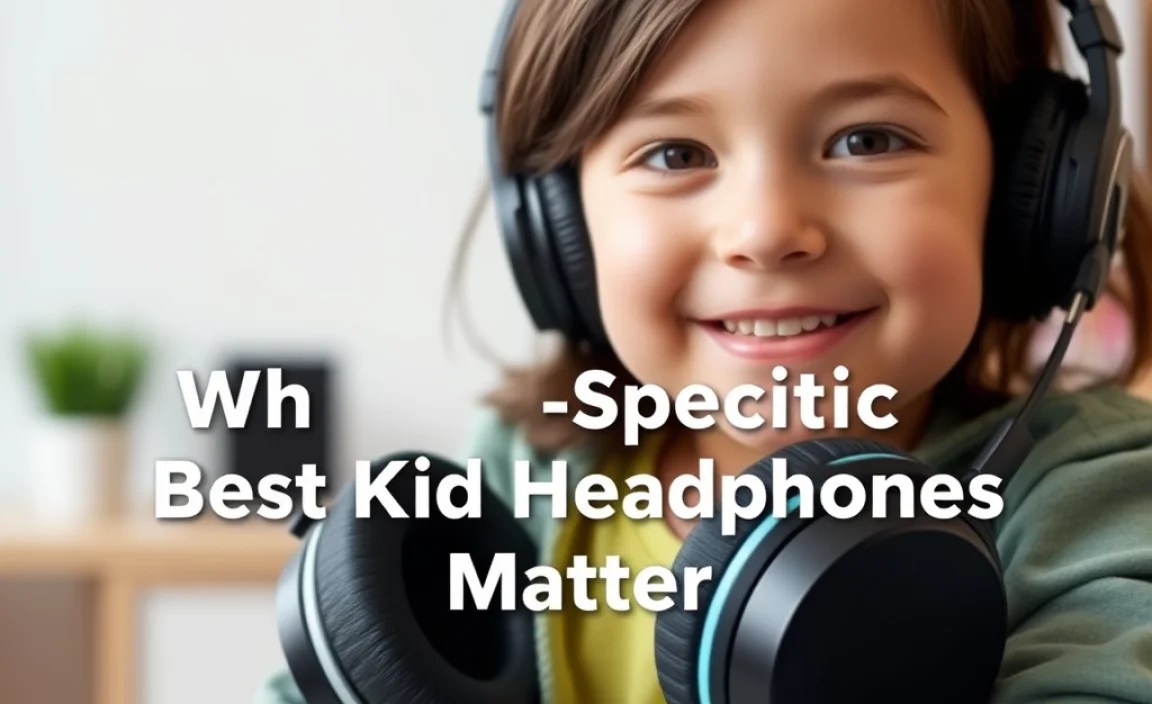
You might wonder why you can’t just hand over your own trusty pair. The answer lies in crucial differences designed specifically for younger users. Kid headphones are built with features that address unique needs, primarily focusing on hearing protection.
Hearing Safety: The Top Priority
Children’s ears are more sensitive than adult ears, making them more susceptible to damage from loud noises. Standard adult headphones can easily reach volumes that are too high for safe listening. This is where child-friendly headphones shine. Many are equipped with built-in volume limiters.
These limiters typically cap the sound output at 85 decibels (dB). According to organizations like the National Institute on Deafness and Other Communication Disorders (NIDCD), prolonged exposure to noise levels above 85 dB can lead to noise-induced hearing loss. Kid headphones ensure your child can enjoy their audio without risking permanent damage. It’s a simple yet incredibly important feature that sets them apart.
Comfort and Fit
A comfortable child is a happy listener. Kid headphones are designed with smaller head sizes in mind. They often feature:
- Adjustable headbands for a snug fit.
- Padded earcups that are soft against the skin.
- Lightweight materials to prevent neck strain.
This focus on ergonomics means kids are more likely to wear them for extended periods without fuss, whether they’re on a long car ride, engrossed in an audiobook, or participating in online learning.
Durability for Active Kids
Let’s be honest: kids can be rough on their belongings. Kid headphones are typically built to be more robust than their adult counterparts. They often use flexible, shatter-resistant plastics and reinforced cables. Many are designed to withstand bending, dropping, and the general wear and tear that comes with childhood play.
Key Features to Look For in the Best Kid Headphones

When you’re on the hunt for the best kid headphones, several features should be at the top of your checklist. Understanding these will help you make an informed decision and ensure you’re getting a product that offers the best value and protection.
Volume Limiting Technology
As discussed, this is non-negotiable. Look for headphones explicitly stating they limit volume to 85 dB or below. Some headphones offer a wider range but still have a safe mode accessible, which is also good. Always double-check the specifications to confirm this crucial feature is present.
Comfort and Materials
The materials used directly impact comfort and how well the headphones hold up. Soft, breathable ear cushions are essential for long listening sessions. Hypoallergenic materials are a bonus if your child has sensitive skin. The headband should be padded and easily adjustable. Flexible materials are key for durability.
Durability and Build Quality
Consider how the headphones are constructed. Are the joints reinforced? Is the plastic sturdy? Many brands offer swivel earcups or robust hinges that can take a bit more abuse. Corded headphones should have thick, sturdy cables that are less prone to fraying or breaking. Detachable cables are also a great feature, as they can be easily replaced if damaged.
Connectivity Options
Headphones come in two main types: wired and wireless. Both have their pros and cons for kids:
- Wired Headphones: Generally more affordable, don’t require charging, and are often simpler to use (plug and play). However, the cable can be a snagging hazard or a potential point of breakage.
- Wireless (Bluetooth) Headphones: Offer freedom of movement and eliminate the cable snagging issue. They require charging, and you need to ensure they are paired correctly. For younger children, wired might be simpler, while older kids might appreciate the freedom of wireless.
Microphone (Optional but Useful)
If your child participates in online classes, video calls with family, or uses apps that involve speaking, a built-in microphone can be a very useful addition. Look for reviews that comment on microphone clarity.
Design and Aesthetics
While not a functional necessity, the look of the headphones can significantly impact whether a child wants to wear them. Many kid headphones come in bright colors, feature popular cartoon characters, or have customizable designs. This can make them more appealing and reduce resistance to wearing them.
Top Picks for the Best Kid Headphones (with a beginner’s lens)

Choosing the “best” is subjective and depends on your specific needs, but here are some highly-regarded options that consistently perform well in terms of safety, comfort, and durability. We’ll highlight their key strengths to help you:
Category 1: Best Budget-Friendly & Durable
For parents who want reliable protection without breaking the bank, these options are fantastic.
JLab JBuddies Studio Buttons
These wired headphones are a popular choice for their affordability and sturdy build. They are designed for kids and feature a built-in volume limiter to keep sound at a safe level. The plush earcups and adjustable headband ensure a comfortable fit.
| Feature | Description |
|---|---|
| Volume Limiter | Yes (85 dB max) |
| Comfort | Padded earcups, adjustable headband |
| Durability | Sturdy, kid-friendly design |
| Connectivity | Wired (3.5mm jack) |
| Additional | Inline microphone and remote |
BuddyPhones Explore+
This brand is specifically focused on children’s hearing safety. The Explore+ model offers a built-in audio splitter allowing multiple headphones to be connected to one device, which is great for siblings. They also have a clear volume limit. They are known for being very durable and comfortable.
| Feature | Description |
|---|---|
| Volume Limiter | Yes (94 dB max, but considered safe for most everyday use; some models may have stricter limits or switchable modes) |
| Comfort | Soft, hypoallergenic ear pads, adjustable headband |
| Durability | Robust, often with foldable design |
| Connectivity | Wired (3.5mm jack) with audio sharing hub |
| Additional | Comes with decorative stickers |
Category 2: Best Wireless & Feature-Rich
For a bit more freedom and modern features, these wireless options are excellent.
Jabra Elite 4 Active Kid Edition (Hypothetical – look for kid versions of brands)
While Jabra doesn’t specifically market a “Kid Edition,” brands like this often have highly durable designs and good sound quality. If available, a kid-focused version would likely include the safety features. For wireless, parents often look for solid build quality, good battery life, and easy pairing. Note: Always verify if a specific kid-focused version with volume limiting exists.
LilGadget Connect+
These wireless headphones are designed for kids and come with a share feature that allows another wired or wireless headphone to connect to them, similar to BuddyPhones. They offer good battery life and a comfortable fit, along with volume protection.
| Feature | Description |
|---|---|
| Volume Limiter | Yes (93 dB max) |
| Comfort | Soft cushioning, adjustable headband |
| Durability | Solid construction, foldable design |
| Connectivity | Wireless (Bluetooth) with audio sharing |
| Additional | Built-in microphone |
Category 3: Best for Older Kids & Teens (Slightly More Advanced)
For kids who are a bit older, they might appreciate features closer to adult headphones, with the safety aspect still maintained.
Audio-Technica ATH-M20x (with volume monitoring)
While not strictly “kid headphones,” the ATH-M20x are a durable, affordable option for older kids or teens. The key here is parental supervision and using a separate volume monitoring app or ensuring the source device has safe listening settings enabled. They offer excellent sound quality and a robust build. This is for parents who want a step up in audio quality and are confident in managing volume levels.
Important Note: Standard adult headphones do not have built-in volume limiters. You must manage the volume from the source device or use an app to ensure safe listening levels. For truly safe listening, headphones with built-in 85 dB limiters are always the best choice for younger children.
NXTGNT Kid Headphones
These are often praised for their comfortable earcups and surprisingly good sound quality for a child’s headphone. They usually come with volume limiting and a sturdy, often foldable, design. They are a good middle ground for durability and sound experience.
Always research the most current models and reviews for any brand, as features and quality can change.
Setting Up and Using Kid Headphones Safely
Once you’ve chosen the best kid headphones, setting them up correctly and establishing good listening habits are crucial for their long-term benefit.
Step 1: Unboxing and Initial Setup
- Check the Contents: Ensure all parts are present (headphones, cables, manual, accessories).
- Charge (if Wireless): For Bluetooth headphones, charge them fully before the first use. This usually takes a couple of hours.
- Pairing (if Wireless): Turn on Bluetooth on your device (tablet, phone, computer) and the headphones. Put the headphones in pairing mode (usually by holding the power button). Select the headphones from the list of available devices on your screen.
- Wired Connection: Simply plug the 3.5mm jack into the appropriate port on your device.
Step 2: Adjust for Comfort
- Headband Adjustment: Gently extend the headband to fit your child’s head. The top of the earcups should sit just above their ears, and the headband should rest comfortably on their head without squeezing.
- Earcups Positioning: Ensure the earcups cover the entire ear snugly but without excessive pressure.
Step 3: Setting Safe Volume Limits
Even with built-in limiters, it’s good practice to check and set the volume from the source device.
- From the Headphones: If the headphones have a dedicated volume control, set it to about 50-60% initially.
- From the Device: On tablets and smartphones, there are often additional volume limit settings within the accessibility or sound options. Look for features like “Volume Limit” or “Hearing Safety.” For example, iOS devices have “Reduce Loud Sounds” under Settings > Accessibility > Audio/Visual, which lets you set a maximum decibel level. Android devices often have similar options in Sound & Vibration settings.
- Test the Sound: Have your child wear the headphones and play some content. Ask them if the volume is comfortable. It should be clear enough to hear but not so loud that they can’t hear you speaking to them. A good rule of thumb is that if you can hear the audio from a few feet away, it might be too loud.
Step 4: Establishing Good Listening Habits
Teach your child the importance of safe listening from a young age.
- Take Breaks: Encourage listening breaks every hour or so, especially for longer sessions.
- Lower Volume When Needed: Teach them to turn down the volume if they need to talk to someone or hear their surroundings.
- Supervise Initially: For younger children, it’s a good idea to supervise their listening sessions occasionally to ensure they are using the headphones appropriately.
Troubleshooting Common Issues
Even the best kid headphones can sometimes encounter minor hiccups. Here are some common problems and simple solutions:
- No Sound:
- Wired: Ensure the jack is fully plugged in. Try a different audio source or device to rule out an issue with the device’s audio port. Check if the cable is damaged.
- Wireless: Make sure the headphones are charged and turned on. Check that they are properly paired with your device and that the device’s volume is turned up. Try re-pairing the headphones.
- Low Volume:
- Check the volume settings on both the headphones and the source device.
- Ensure the earcups are sealing properly around the ears; a poor seal can reduce perceived volume.
- For wired headphones, debris might be blocking the speaker grille inside the earcup (though this is less common and harder to fix).
- Distorted Sound / Static:
- Wireless: Move closer to the device to minimize interference. Turn off other Bluetooth devices that might be causing interference. If the issue persists, try restarting both the headphones and the source device.
- Wired: Check the cable for damage. A faulty cable can cause distortion.
- Headphones Won’t Charge:
- Ensure the charging cable is securely connected to both the headphones and the power source.
- Try a different USB port or wall adapter.
- Clean the charging port gently with a dry, soft brush or compressed air (do not use liquids).
- Uncomfortable Fit:
- Re-adjust the headband.
- Ensure the earcups are positioned correctly.
- If the earcups are worn out or uncomfortable, look for replacement earpads if available for your model.
For more complex issues, always refer to the manufacturer’s manual or contact their customer support. They are the best resource for specific troubleshooting steps for their products.
FAQ: Your Top Kid Headphones Questions Answered
Here are some common questions parents have when choosing headphones for their children.
Q1: Are volume-limiting headphones really safe for my child’s hearing?
Yes, they are designed to be. By capping the volume at a maximum of 85 dB, they significantly reduce the risk of noise-induced hearing loss from prolonged listening, compared to standard headphones. It’s a vital safety feature.
Q2: How long should my child wear headphones in one sitting?
Even with safe volume limits, it’s recommended to take listening breaks. Aim for at least a 10-15 minute break for every hour of listening, especially for extended periods. This allows their ears to rest.
Q3: Can I use adult headphones for my child?
It’s generally not recommended for younger children. Adult headphones often don’t have volume limiters, meaning they can easily play music at damaging levels. While you can supervise and manually control volume on adult headphones, dedicated kid headphones offer built-in, fail-safe protection.
Q4: What’s the difference between wired and wireless kid headphones?
Wired headphones plug directly into a device using a cable and don’t need charging, making them simple and cost-effective. Wireless (Bluetooth) headphones offer freedom of movement with no cables but require charging and pairing. For very young children, wired might be simpler; older kids often prefer wireless. Look at durability and ease of use for both.
Q5: My child complains the headphones are uncomfortable. What can I do?
Ensure the headband is adjusted correctly and the earcups are positioned to cover their ears without pinching. Look for headphones with soft, padded earcups and lightweight designs. Sometimes, trying a different brand or model specifically designed for comfort can solve the issue.
