
Quick Summary: Discover the best microphone wireless headphones for crystal-clear calls and immersive audio. This guide simplifies choosing the right pair, explaining key features, use cases, and essential factors like sound quality, comfort, and battery life. Make an informed decision for seamless communication and superior listening experiences.
Best Microphone Wireless Headphones: Finding Your Essential Choice
Hey there, audio adventurers of headphonehorizon! Edward here. Are you tired of fumbling with tangled cords or struggling to be heard clearly on your calls? In today’s connected world, having a great pair of wireless headphones with a solid microphone isn’t just a luxury – it’s quickly becoming an essential choice. Whether you’re a busy professional leading virtual meetings, a student attending online lectures, a gamer seeking seamless in-game chat, or just someone who loves to chat on the go without missing a beat, the right microphone wireless headphones can transform your experience. But with so many options out there, how do you pick the perfect pair? Don’t worry, that’s exactly what we’re here to figure out together. We’ll break down what makes a great microphone headphone, explore different types, and guide you through the decision-making process, all in plain English. Let’s dive in and find your audio freedom!
Why Microphone Wireless Headphones Are a Game-Changer

Let’s face it, wireless technology has revolutionized how we listen and communicate. When you combine that freedom with a built-in microphone that actually performs well, you’ve got a powerful tool. No more juggling your phone or a separate headset for calls. These versatile companions let you take calls, join video conferences, or chat with friends while keeping your hands free and your focus sharp. The convenience is undeniable, especially for those who are constantly on the move or multitasking.
Imagine this: you’re on a busy commute, and your boss calls. Instead of struggling to find a quiet spot or shouting into your phone, you simply tap a button on your earbuds, and you’re in a clear, professional conversation. Or perhaps you’re putting together a presentation and need to collaborate with your team online. A good microphone on your wireless headphones ensures everyone hears your ideas without background noise interruptions. This seamless integration of listening and speaking makes them indispensable.
Understanding the Anatomy: What Makes a Good Microphone Wireless Headphone?

Not all microphone wireless headphones are created equal. Several key factors contribute to their overall performance and your satisfaction. Let’s break them down:
1. Microphone Quality: This is paramount. Look for:
- Type of Microphone: Most wireless headphones use either a boom microphone (like on gaming headsets) for superior voice pickup or an omnidirectional/omnidirectional microphone integrated into the earbud itself. Some newer models use beamforming technology to focus on your voice.
- Noise Cancellation/Reduction: Essential for blocking out background noise during calls so the person on the other end can hear you clearly amidst chatter, wind, or traffic.
- Voice Isolation: The ability of the microphone to pick up your voice distinctly from ambient sounds.
- Codec Support: High-quality Bluetooth codecs (like aptX HD or LDAC) can improve the overall audio experience, including voice clarity, though often prioritized for music playback.
2. Audio Quality: While the microphone is key for communication, you’ll likely also use these for music, podcasts, or movies. Pay attention to:
- Driver Size and Type: Larger drivers and quality materials can result in richer, fuller sound.
- Frequency Response: A wider frequency response means the headphones can reproduce a broader range of sounds, from deep bass to crisp highs.
- Sound Signature: Do you prefer a balanced sound, boosted bass, or clear emphasis on vocals?
3. Comfort and Fit: You’ll be wearing these for extended periods, so comfort is crucial.
- Earbud vs. Over-Ear/On-Ear: Each has its advantages. Earbuds are portable and discreet, while over-ear and on-ear models often offer superior comfort and noise isolation.
- Materials: Look for plush earcups (for over-ear/on-ear) and a lightweight design.
- Adjustability: Headbands and earcup angles should be adjustable for a secure yet comfortable fit.
4. Battery Life: Wireless means relying on battery power. Consider:
- Headphone Battery Life: How long do they last on a single charge?
- Charging Case Battery Life (for earbuds): Does the case provide multiple extra charges?
- Quick Charging: A few minutes plugged in can give you hours of playback.
5. Connectivity: Reliable connection is paramount for wireless devices.
- Bluetooth Version: Newer versions (like Bluetooth 5.0 and above) offer better range, stability, and power efficiency.
- Multipoint Pairing: The ability to connect to two devices simultaneously (e.g., your phone and laptop) is incredibly convenient for switching between calls and media.
- Latency: The delay between audio and video. Low latency is especially important for gaming and watching videos.
Types of Microphone Wireless Headphones

When you’re out shopping, you’ll notice they come in a few main form factors, each with its own strengths:
True Wireless Earbuds with Microphones
These are the tiny, truly cable-free earbuds that fit snugly in your ears. They’re incredibly popular for their portability and discreet design. Brands like Apple (AirPods Pro), Sony (WF-1000XM series), and Bose (QuietComfort Earbuds) often integrate multiple microphones for voice pickup and noise cancellation.
- Pros: Extremely portable, discreet, no wires to snag, often come with a charging case for extended battery life.
- Cons: Can be easier to lose, microphone quality can vary significantly, may not feel as secure for vigorous activity unless designed for it.
Wireless Neckband Headphones
These feature earbuds connected by a lightweight band that rests around your neck. The band often houses the battery, controls, and sometimes even a more robust microphone than what you’d find in true wireless earbuds. Examples include many models from Sennheiser and Jabra.
- Pros: Less likely to be lost than true wireless, can offer better battery life, secure around the neck, microphone placement can be more consistent.
- Cons: The neckband can be noticeable or get in the way for some users, less discreet than true wireless.
On-Ear and Over-Ear Wireless Headphones
These are the classic headphone designs that sit on or around your ears. They often provide the best balance of comfort, sound quality, and microphone performance, especially models designed for professional use or gaming. Think of brands like Sony (WH-1000XM series), Bose (QuietComfort series), and SteelSeries (for gaming).
- Pros: Generally offer superior comfort for long listening sessions, excellent passive and active noise cancellation, often house larger drivers for better sound, microphones can be strategically placed or even retractable boom mics.
- Cons: Bulkier and less portable, can be warm for long periods, may not be ideal for highly active users.
Key Features to Look for in Your Wireless Microphone Headphones

Beyond the basic categories, here are some specific features that can elevate your experience:
Active Noise Cancellation (ANC)
ANC uses microphones to detect ambient noise and then generate an opposite sound wave to cancel it out. This is fantastic for noisy environments like planes, trains, or open-plan offices. For calls, it dramatically improves your voice clarity by reducing background distractions for the listener. Many top-tier headphones now offer some form of ANC. For more on how ANC works, you can explore resources from organizations like the Intellectual Property Office guidance on electronics (while not directly on ANC, it indicates the level of detail on general electronics topics you can find from authoritative sources).
Environmental Noise Cancellation (ENC) for Microphones
This is specifically about improving the microphone’s performance. ENC uses multiple microphones and advanced algorithms to isolate your voice and suppress background sounds. This is crucial if you frequently take calls in busy places. You might see terms like “AI Noise Reduction” or “Noise-Cancelling Microphone System.”
Voice Assistant Integration
Many wireless headphones come with seamless integration for voice assistants like Google Assistant, Siri, or Alexa. This allows you to make calls, send messages, get directions, or control your music using just your voice, which is an added layer of convenience.
Water and Sweat Resistance (IP Rating)
If you plan to use your headphones for workouts or in environments where they might get wet, look for an IP rating (e.g., IPX4, IPX7). This indicates their level of protection against water and dust. An IPX4 rating, for instance, means they are protected against splashes of water from any direction.
Choosing Based on Your Needs: A Quick Guide
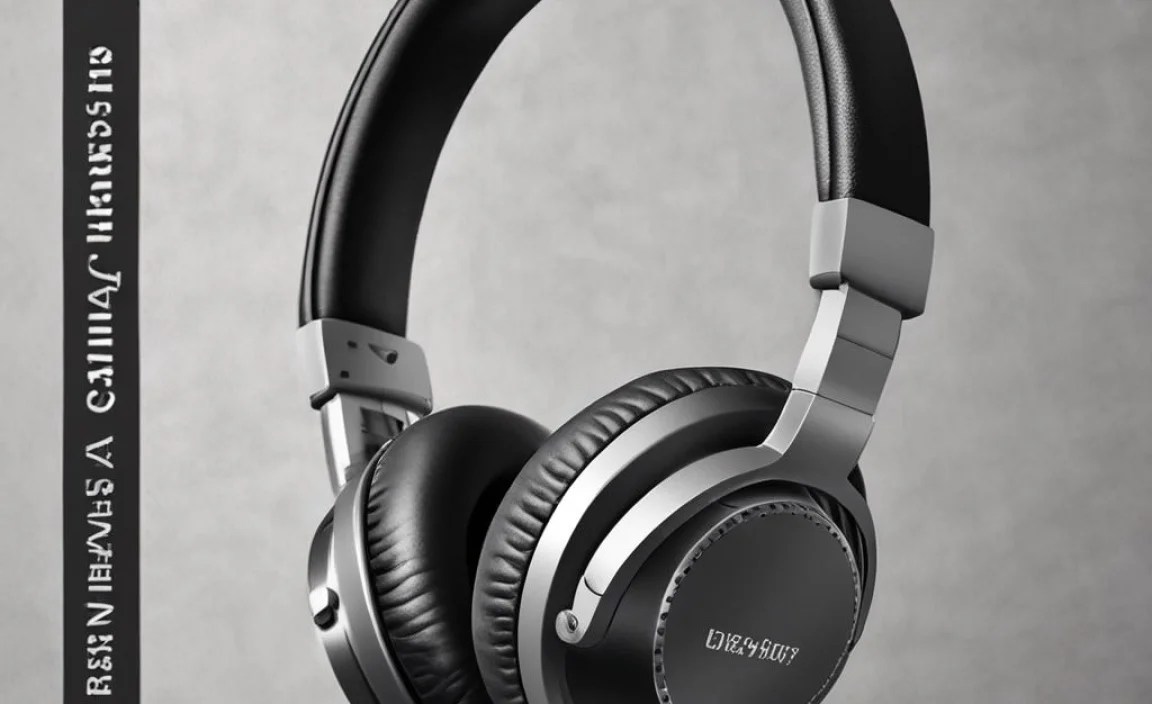
To help you narrow down the ‘best’ choice, consider your primary use cases:
| Primary Use Case | Recommended Form Factor | Key Features to Prioritize |
|---|---|---|
| Frequent Business Calls / Virtual Meetings | Over-Ear or High-End True Wireless Earbuds | Excellent ENC, ANC, multipoint pairing, comfort for long wear, clear microphone pickup. |
| Online Learning / Lectures | Over-Ear or Neckband Wireless | Clear voice transmission, comfort for extended wear, good battery life, ambient sound pass-through (optional for awareness). |
| Gaming (PC/Console) | Gaming-Specific Wireless Over-Ear | Low latency, clear boom microphone, immersive sound, comfort, sometimes supporting features like 7.1 surround sound. |
| On-the-Go Communication & Music | True Wireless Earbuds or Neckband | Good ENC, compact size, decent battery, water resistance (if needed), easy controls. |
Step-by-Step: Choosing and Using Your Microphone Wireless Headphones
Ready to make your move? Here’s how to approach it:
Step 1: Define Your Budget
Wireless headphones with good microphones can range from $50 to $300+. Set a realistic budget. Remember that while budget options exist, investing a bit more often means significant improvements in microphone quality, noise cancellation, and overall durability. For a comprehensive understanding of consumer electronics pricing and trends, resources from organizations like ITU’s Technology Watch can offer broader insights into the development and market dynamics of such devices.
Step 2: Identify Your Primary Use Case
As outlined in the table above, are you mostly on calls, listening to music, gaming, or a combination? This will heavily influence the type of headphone and microphone technology you should prioritize.
Step 3: Research Specific Models
Once you know your budget and primary use, dive into reviews. Look for:
- Professional reviews from reputable tech sites.
- User reviews focusing on microphone performance in real-world conditions.
- Comparisons of noise cancellation and voice pickup quality.
Step 4: Consider Comfort and Fit
This is where personal preference shines. If possible, try them on! For earbuds, consider the ear tip material and sizes provided. For over-ear headphones, check the clamping force, earcup padding, and adjustability.
Step 5: Check Connectivity Features
For professionals, multipoint pairing is a lifesaver. For gamers, low latency is non-negotiable. Ensure the Bluetooth version and available codecs meet your needs for sound quality and reliability.
Step 6: Evaluate Battery Life
Is a full day of use essential? Do you need quick charging? Factor in how you’ll be using them throughout the day.
Step 7: Setting Up and Optimizing
Once you’ve made your purchase, here are some tips:
- Read the Manual: Yes, really! It can unlock unique features and proper setup.
- Firmware Updates: Many headphones receive updates that can improve microphone performance and fix bugs. Check the manufacturer’s app.
- Positioning (for Boom Mics): For headsets with boom mics, ensure the microphone is positioned close to your mouth, typically at the corner of your lips, for optimal voice capture.
- Adjust Volume and Mic Levels: In your computer’s or phone’s audio settings, you can often fine-tune microphone sensitivity. Experiment to find the sweet spot where your voice is clear but not distorted.
- Test in Different Environments: Take a test call in a quiet room, then in a noisier one, to see how the noise cancellation and ENC perform.
Troubleshooting Common Microphone Issues
Even the best gear can sometimes act up. Here are a few quick fixes:
- Mic Not Working at All:
- Ensure the microphone is not muted in your app or operating system settings.
- Check for a physical mute button on the headphones.
- Restart your device and the headphones.
- Unpair and re-pair the headphones via Bluetooth.
- Confirm the correct microphone source is selected in your device’s audio settings.
- Low Volume or Muffled Sound:
- Adjust microphone boost or sensitivity in your device’s audio settings.
- Ensure the microphone port (if visible) isn’t blocked by debris.
- For earbuds, ensure they are seated correctly in your ears, as this can affect microphone directionality.
- Background Noise on Calls:
- Ensure any noise cancellation or ENC features are enabled.
- Try to move to a quieter environment.
- Check if your device’s software is up-to-date, as updates often improve noise reduction algorithms.
Frequently Asked Questions (FAQ)
Q1: Do I need specific features for clear work calls?
A1: Yes! For clear work calls, prioritize Active Noise Cancellation (ANC) for your listening experience and Environmental Noise Cancellation (ENC) for your microphone. Multipoint pairing is also extremely helpful for seamless switching between laptop and phone.
Q2: Can I use gaming headsets for regular calls?
A2: Absolutely! Many gaming headsets have excellent boom microphones that offer superb voice clarity, often better than standard commercial headphones. The only consideration might be their bulkier design if portability is a major concern.
Q3: How important is Bluetooth version for microphone quality?
A3: While the microphone’s physical design and processing are most critical, newer Bluetooth versions (5.0+) offer more stable connections and better data transfer, which can indirectly contribute to clearer voice transmission and lower latency.
Q4: My wireless earbuds mic sounds bad in noisy places. What can I do?
A4: Look for earbuds specifically advertising strong Environmental Noise Cancellation (ENC) or AI noise reduction for the microphone. Some apps allow you to manually adjust mic settings or boost voice pickup. If noise cancellation is a primary need, consider over-ear headphones which often offer superior ANC and microphone isolation.
Q5: How do I know if the microphone is good enough for public speaking or presentations?
<p
