
Quick Summary: Finding the best over-ear headphones for your iPhone is all about balancing sound quality, comfort, connectivity, and features. This guide breaks down what to look for and recommends top picks, making it easy for any iPhone user to choose headphones that perfectly suit their listening needs.
Hey everyone, Edward Cavitt here from headphonehorizon! It’s fantastic you’re looking to dive deeper into the world of audio with over-ear headphones for your iPhone. There’s something truly special about a great pair of over-ear headphones – they create a personal sound sanctuary, letting you immerse yourself in music, podcasts, or calls without the outside world intruding. But with so many options out there, picking the right ones can feel a bit overwhelming. Don’t worry, though! My goal today is to simplify things, demystify the jargon, and help you find a pair that will make your iPhone sound absolutely amazing, all while feeling super comfortable. Let’s find your perfect audio companion!
Why Over-Ear Headphones for Your iPhone?

Over-ear headphones, often called circumaural headphones, are beloved for a reason. They completely enclose your ears, creating a more immersive listening experience. This design naturally provides a degree of sound isolation, meaning you hear more of your audio and less of your surroundings. For iPhone users, this means:
- Superior Sound Quality: The larger drivers and enclosed design typically translate to richer bass, clearer mids, and more detailed highs.
- Enhanced Comfort: Plush earcups distribute pressure evenly, making them ideal for long listening sessions – perfect for flights, study marathons, or just chilling at home.
- Improved Noise Isolation: They physically block out a good amount of ambient noise, reducing the need to crank up the volume to unhealthy levels.
- Deeper Immersion: Whether it’s the delicate nuances of a symphony or the thumping beat of your favorite track, over-ear headphones offer a more captivating soundstage.
While Apple’s AirPods have revolutionized wireless listening, they offer a different experience. Over-ear headphones, particularly wired ones or high-quality Bluetooth models, often provide a more robust and detailed audio output that many audiophiles, and even casual listeners, prefer. When connecting to your iPhone, you’ll typically use a Lightning adapter for wired headphones, or Bluetooth for wireless convenience. Both have their strengths, and we’ll explore that more.
Key Features to Consider for Your iPhone
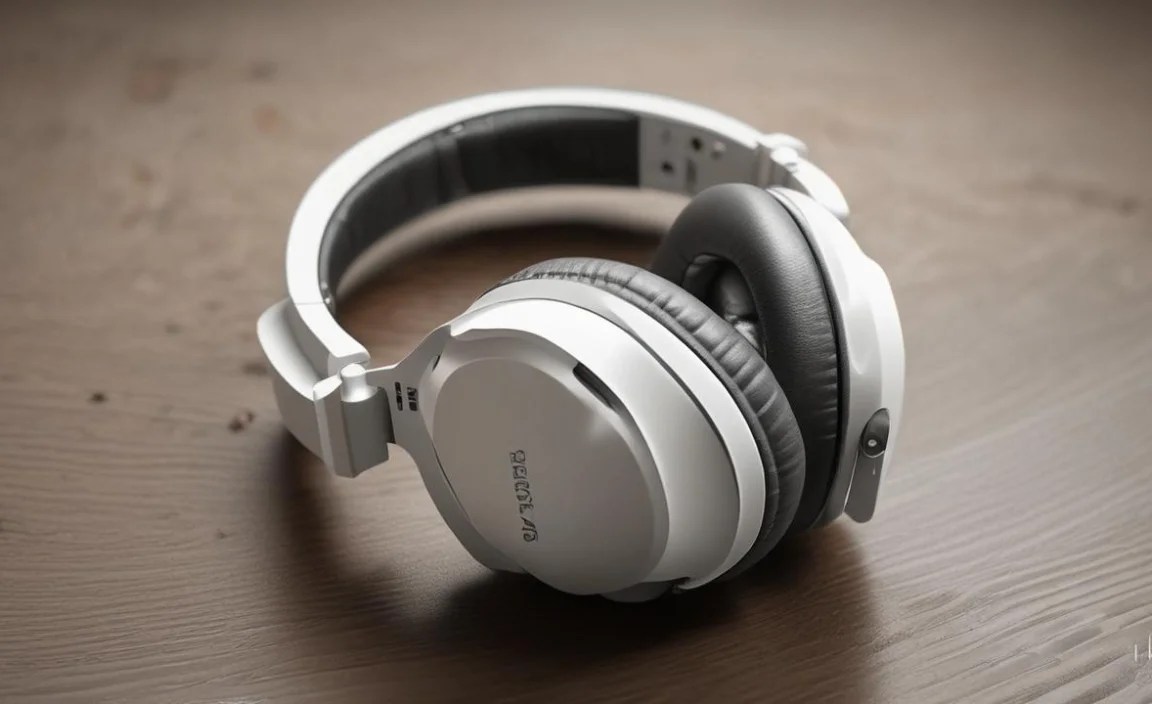
Not all over-ear headphones are created equal, and what makes a pair “best” often depends on your personal preferences and how you’ll use them. Here’s a breakdown of what to look for:
Connectivity: Wired vs. Wireless
This is usually the first big decision.
Wired Headphones
For an iPhone, this primarily means headphones with a Lightning connector or those that come with a 3.5mm to Lightning adapter. Wired connections are praised for:
- Uncompromised Audio: No Bluetooth compression means the purest possible sound signal from your iPhone.
- No Charging Needed: They draw power directly from your iPhone (though some premium wired headphones might have features that require separate charging).
- Reliability: No pairing issues or signal drops.
The trade-off? You’re tethered by a cable, which can be inconvenient, and Apple has phased out the 3.5mm headphone jack on newer iPhones. You’ll need the official Apple Lightning to 3.5mm Headphone Jack Adapter or headphones with a direct Lightning connector.
Wireless Headphones (Bluetooth)
These offer the ultimate freedom. For iPhone compatibility, look for headphones that support modern Bluetooth codecs like AAC, which Apple devices utilize efficiently. Key benefits include:
- Mobility: Move around freely without being tied to your device.
- Simplicity: Easy pairing with your iPhone and other devices.
- Convenience: No adapters needed.
The downsides are battery life (they need charging) and potential for slight audio compression depending on the Bluetooth codec used. Most modern, quality Bluetooth headphones offer an excellent listening experience for the vast majority of users.
Sound Quality & Signature
This is subjective, but understanding basic sound profiles helps:
- Balanced/Neutral: All frequencies (bass, mids, treble) are represented equally. Great for purists and genres like classical or jazz.
- V-Shaped: Bass and treble are boosted, with mids slightly recessed. Popular for pop, rock, and electronic music, giving a dynamic, exciting sound.
- Warm: Bass and lower-mids are emphasized, giving a smooth, mellow sound. Good for long listening sessions and genres like R&B or blues.
For iPhone users, think about the music you listen to most and what kind of sound experience you desire.
Comfort and Fit
Over-ear headphones sit around your ears. Look for:
- Earcup Material: Soft leather, pleather, or velour are common. Velour is more breathable, while leather offers better isolation.
- Clamping Force: How tightly the headphones grip your head. Too tight is uncomfortable; too loose, and they might slip off.
- Weight: Lighter headphones are generally more comfortable for extended wear.
- Adjustable Headband: Ensures a good fit for various head sizes.
Active Noise Cancellation (ANC)
What is ANC?
ANC is a technology that uses microphones to detect ambient noise and create opposing sound waves to cancel it out. It’s incredibly effective for reducing low-frequency noises like airplane engines, train rumble, or office hum. For iPhone users, ANC can transform commutes or noisy environments into peaceful listening zones.
Benefits of ANC:
- Quieter Environment: Significantly reduces background distractions.
- Lower Listening Volumes: You can enjoy your audio at safer, lower volumes.
- Improved Focus: Great for students or professionals needing concentration.
Many premium headphones offer adjustable ANC levels or transparency modes that allow you to hear your surroundings without removing the headphones.
Battery Life (for Wireless)
Consider how long you need your headphones to last on a single charge. Daily commuters might need 20-30 hours, while infrequent users might be fine with less. Fast charging is also a great feature if you often find yourself needing to top up quickly.
Build Quality and Durability
Headphones are an investment. Look for sturdy materials like metal in the headband and durable plastics for the earcups. Hinges and adjustment mechanisms should feel solid.
Top Over-Ear Headphones for Your iPhone in [Current Year]
![Top Over-Ear Headphones for Your iPhone in [Current Year]](https://i2.wp.com/headphonehorizon.com/wp-content/uploads/2026/04/top-over-ear-headphones-for-your-iphone-in-current-year.webp)
Based on extensive testing and user feedback, here are some of the best over-ear headphones that pair wonderfully with an iPhone, categorized for easier selection.
Best Overall: Sony WH-1000XM5
The Sony WH-1000XM5 consistently ranks at the top for a reason. These wireless headphones offer industry-leading Active Noise Cancellation, exceptional sound quality with a pleasingly balanced profile, and incredible comfort. They support the AAC codec, meaning your iPhone will stream audio to them with minimal loss. Battery life is fantastic, and their smart features, like speak-to-chat, add a layer of convenience.
| Feature | Sony WH-1000XM5 |
|---|---|
| Connectivity | Bluetooth 5.2, AAC, LDAC support |
| ANC | Industry-leading |
| Sound | Balanced, detailed, can be customized via app |
| Comfort | Very comfortable, lightweight design |
| Battery Life | Up to 30 hours (ANC on) |
| Pros | Superb ANC, fantastic sound, comfortable, long battery life |
| Cons | Higher price point, non-folding design |
Best for Commuters & Travelers: Bose QuietComfort Ultra Headphones
Bose is synonymous with noise cancellation, and the QuietComfort Ultra don’t disappoint. They offer a more immersive listening experience than previous models and boast a refined sound profile that’s easy on the ears for long journeys. Their ANC is top-tier, creating a serene bubble even in the busiest environments. They’re also very comfortable for extended wear.
| Feature | Bose QuietComfort Ultra Headphones |
|---|---|
| Connectivity | Bluetooth 5.3, AAC support |
| ANC | Marathon-ready, effective |
| Sound | Clear, balanced, pleasant |
| Comfort | Lightweight, plush earcups, excellent fit |
| Battery Life | Up to 24 hours (ANC on) |
| Pros | Exceptional ANC, comfortable for hours, distinct Bose sound, immersive audio mode |
| Cons | Pricey, ANC can be too effective for some situations |
Best Value Wireless: Sennheiser ACCENTUM Wireless
If you want great sound quality and solid ANC without breaking the bank, the Sennheiser ACCENTUM Wireless are a strong contender. They deliver Sennheiser’s signature audio fidelity in a comfortable, well-built package. While the ANC might not match the absolute best, it’s very capable, and the battery life is colossal.
| Feature | Sennheiser ACCENTUM Wireless |
|---|---|
| Connectivity | Bluetooth 5.2, AAC, aptX HD support |
| ANC | Good, effective for its price |
| Sound | Detailed, engaging Sennheiser sound |
| Comfort | Comfortable for long listening sessions |
| Battery Life | Up to 50 hours (ANC on) |
| Pros | Excellent sound for the price, incredible battery life, comfortable, good ANC |
| Cons | Build materials are good but not premium like higher-end models, ANC could be stronger |
Best Wired Option (with Lightning): Apple AirPods Max
For the ultimate Apple ecosystem integration and premium experience, the AirPods Max are hard to beat. They offer fantastic Active Noise Cancellation, Apple’s Adaptive EQ for customized sound, and spatial audio for an incredibly immersive movie or music experience. While they don’t have a direct Lightning connector (they use a proprietary port for charging and can connect via a Lightning to 3.5mm Audio Cable, sold separately), their seamless integration with iOS devices is unparalleled.
| Feature | Apple AirPods Max |
|---|---|
| Connectivity | Bluetooth 5.0, AAC support |
| ANC | Excellent, adaptive |
| Sound | Rich, detailed, adaptive EQ |
| Comfort | Premium materials, unique mesh canopy design |
| Battery Life | Up to 20 hours |
| Pros | Seamless Apple integration, supreme comfort, exceptional ANC, spatial audio |
| Cons | Very expensive, heavy, no 3.5mm jack without adapter, Smart Case is divisive |
Best Budget-Friendly Wired: Audio-Technica ATH-M50x
The Audio-Technica ATH-M50x are a staple in studios and among audio enthusiasts for their reliable performance and excellent value. These wired headphones offer a relatively neutral sound profile with a slight bass emphasis, making them versatile for various music genres. They come with detachable cables, including a straight one that’s perfect for iPhone use with an adapter. They provide great isolation without ANC and are built tough.
| Feature | Audio-Technica ATH-M50x |
|---|---|
| Connectivity | Wired (3.5mm jack, includes adapter to 1/4″) |
| ANC | None (passive isolation) |
| Sound | Detailed, punchy bass, clear mids/highs |
| Comfort | Decent, earcups can be a bit firm for some |
| Battery Life | N/A (wired) |
| Pros | Excellent sound fidelity for the price, durable construction, great passive isolation, detachable cables |
| Cons | Needs a Lightning adapter for newer iPhones, not the most plush comfort |
Connecting Your Over-Ear Headphones to Your iPhone

Pairing your new headphones is usually straightforward. Here’s how:
For Wireless (Bluetooth) Headphones:
- Charge Your Headphones: Make sure your Bluetooth headphones have sufficient battery.
- Put Them in Pairing Mode: This usually involves holding down the power button or a dedicated Bluetooth button until an indicator light flashes or you hear a specific sound. Consult your headphone’s manual if you’re unsure.
- Open iPhone Settings: Go to the Settings app on your iPhone.
- Tap “Bluetooth”: Ensure the Bluetooth toggle is switched ON.
- Find Your Headphones: Your iPhone will scan for nearby Bluetooth devices. Your headphones should appear under the “Other Devices” list.
- Tap to Connect: Select your headphones from the list. They should pair automatically. You might see a prompt to confirm a pairing code.
- Enjoy: Once connected, the status will change to “Connected” next to your headphones’ name.
For future use, your headphones should automatically reconnect to your iPhone when they are turned on and within range, provided Bluetooth is enabled on your phone.
For Wired Headphones:
- If your headphones have a Lightning connector: Simply plug them directly into the Lightning port on your iPhone. They should work immediately.
- If your headphones have a 3.5mm connector:
- Plug the 3.5mm cable into the audio port of your Apple Lightning to 3.5mm Headphone Jack Adapter.
- Plug the Lightning end of the adapter into your iPhone’s Lightning port.
- The adapter should be recognized by your iPhone, and audio will play through your headphones.
Note: For some wired headphones designed for professional use, you might encounter impedance differences. However, for most consumer-grade headphones, they will work perfectly fine directly or with the adapter. For a deeper dive into audio signals and how they work, resources from institutions like Stanford’s CCRMA can offer fascinating insights, though it’s more technical than you’ll need for basic headphone use.
Tips for Maximizing Your Listening Experience
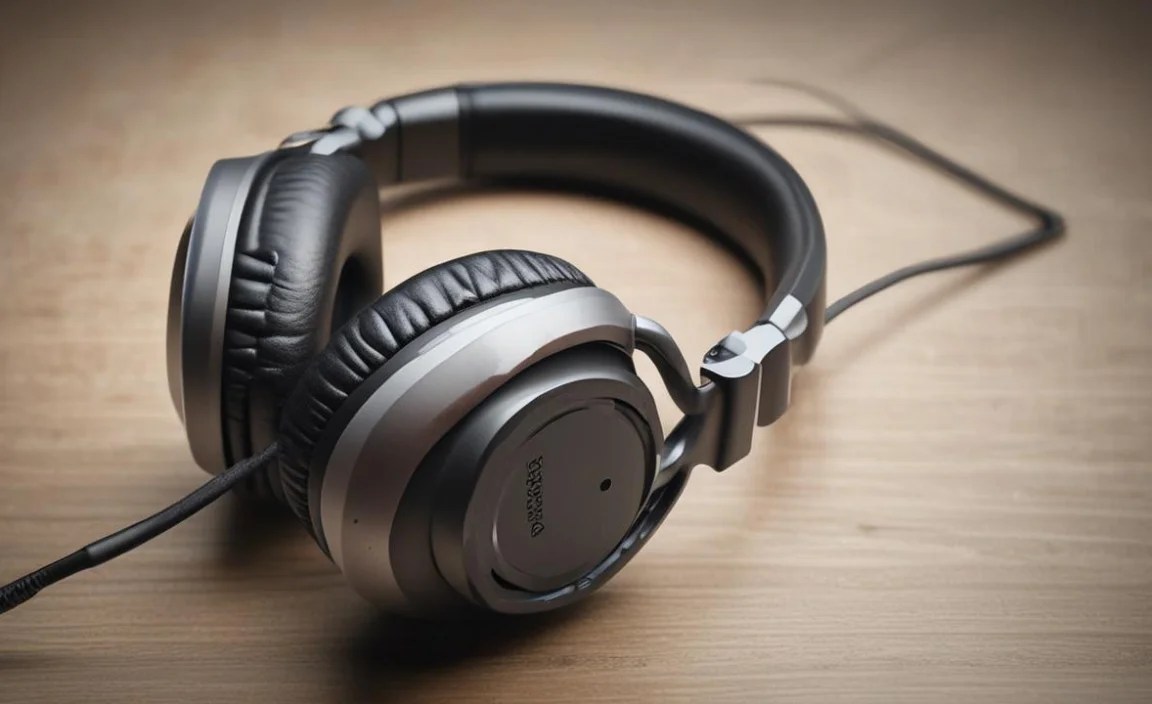
Once you’ve got your headphones connected, here’s how to make the most of them:
- Equalizer Settings: Your iPhone has a built-in equalizer (EQ) in Settings > Music > EQ. Experiment with different presets or adjust manually to fine-tune the sound to your liking. If you use a third-party app for music, it might have its own EQ settings.
- Spatial Audio: If you have AirPods Pro, AirPods Max, or other compatible headphones, explore Spatial Audio. It creates a theater-like, 3D sound experience for supported content. You can enable or disable it in your iPhone’s Bluetooth settings for compatible devices.
- Firmware Updates: For wireless headphones, regularly check the manufacturer’s app for firmware updates. These can often improve sound quality, ANC performance, battery life, and connectivity.
- Clean Your Headphones: Regularly clean the earcups and headband with a soft, damp cloth. For the earcups themselves, check your manufacturer’s guide for specific cleaning instructions, as materials vary (e.g., leather vs. velour). This keeps them hygienic and preserves their
