
Quick Summary: Find the best rated headphones with mic for crystal-clear calls and immersive audio. This guide covers key features to look for, top models for various needs, and essential maintenance tips to ensure your headphones perform reliably for years. Make an informed choice and enjoy superior sound and communication.
The Everyday Listener’s Guide to the Best Rated Headphones With Mic
Choosing the right headphones can feel like navigating a maze, especially when you need them to perform double duty – delivering fantastic music or podcasts while also ensuring your voice is heard loud and clear on calls and virtual meetings. Whether you’re a student taking online classes, a remote worker leading important discussions, a gamer immersed in virtual worlds, or someone who simply loves to take calls on the go, a good microphone is no longer a luxury. It’s essential. This guide is crafted to demystify the world of headphones with built-in mics, helping you pinpoint the “best rated” options that truly fit your lifestyle and budget. We’ll break down what to look for, highlight some standout choices, and even touch on how to keep your trusty audio companions in top shape.
Why a Good Mic Matters: Beyond Just Listening

For years, the focus on headphones was primarily sound quality for listening. However, the rise of remote work, online education, and the ubiquity of voice-activated assistants has shifted expectations. A microphone integrated into your headphones isn’t just a perk anymore; it’s often a critical component for communication and productivity. Imagine the frustration of trying to convey an important point on a conference call, only to have your colleagues struggle to hear you over background noise. Or the disappointment of a crystal-clear soundtrack being marred by feedback or a muffled voice on a call. Investing in headphones with a well-regarded microphone means investing in clarity, professionalism, and a smoother overall user experience.
Decoding the Features: What to Look For in the Best Rated Headphones With Mic

When you’re scanning specs and reviews, a few key features will consistently differentiate the good from the great when it comes to headphones with microphones. Understanding these will empower you to make the best choice for your needs.
Microphone Quality: The Heart of the Matter
This is where the magic happens. Not all microphones are created equal. Look for these indicators of quality:
- Noise Cancellation (for the mic): This is crucial. It filters out ambient sounds like traffic, chatter, or fan noise, ensuring your voice is the star. Technologies to look for include beamforming microphones (which focus on your voice) and adaptive noise reduction.
- Pickup Pattern: Most headphone mics use an omnidirectional pattern, picking up sound from all directions. For better isolation, some higher-end models might offer directional microphones.
- Frequency Response: A wider frequency response typically means clearer, more natural-sounding voice capture. Aim for mics that cover the human voice range effectively (roughly 300 Hz to 3.4 kHz is standard for voice calls, but better mics go wider).
- Sensitivity: This refers to how well the mic picks up quieter sounds. Higher sensitivity can be good, but it doesn’t always mean better, as it can also pick up more background noise.
Connectivity: How You’ll Plug In (or Not)
The way your headphones connect influences their versatility and performance:
- 3.5mm Jack: A universal standard. Great for compatibility with most laptops, phones (with an adapter), and gaming consoles. Often the most reliable for simple plug-and-play.
- USB: Offers a digital signal, which can provide cleaner audio and sometimes allows for more advanced features controlled by software. Essential for PC-centric users.
- Bluetooth: Wireless freedom! Look for the latest Bluetooth versions (e.g., Bluetooth 5.0 or higher) for better stability, range, and lower latency. Consider codecs supported, such as aptX or LDAC, for higher audio fidelity if your source device supports them.
- Detachable/Retractable Mics: A huge plus! This allows you to tuck the mic away when you don’t need it, essentially turning your communication headset into a pair of regular headphones.
Comfort and Design: For Long Sessions
If you plan on wearing these for hours, comfort is paramount:
- Earcup Material: Plush memory foam or breathable fabric is key for extended wear.
- Headband Adjustability: Ensure a snug but comfortable fit for various head sizes.
- Weight: Lighter headphones reduce strain during long listening or work sessions.
- Over-Ear vs. On-Ear: Over-ear headphones typically offer better passive noise isolation and comfort, while on-ear can be more compact.
Sound Quality for Listening: Don’t Forget the Music!
While the mic is important, you still want great audio for your music and media:
- Driver Size: While not the only factor, larger drivers (40mm and up) often provide a richer, more detailed sound.
- Frequency Response Range: A wide and balanced range ensures you hear all the nuances in your audio.
- Impedance: Lower impedance (under 80 ohms) is generally better for mobile devices and laptops, as they can drive them easily.
- In-Built DAC/Amp: For USB or wireless headphones, a good Digital-to-Analog Converter and Amplifier can significantly improve audio clarity.
Durability and Build Quality
You want headphones that will last. Look for sturdy materials like reinforced plastic or metal in the headband and hinges. Reviews often highlight build quality issues.
Top Categories: Finding Your Perfect Pair

The “best rated” headphones with mic often fall into a few common categories, each catering to slightly different needs.
Best for Remote Work & Online Meetings
These prioritize excellent microphone clarity, comfortable all-day wear, and often, good active noise cancellation (ANC) to help you focus.
Key Features to Prioritize:
- Superior microphone noise cancellation.
- Comfortable over-ear design for long wear.
- Reliable Bluetooth or USB connectivity.
- Good battery life (for wireless models).
- Discreet design for professional environments.
Recommended Models (Examples based on reputation, always check latest reviews and availability):
- Logitech H820e: Designed specifically for professional use, offering excellent mic clarity and long-range wireless connectivity.
- Bose NC 700/QuietComfort 45: While premium headphones, their microphones are highly regarded for voice clarity, and the ANC is top-tier for focusing.
- Jabra Evolve2 75: Built for business, with advanced microphone systems and comfortable earcups.
Best for Gaming
Gamers need responsive mics that can capture quick calls to teammates, alongside immersive audio and comfort for marathon gaming sessions. Low latency is also key.
Key Features to Prioritize:
- Clear, directional boom microphone (often retractable).
- Low latency audio (especially important for wireless gaming).
- Immersive surround sound capabilities.
- Durable build and comfortable earpads for long sessions.
- USB or dedicated wireless dongle connectivity for best performance.
Recommended Models (Examples):
- SteelSeries Arctis Nova Pro Wireless: Often praised for its versatility, excellent audio, clear mic, and multi-system connectivity.
- HyperX Cloud II: A long-standing favorite for its comfort, robust build, and decent mic performance at a great price.
- Razer BlackShark V2 Pro: Known for its exceptional mic clarity and immersive audio, making it a top pick for competitive gaming.
Best for Everyday Commuting & On-the-Go
Portability, noise cancellation (both for listening and mic), and ease of use are paramount here. Wireless is usually preferred.
Key Features to Prioritize:
- Effective Active Noise Cancellation (ANC) for noisy environments.
- Good microphone noise suppression for calls in busy places.
- Compact, foldable design for easy transport.
- Reliable Bluetooth connectivity and good battery life.
- Comfortable for shorter, frequent use.
Recommended Models (Examples):
- Sony WH-1000XM5 / WH-1000XM4: Industry-leading ANC, excellent sound quality, and highly capable microphones for calls.
- Apple AirPods Pro (2nd Gen): Excellent for iPhone users, with great ANC, transparency mode, and improved mic performance for calls in various conditions.
- Sennheiser Momentum 4 Wireless: Offers a superb blend of audio quality, ANC, and a respectable microphone for calls.
Best Budget-Friendly Options
You don’t always need to break the bank for good performance. These offer great value.
Key Features to Prioritize:
- Decent microphone clarity for the price.
- Comfortable enough for regular use.
- Reliable wired or wireless connectivity.
- Good overall sound quality for music and calls.
Recommended Models (Examples):
- HyperX Cloud Stinger Core: An affordable gaming headset that also performs well for general use and calls.
- Anker Soundcore Life Q30/Q35: Excellent ANC for the price, decent sound, and surprisingly capable mics for everyday calls.
- TAIDUX Wired Headphones: Often found with good reviews for its USB-C mic integration and clear voice pickup, especially for PC use. (Note: specific wired models vary greatly by market and time, so always check recent reviews for “best wired headphones with mic for PC” or similar).
User Guide: Getting the Most Out of Your Headphones With Mic

Once you’ve found your perfect pair, a little care and attention will ensure they perform optimally for a long time.
Setting Up for Success: Initial Steps
- Read the Manual: Seriously! It’s the best way to understand specific features, charging, pairing, and included accessories for your model.
- Charge Fully: For wireless headphones, a full initial charge is always recommended for optimal battery performance.
- Pairing Bluetooth Devices:
- Turn on your headphones and put them in pairing mode (usually by pressing and holding a power or Bluetooth button).
- On your phone or computer, go to Bluetooth settings and find your headphones in the list of available devices.
- Select them to pair. You might need to confirm a code.
- Connecting via USB/3.5mm: Simply plug them into the appropriate port. Your computer or device should automatically detect and install the necessary drivers. For gaming consoles, check the connection type and port availability.
Optimizing Microphone Performance
Even the best mic can be hampered by poor setup:
- Positioning is Key: For boom mics, ensure it’s positioned near your mouth and angled slightly off-axis to reduce breath noise. For built-in mics, ensure nothing is blocking them.
- Check Mic Settings: On your PC or smartphone, go to Sound Settings and ensure your headphones are selected as the default recording device. You can often adjust mic sensitivity or enhancements here. For example, on Windows, search for “Microphone settings”. You can find options like “Listen to this device” to test your mic, and “Microphone Boost” to increase volume. On macOS, go to System Preferences > Sound > Input.
- Disable Other Audio Inputs: If you’re having trouble, make sure your laptop’s built-in microphone isn’t trying to compete.
- Software Updates: For gaming headsets or professional communication headsets, check the manufacturer’s website for firmware or driver updates. These can often improve mic performance.
Understanding ANC and Transparency Modes
- Active Noise Cancellation (ANC): This technology uses microphones to detect ambient noise and generate an opposite sound wave to cancel it out. It’s great for focus in noisy environments but can sometimes slightly affect audio fidelity.
- Transparency/Ambient Mode: This uses the external microphones to let in surrounding sounds, so you can hear announcements or have a quick conversation without removing your headphones.
- When to Use Each: Use ANC when you need to concentrate or enjoy your audio without distraction. Use Transparency Mode when you need to be aware of your surroundings.
Maintenance: Keeping Your Gear in Top Shape
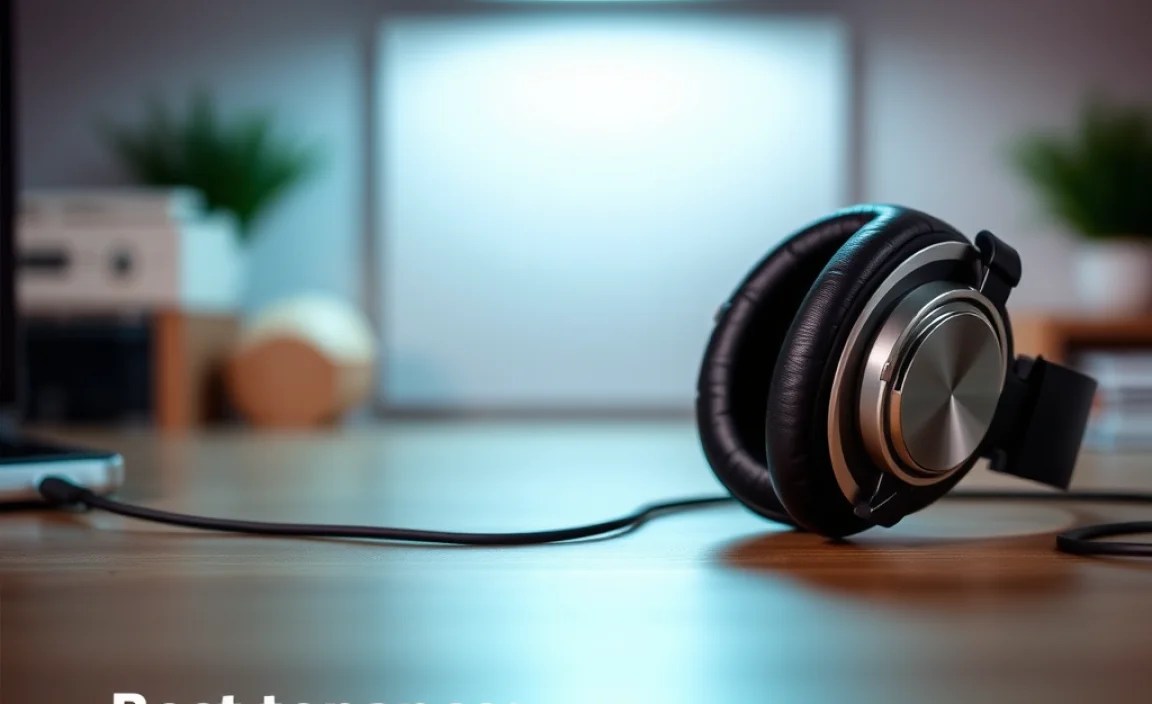
A little regular maintenance can significantly extend the life and performance of your headphones.
Cleaning Your Headphones
Grime and earwax can degrade sound quality and hygiene.
- Earpads: For removable earpads, follow manufacturer instructions. Many fabric or leatherette pads can be wiped gently with a slightly damp cloth (water only, or mild soap and water). Ensure they are completely dry before reattaching. For non-removable pads, a damp cloth to the surface is usually sufficient.
- Headband: Wipe with a dry or slightly damp cloth.
- Earcups (Plastic/Metal): Use a soft, dry microfiber cloth. For stubborn marks, a slightly damp cloth can be used, ensuring no liquid seeps into the drivers.
- Microphone Grille: Use a dry cotton swab or a soft brush to gently clean the mic opening, being careful not to push debris further in.
- Jack/Ports: Occasionally, dust can accumulate. Use compressed air to blow out USB ports or 3.5mm jacks. Do NOT insert anything metallic.
Storage Tips
- Use the Case: If your headphones came with a carrying case, use it! It protects them from dust, scratches, and impact.
- Avoid Extreme Temperatures: Don’t leave your headphones in a hot car or extreme cold.
- Manage Cables: For wired headphones, avoid wrapping the cable too tightly. Looping them loosely is best. Don’t let the cable bear the weight of the headphones when plugged in.
Battery Care (for Wireless Headphones)
Lithium-ion batteries, common in wireless headphones, benefit from mindful charging.
- Avoid Deep Discharges: Try not to let the battery drain completely to 0% regularly.
- Avoid Constant Overcharging: While most devices have protection, leaving them plugged in at 100% for days on end can slightly degrade battery health over time.
- Storage Charge: If storing for a long period, aim for a charge level between 40-60%.
Troubleshooting Common Issues
Facing a problem? Here are some quick fixes.
| Problem | Possible Solutions |
|---|---|
| Microphone not working/muted |
|
| Poor audio quality on calls |
|
| Bluetooth connection issues |
|
| No sound from headphones |
|
| Headphones uncomfortable |
|
For more in-depth troubleshooting or hardware issues, consult the manufacturer’s support resources. Organizations like the Federal Communications Commission (FCC) also provide
