
Quick Summary: Finding the right school headphones means balancing comfort, durability, and sound quality for focus and learning. This guide helps students and parents choose the ideal pair, covering essential features like noise cancellation, safety volume controls, and wireless vs. wired options to make informed decisions for academic success.
Best School Headphones: Essential Gear for Focused Learning
Hey everyone, Edward Cavitt here from headphonehorizon! Heading back to school, or maybe just looking to upgrade your learning setup? One piece of gear that can make a surprisingly big difference is a good pair of headphones. They’re not just for jamming out to your favorite tunes anymore! In today’s world, headphones are vital tools for concentrating during online classes, studying in noisy libraries, or even just listening to educational podcasts. But with so many options out there, how do you pick the absolute best school headphones for your needs? Don’t worry, I’m here to guide you through it, making sure you get great sound without any fuss.
Why School Headphones Are More Important Than You Think

In the modern educational landscape, headphones have evolved from a simple accessory to an essential learning tool. Whether you’re a student trying to block out distractions in a busy dorm, a remote learner needing to clearly hear your professor, or a young student absorbing new information, quality audio can significantly enhance the learning experience. They help create a personal learning bubble, reduce auditory clutter, and improve comprehension by allowing you to focus on the content at hand. For parents, understanding the benefits of good school headphones means investing in your child’s academic success and focus.
According to research from institutions like Indiana University, auditory input plays a crucial role in learning and memory. Proper use of headphones can optimize this by delivering clear audio directly to the listener, minimizing external interference that can disrupt cognitive processes. This is especially important for subjects requiring deep concentration or for students who are particularly sensitive to background noise.
Key Features to Look For in School Headphones

When you’re on the hunt for the best school headphones, a few key features will make your life a lot easier and your study sessions much more productive. It’s not just about the brand or how loud they can get; it’s about how well they serve your educational needs.
Comfort is King (or Queen!)
You’ll likely be wearing these for extended periods, whether it’s during a long lecture or a solid study block. So, comfort is paramount. Look for:
- Padded Earcups: Soft, plush earcups distribute pressure evenly and prevent soreness. Materials like memory foam are excellent.
- Adjustable Headband: A headband that can be easily adjusted ensures a snug, comfortable fit for different head sizes.
- Lightweight Design: Heavy headphones can cause fatigue and discomfort over time. Aim for models that feel light on your head.
- Over-Ear vs. On-Ear: Over-ear headphones (which enclose your ears) generally offer better comfort and noise isolation than on-ear models, though they can be bulkier.
Durability for the Long Haul
School life can be tough on gear. Backpacks get tossed, headphones might get a bit of rough handling. You need headphones that can withstand the daily grind. Consider:
- Sturdy Materials: Look for headphones made from robust plastics and metals.
- Flexible Headbands: A headband that can bend without snapping is a lifesaver.
- Reinforced Cables (for wired models): Thicker, braided, or reinforced cables are less prone to fraying and breaking.
- Foldable Design: Many headphones fold up neatly, making them easier to store safely in a backpack.
Sound Quality Matters
While you don’t need audiophile-grade equipment for most school tasks, decent sound clarity is essential for lectures, online calls, and educational videos. You want to hear every word without straining.
- Clear Mid-Range: This is where voices typically sit, so clear mids are crucial for spoken content.
- Balanced Audio: Avoid headphones that are too bass-heavy, which can sometimes muddy or distort voices.
- Decent Volume: Enough volume to hear in moderately noisy environments, but not so much that it’s damaging.
Noise Isolation & Cancellation
This is a big one for focus. There are two main ways headphones help you tune out the world:
- Passive Noise Isolation: This is achieved through the physical design of the headphones, like snug-fitting earcups that create a seal around your ears. It’s effective at blocking out consistent, mid-frequency noises like chatter.
- Active Noise Cancellation (ANC): This is a more advanced feature where microphones on the headphones detect external noise and generate an anti-noise sound wave to cancel it out. ANC is excellent for low-frequency, constant noises like airplane hums, bus engines, or air conditioning. It’s a fantastic feature for really noisy study environments, but it usually comes at a higher price.
Safety Features for Young Ears
For younger students, protecting their hearing is a top priority. Many headphones designed for children come with built-in volume limiters.
- Volume Limiters: These cap the maximum sound output to a safe level, typically around 85 decibels (dB), which is recommended by audiologists as a safe limit for prolonged listening. This is a crucial feature for parents to consider.
- Noisy Environments and Volume: It’s important to remember that even at safe volume levels, extended listening in very loud environments can be detrimental. Educating students on safe listening habits is key. The National Institute on Deafness and Other Communication Disorders (NIDCD) provides excellent resources on noise-induced hearing loss.
Wired vs. Wireless
This is a classic dilemma, and each has its pros and cons for school use.
| Feature | Wired Headphones | Wireless Headphones (Bluetooth) |
|---|---|---|
| Convenience | No charging needed, no pairing hassles. Just plug and play. | Freedom of movement, no tangled cables. |
| Sound Quality | Generally more consistent sound, less susceptible to interference. Often better for critical listening at lower price points. | Can be excellent, but dependent on Bluetooth version and codecs. Some codecs can introduce slight compression. |
| Battery Life | Not applicable – they draw power from the device. | Requires regular charging. Many offer 10-30+ hours of playback. |
| Compatibility | Requires a headphone jack (3.5mm) or compatible adapter. Many newer devices lack this. | Requires Bluetooth capability on the device. Pairing can sometimes be fiddly. |
| Price | Often more affordable for comparable sound quality. | Can be more expensive, especially those with ANC or premium features. |
Microphone Quality
If you’re attending online classes or participating in video calls, a good built-in microphone is essential for clear communication. Look for microphones that:
- Offer Clarity: Your voice should sound clear and natural, not muffled or distant.
- Have Noise Reduction: Some mics are better at filtering out background noise so your voice stands out.
- Are Positioned Well: For boom mics, they should be close to your mouth. For inline mics, their placement matters.
Step-by-Step Guide to Choosing Your Best School Headphones

Now that we know what to look for, let’s walk through the process of selecting the perfect pair for you or your student.
Step 1: Assess Your Needs and Environment
Before you even start looking at models, think about these questions:
- Who is this for? A young child, a teenager, or a college student? This will influence design, durability, and safety features.
- Where will they primarily be used? A quiet home study space, a busy library, a noisy commute, or a bustling classroom? This determines the importance of noise cancellation.
- What will they be used for? Primarily listening to lectures and educational content, occasional music, online calls, or a mix?
- What’s your budget? This will guide your options.
- What devices will they connect to? Do they have standard headphone jacks, or are they all Bluetooth-dependent?
Step 2: Prioritize Key Features Based on Needs
Based on your answers in Step 1:
- For young children: Prioritize durability, comfort, and volume limiting. Wireless can be convenient but ensure simple pairing.
- For high school/college students in noisy environments: Focus on strong noise isolation or ANC, comfort for long sessions, and good build quality. Wireless is often preferred for convenience.
- For students needing to take calls: Ensure good microphone quality alongside sound and comfort.
- On a tight budget: Look for well-reviewed wired options that offer good passive isolation and comfort. Durability is still key.
Step 3: Consider Type of Headphone
Headphones come in different styles:
- Over-Ear (Circumaural): These surround your ears. They offer the best comfort and passive noise isolation. They can be bulky but are great for immersive listening and focus.
- On-Ear (Supra-aural): These rest on your ears. They are generally more compact and can be lighter but may offer less noise isolation and comfort for long periods. Can sometimes cause ear fatigue due to pressure on the ear.
- In-Ear (Earbuds/IEMs): These fit inside your ear canal. They are the most portable and can offer excellent noise isolation if they have a good seal. However, they may not be as comfortable for very long listening sessions for some people, and younger children might have trouble with fit. For school, they might be less ideal for lectures if you’re constantly taking them out.
Step 4: Research and Read Reviews
Once you have a shortlist of features and types, start researching specific models. Look for reviews from:
- Reputable Tech Websites: These often provide in-depth technical analysis and comparisons.
- Educational Blogs/Parenting Sites: Many focus on student-specific gear.
- User Reviews: Pay attention to recurring comments about comfort, durability, and sound quality, especially in the context you’ll be using them.
Step 5: Check for Safety Certifications and Standards
For children’s headphones, look for mentions of specific safety standards or certifications related to volume limiting. Websites like the U.S. Food and Drug Administration (FDA) also offer guidance on safe listening levels.
Step 6: Make Your Purchase and Test Them Out
Buy your chosen pair and, if possible, test them immediately. Ensure they fit well, the sound is clear, and any features like ANC or Bluetooth work as expected. Pay attention to comfort during a short listening session.
Top Picks for Best School Headphones (Categories)

While I can’t give exact model recommendations due to rapidly changing technology and availability, I can highlight categories and features that generally lead to excellent school headphones. Think of these as guidelines when you’re browsing.
Best Budget-Friendly School Headphones
- Focus: Durability, decent comfort, clear sound for spoken word.
- Features to seek: Wired connection for reliability and no battery worries, padded earcups, adjustable headband. Look for brands known for value and build quality.
- Consider: Simple over-ear headphones from well-known electronics brands or those specifically marketed for students or kids.
Best Active Noise-Cancelling (ANC) Headphones for Students
- Focus: Maximum concentration in noisy environments.
- Features to seek: Effective ANC, excellent comfort for long wear, good battery life, clear sound.
- Consider: Mid-range to premium ANC headphones. Some offer transparency modes that let you hear your surroundings when needed, which can be safer for walking around campus.
Best Kids’ School Headphones (with Volume Limiting)
- Focus: Safety, extreme durability, comfort, and engaging design.
- Features to seek: Built-in 85dB volume limiter, robust construction, soft earcups, adjustable fit. Wireless options with simple pairing are great. Brands like BuddyPhones, JBL JR, and Puro Audio often excel here.
- Consider: Look for specific mentions of “kids’ headphones with volume control.”
Best Wireless Headphones for Student Convenience
- Focus: Freedom of movement, ease of use, reliable Bluetooth connectivity.
- Features to seek: Good battery life (20+ hours is a sweet spot), stable Bluetooth connection, comfortable fit. Microphone quality is a plus if for calls.
- Consider: Many mainstream consumer headphones offer a great balance of features for this category.
Best Wired Headphones for Audio Purity & Reliability
- Focus: Consistent sound performance, no battery concerns, simple plug-and-play.
- Features to seek: Durable cable with strain relief, comfortable earcups, balanced audio profile.
- Consider: Look for wired over-ear or on-ear models known for good value and sound reproduction. Brands like Audio-Technica, Sennheiser (entry-level), and Koss are worth exploring.
Maintaining Your School Headphones
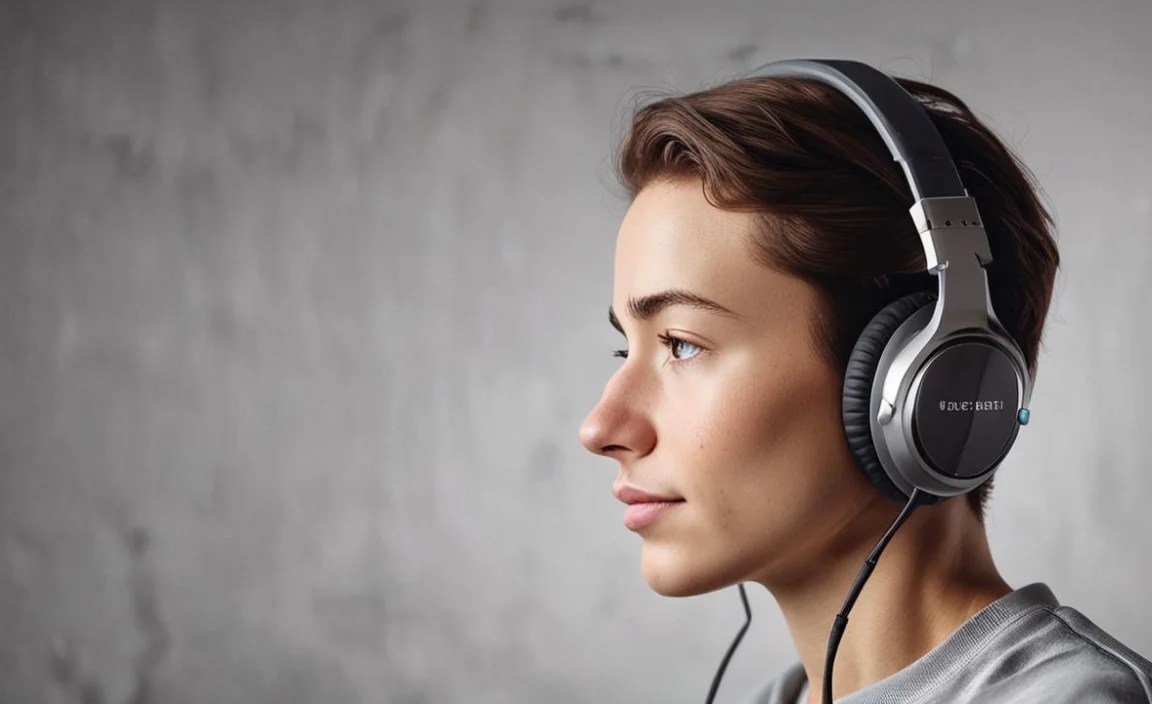
To ensure your best school headphones last as long as possible and perform optimally, a little regular maintenance goes a long way.
How to Clean Your Headphones
Keeping them clean is essential for hygiene and performance.
- Earpads: For fabric earpads, use a slightly damp cloth with mild soap (like dish soap). For leather or pleather, use a specialized cleaner or a lightly damp cloth. Always ensure they are completely dry before use.
- Headband: Wipe down with a damp cloth.
- Earphone Grills/Mesh: Use a dry, soft brush (like a toothbrush or a small makeup brush) to gently remove debris. Be very careful not to push debris further in.
- Cables (Wired): Wipe down with a dry or slightly damp cloth. Avoid bending cables sharply.
- Charging Ports (Wireless): Use a dry cotton swab to gently clean out any dust or lint from charging ports.
Important Note: Never submerge headphones in water or use harsh chemicals. Always unplug wired headphones or turn off wireless ones before cleaning.
Troubleshooting Common Issues
- No Sound from One Earcup (Wired): Often a sign of a damaged cable. Try gently wiggling the cable near the connector or earcup to see if sound returns. If it’s intermittent, the cable is likely the issue and may need replacement or repair. Ensure the plug is fully inserted.
- Bluetooth Not Connecting:
- Ensure headphones are charged and in pairing mode.
- Turn Bluetooth off and on again on your device.
- Restart your device.
