
Quick Summary: Discover the best sleep masks with integrated headphones for ultimate relaxation. This guide explores top picks, features to consider, and how they enhance sleep, offering a comprehensive look at achieving deeper rest through sound and darkness.
The Best Sleep Mask With Headphones: An Essential Guide to Deeper Sleep
Struggling to drift off? In our busy world, finding true rest can feel like a luxury. But what if you could combine the tranquility of total darkness with the calming power of your favorite audio? Enter the sleep mask with integrated headphones – a surprisingly effective tool for anyone seeking better sleep. Forget uncomfortable earbuds or bulky headphones; these clever devices offer a seamless way to block out light and immerse yourself in soothing sounds. Whether it’s ambient noise, guided meditations, or gentle music, this guide is your ticket to understanding how to choose and use the perfect sleep mask with headphones for a more peaceful night.
Why Consider a Sleep Mask With Headphones? The Dual Power of Darkness and Sound

Imagine a world where every flicker of light is gone, and the only thing you hear is precisely what helps you unwind. That’s the promise of a sleep mask with built-in headphones. This innovative combination tackles two major sleep disruptors: ambient light and unwanted noise. By strategically blocking light, sleep masks signal to your brain that it’s time to rest, promoting melatonin production. Simultaneously, integrated headphones allow you to create your personal audio sanctuary. This can involve:
- Masking disruptive noise: City sounds, snoring partners, or early morning traffic can all be drowned out.
- Introducing calming audio: White noise, nature sounds, guided meditations, or lo-fi playlists can lull you into sleep.
- Creating a consistent sleep environment: No matter where you are – at home, on a plane, or in a hotel – you can establish your ideal sleep conditions.
This dual approach is scientifically supported. Studies, like those from the National Center for Biotechnology Information, highlight the importance of both light and noise management for optimal sleep quality. When combined, they offer a potent one-two punch against sleeplessness.
Key Features to Look For in Your Perfect Sleep Mask With Headphones

Choosing the right sleep mask with headphones involves balancing comfort, audio quality, and functionality. Here’s what to consider:
1. Comfort and Fit: The Foundation of Good Sleep
This is paramount. A sleep mask that’s too tight, too loose, or made of scratchy material will defeat the purpose. Look for:
- Adjustable Straps: Essential for a secure yet comfortable fit that won’t slip off during the night.
- Soft, Breathable Materials: Cotton, silk, or memory foam are excellent choices. They feel good against your skin and prevent overheating.
- Contoured Design: Some masks have eye cups that create space around your eyes, preventing pressure on your eyelids and allowing for REM sleep without disturbance.
- Flat Earbuds/Speakers: Ensure the audio components are slim and lie flat against your ears to avoid discomfort when sleeping on your side.
2. Audio Quality and Technology
While you might not be expecting audiophile-grade sound, some level of clarity makes a big difference. Consider:
- Speaker Type: Most use small, flat speakers. Bluetooth connectivity is standard now, offering wireless freedom.
- Sound Quality: Read reviews to gauge how clear the audio is. Is it tinny, or does it provide a pleasant listening experience?
- Volume Control: Easy access to volume adjustment is a must, so you can fine-tune it without disturbing your partner or fumbling with your device.
- Battery Life: For Bluetooth models, check how long the battery lasts. Ideally, it should cover a full night’s sleep, and then some.
3. Light Blocking Capabilities
The primary function of a sleep mask is to block light. Ensure the mask:
- Has a Deep Fit: It should contour to your face without gaps, especially around the nose.
- Uses Opaque Material: No light should be able to penetrate the fabric.
- Is Comfortable Around the Nose Bridge: Some masks have adjustable nose flaps to help seal out light effectively.
4. Connectivity and Controls
How do you control the audio and connect to your devices?
- Bluetooth Version: Newer versions (like Bluetooth 5.0 or higher) offer more stable connections and better power efficiency.
- Easy-to-Use Controls: Look for buttons integrated into the mask for play/pause, volume adjustment, and skipping tracks. These should be intuitive and easy to find by feel.
- Rechargeability: Most use USB charging. Check if the charging port is easily accessible.
5. Durability and Maintenance
Since it’s a wearable item, ease of cleaning is important. Can the electronics be removed for washing the fabric part? Most high-quality masks will allow this.
Top Brands and Models: Finding Your Perfect Sleep Companion
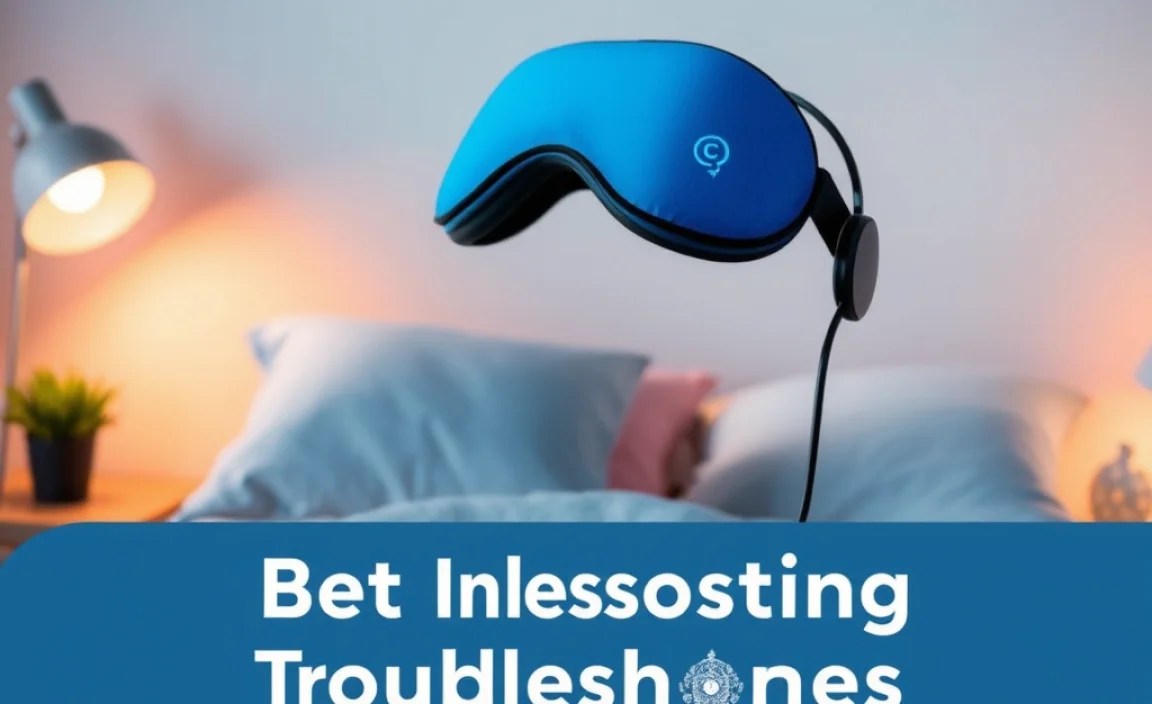
The market for sleep masks with headphones is diverse. While specific models change, here are some reputable brands known for quality and innovation in this niche:
A Note on Brands: It’s always a good idea to check recent reviews for the latest models from these brands, as technology and design are constantly evolving.
| Brand/Model Example | Key Features | Best For |
|---|---|---|
| SleepPhones (Various Models) | Soft fabric headband with flat speakers, Bluetooth and corded options, multiple fabric types. | Comfort-seekers, side sleepers, those who prefer a traditional headband feel. |
| CrOrganic Sleep Mask Headphones | 3D contoured eye masks with integrated Bluetooth audio, excellent light blocking, washable. | Total darkness enthusiasts, those looking for a dedicated sleep mask form factor. |
| AKASO Sleep Mask with Headphones / Mpow Sleep Headphones | Often feature slim speakers, comfortable materials, and reliable Bluetooth connectivity. | Budget-conscious buyers, those seeking a good balance of features and price. |
| AYOUMUI Sleep Mask with Headphones | Often boasts high stitch density fabric for comfort, long battery life, and good sound. | Travelers, those who value battery performance. |
When exploring these, pay attention to specific product descriptions. For instance, some might offer noise-canceling features in their headphones, while others prioritize ultra-soft, natural fabrics. Your personal preferences will guide you to the ideal choice.
How to Use Your Sleep Mask With Headphones for Maximum Benefit
Getting the most out of your new gear is simple. Follow these steps:
Step 1: Initial Setup and Charging
Before your first use, fully charge your sleep mask’s headphones. Most come with a USB cable. Consult your product manual for specific charging times and indicators.
Step 2: Pairing with Your Device
Turn on the Bluetooth headphones by pressing and holding the power button (location varies by model). Put your phone, tablet, or audio player into Bluetooth pairing mode. Your sleep mask should appear in the list of available devices. Select it to connect.
Step 3: Selecting Your Audio Content
Now the fun part! Choose what you want to listen to:
- Relaxing Music: Gentle instrumental tracks, classical music, or ambient soundscapes.
- Nature Sounds: Rain, ocean waves, or forest sounds can be incredibly soothing.
- White Noise or Pink Noise: These consistent sounds effectively mask other noises and create a sense of calm.
- Audiobooks or Podcasts: A captivating story or informative chat can be a great distraction from racing thoughts.
- Guided Meditations or Sleep Stories: Many apps (like Calm or Headspace) offer sleep-focused content that’s perfect for this setup.
Consider setting a sleep timer on your audio app so playback stops automatically, conserving battery and preventing it from waking you up later.
Step 4: Wearing the Mask
Gently place the mask over your eyes, ensuring the speakers are positioned comfortably over your ears. Adjust the head strap for a snug but not too tight fit. If it’s a contoured mask, make sure it seals out light effectively around your nose bridge.
Step 5: Enjoying Your Sleep
Once you’re comfortable and your audio is playing at a low, soothing volume, relax and let the darkness and sound guide you to sleep. The goal is a gentle transition, not a forced one, so let your chosen audio play its part naturally.
Troubleshooting Common Issues
Even the best tech can sometimes be a bit finicky. Here are some common issues and how to fix them:
- Issue: Headphones won’t connect via Bluetooth.
- Fix: Ensure Bluetooth is enabled on your device. Try turning both the headphones and your device’s Bluetooth off and on again. Make sure the headphones are not already connected to another device. Check the headphone’s battery level. If it’s very low, it might not pair. Consult your product manual for specific pairing instructions, as some models might require holding the power button longer to enter pairing mode.
- Issue: Sound is distorted or crackling.
- Fix: Check the battery level of the headphones. Low battery can cause poor sound quality. Ensure your device is within Bluetooth range (typically 30 feet or 10 meters). Sometimes, interference from other devices can cause issues; try moving away from microwaves or other strong Wi-Fi signals. If possible, try pairing with a different device to see if the issue persists. Ensure the speaker elements are properly seated within the mask.
- Issue: Mask is uncomfortable.
- Fix: Adjust the head strap until it feels just right – secure enough to stay in place but not so tight that it causes headaches or pressure. If the speakers feel awkward, gently reposition them. Some masks have removable speakers, allowing you to adjust their placement more precisely. Ensure you’re wearing it correctly – not too high on your forehead or too low.
- Issue: Mask doesn’t block out enough light.
- Fix: Check for gaps, especially around the nose or edges. Some masks have adjustable nose pieces or flexible wings to create a better seal. Gently press the mask against your face to ensure it contours properly. If it’s a contoured mask, make sure your eyes are within the hollowed-out eye cups.
- Issue: Headphones are not charging.
- Fix: Ensure the USB cable is securely plugged into both the headphones and a working power source. Try a different USB cable or power adapter, as these can sometimes fail. Check if there’s any debris in the charging port and gently clean it with a dry, soft brush or compressed air. Make sure the charging indicator light comes on – if not, there might be an issue with the charging circuitry.
Maintenance: Keeping Your Sleep Essential Clean
Your sleep mask with headphones is a personal item that deserves proper care to ensure hygiene and longevity.
Cleaning the Fabric Component
Most sleep masks with headphones are designed with removable electronics. This is crucial for washing.
- Locate the Speakers/Module: Carefully feel around the inside of the mask to find where the speakers are housed. They are usually hidden within small fabric pockets.
- Remove Electronics: Gently slide out the speakers and any control modules. These usually detach from a small wire connecting them. Be patient and avoid excessive force.
- Wash the Fabric: Follow the care instructions on the mask’s tag. Typically, you can hand wash the fabric with mild detergent in cool water or use a gentle cycle in your washing machine (in a lingerie bag is often recommended).
- Air Dry Completely: Never put the fabric in a dryer, as this can damage the material. Let it air dry thoroughly in a well-ventilated area. Ensure it’s completely dry before reinserting the electronics, as moisture can damage them.
Caring for the Electronics
The electronic components—speakers and Bluetooth module—require minimal care.
- Wipe Clean: If they get dusty, gently wipe them with a dry, soft cloth.
- Keep Dry: Avoid exposing them to moisture. Never immerse them in water.
- Charge Wisely: Use the provided charging cable and a reliable power source. Avoid overcharging constantly, though most modern electronics have overcharge protection.
Frequently Asked Questions (FAQ)
Q1: Will using a sleep mask with headphones actually help me sleep better?
Yes, for many people. By blocking disruptive light and allowing you to listen to calming audio, they create an optimal sleep environment that can reduce time taken to fall asleep and improve overall sleep quality. Scientific research supports the benefits of both darkness and controlled sound for sleep.
Q2: Are sleep masks with headphones comfortable for side sleepers?
Many are specifically designed for side sleepers! Look for masks with ultra-thin, flat speakers that don’t protrude. Brands like SleepPhones and some 3D contoured masks offer excellent comfort for those who sleep on their sides.
Q3: Can I use these sleep masks with headphones for workouts or travel?
Absolutely! They are fantastic for travel, especially on planes or trains, to create a personal quiet zone. While not ideal for intense workouts due to sweat, they can be great for gentle activities like yoga or stretching, or simply for relaxation anywhere.
Q4: How long does the battery typically last on Bluetooth sleep masks?
Battery life varies by model, but most good quality Bluetooth sleep masks can last anywhere from 8 to 20 hours on a single charge. This is usually more than enough for a full night’s sleep, and often provides power for an entire day or two of intermittent use.
Q5: Are the electronics removable for washing?
Yes, almost all reputable sleep masks with integrated headphones are designed with removable electronics. This is essential for hygiene, allowing you to wash the fabric component. Always check the product description to confirm this feature.
Q6: What kind of audio should I listen to?
Whatever helps you relax and unwind! Popular choices include white noise, nature sounds (rain, ocean waves), guided meditations, audiobooks, calming music, or gentle podcasts. Experiment to find what works best for you. Many apps offer dedicated sleep programs.
Q7: Can I hear my alarm if I set one on my phone?
Yes, as long as your phone is connected to the sleep mask’s headphones and volume is up, you should be able to hear your alarm. Some masks have specific features or app integrations that can help manage alarms, but generally, standard phone alarms will play through the connected headphones.
Conclusion: Your Journey to Serenity Begins
Finding restful sleep in our modern world is a challenge many of us face daily. The best sleep mask with headphones offers a powerful, elegant solution by combining the primal comfort of absolute darkness with the cognitive benefits of immersive, personalized audio. From masking bothersome noises to providing a soundtrack for serenity, these devices are more than just gadgets; they are tools for well-being. By understanding the key features, considering reputable brands, and following simple setup and maintenance tips, you can unlock a new level of relaxation and achieve the deep, restorative sleep you deserve. So, embrace the calm, tune out the distractions, and let your journey to a more peaceful night’s sleep begin with the perfect sleep mask and headphone companion.
