
Quick Summary: Discover the “Essential Power Trio” of solid-state headphone amplifiers. This guide simplifies choosing the right amp to unlock your headphones’ full potential, offering clear explanations and beginner-friendly advice for a superior listening experience.
The Best Solid State Headphone Amp: Your Essential Power Trio Explained
Welcome to Headphone Horizon! If you’re diving deeper into the wonderful world of audio, you’ve probably encountered the term “headphone amplifier.” It might sound a bit technical, but think of it as the muscle that helps your headphones sing. Specifically, a solid-state headphone amp is a fantastic choice for many because of its reliability and clear sound. In this guide, we’ll break down what makes a solid-state amp great and introduce you to an “essential power trio” of features that will help you find the best solid state headphone amp for your needs. Get ready to unlock a new level of listening pleasure!
Why a Solid State Headphone Amp?
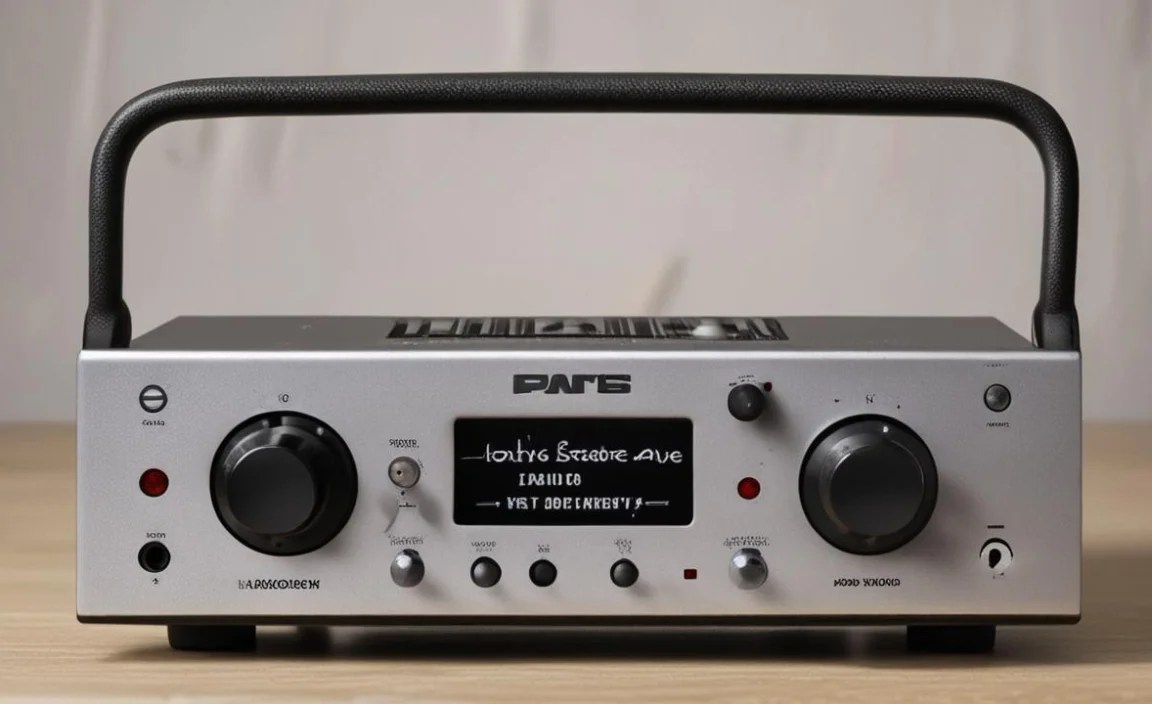
Before we get to our power trio, let’s quickly understand why solid-state amplifiers are so popular. Unlike older tube amplifiers, which use glass tubes to amplify sound, solid-state amps use transistors. This fundamental difference leads to some key advantages that appeal to a broad range of listeners:
- Durability: Solid-state amps are generally more robust. They don’t have delicate tubes that can burn out or break, meaning less worry about maintenance and replacement.
- Consistency: They tend to offer a very consistent performance over time. You get the same great sound day after day, year after year.
- Affordability: While high-end models exist, solid-state technology often allows for excellent performance at more accessible price points, making them a great starting point for beginners.
- Clarity and Detail: Many solid-state amps are known for their clean, precise, and detailed sound reproduction. They can bring out the nuances in your music that might otherwise be lost.
- Compactness: They are often smaller and lighter than tube amps, making them ideal for desktop setups or even portable use.
For everyday listeners, busy professionals, and anyone looking for a reliable way to boost their headphone sound without fuss, a solid-state amp is often the perfect solution. It’s the workhorse that ensures your music sounds its best.
The Essential Power Trio: Key Features to Look For

When searching for the “best solid state headphone amp,” it’s easy to get lost in specs and jargon. But worry not! We’ve identified three crucial pillars, our “Essential Power Trio,” that will guide your decision. Focusing on these will ensure you get an amp that truly enhances your listening experience.
1. Power Output (Driving Your Headphones)
This is arguably the most critical factor. Power output, often measured in milliwatts (mW), tells you how much “oomph” the amplifier has to drive your headphones. Different headphones have different power requirements.
- Low-Impedance Headphones: These are typically your everyday earbuds or consumer headphones, often ranging from 16 to 60 ohms. Most decent headphone jacks on computers or phones can handle these, but an amp can still provide a cleaner, more dynamic sound.
- High-Impedance Headphones: These are usually studio monitor headphones or audiophile-grade models, often starting at 150 ohms and going up to 600 ohms or even higher. These require significantly more power to reach a satisfactory listening volume and to sound their best. Without enough power, they can sound thin, lack bass, and generally be underwhelming.
Why it matters: An amplifier with insufficient power will struggle to drive high-impedance headphones properly. This means you might have to turn the volume all the way up and still not get enough loudness. More importantly, the sound quality will suffer – bass might be weak, dynamics will be compressed, and distortion can occur. A good amp provides ample power, allowing your headphones to perform at their peak, revealing their full sonic potential. You’ll want to check the impedance (ohms) of your headphones and then look for an amplifier that can deliver sufficient power at that impedance level. Manufacturer specifications are your best friend here.
For instance, a common specification to look for is something like “200mW into 300 ohms” or “500mW into 32 ohms.” This tells you how much power the amp can deliver to headphones of specific impedances. A good rule of thumb is to aim for an amplifier that can comfortably exceed the power needs of your headphones.
An excellent resource for understanding headphone impedance is found on Hi-Fi News, an authoritative audio publication. They often have articles explaining these technical aspects in detail, helping you understand the relationship between source and headphones.
2. Connectivity Options (Versatility for Your Setup)
Once you have the power sorted, think about how you’ll connect your amplifier to your music source and your headphones. The best solid state headphone amp will offer versatile connectivity to seamlessly integrate into your existing setup, whether that’s a computer, a smartphone, or a dedicated audio player.
Here are the common connection types you’ll encounter:
- Analog Inputs:
- 3.5mm (1/8 inch) Aux Input: The most common headphone jack found on phones, laptops, and portable music players.
- RCA Inputs: Standard on most home stereo equipment, providing a stereo line-level connection. These are often considered a higher-quality connection than 3.5mm.
- Digital Inputs (often found on DAC/Amp Combos):
- USB: Allows you to connect directly to your computer, often bypassing your computer’s internal sound card for a cleaner signal. This is very common and incredibly convenient.
- Optical (Toslink): A digital audio connection that uses light to transmit sound.
- Coaxial: Another digital audio connection, similar to RCA but used for digital signals.
- Headphone Outputs:
- 3.5mm (1/8 inch): The standard headphone jack, compatible with most headphones.
- 6.35mm (1/4 inch) Jack: A larger, sturdier connector often found on higher-end or pro-audio headphones. Many amps offer both, or an adapter is easily available.
- XLR (4-pin): A professional-grade, balanced connection that can offer superior noise rejection and power delivery for compatible headphones.
Why it matters: The right connectivity ensures your amplifier can talk to all your devices. If you plan to connect your amp to a laptop via USB, ensure it has a USB input. If you want to hook it up to a home stereo receiver, RCA inputs will be essential. Similarly, make sure the headphone output jack matches your headphones, or that you have an adapter. A DAC (Digital-to-Analog Converter) often works in tandem with amplifier capabilities, and many modern “amps” are actually DAC/Amp combos, offering the best of both worlds for digital sources.
A DAC is crucial because it converts digital audio files (like MP3s or FLACs) into an analog signal that the amplifier can then boost. If your computer or phone’s built-in DAC isn’t great, an external DAC (often integrated into the amp) can significantly improve sound quality.
3. Sound Signature and Gain Settings (Tailoring the Sound)
While power and connectivity are about raw capability, sound signature and gain settings are about refinement and personalization. These features allow you to fine-tune the listening experience to your taste and your specific headphones.
- Sound Signature: This refers to the overall tonal balance of the amplifier.
- Neutral/Transparent: Aims to reproduce the audio exactly as it was recorded, without adding any color. This is favored by audiophiles who want to hear the music as the artist intended.
- Warm: Adds a slight emphasis on lower-mid frequencies, which can make music sound richer and more full-bodied, often described as analog-like.
- Bright: Emphasizes higher frequencies, which can make music sound more detailed and airy, but can also become fatiguing if overdone.
- Gain Settings: Gain refers to how much the amplifier boosts the input signal. Amps often have switchable gain settings (e.g., Low Gain, High Gain).
- Low Gain: Suitable for sensitive (low-impedance) headphones or when you only need a little bit of extra volume.
- High Gain: Provides more power for demanding (high-impedance) headphones and allows for a wider range of volume control without distortion.
Why it matters: Knowing the amplifier’s sound signature helps you match it with your headphones and music preferences. If your headphones already sound a bit bright, you might prefer a neutral or slightly warm amp. Conversely, a neutral amp is great for objectively evaluating recordings or for headphones that have a naturally warm sound. Adjustable gain is crucial for ensuring you have enough headroom for all your headphones. Using the correct gain setting prevents excessive noise at low volumes (on low gain) and ensures you have enough volume without clipping or distorting the sound (on high gain with demanding headphones).
Think of gain like the dimmer switch on a light. You want the right level so it’s not too dim and not blindingly bright. For more information on how sound signatures can affect your listening experience, you might find articles on audio enthusiast forums or specialized audio review sites helpful. For example, sites like AudioScienceReview often delve into technical measurements that can indicate an amplifier’s sonic characteristics.
Putting it All Together: The Power Trio in Action

Let’s visualize how these three elements work together. Imagine you have a pair of demanding 300-ohm headphones (high impedance) and you primarily listen to music from your laptop via USB.
In this scenario:
- Power Output: You’ll need an amp with substantial power output rated for 300 ohms. Look for specs like “> 300mW @ 300 ohms”.
- Connectivity: A USB input on the amp will be ideal for connecting directly to your laptop. A 6.35mm (1/4 inch) headphone output will also be necessary if your headphones use that plug.
- Sound Signature & Gain: If your 300-ohm headphones are known for being very detailed and perhaps a bit analytical, you might opt for an amp with a slightly warm or neutral-warm sound signature to add a bit of richness. You will definitely want a high-gain setting available to drive them properly.
If, however, you have sensitive 32-ohm earbuds and you want to use them with your phone or a basic MP3 player:
- Power Output: You won’t need a powerhouse. Most amps will have more than enough power, so focus on portability and sound quality rather than sheer wattage. Specs like “< 100mW @ 32 ohms” might be sufficient, but you’ll still benefit from a cleaner signal.
- Connectivity: A 3.5mm aux input and output would be most convenient. Many portable amps focus on this.
- Sound Signature & Gain: A clear, neutral sound signature is often preferred for earbuds to avoid harshness. A low-gain setting might be ideal to ensure fine volume control.
Creating this mental checklist based on your headphones and listening habits will make navigating the market much easier.
A Closer Look: Examples of Solid State Amps
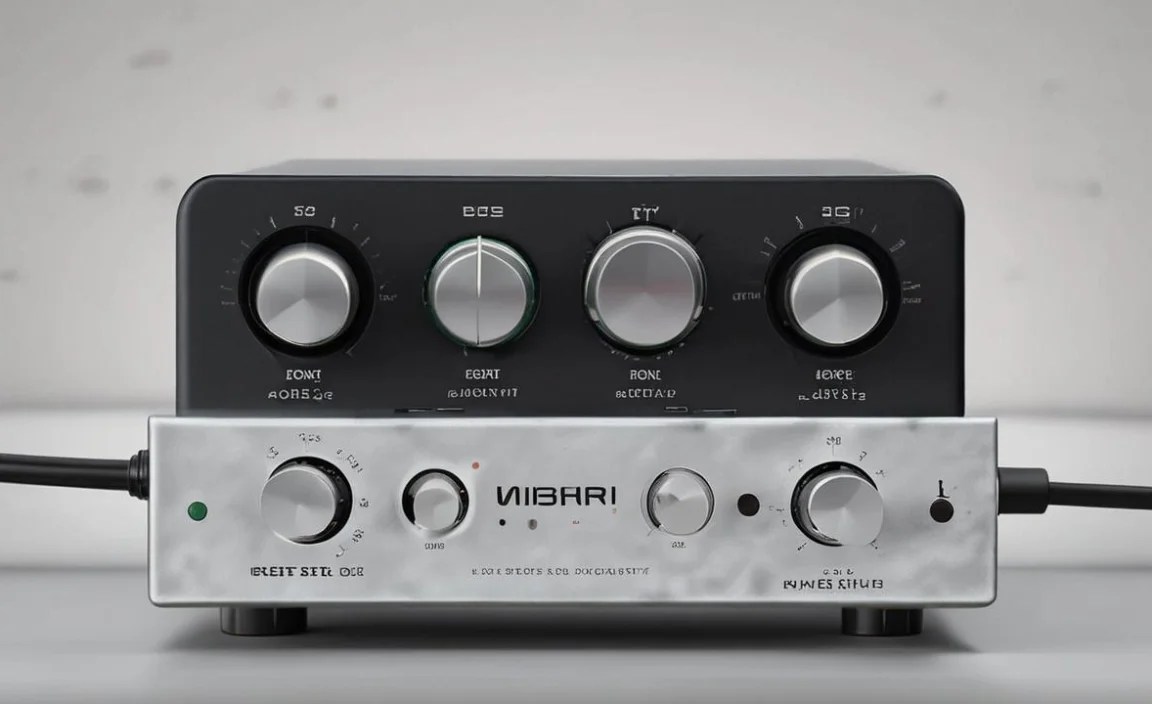
While we can’t pick a single “best” for everyone, here are conceptual examples of what you might find in the market, highlighting our power trio. These are illustrative types, not specific product recommendations.
Example 1: The Desktop Powerhouse
This type of amp is designed for a dedicated listening station at home or in an office. It’s usually mains-powered and offers robust connectivity.
| Feature | Description | Importance |
|---|---|---|
| Power Output | High, often >500mW into 300 ohms, and can provide ample current for low-impedance headphones. | Essential for driving demanding headphones to their full potential. |
| Connectivity | Multiple inputs (RCA, USB, Optical) and outputs (6.35mm, sometimes XLR). May include a DAC. | Versatile for connecting to various sources (PC, CD player, streamer). |
| Sound Signature & Gain | Often neutral to slightly warm, with switchable gain and sometimes EQ options. | Allows for customization and optimal performance with a wide range of headphones. |
Ideal for: Audiophiles with a collection of headphones ranging from sensitive to difficult-to-drive, users who want a high-fidelity desktop setup.
Example 2: The Portable Companion
This amp is battery-powered and compact, designed to be easily carried around, perfect for on-the-go listening.
| Feature | Description | Importance |
|---|---|---|
| Power Output | Moderate, sufficient for most earbuds and many common headphones (e.g., 200mW into 32 ohms). | Adequate for portable use, balancing sound quality with battery life. |
| Connectivity | Typically 3.5mm aux input/output, may offer USB input for smartphones/tablets. | Convenient for mobile devices and basic music players. |
| Sound Signature & Gain | Balanced and clean, often with a simple low/high gain switch. | Ensures a good listening experience without being overly complex or power-hungry. |
Ideal for: Commuters, students, travelers, or anyone who wants to significantly upgrade their portable listening experience from their phone.
Tips for Beginners
Starting with a headphone amplifier can feel daunting, but here are some simple tips to make the process smooth:
- Know Your Headphones: Before buying an amp, check the impedance (ohms) and sensitivity of your headphones. This is the most crucial step in choosing the right power level.
- Start Simple: If you’re new to this, a DAC/Amp combo unit that connects via USB is often the easiest and most cost-effective way to start. It handles both digital conversion and amplification.
- Read Reviews: Look for reviews from reputable audio websites and users who have similar headphones to yours. Pay attention to their comments on build quality, sound, and user experience.
- Consider Your Source: Will you be using a PC, a phone, a turntable, or something else? Ensure the amp’s inputs match your primary source.
- Don’t Break the Bank Initially: You don’t need the most expensive amplifier to hear a difference. Many affordable solid-state amps offer significant improvements over built-in headphone jacks.
- Listen Carefully: When you get your amp, try it with different volume levels and gain settings (if available) to find what sounds best for your headphones and music.
For instance, organizations like the International Telecommunication Union (ITU), while not specific to audio gear, set standards that influence the underlying technology in consumer electronics, ensuring a level of interoperability and quality that benefits consumers.
Frequently Asked Questions (FAQ)
Q1: Will a solid state headphone amp work with all my headphones?
A solid state headphone amp will physically connect to most headphones. However, its effectiveness depends on the power output of the amp and the impedance/sensitivity of your headphones. Higher impedance or lower sensitivity headphones require more power than an amp might provide, leading to lower volume and potentially subpar sound quality. Always check your headphone’s specifications!
Q2: Do I really need a DAC/Amp combo, or can I just get an amp?
If your primary listening source is a computer or smartphone, a DAC/Amp combo is often the best route. The amplifier handles the “oomph,” while the DAC (Digital-to-Analog Converter) handles the crucial job of turning your digital music files into analog signals for listening. Many computer sound cards (or phone outputs) are basic. An external DAC/Amp combo bypasses these for a cleaner, more detailed sound.
Q3: How do I know if my headphones are “hard to drive”?
“Hard to drive” usually refers to headphones with high impedance (typically 150 ohms and above) or low sensitivity (measured in dB/mW). These headphones require more voltage and current from the amplifier to reach a healthy listening volume and sound their best. If your current setup barely gets loud enough or sounds thin and weak with these headphones, they are likely hard to drive.
Q4: Can a poor-quality headphone amp damage my headphones?
It’s unlikely that a low-power amplifier will
