
Quick Summary: Struggling with unclear calls? This guide explores the best wired headphones for crystal-clear conversations. We break down what makes a good headset for calling, from microphone quality to comfort, and recommend proven audio options perfect for beginners. Get ready to be heard loud and clear.
Having a conversation with someone shouldn’t feel like a game of telephone with a broken message. You want to hear them, and more importantly, they need to hear you! When it comes to making calls, especially for work, studies, or just catching up with loved ones, your headphones play a crucial role. Wired headphones, in particular, offer reliability and consistent audio quality that many still prefer over wireless options. But with so many choices out there, how do you pick the ones that will ensure your voice comes through loud and clear? Don’t worry, we’re here to demystify the process and help you find the perfect wired headphones for calling.
Why Wired Headphones Still Rule for Calls

In a world buzzing with Bluetooth and wireless freedom, you might wonder why we’re even talking about wired headphones for calling. The answer is simple: reliability and unbeatable audio consistency. Wired connections generally offer lower latency, meaning less delay between what you say and what your listener hears. This is essential for natural conversations. Plus, you don’t have to worry about battery life or Bluetooth pairing glitches interrupting your important chats. For the best possible clarity and a stable connection, wired audio often takes the crown.
What to Look For in The Best Wired Headphones for Calling

Finding the “best” always depends on your needs, but when it comes to calling, a few key features stand out. Let’s break them down:
1. Microphone Quality: The Undisputed Champion
This is the single most important factor. A great microphone on your headphones acts like a personal announcer, ensuring your voice is picked up clearly and background noise is minimized. Look for headphones with:
- Noise-Canceling Microphones: These actively filter out ambient sounds like keyboard clicks, car horns, or chatter, so your voice remains the focus.
- Directional Microphones: These are designed to pick up sound from a specific direction (usually in front of the mic), further reducing unwanted noise.
- Clear Voice Capture Technology: Many brands use proprietary tech to isolate and enhance vocal frequencies.
2. Audio Clarity for Listening
While the mic is for transmitting, you also need to hear the other person clearly. Good audio reproduction means you won’t miss important details or have to ask “What did you say?” too often. Aim for headphones with:
- Balanced Sound: You want to hear speech clearly without it sounding tinny or muffled.
- Comfortable Frequency Response: The mid-range frequencies are where most human speech resides, so headphones that excel here are crucial.
3. Comfort and Fit: For Those Marathon Calls
If you spend hours on the phone, discomfort can be a major distraction. Headphones that are too heavy, too tight, or have earcups that don’t fit well will make you want to take them off. Consider:
- Earcup Material: Soft, breathable materials like plush foam or velour are more comfortable for long sessions.
- Headband Padding: A well-padded headband distributes weight evenly, preventing pressure points.
- Adjustability: Ensure the headphones offer a good range of adjustment to fit different head sizes.
- On-Ear vs. Over-Ear: Over-ear headphones offer more isolation and comfort for some, while on-ear can be lighter.
4. Durability and Build Quality: Built to Last
You want headphones that can withstand daily use. Look for sturdy construction, good cable management, and reliable connectors. A braided cable, for example, is less likely to tangle and is more resistant to wear and tear.
5. Connection Type: Ease of Use
Most wired headphones connect via a 3.5mm audio jack, USB-A, or USB-C. Ensure your device has the corresponding port. Some headphones might also come with inline controls that allow you to adjust volume, mute the mic, or answer/end calls without reaching for your device.
Top Wired Headphones for Calling: Proven Audio Picks

Based on what we’ve discussed, here are some excellent wired headphone options that consistently deliver great performance for calling. We’re focusing on models known for their reliable microphones and clear audio, making them fantastic choices for beginners and pros alike.
1. Logitech H390 USB Computer Headset
The Logitech H390 is a perennial favorite for a reason. It’s designed specifically for computer use and excels at clear voice communication. Its noise-canceling microphone ensures your voice is heard, and the comfortable, adjustable design makes it suitable for long work sessions. The USB connection is plug-and-play, meaning instant setup without fuss.
Key Features:
- Noise-canceling microphone
- USB plug-and-play connectivity
- Adjustable padded headband and swiveling earcups
- Inline audio controls
- Lightweight design
Pros:
- Excellent microphone clarity for the price.
- Very comfortable for extended wear.
- Simple to set up and use.
- Durable build.
Cons:
- Audio quality for music is decent but not its primary focus.
- Only connects via USB, so not compatible with devices lacking USB ports without an adapter.
2. Jabra Evolve 20 Professional Headset (USB)
Jabra is a name trusted in the professional headset market, and the Evolve 20 is a robust option for frequent callers. It features a microphone designed to reduce background noise and deliver your voice clearly. The comfort and ease-of-use are also top-notch, making it a go-to for many office environments and remote workers.
Key Features:
- Noise-canceling microphone and integrated speaker for clear calls
- USB connectivity
- Comfortable on-ear design
- Inline call controls
- Comes in mono (single ear) and stereo (dual ear) versions
Pros:
- Professional-grade microphone for superior voice clarity.
- Comfortable for all-day use.
- Easy plug-and-play setup.
- Compact and portable.
Cons:
- Can be pricier than consumer-grade headsets.
- On-ear design might not be preferred by everyone for long durations.
3. Audio-Technica ATH-M30x
While not exclusively a “calling” headset, the ATH-M30x professional studio monitor headphones offer exceptional audio quality that translates beautifully to calls. Their well-regarded drivers provide clear, balanced sound, and their robust build quality is legendary. The microphone is decent, and if you’re someone who also enjoys critical listening for music or podcasts between calls, these are a fantastic all-rounder.
Key Features:
- Excellent audio reproduction for both voice and music
- Comfortable over-ear design
- Durable construction
- Detachable cable
- Can use a 3.5mm jack (comes with 1/4″ adapter)
Pros:
- Superb overall sound quality.
- Very comfortable for long listening sessions.
- Built like a tank, incredibly durable.
- Versatile for music, gaming, and calls.
Cons:
- No built-in microphone! You’ll need to purchase a separate inline microphone or desk mic if microphone quality is paramount and you can’t rely on your device’s mic. (Note: Some users might add a boom mic adapter to these specific headphones for enhanced calling, but it’s not standard. This recommendation leans towards those who prioritize listening clarity and have a reliable mic on their device or are open to adding one).
- Can be overkill if calling is your only need.
Important Note on ATH-M30x: This recommendation is made with the understanding that if pristine microphone quality is your absolute top priority and you need an integrated solution, alternatives like the Logitech H390 or Jabra Evolve 20 are more direct fits. However, for those who demand excellent audio fidelity and are willing to manage microphone input separately (perhaps through a device’s built-in mic or a standalone clip-on mic discussed later), the listening experience on the M30x is superb. For pure calling, ensure your microphone solution is covered. If you require an integrated mic, you might consider alternatives in Audio-Technica’s line that do include mics.
4. Sennheiser SC 230 (and similar models in the SC series)
Sennheiser is a titan in the audio world, and their professional communication headsets are built for clarity and reliability. The SC 230 (and its successors/variants) are designed for heavy daily use, featuring a high-quality, noise-canceling microphone that ensures your voice is transmitted with precision. The comfort is excellent, and the build quality means they’re likely to be with you for years.
Key Features:
- Excellent noise-canceling microphone
- Superb Sennheiser audio for listening
- Durable, lightweight construction
- Adjustable, comfort-focused fit
- Typically uses a Quick Disconnect or USB connector
Pros:
- Exceptional microphone performance.
- Listen to conversations and music with high fidelity.
- Built for commercial-grade durability.
- Comfortable for long durations without fatigue.
Cons:
- Can be a significant investment.
- May require specific adapters depending on your device.
Comparing the Top Picks
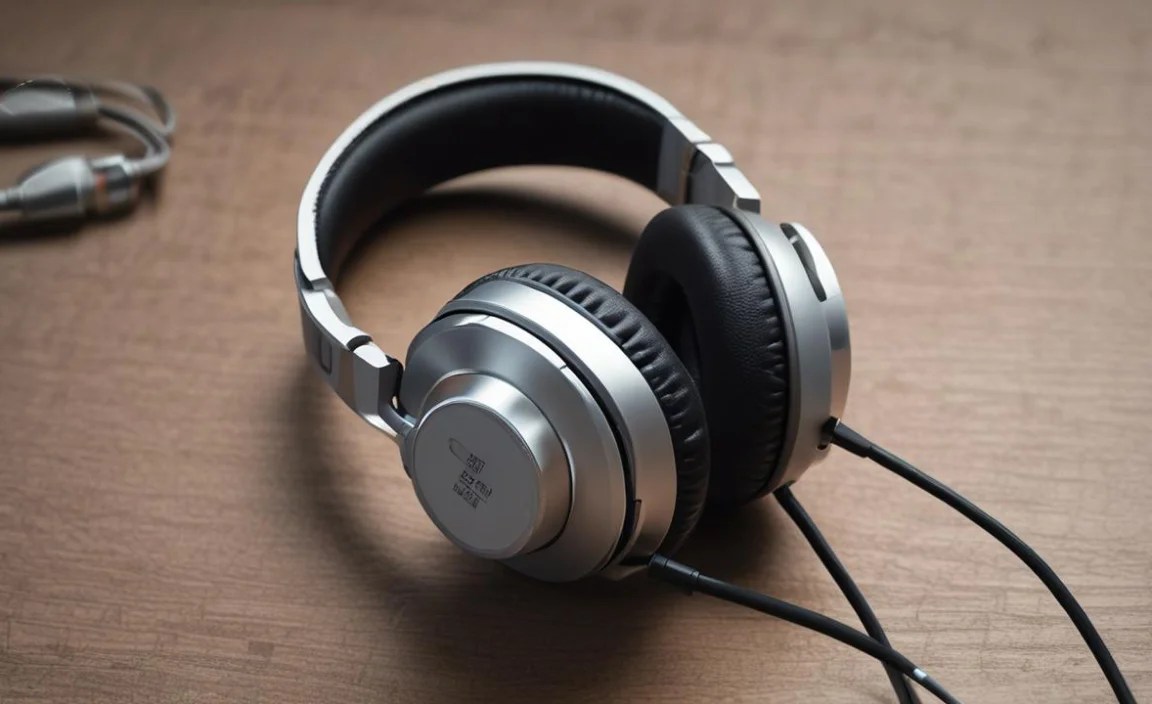
To help you visualize the differences, here’s a quick comparison table focusing on call-centric features:
| Headphone Model | Primary Use Case | Microphone Clarity | Comfort (Long Calls) | Ease of Use (Beginner) | Price Point (Est.) |
|---|---|---|---|---|---|
| Logitech H390 | General Computer Calling, Online Meetings | Very Good | Excellent | Very Easy (USB Plug-and-Play) | $ |
| Jabra Evolve 20 | Professional Office/Remote Work Calls | Excellent | Very Good | Easy (USB Plug-and-Play) | $$ |
| Audio-Technica ATH-M30x | Monitoring, Excellent Audio Fidelity (Calls require separate mic solution or device mic) | N/A (requires external mic) | Excellent | Moderate (needs mic setup) | $$ |
| Sennheiser SC 230 | Heavy-Duty Professional Communication | Outstanding | Excellent | Easy (often USB or QD with adapter) | $$$ |
Note: Price points are relative: $ = Budget-friendly, $$ = Mid-range, $$$ = Premium. Actual prices may vary.
Tips for Maximizing Your Calling Experience
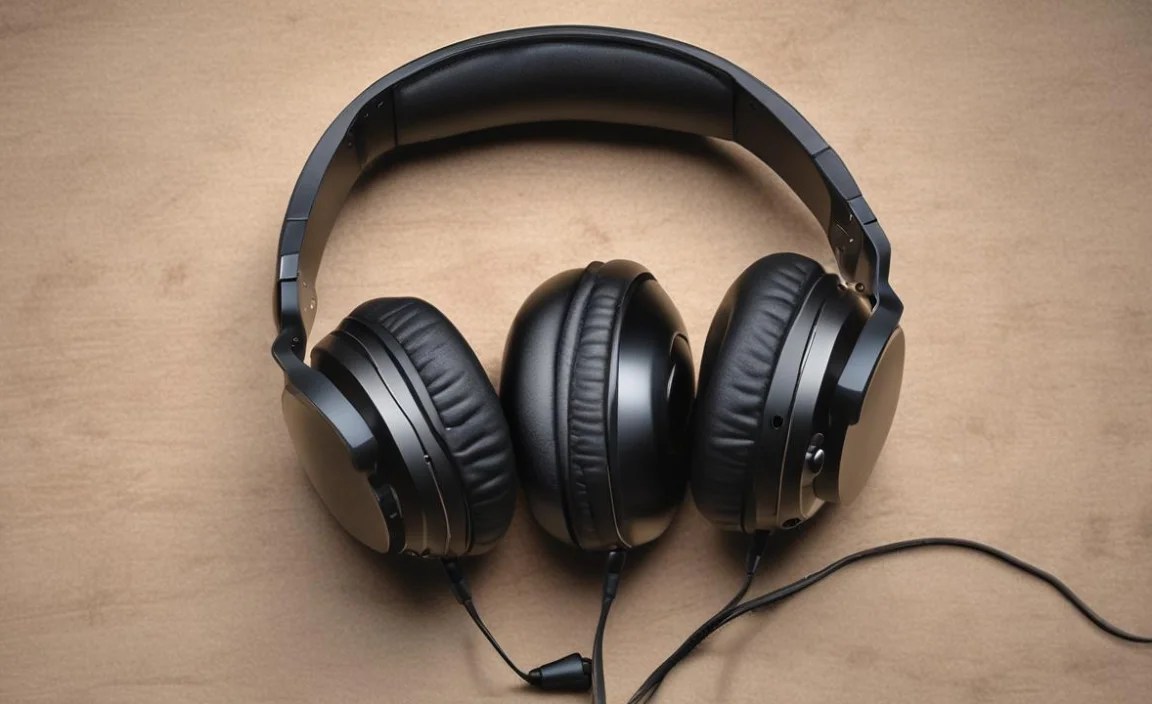
Once you’ve got your headphones, here’s how to make sure every call is as clear as can be:
1. Position the Microphone Correctly
Most boom microphones should be positioned close to your mouth, usually at the corner of your lips. This ensures it’s picking up your voice directly and minimizes the chance of breath noise or plosives (those “p” and “b” sounds that can pop). For inline mics, ensure they are unobstructed.
2. Adjust Your Environment
Even the best noise-canceling mic can be overwhelmed by a very noisy environment. If possible, move to a quieter room, close windows, and inform others around you that you’re on a call. Sometimes, a bit of simple environmental control goes a long way!
3. Ensure Proper Fit
As covered before, comfort is key. Make sure your headphones fit snugly but not too tightly, and that the earcup seals properly around your ear (for over-ear) or on your ear (for on-ear) to reduce external distractions. A good seal also helps in hearing the other party better.
4. Check Software Settings
Your computer or phone’s audio settings are important. Make sure your chosen headset is selected as the primary input and output device. You can often run a microphone test within your operating system or calling application (like Zoom, Microsoft Teams, or Skype) to ensure gain levels are appropriate and that the mic isn’t too sensitive or too quiet. Visit the Microsoft support page for troubleshooting microphone issues in Windows, as an example of how to check your system settings.
5. Keep Your Firmware and Drivers Updated
For USB headsets, ensuring you have the latest drivers can sometimes resolve connectivity or audio issues. Most modern headsets are plug-and-play, but it’s always good practice to check the manufacturer’s website for any available updates. For 3.5mm headsets, this isn’t usually a concern.
6. Consider a Standalone Mic if Needed
If you’re using headphones that excel at listening but lack an integrated mic (like the ATH-M30x scenario), or if you find your headset mic isn’t cutting it, a separate USB microphone or a clip-on lavalier microphone can be a game-changer for call quality. These often offer superior noise cancellation and voice clarity.
Frequently Asked Questions (FAQ)
1. Do I really need a special headset for calling, or can I use my everyday headphones?
You can use everyday headphones, but dedicated calling headsets are typically designed with superior microphones that prioritize isolating your voice and minimizing background noise. If call quality is important to you, a dedicated headset will offer a noticeable improvement.
2. What’s the difference between noise-canceling and noise-isolating headphones?
Noise-isolating headphones physically block out external sounds by creating a seal, like well-fitting earcups. Noise-canceling headphones (often referring to the microphone) actively use technology to detect and cancel out ambient noise, ensuring your voice is clearer to the listener. For the microphone, noise-canceling is key for clear calls.
3. My voice sounds muffled or distant. What can I do?
First, check your microphone position. Ensure it’s close enough to your mouth. Then, check your computer or phone’s microphone settings to ensure the gain is set appropriately. If you’re using a USB headset, try a different USB port or ensure its drivers are up to date. A noisy environment can also cause voice degradation, so try moving to a quieter space.
4. How important is the headphone jack type (3.5mm vs. USB)?
It’s important for compatibility. A 3.5mm jack is universal for many devices like phones and older laptops, but a USB connection often offers higher quality digital audio and more control capabilities. Many USB headsets come with adapters to connect to different port types.
5. Can I use computer headsets with my smartphone?
It depends on the headset connection. If it uses a standard 3.5mm jack, it will likely work with most smartphones. If it’s USB-A or USB-C, you’ll need an adapter (e.g., a USB-C to headphone jack adapter or a Lightning to USB camera adapter for iPhones). Ensure the headset is designed for voice input as well as output.
6. How often should I clean my wired headphones?
For hygiene and optimal performance, it’s a good idea to clean earcups and the microphone boom (if applicable) around once a month, or more often if you use them heavily or share them. Use a slightly damp (not wet) cloth with mild soap or an antibacterial wipe, and a dry cloth to finish. Avoid getting moisture into the speaker drivers or mic opening. You can find more detailed cleaning tips from resources like CNET.
Conclusion: Hear and Be Heard with Confidence
Choosing the best wired headphones for calling doesn’t have to be an overwhelming task. By focusing on microphone quality, audio clarity, comfort, and reliable connectivity, you can find a pair that will transform your conversations. Whether you’re a seasoned professional on back-to-back calls or a student attending online lectures, clear communication is paramount. The proven options we’ve highlighted, from the budget-friendly Logitech H390 to the professional-grade Jabra Evolve
