
Quick Summary: Finding the best wireless headphones for your office phone enhances productivity and call clarity. This guide simplifies the process, covering essential features like comfort, battery life, microphone quality, and connectivity to help you choose the perfect headset for seamless communication.
Best Wireless Headphones for Office Phone: Your Essential Guide
Hello there! Edward Cavitt here from Headphone Horizon. If you spend a good chunk of your day on your office phone, you know how crucial a reliable headset can be. Tangled cords can be a thing of the past! We’re diving into the world of wireless headphones specifically for office calls. My goal is to make this super easy to understand, so you can ditch the cords, boost your comfort, and sound crystal clear to everyone you talk to. Let’s find you the perfect pair!
Why Wireless Headphones for Your Office Phone?

Imagine this: you’re on an important client call, and you need to grab a document from across the room. With wired headphones, this means either putting your caller on hold or fumbling with cables. Wireless headphones offer freedom of movement, which is a game-changer for productivity and comfort. They can help reduce neck strain from cradling a phone, improve your posture, and generally make your workday smoother. Plus, the latest models boast excellent microphone quality, ensuring your voice is heard loud and clear, distinguishing them from casual Bluetooth earbuds.
Key Features to Look For
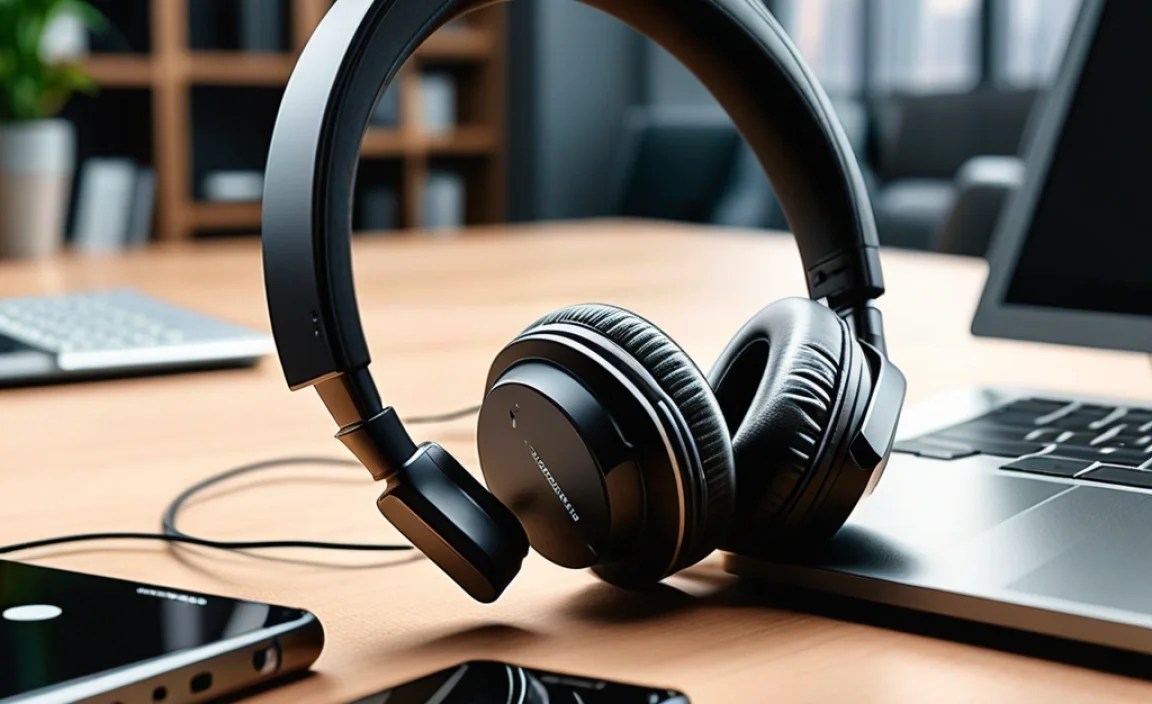
When choosing wireless headphones for your office phone, a few key features stand out. It’s not just about cutting the cords; it’s about finding a headset that truly enhances your work calls.
1. Comfort and Durability
You’ll likely be wearing these for hours, so comfort is paramount. Look for:
- Padded Earcups: Soft, breathable materials that don’t cause irritation.
- Adjustable Headband: A secure but not overly tight fit for different head sizes.
- Lightweight Design: You don’t want to feel the weight after a few hours.
- Robust Construction: Office environments can be demanding; a well-built headset will last longer.
2. Microphone Quality
This is arguably the most critical feature for an office phone headset. You need to be heard clearly without background noise interfering. Look for:
Noise-Canceling Microphones: These actively reduce ambient sounds like keyboard clicks, chatter, or office machinery, ensuring your voice is the focus. Many modern office headsets also use beamforming technology to pick up your voice more precisely.
3. Battery Life and Charging
For a wireless device, battery life is everything. You don’t want your headset dying mid-important call.
- Talk Time: Aim for headsets that offer at least 8-10 hours of talk time on a single charge, sufficient for a full workday.
- Standby Time: How long the headset can remain powered on without use is also important.
- Charging Options: Consider charging bases, USB-C charging, and fast-charging capabilities. A headset that can get a few hours of power from a short 15-minute charge is a lifesaver.
4. Connectivity and Compatibility
How does the headset connect to your phone or computer is crucial. There are a few primary technologies:
- Bluetooth: The most common wireless technology. Ensure it’s a recent version (e.g., Bluetooth 5.0 or later) for better connection stability and range. Check compatibility with your office phone system or computer if you plan to use it for softphone calls.
- DECT (Digital Enhanced Cordless Telecommunications): Often found in more professional, dedicated office headset systems. DECT offers a robust, secure connection with excellent range, typically used for connecting directly to a desk phone base station.
- USB Dongle: Some headsets come with a dedicated USB dongle that provides a stable, low-latency connection, often preferred for computer-based calls (VoIP/softphones).
Important Note: Ensure the headset is compatible with your specific office phone system (e.g., Yealink, Poly, Cisco) or computer operating system if you’re using softphone applications like Microsoft Teams, Zoom, or Slack. Some systems may require an Electronic Hook Switch (EHS) cable or adapter for remote call answering.
5. Range
How far can you wander from your desk while staying connected? Standard Bluetooth might offer around 30 feet (10 meters), while DECT systems can extend this significantly, often up to 300-500 feet (90-150 meters). Consider your office layout and how much freedom you need.
6. Noise Cancellation (ANC)
While microphone noise cancellation is essential for your voice transmission, Active Noise Cancellation (ANC) in the earcup is for your listening experience. If your office is noisy, ANC can help you focus on your calls and reduce distractions. This is distinct from microphone noise cancellation.
7. Multi-Device Connectivity
Many professionals juggle calls from both their desk phone and their computer (softphones). A headset that can connect to two devices simultaneously (e.g., a desk phone via Bluetooth and a computer via USB) is incredibly convenient and eliminates the need to switch headsets.
Types of Wireless Office Headsets

Wireless headsets come in various form factors, each with its own advantages.
Over-Ear vs. On-Ear vs. In-Ear
Understanding these differences can help you pick the most comfortable style for long workdays.
| Type | Description | Pros | Cons |
|---|---|---|---|
| Over-Ear | Earcups completely surround the ear. | Excellent comfort for long wear, good passive noise isolation, immersive sound. | Can be bulky, may cause ears to get warm. |
| On-Ear | Earcups rest directly on the ear. | More compact than over-ear, less heat buildup, can still offer good sound. | Can be less comfortable for some after long periods, less passive noise isolation than over-ear. |
| In-Ear (Earbuds) | Earpieces fit inside the ear canal. | Most portable, discreet, good isolation depending on fit, often less intrusive. | Can be less comfortable for extended wear, microphone boom is usually absent (affecting call quality), risk of losing individual earbuds. |
Over-the-Head vs. Over-the-Ear (with Boom Mic)
These are the most common for office use, offering dedicated microphones.
- Over-the-Head (Single or Dual Earcup): These have a band that goes over the head. Single-ear designs allow you to stay aware of your surroundings, while dual-ear designs provide maximum immersion and noise isolation.
- Over-the-Ear (with Boom Mic): Similar to over-the-head, but these often have a distinctive adjustable boom arm for the microphone, which can be positioned closer to your mouth for optimal voice pickup and noise cancellation.
Top Considerations for Specific Work Environments

Your office environment plays a big role in what kind of headset will be best for you.
Open-Plan Offices
These can be noisy and full of distractions. You’ll want a headset with excellent microphone noise cancellation to ensure your voice cuts through the din. Active Noise Cancellation (ANC) in the earcups is also a major plus to help you focus.
Quiet, Private Offices
If your workspace is quieter, you might not need the most aggressive noise cancellation. Comfort and battery life might become your top priorities. Even in a quiet office, good microphone quality is still essential for professional calls.
Hybrid Work / Home Office
For those who split their time between the office and home, a versatile headset is key. Look for multi-device pairing so you can seamlessly switch between your desk phone and computer, and ensure it connects easily to both Wi-Fi and Bluetooth environments.
Setting Up Your Wireless Office Headset
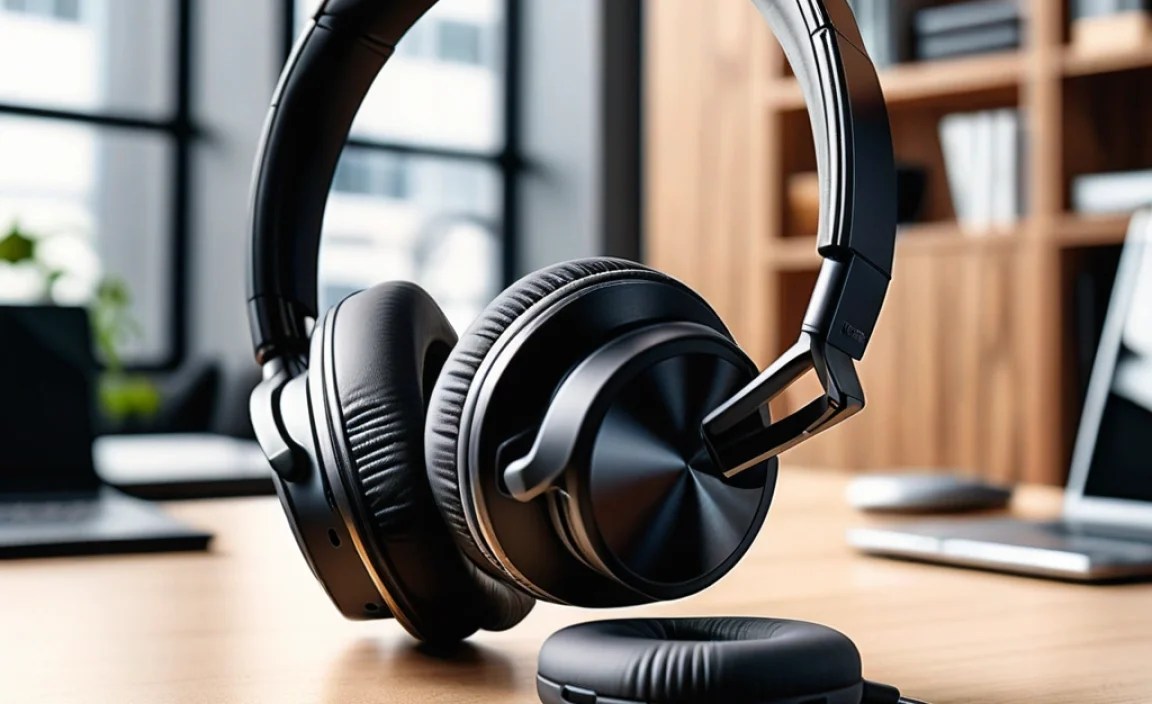
Getting your new headset ready to go is usually straightforward. Here’s a general step-by-step guide:
- Charge Fully: Before the first use, ensure your headset is fully charged. Check the manual for specific charging times.
- Pairing with Your Device:
- Bluetooth: Put the headset into pairing mode (usually by holding down a button). On your desk phone or computer, go to Bluetooth settings and select your headset from the list of available devices.
- DECT Base Station: For DECT headsets, place the headset onto its charging base. The base itself connects to your desk phone (often via a phone port and sometimes a USB for computer connectivity). Follow the base station’s instructions for initial setup and pairing.
- USB Dongle: Plug the USB dongle into your computer. The headset should automatically connect to it.
- Configure for Calls: If using with a computer softphone, you may need to go into the application’s audio settings (e.g., Microsoft Teams, Zoom) and select your headset as the audio input and output device. Some headsets come with dedicated software for fine-tuning settings.
- Test the Microphone: Make a test call or use a recording app to ensure your microphone is working correctly and sounds clear. Adjust the boom mic position if necessary.
- Adjust for Comfort: Ensure the headband and earcups are adjusted for a comfortable, secure fit.
Popular Brands and Models to Consider
While specific recommendations can evolve quickly, these brands are consistently well-regarded for their office headsets, offering a good balance of features, comfort, and reliability.
- Jabra: Known for their excellent microphone technology and robust build quality. Models like the Jabra Evolve series (e.g., Evolve2 75, Evolve 40) are very popular.
- Plantronics (Poly): A long-standing leader in professional headsets. Their Voyager and Savi series (e.g., Poly Voyager 4320, Poly Savi 7300) offer great features and comfort.
- Sennheiser (EPOS): Offers high-quality audio and excellent noise cancellation. The IMPACT series is designed for professional use.
- Logitech: A strong contender, especially if you are primarily using softphones on a computer. Look at their Zone Wireless series.
Always check the latest reviews and model specifics, as features and performance can vary. For more technical details on Bluetooth standards and their security implications, you can refer to resources from the Bluetooth Special Interest Group (SIG).
Troubleshooting Common Issues
Even the best gear can sometimes have a hiccup. Here are some common issues and quick fixes:
- No Sound:
- Ensure the headset is charged and powered on.
- Check if it’s correctly paired or connected.
- Verify that the headset is selected as the active audio device in your phone or computer’s settings.
- Check the volume levels on both the headset and the device.
- Poor Microphone Quality (Static, Muffled):
- Ensure the microphone boom is properly positioned near your mouth.
- Check for any physical obstructions on the microphone.
- Try re-pairing the headset.
- Ensure no other Bluetooth devices are interfering heavily.
- Connection Dropping:
- Ensure you are within the recommended range of your device or base station.
- Minimize interference from other wireless devices (microwaves, Wi-Fi routers).
- Update the headset’s firmware if available via manufacturer software.
- Try connecting to a different device or port to rule out device issues.
- Headset Not Charging:
- Ensure the charging contacts on the headset and charger are clean and dry.
- Try a different USB cable or power adapter.
- Make sure the headset is seated correctly on its charging base.
Frequently Asked Questions (FAQ)
Q1: What’s the difference between a wireless office headset and regular Bluetooth headphones?
Regular Bluetooth headphones (like earbuds you might use for music) are generally designed for personal audio and casual communication. Office headsets are specifically built for professional calls, featuring superior microphone noise cancellation, enhanced durability, longer battery life, multi-device pairing, and often a dedicated boom microphone for optimal voice clarity. They are also designed for all-day comfort.
Q2: Do I need special software to use a wireless office headset?
For basic functionality, usually not. However, many manufacturers offer companion software that allows you to update firmware, customize EQ settings, adjust microphone levels, and manage multiple device connections. This software can significantly enhance your headset’s performance and user experience, especially for computer-based calls. For instance, you can find a guide to common audio settings on Windows from Microsoft Support.
Q3: Can I use a wireless office headset for listening to music?
Yes, most wireless office headsets can be used for listening to music and other general audio. However, their primary focus is call quality. While they offer good sound for calls, audiophiles might find dedicated music headphones deliver a richer, more nuanced audio experience. But for casual listening during work, they are perfectly adequate.
Q4: How do I know if my desk phone is compatible with a wireless headset?
Compatibility varies by phone model. Many modern desk phones have dedicated headset ports. For wireless connectivity, you’ll need to check if your phone supports Bluetooth, or if it requires a specific DECT base station and EHS (Electronic Hook Switch) adapter for features like remote call answering. Consult your phone’s manual or contact your IT department for specific guidance.
Q5: What is DECT and why is it better than Bluetooth for office phones?
DECT (Digital Enhanced Cordless Telecommunications) is a wireless standard specifically designed for voice communication. It typically offers a more stable, secure, and longer-range connection than standard Bluetooth, especially when connecting to a dedicated base station that’s linked to your desk phone. This makes it ideal for environments where consistent, uninterrupted calls are critical. Bluetooth is more common for connecting to computers and mobile devices.
Q6: How important is Active Noise Cancellation (ANC) in an office headset?
Active Noise Cancellation (ANC) is about reducing ambient noise for you, the wearer, so you can concentrate better on calls or work. It’s particularly beneficial in noisy open-plan offices or public spaces. While not essential for everyone, if you value focus and a quieter listening experience, ANC is a highly valuable feature. It’s distinct from the microphone’s noise cancellation, which ensures others hear you clearly.
Conclusion
Choosing the best wireless headphones for your office phone doesn’t have to be complicated. By focusing on comfort, microphone clarity, battery life, and reliable connectivity, you can find a headset that genuinely improves your workday. Whether you’re in a bustling open office or working from home, the right wireless headset offers freedom, clarity, and comfort. Take these guidelines, consider your specific needs, and you’ll be well on your way to making calls with ease and professionalism. Happy calling!
