
Quick Summary: Discover the best wireless headphones for crystal-clear calls. This guide breaks down key features like microphone quality, noise cancellation, and connectivity, helping you choose earbuds and over-ear options perfect for work, travel, and staying connected without the background chatter.
Best Wireless Headphones for Crystal Clear Calls: Hear and Be Heard
Tired of asking someone to repeat themselves or struggling to be heard on your important calls? You’re not alone! In our increasingly connected world, the ability to have clear conversations through wireless headphones is no longer a luxury; it’s a necessity. Whether you’re navigating a busy street, working from a bustling café, or simply want to chat with loved ones without interruption, the right pair of headphones can make all the difference. This guide will walk you through what makes wireless headphones excellent for calls, what to look for, and some of our top picks to ensure your voice comes through loud and clear, every time.
Why Crystal Clear Calls Matter with Wireless Headphones

Let’s face it, when we think of headphones, music often comes to mind first. But for many of us, calls are just as, if not more, important. Imagine this: you’re on a crucial work video call, and background noise keeps cutting into the conversation. Or you’re trying to catch up with a friend, but the wind is drowning out your voice. These scenarios are frustrating and can lead to miscommunication or simply an unpleasant experience. High-quality wireless headphones designed for calls feature advanced microphone technology and noise-suppression capabilities that aim to isolate your voice from surrounding distractions. This means you can focus on the conversation, not the chaos around you.
The Federal Communications Commission (FCC) highlights the importance of clear communication, noting that advances in telecommunications aim to improve accessibility and clarity for all users. With modern wireless headphones, particularly those integrating AI-powered noise reduction and beamforming microphones, achieving this clarity is more attainable than ever before.
Key Features for Crystal Clear Calls
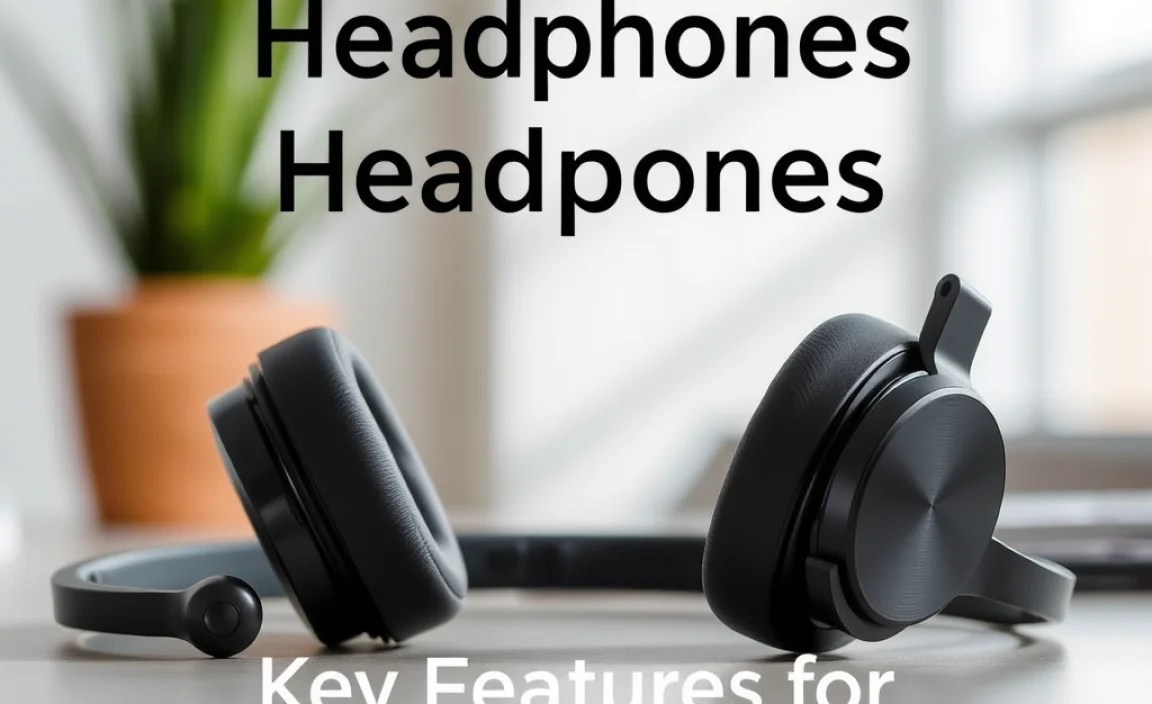
When you’re shopping for wireless headphones with a focus on call quality, several features stand out. Don’t get overwhelmed by jargon; we’ll break down what’s important in simple terms.
1. Microphone Quality and Quantity
This is the heart of great call quality. Different headphones use various microphone setups:
- Single Microphone: The most basic, often found in entry-level models. It picks up everything, including background noise.
- Dual Microphones: Many headphones use two mics. One captures your voice, and the other listens for ambient noise. This allows for basic noise reduction.
- Multiple Microphones (Beamforming): Premium headphones often boast three or more microphones. These use “beamforming” technology to focus specifically on your voice, directing the sound inwards and actively rejecting noise from other directions. This is the gold standard for clarity.
- Dedicated Voice Accelerometer/Bone Conduction: Some advanced models might include sensors that detect vibrations in your jawbone, distinguishing your voice from external sounds more effectively.
2. Noise Cancellation (for the Caller)
While Active Noise Cancellation (ANC) is usually discussed for blocking out your external noise so you can hear better, some ANC technologies also help in making your voice clearer to others. This is often achieved through sophisticated algorithms that identify and suppress background noises picked up by the microphones.
It’s important to distinguish between:
- Passive Noise Isolation: This is achieved through a good seal (like with in-ear earbuds or plush over-ear earcups) physically blocking sound.
- Active Noise Cancellation (ANC): This uses microphones and electronics to create anti-noise sound waves that cancel out ambient noise. For call quality, it’s the technology that helps filter out distractions for the person on the other end.
3. Connectivity and Codecs
A stable Bluetooth connection is crucial. Poor connections can lead to choppy audio or dropped calls. Newer Bluetooth versions (like Bluetooth 5.0 or higher) offer better range, faster pairing, and more stable connections. Codecs (like aptX, AAC, LDAC) are like translators for audio data. While more relevant for music quality, some codecs can also contribute to clearer voice transmission by offering higher bandwidth or better error correction.
4. Wind Noise Reduction
If you often take calls outdoors, wind noise can be a major problem. Headphones with specific wind noise reduction technology are designed with microphone placement and software algorithms to minimize this disruptive sound.
5. Voice Clarity Enhancements
Some headphones use AI or advanced digital signal processing (DSP) to enhance your voice. This can involve boosting vocal frequencies, reducing sibilance (harsh “s” sounds), or ensuring a consistent volume level, making your voice sound more present and natural.
Top Wireless Headphone Categories for Clear Calls

Not all headphone types are created equal when it comes to making calls. Here’s how different form factors stack up:
Over-Ear Headphones
These fully enclose your ears. They often offer excellent passive noise isolation and can house multiple robust microphones. Many premium options come with advanced ANC that benefits call clarity.
Pros:
- Generally better microphone placement, often closer to the mouth.
- Superior passive noise isolation due to earcups.
- Often house more advanced microphone arrays and ANC technology.
Cons:
- Can be bulky for travel.
- May cause ear fatigue for some users during long wear.
- Typically more expensive.
On-Ear Headphones
These rest on your ears but don’t create a complete seal. They offer a balance between portability and sound isolation, but microphone performance can vary.
Pros:
- More portable than over-ear.
- Lighter for some users.
Cons:
- Less passive noise isolation, potentially impacting call clarity in noisy environments.
- Microphone placement might be less ideal than over-ear.
In-Ear Headphones / Earbuds (True Wireless)
These are compact and convenient, fitting directly into your ear canal. Modern true wireless earbuds have made significant strides in call quality, often using multiple mics and sophisticated software.
Pros:
- Highly portable and discreet.
- Can offer a good seal for passive noise isolation.
- Many models have excellent voice isolation technology.
Cons:
- Microphones are further from the mouth, making noise reduction more challenging.
- Fit can be an issue for comfort and seal for some users.
- Battery life is generally shorter than over-ear models.
Our Top Picks for Wireless Headphones with Crystal Clear Calls

Choosing the “best” is subjective and depends on your budget and specific needs. However, based on extensive testing and user reviews focusing on call quality, here are some consistently high-performing options across different categories.
Best Overall for Calls: Sony WH-1000XM5 (Over-Ear)
Sony has consistently delivered stellar ANC and audio quality, and the WH-1000XM5 takes call quality up a notch. With eight microphones and AI-based noise reduction, it excels at isolating your voice even in noisy environments. The sophisticated processing ensures your voice sounds clear and natural.
Best True Wireless Earbuds for Calls: Jabra Elite 8 Active
Jabra has a strong reputation for business communication, and their consumer earbuds often inherit that prowess. The Elite 8 Active features a 6-microphone system and advanced algorithms that actively filter out background noise. They are also incredibly durable and have a secure fit, making them ideal for active use.
Best Budget-Friendly Option for Calls: Anker Soundcore Liberty 3 Pro
For those seeking excellent call quality without breaking the bank, the Anker Soundcore Liberty 3 Pro offers an impressive package. They utilize multiple microphones and Astria™️ Voice technology to isolate your voice and reduce ambient noise effectively. The sound quality for music is also a strong point.
Best for Professionals on the Go: Bose QuietComfort Ultra Headphones (Over-Ear)
Bose is synonymous with premium comfort and noise cancellation that’s second to none. The QuietComfort Ultra Headphones not only provide an immersive listening experience but also feature beamforming microphones and advanced noise reduction algorithms that ensure your voice is clear and present on calls, even in busy settings.
How to Test Call Quality Before You Buy (or When You Get Them)

Even with our recommendations, it’s always best to test. Here’s how:
- Record Yourself: Use your phone’s voice recorder app. Stand/sit in a quiet environment and record a message. Then, move to a noisier area (like next to a fan, TV, or outside) and record yourself again. Play it back and listen to how clear your voice is compared to the background noise.
- Make a Test Call: Use a friend or family member’s phone to make a call to another number.
- Use a “Whisper Test” (if applicable): Some high-end headphones offer this feature in their app, allowing the other person to hear your voice clearly even if you’re whispering.
- Check Microphone Placement: For over-ear and on-ear headphones, ensure the boom mic (if present) or the primary mic is positioned correctly. For earbuds, a good seal in your ear canal can improve isolation.
Troubleshooting Common Call Quality Issues
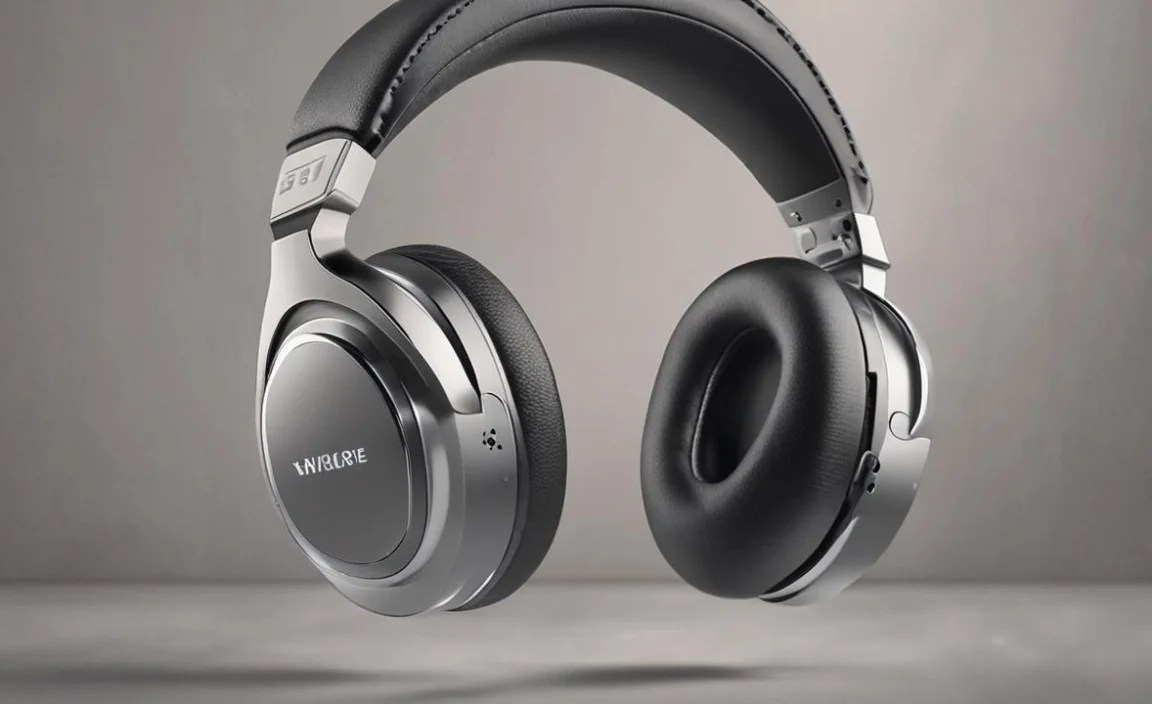
Even the best headphones can sometimes encounter issues. Here are a few common problems and simple solutions:
Issue: My voice sounds muffled or distant.
Possible Causes:
- Microphone is blocked or dirty.
- Poor Bluetooth connection.
- Incorrect positioning of the microphone (for boom mics).
- Software glitch.
Solutions:
- Gently clean the microphone holes with a dry, soft brush or a soft cloth.
- Move closer to your device.
- Try re-pairing the headphones with your device.
- Ensure the microphone isn’t covered by hair, clothing, or an accessory.
- Update your headphone’s firmware via the manufacturer’s app.
Issue: The other person hears too much background noise.
Possible Causes:
- Headphones lack advanced noise suppression.
- You are in an extremely noisy environment.
- Microphone is picking up ambient sound too easily.
Solutions:
- Seek a quieter environment, if possible.
- Ensure your headphones firmware is up-to-date, as updates often improve noise reduction algorithms.
- Look for headphones with dedicated noise cancellation for outbound audio.
- Check headphone settings in the companion app for noise reduction adjustments.
Issue: My voice cuts in and out.
Possible Causes:
- Weak Bluetooth signal.
- Interference from other devices.
- Low battery on headphones or device.
Solutions:
- Move closer to your connected device.
- Turn off other nearby Bluetooth devices or Wi-Fi routers briefly to check for interference.
- Charge your headphones and your connected device.
- Restart both your headphones and your device.
Maintaining Your Wireless Headphones for Optimal Call Quality

Keeping your headphones in good shape ensures they perform at their best, including for calls:
- Keep Mics Clean: Regularly dust off microphone ports gently. Avoid using liquids on microphone openings.
- Firmware Updates: Manufacturers often release updates that improve microphone performance and noise cancellation algorithms. Keep your headphone app updated and install any available firmware.
- Proper Storage: When not in use, store your headphones in their case to protect them from dust, moisture, and physical damage.
- Battery Health: Avoid fully draining the battery frequently. For long-term storage, aim for around 50-60% charge.
Frequently Asked Questions (FAQ)
Q1: Do all wireless headphones offer good call quality?
A1: Not all headphones are created equal. While many offer basic microphone capabilities, only those specifically designed with advanced microphone arrays, noise-canceling technology for your voice, and robust connectivity tend to provide truly crystal-clear calls, especially in noisy environments. It’s a feature to look for specifically.
Q2: How is call quality different from music listening on headphones?
A2: Music listening focuses on reproducing a wide range of frequencies accurately and immersively. Call quality prioritizes transmitting your voice clearly and distinctly to the other person, often by actively reducing background noise and enhancing vocal frequencies. These require different technological approaches.
Q3: What does “beamforming microphones” mean for call quality?
A3: Beamforming is a technology used by multiple microphones to focus on the sound source (your voice) while simultaneously identifying and suppressing sounds coming from other directions (background noise). It’s like directing a spotlight on your voice, making it stand out clearly for the listener.
Q4: Can I improve call quality on my current wireless headphones?
A4: Sometimes! Ensure your headphones and the app they connect to are updated with the latest firmware. Regularly clean the microphone grilles. Also, try to position yourself away from direct noise sources and ensure a good seal if you’re using earbuds. If your headphones have call-specific settings, explore those within the companion app.
Q5: What’s the difference between noise cancelling for listening and noise cancelling for calls?
A5: Active Noise Cancellation (ANC) primarily benefits the listener by reducing ambient noise so they can hear their audio or call more clearly. For call quality, microphones and algorithms actively identify and filter out your surrounding noise so the person you’re talking to can hear you better. Some headphones use similar tech, but the goal is different – outward clarity versus inward quiet.
Q6: Are true wireless earbuds good enough for important work calls?
A6: Many modern true wireless earbuds, especially premium models, offer excellent call quality with advanced mic systems and noise reduction. They are often sufficient for professional calls, especially if you’re in a relatively quiet environment or the earbuds have strong environmental noise cancellation (ENC) for your voice.
Conclusion: Hear and Be Heard, Wherever You Are
Navigating the world of wireless headphones for crystal-clear calls can seem daunting, but by understanding a few key features – especially microphone technology and noise reduction capabilities – you can make a confident choice. Whether you’re a busy professional, a student attending virtual lectures, or just someone who values clear communication with loved ones, investing in the right pair of headphones will undoubtedly enhance your daily interactions. Don’t underestimate the power of a clear voice; it’s the foundation of any good conversation. So go forth, explore the options, and find the headphones that let you truly hear and be heard, no matter what your surroundings.
