
Quick Summary: A Bluetooth Aux Adapter for headphones is a smart, affordable way to add wireless freedom to your existing wired headphones. It’s an essential upgrade for ditching tangled cords, offering convenience without sacrificing audio quality. This guide explains what they are, how to use them, and why you need one.
Bluetooth Aux Adapter for Headphones: The Essential Upgrade You Didn’t Know You Needed

Hey audio adventurers! Edward Cavitt here from Headphone Horizon. Ever get tangled in your headphone cords, or wish you could ditch the wire without buying a whole new pair of fancy wireless headphones? Well, you’re not alone!
That’s where the humble yet mighty Bluetooth Aux Adapter for headphones swoops in like a superhero. It’s a tiny gadget that unlocks a world of wireless convenience for your beloved wired cans.
Think of it as a magical bridge, connecting your trusty wired headphones to the modern world of Bluetooth. In this guide, we’ll break down exactly what these adapters are, how they work, and precisely why adding one to your audio arsenal is an absolute game-changer for your listening experience.
What Exactly is a Bluetooth Aux Adapter for Headphones? (And Why Do I Need One?)
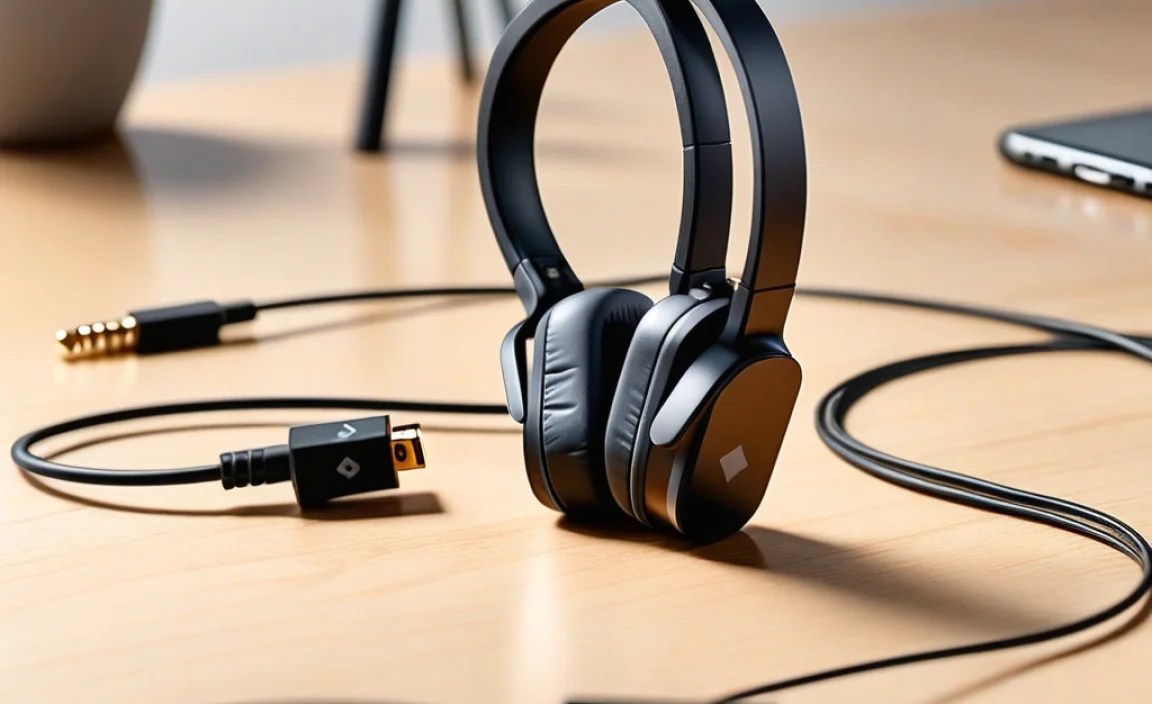
Let’s demystify this little powerhouse. At its core, a Bluetooth Aux Adapter for headphones is a small device that takes an audio signal from a Bluetooth-enabled source (like your smartphone, tablet, or laptop) and transmits it wirelessly to your wired headphones, which are plugged into the adapter’s standard 3.5mm aux input. It’s like giving your old headphones a brand-new, wireless brain!
You might be wondering, “Why bother? I have wired headphones!” The answer is simple: freedom and convenience. Think about it:
- No More Tangles: Say goodbye to the frustrating ritual of untangling cords from your pocket or bag.
- Wireless Range: Enjoy a degree of movement without being tethered to your device.
- Modern Connectivity: Many newer devices are ditching the headphone jack. This adapter makes them compatible again.
- Cost-Effective: It’s significantly cheaper than buying a new pair of high-quality Bluetooth headphones.
- Use Your Favorites: Keep using the headphones you already love and know sound great.
Essentially, it bridges the gap, allowing you to enjoy the comfort and quality of your existing headphones with the ease of wireless technology. It’s an essential upgrade for anyone who loves their wired headphones but craves modern convenience.
How Does a Bluetooth Aux Adapter Work?

The magic is pretty straightforward, and it all boils down to a few key components and processes:
- Bluetooth Transmission: The adapter receives an audio signal wirelessly from your source device (like your phone) via Bluetooth. This is the same technology that connects wireless speakers and earbuds.
- Audio Conversion: Once it receives the digital audio signal, the adapter converts it into an analog signal that your headphones can understand.
- Auxiliary Output: This analog audio signal is then sent through the adapter’s standard 3.5mm headphone jack, where you plug in your wired headphones.
- Power Source: Most adapters are powered by a rechargeable battery, typically charged via USB.
The process is seamless and is designed to maintain audio quality. While extreme audiophiles might debate minuscule differences, for the vast majority of listeners, the sound quality is excellent and a massive upgrade in convenience.
Pairing Your Adapter: The First Step to Wireless Bliss
Getting your adapter connected is usually a breeze. Here’s a general step-by-step guide. Always refer to your specific adapter’s manual for exact instructions.
Step 1: Charge Your Adapter
Before you do anything, ensure your Bluetooth aux adapter is fully charged. Most come with a USB charging cable. Plug it into a USB port on your computer, a wall adapter, or a portable power bank. Look for an indicator light that changes or turns off when charging is complete.
Step 2: Put the Adapter into Pairing Mode
This is usually done by pressing and holding a specific button on the adapter for a few seconds. You’ll typically see an LED light blink rapidly, often in red and blue, indicating it’s ready to pair. The manual for your adapter will specify which button and how long to press it.
Step 3: Enable Bluetooth on Your Source Device
On your smartphone, tablet, or computer, go to your Bluetooth settings and turn it on. Make sure it’s discoverable.
Step 4: Select the Adapter from Your Device’s Bluetooth List
Your source device will scan for nearby Bluetooth devices. Your adapter should appear in the list, usually with a name like “BT-Audio,” “Music Receiver,” or the brand name. Select it.
Step 5: Confirm the Connection
Your source device will attempt to connect. Once successful, the indicator light on the adapter will usually turn solid blue (or another color, check your manual) and stop blinking rapidly. You might hear a confirmation tone from the adapter. Your headphones, plugged into the adapter, should now receive audio wirelessly!
Using Your Headphones with the Adapter
Once paired, using your headphones is incredibly simple:
- Plug your favorite wired headphones into the 3.5mm jack on the Bluetooth aux adapter.
- Make sure the adapter is turned on and connected to your source device (it usually reconnects automatically).
- Play your music, podcast, or audiobook!
Disconnecting and Reconnecting
To disconnect, you can simply turn off the adapter or turn off Bluetooth on your source device. To reconnect, just turn the adapter back on and ensure Bluetooth is enabled on your source device; most adapters will re-pair automatically with the last connected device.
Types of Bluetooth Aux Adapters
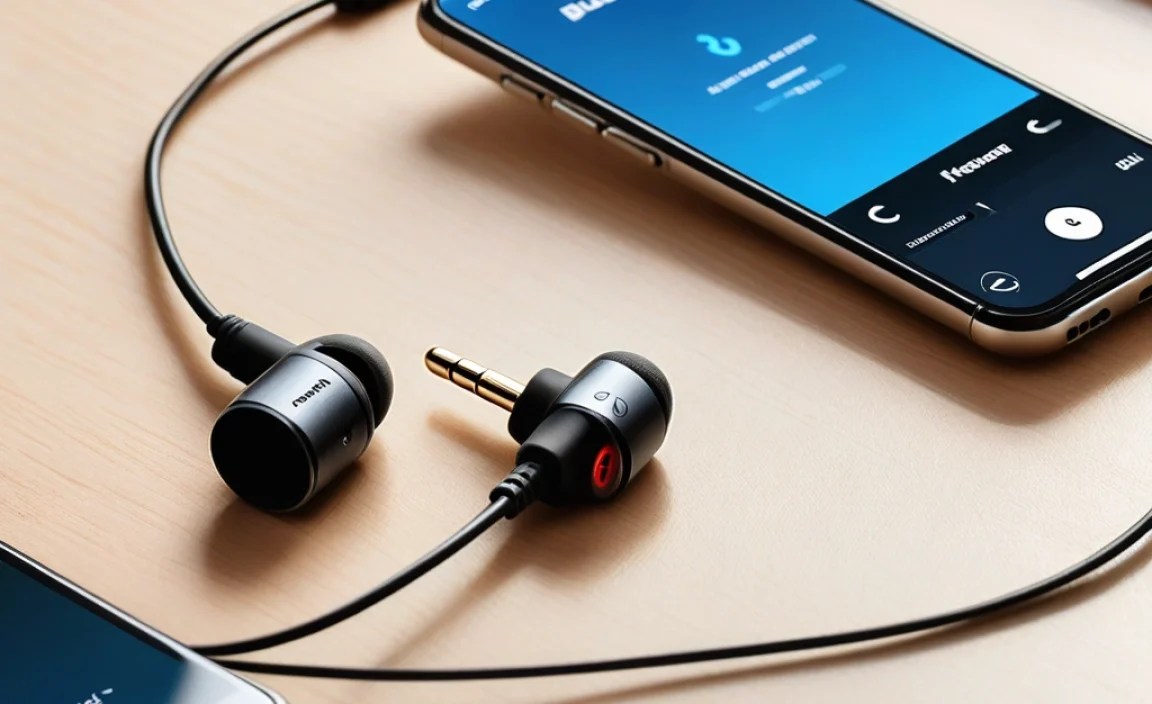
While they all serve the same core purpose, Bluetooth aux adapters come in a few variations to suit different needs:
1. Simple Receiver Adapters
These are the most common. They plug into your headphones and receive Bluetooth audio from a source. They are compact, lightweight, and designed for portability. Some might have a short cable built-in, while others are small dongles designed to be plugged directly into your headphones.
2. Bluetooth Transceiver Adapters (2-in-1)
These are more versatile. They can act as both a receiver (like the simple adapters above) and a transmitter. This means you can plug them into a non-Bluetooth device (like an old TV or a home stereo system) to send audio to Bluetooth headphones or speakers. Extremely useful for older equipment!
3. Adapters with Built-in Microphones
Many adapters include a built-in microphone. This allows you to take hands-free calls when connected to your smartphone, turning your wired headphones into a makeshift wireless headset for calls.
4. Adapters with Advanced Features
Some higher-end models might offer features like:
- Multi-point connection (connecting to two devices simultaneously)
- Support for higher-quality Bluetooth audio codecs (like aptX HD or LDAC for better sound)
- Longer battery life
- Physical controls for playback and volume
Key Features to Look For
When shopping for a Bluetooth Aux Adapter for headphones, consider these important features:
- Bluetooth Version: Aim for Bluetooth 4.2 or higher for better stability, range, and power efficiency. Bluetooth 5.0 and newer offer even more improvements if your source device supports it. For a deeper dive into Bluetooth versions, you can check out resources like the official Bluetooth website.
- Battery Life: How long does it last on a single charge? If you plan on long listening sessions, look for adapters offering 8-10 hours or more of playback.
- Charging Port: Most use USB-C, which is convenient for charging with modern devices. Others might use Micro-USB.
- Codec Support: If audio quality is paramount, check for support of codecs like aptX, aptX HD, or LDAC, provided your source device also supports them. These offer near-CD quality audio over Bluetooth.
- Microphone Quality: If you plan to use it for calls, read reviews on the microphone clarity.
- Form Factor and Portability: Do you prefer a small dongle that plugs directly in, or one with a short cable?
- Ease of Use: Look for adapters with simple controls and a straightforward pairing process.
Pros and Cons of Using a Bluetooth Aux Adapter
Like any gadget, these adapters have their upsides and downsides. Here’s a quick rundown:
| Pros | Cons |
|---|---|
| Adds wireless capability to existing wired headphones. | Introductory setup (pairing) is required. |
| Cost-effective solution for wireless audio. | Requires charging; dependent on battery life. |
| Eliminates headphone cable tangles and limitations. | Can add a slight bulk or weight to headphones. Potential for minor audio latency (especially with older Bluetooth versions or in video). |
| Allows use of favorite, high-quality wired headphones. | Relies on Bluetooth technology, which can sometimes be susceptible to interference in crowded wireless environments. |
| Many models support hands-free calling with built-in microphones. | Sound quality, while generally good, might not match dedicated high-end Bluetooth headphones for the most discerning ears. |
| Great for devices that have removed the headphone jack. | Another device to manage and keep charged. |
When is a Bluetooth Aux Adapter the Perfect Solution?
These little marvels shine brightest in specific scenarios:
- Your Smartphone Ditched the Headphone Jack: This is perhaps the biggest reason. If your new phone, tablet, or laptop doesn’t have a 3.5mm port, an adapter is a lifeline for your old headphones.
- You Love Your Current Headphones: You’ve invested in a great pair of wired headphones for their comfort, sound signature, or noise isolation. Why replace them when you can make them wireless?
- Budget is a Concern: High-quality wireless headphones can be expensive. An adapter is a fraction of the cost and instantly transforms your existing pair.
- Travel Companion: Easily pair them with airplane entertainment systems (if they have an aux-out) or your phone while on the go, freeing you from seat-back cables.
- Home Office Upgrade: Add wireless convenience to your computer for calls and music without snagging wires on your desk.
- Gym or Running Buddy: Enjoy freedom of movement at the gym or during a run without your phone cord bouncing around.
For those looking to understand more about wireless audio transmission, resources from organizations like the International Telecommunication Union (ITU) can provide broader context on wireless communication standards.
Troubleshooting Common Issues
While generally reliable, you might encounter a hiccup now and then. Here are solutions to common problems:
- No Sound:
- Ensure your headphones are fully plugged into the adapter.
- Check that the adapter is powered on and paired with your device.
- Verify the volume is up on both the adapter (if it has controls) and your source device.
- Try re-pairing the adapter and your source device.
- Connection Drops:
- Ensure the adapter is charged.
- Move closer to your source device.
- Minimize interference from other wireless devices (microwaves, other Bluetooth devices).
- Update your source device’s operating system.
- Poor Audio Quality:
- Ensure your adapter and source device are using a high-quality codec (if supported).
- Check for interference.
- Make sure the audio file you’re playing is of good quality.
- Adapter Not Pairing:
- Make sure the adapter is in pairing mode (blinking light).
- Turn off Bluetooth on other nearby devices that might try to connect accidentally.
- Restart both your source device and the adapter.
- Ensure there are no other devices already connected to the adapter.
Frequently Asked Questions (FAQ)
Q1: Can any wired headphones be used with a Bluetooth aux adapter?
A1: Yes, as long as your wired headphones have a standard 3.5mm audio jack, they will work perfectly with a Bluetooth aux adapter. The adapter essentially makes any wired headphone experience wireless.
Q2: Will using a Bluetooth aux adapter affect my headphone’s sound quality?
A2: For most users, the difference in sound quality is negligible and often outweighed by the convenience of wireless. High-end adapters supporting advanced codecs like aptX HD can maintain near-lossless audio. However, very low-quality adapters or older Bluetooth versions might introduce minor compromises.
Q3: What is audio latency, and will I notice it?
A3: Latency is the slight delay between the audio signal being sent and it being heard. You might notice this delay if you’re watching videos or playing games, where the audio might lag behind the picture. For listening to music, it’s usually not an issue. Newer Bluetooth versions and adapters supporting aptX Low Latency significantly reduce this delay.
Q4: How long does the battery on a Bluetooth aux adapter typically last?
A4: Battery life varies widely by model. Many adapters offer anywhere from 4 to 15 hours of continuous playback on a single charge. Always check the product specifications for the advertised battery life, and remember that actual usage time can be affected by volume levels and Bluetooth signal strength.
Q5: Do I need to re-pair the adapter every time I use it?
A5: Typically, no. Once you’ve paired your adapter with your source device for the first time, it should automatically reconnect whenever both devices are powered on, within range, and have Bluetooth enabled. You might only need to re-pair if you reset the adapter or try to connect it to a different device.
Q6: Can I use a Bluetooth aux adapter to transmit audio from my TV to my headphones?
A6: Yes, but only if you get a 2-in-1 Bluetooth transceiver adapter (also called a transmitter/receiver). A standard receiver adapter will only receive Bluetooth audio. A transceiver can transmit audio from your TV’s headphone jack (or RCA audio out) to your Bluetooth headphones.
Q7: Are there any safety concerns when using these adapters?
A7: Generally, they are completely safe. As with any electronic device, follow the manufacturer’s charging guidelines. For usage, be mindful of your listening volume to protect your hearing, especially since it’s easy to forget you’re wearing headphones when they’re wireless. Always ensure your source device is also from a reputable source to avoid malware if downloading companion apps, though most adapters don’t require them.
The Bottom Line: Unlocking Wireless Freedom
In the ever-evolving world of audio technology, it’s easy to feel like you constantly need to upgrade your gear. But sometimes, the smartest upgrade isn’t about replacing what you have, but about enhancing it.
A Bluetooth aux adapter for headphones is precisely that kind of upgrade. It’s an affordable, practical, and incredibly effective way to break free from the tyranny of tangled wires. Whether you’re a seasoned audiophile clinging to your favorite wired headphones or just someone who wants a bit more convenience in their daily listening, this little gadget is a true essential.
It breathes new life into old favorites, makes your gear compatible with newer devices, and offers a tangible boost in your overall listening pleasure. So, consider this your invitation to experience the bliss of untethered audio – your headphones will thank you!
