
Quick Summary: Discover why Bluetooth headphones with a built-in microphone are an essential upgrade for your phone. Enjoy hands-free calls, music, and voice commands with seamless wireless convenience, making them a smart, modern choice for everyone.
Hello, audio adventurers! Edward Cavitt here from Headphone Horizon. Today, we’re diving into a topic that’s become surprisingly indispensable in our connected lives: Bluetooth headphones with a microphone for your phone.
If you’ve ever fumbled for your phone mid-call, struggled with tangled wires, or wished for clearer sound during a chat, then this is for you. These aren’t just about listening pleasure anymore; they’re about transforming how you communicate, work, and play. Let’s explore why making the switch to this versatile tech is a genuinely smart choice for anyone with a smartphone.
Why Bluetooth Headphones with a Microphone are a Smart Choice

In today’s fast-paced world, our smartphones are our command centers. We use them for everything from listening to our favorite playlists to attending crucial work meetings and chatting with loved ones. The humble headphone has evolved from a simple listening device to a communication tool. When you add a quality microphone to Bluetooth headphones, you unlock a new level of convenience and functionality that can genuinely simplify your daily routine. It’s about freeing your hands while keeping you connected, all with just a little piece of wireless magic.
Enhanced Communication: Crystal Clear Calls
One of the primary benefits of Bluetooth headphones with a microphone is the dramatic improvement in call quality. Unlike the often-tinny microphone built into phones, dedicated headphone microphones are designed to pick up your voice clearly, even in noisy environments. Many models feature advanced noise-canceling technology, meaning the person on the other end hears you, not the traffic or chatter around you. This is invaluable for professionals taking calls on the go, students in busy dorms, or anyone who wants to ensure their voice is heard without shouting.
Unmatched Convenience: Hands-Free Freedom
Wires can be a hassle. They get tangled in pockets, snag on desk edges, and generally get in the way. Bluetooth headphones eliminate this entirely. But the real freedom comes with the microphone. Imagine being in the middle of cooking, carrying groceries, or working out and being able to answer a call, adjust your music, or even activate your phone’s voice assistant without ever touching your device. This hands-free capability is a game-changer for productivity and multitasking.
Versatility for Work and Play
These headphones are more than just phone accessories. They seamlessly transition between different aspects of your life:
- Work Calls: Conduct virtual meetings with clarity.
- Music & Podcasts: Enjoy immersive audio without distractions.
- Gaming: Communicate with teammates in multiplayer games.
- Voice Assistants: Control your phone with simple voice commands (e.g., “Hey Siri” or “OK Google”).
- Learning: Listen to lectures or language lessons without missing a beat.
Improved Audio Experience
While the microphone is a key feature, let’s not forget the audio quality for listening. Many Bluetooth headphones today deliver impressive sound, offering deep bass, clear mids, and crisp highs. Whether you’re a dedicated audiophile or just enjoy your tunes, you’ll appreciate the improved listening experience that comes with good quality headphones, and having the mic as a bonus makes them an all-in-one package.
Types of Bluetooth Headphones with Microphones

The world of Bluetooth headphones is vast, offering various styles to suit different needs and preferences. Understanding these options will help you find the perfect fit. Here’s a breakdown:
1. Over-Ear Headphones
These are the classic, large headphones that completely cover your ears. They typically offer the best sound quality and noise isolation due to their size and padding. The microphones on over-ear models are often boom-style or integrated discreetly into the earcup.
- Pros: Superior sound, excellent comfort for long wear, best noise cancellation, often better battery life.
- Cons: Bulky, not ideal for intense exercise, can be warm in hot weather.
2. On-Ear Headphones
On-ear headphones rest on top of your ears, providing a more compact alternative to over-ear models. They offer a good balance of sound quality and portability. The microphone is usually integrated into one of the earcups.
- Pros: More portable than over-ear, generally comfortable, good sound.
- Cons: Can cause ear fatigue for some, less noise isolation than over-ear, can create pressure on ears.
3. In-Ear Headphones (Earbuds/Earphones)
These are small, lightweight earbuds that fit directly into your ear canal. They’ve become incredibly popular for their discreteness and portability. True wireless earbuds, which have no wires at all, are a prominent subcategory here. The microphone is typically a small stalk or integrated into the main body of the earbud.
- Pros: Highly portable, discreet, great for workouts and active lifestyles, good noise isolation (especially with well-fitting tips).
- Cons: Fit can be subjective and may require trying different ear tips, sound quality can vary widely, battery life per charge is often shorter than over-ear.
4. Neckband Headphones
These feature earbuds connected by a band that rests around your neck. The band often houses the battery, controls, and microphone, which can provide excellent call clarity as it sits closer to your mouth. They offer a nice compromise between true wireless freedom and not losing an earbud.
- Pros: Secure fit, controls and mic conveniently located, good battery life, difficult to lose one earbud.
- Cons: The neckband can sometimes be felt or shift, not as discreet as true wireless.
Key Features to Look For
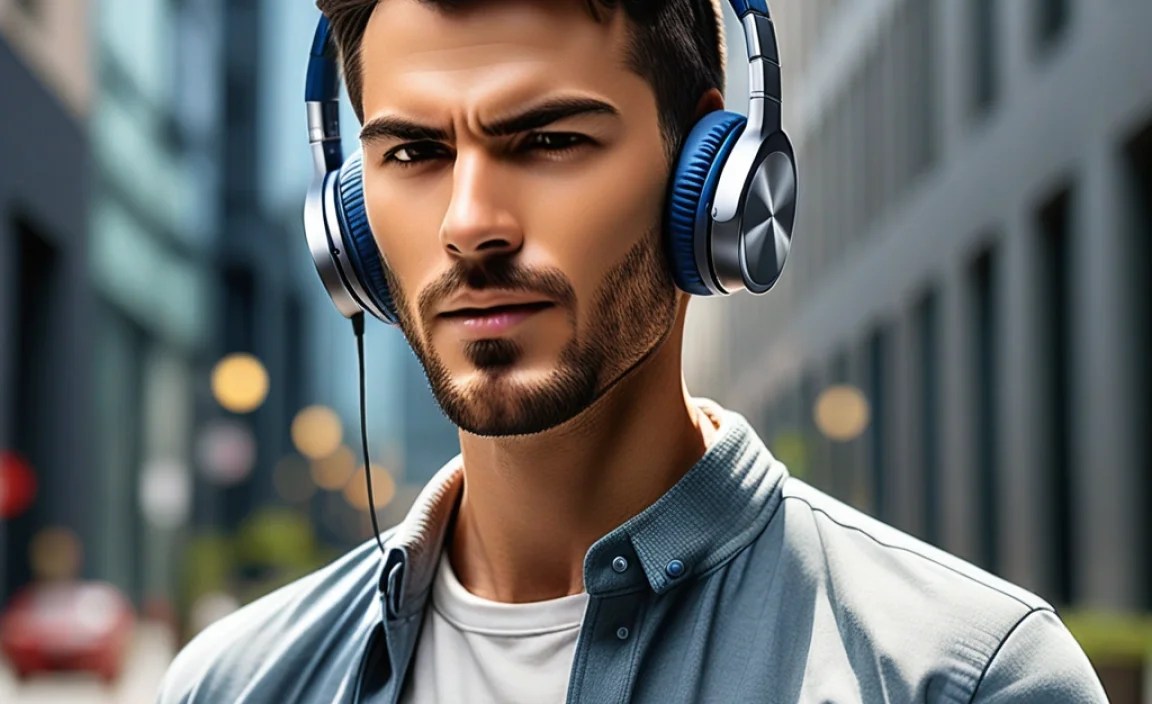
When choosing your next pair of Bluetooth headphones with a microphone, consider these essential features:
Microphone Quality and Noise Suppression
This is paramount. Look for headphones advertising:
- Multiple Microphones: Often use beamforming technology to focus on your voice and reduce background noise.
- Environmental Noise Cancellation (ENC): Specifically designed to reduce ambient sounds during calls.
- Wind Noise Reduction: Crucial if you’ll be taking calls outdoors.
Reading reviews that specifically mention call quality in different environments can be very helpful. Resources like the FCC’s guidance on emergency calls, while focused on E911, highlights the importance of reliable voice transmission.
Bluetooth Version and Codecs
Bluetooth Version: Newer versions (like Bluetooth 5.0 and above) offer better range, stability, and power efficiency. This means fewer disconnections and a smoother experience.
Audio Codecs: These are the standards that compress and decompress audio. Common ones include:
- SBC: Basic, universally compatible.
- AAC: Better quality, standard on Apple devices.
- aptX: Good quality, low latency, common on Android devices.
- LDAC/LHDC: High-resolution audio, best quality if your phone and headphones support it.
For call quality and general use, a stable connection is more important than the highest-end codec, but it’s good to be aware of.
Battery Life
Consider how long you’ll need your headphones to last on a single charge. For all-day use, look for models offering 20+ hours of playback. Many headphones also come with a charging case (for earbuds) or offer fast charging, giving you a few hours of use from a short charge.
Comfort and Fit
Especially for in-ear models, the fit is crucial for both comfort and sound quality. Look for headphones that come with multiple ear tip sizes. For over-ear and on-ear styles, check reviews for comments on clamping force and earcup padding.
Controls and Connectivity
How easy is it to control your music, adjust volume, and answer calls? Many headphones have physical buttons or touch controls. Multipoint connectivity, which allows you to connect to two devices simultaneously (e.g., your phone and laptop), is a highly sought-after feature for seamless switching.
Durability and Water Resistance
If you plan to use your headphones for workouts or in potentially wet conditions, look for an IP rating (Ingress Protection). An IPX4 rating, for example, means they are protected against splashing water.
Step-by-Step Guide: Connecting Your Bluetooth Headphones

Pairing your new Bluetooth headphones with your phone is usually a straightforward process. Here’s how to do it for most Android and iOS devices:
Step 1: Charge Your Headphones
Before you begin, ensure your Bluetooth headphones have sufficient battery charge. Most devices will provide an indicator light or an audio cue when the battery is low.
Step 2: Put Your Headphones in Pairing Mode
This is the most critical step. The method varies by manufacturer and model, but generally:
- For most Bluetooth headphones: Press and hold the power button for several seconds until an indicator light flashes blue/red or you hear a voice prompt indicating they are in pairing mode.
- For true wireless earbuds: Often, you simply need to open the charging case with the earbuds inside, and they will automatically enter pairing mode. Some may require holding a button on the case or individually on the earbuds.
Tip: Consult your headphones’ user manual if you’re unsure how to activate pairing mode.
Step 3: Enable Bluetooth on Your Phone
For Android Devices:
- Go to your phone’s Settings app.
- Tap on Connections or Connected devices.
- Tap on Bluetooth.
- Make sure the Bluetooth toggle is switched On.
For iOS (iPhone/iPad) Devices:
- Go to your device’s Settings app.
- Tap on Bluetooth.
- Make sure the Bluetooth toggle is switched On.
Step 4: Scan for Devices and Select Your Headphones
Your phone will now scan for available Bluetooth devices. In the Bluetooth settings menu, you should see a list of “Available Devices” or “Paired Devices.”
- Look for the name of your headphones in the list. It might be the brand name or a specific model number (e.g., “Sony WH-1000XM5” or “AirPods Pro”).
- Tap on the name of your headphones to initiate the pairing process.
Step 5: Confirm Pairing (If Prompted)
In some cases, you might be prompted to confirm the pairing request on your phone and headphones, or enter a PIN code (usually “0000” or “1234” for older devices, but rarely needed now). Once paired, you should see your headphones listed under “Paired Devices” and often hear an audio confirmation from the headphones themselves.
Step 6: Test the Microphone and Audio
To ensure everything is working correctly:
- Audio: Play some music or a video to test the sound output.
- Microphone: Make a test call to a friend or leave a voice message for yourself. You can also try using your phone’s voice assistant.
Troubleshooting Common Connection Issues
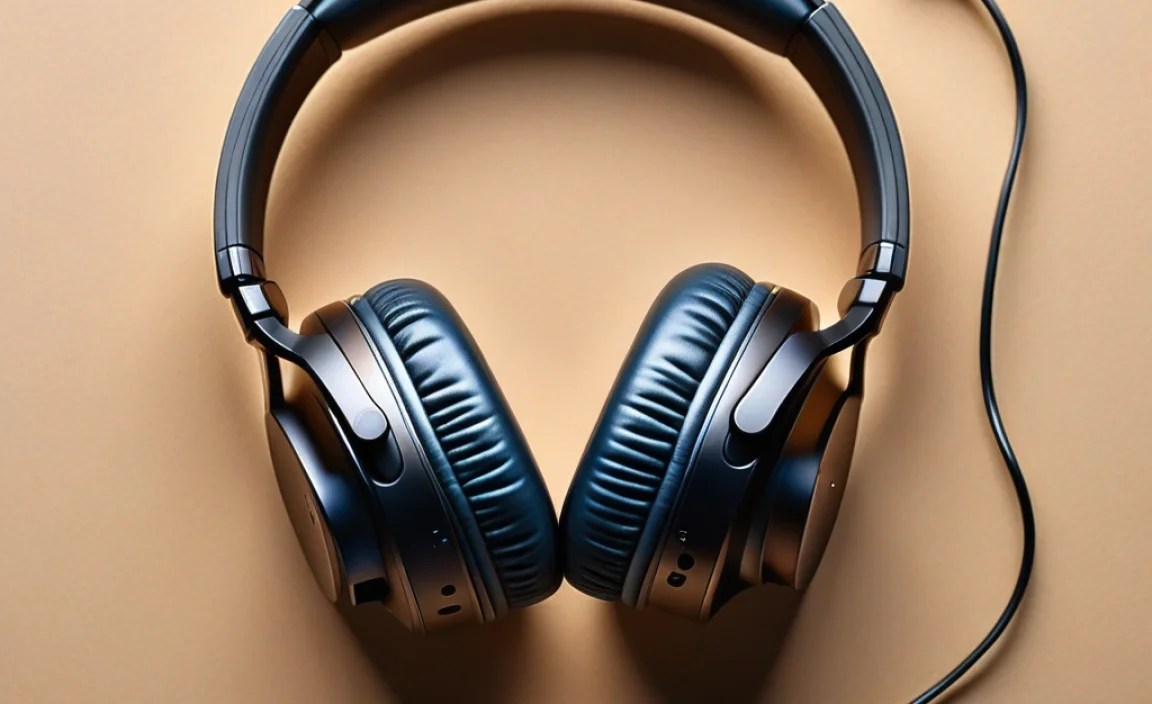
Sometimes, things don’t connect perfectly on the first try. Here are some common issues and how to fix them:
- Headphones not appearing in the list: Ensure they are still in pairing mode. Turn Bluetooth off and on again on your phone. Restart both your phone and headphones.
- Connection keeps dropping: Move closer to your phone. Interference from other devices (microwaves, routers) can affect the signal. Try forgetting the device on your phone and re-pairing.
- Microphone not working: Check your phone’s settings to ensure the headphones have permission to access the microphone. In some apps, you might need to select the headphones as the input device. Try restarting your phone and headphones.
- Audio quality is poor: Make sure you’re using a compatible audio codec (if applicable) and that the Bluetooth connection is stable. Ensure there are no obstructions between your phone and headphones.
For more in-depth troubleshooting, the official Bluetooth website offers detailed technical explanations about how the technology works.
Maintaining Your Bluetooth Headphones
To ensure your Bluetooth headphones with a microphone continue to perform optimally and last a long time, a little regular care goes a long way.
Regular Cleaning
Dampen a soft, lint-free cloth with water or a mild cleaning solution (like diluted isopropyl alcohol, though use sparingly). Gently wipe down the earcups, headband, and any external surfaces. For earbuds, pay special attention to the speaker grilles and ear tips. Remove ear tips to clean them separately, and use a dry, soft brush or a toothpick to carefully dislodge any debris from the grille.
Proper Storage
When not in use, store your headphones in a protective case if they came with one. Avoid leaving them in extreme temperatures (hot cars, freezing conditions) or exposed to direct sunlight, as this can damage the battery and materials.
Battery Care
Most modern lithium-ion batteries are quite robust. Avoid fully depleting the battery regularly, as this can reduce its lifespan. If storing the headphones for an extended period (many months), charge them to around 50% first. Don’t leave them plugged in constantly after they’re fully charged, as this can also degrade the long-term health of the battery. For wireless charging pads, ensure your device is positioned correctly.
Software Updates
Some higher-end headphones receive firmware updates via a companion app. These updates can improve performance, fix bugs, and sometimes even add new features. Keep an eye out for these and install them when available.
Choosing the Right Model for You
With so many options, how do you pick the best Bluetooth headphones with a microphone for your specific needs? Consider these factors:
| Usage Scenario | Recommended Headphone Type | Key Features to Prioritize | Example Considerations |
|---|---|---|---|
| Daily Commute & Office Use | Over-Ear or Neckband | Excellent microphone noise cancellation, multipoint connectivity, comfort for long wear, active noise cancellation (ANC). | Need to switch between phone calls and laptop audio seamlessly? Look for multipoint. Long meetings? Comfort is key. |
| Intense Workouts & Active Lifestyle | In-Ear (True Wireless Earbuds) | Secure fit, water/sweat resistance (IPX rating), compact size, good call quality even with movement. | Do they stay put during a run? Can you take a call without wind noise? |
| Frequent Travel | Over-Ear with ANC | Top-tier Active Noise Cancellation (ANC), long battery life, comfortable for long flights, good microphone for onboard calls. | Blocking out plane engines while enjoying music or taking important calls is essential. |
| Budget-Conscious User | On-Ear or simpler In-Ear | Reliable Bluetooth connection, decent microphone clarity, good battery balance, ease of use. | Prioritize essential functions like clear calls and stable audio over premium features. |
Beyond these, think about your budget and any brand preferences you might have. Reading reviews from reput
