
Quick Summary: Tired of switching Bluetooth headphones between your phone and laptop? Discover how to connect them seamlessly to multiple devices simultaneously. This guide simplifies the process, saving you time and hassle, and helps you make smart buying decisions for a truly connected audio experience.
Hey there, audio explorers! Edward Cavitt here, your guide from headphonehorizon. Are you juggling between your smartphone for music and your laptop for that important video call? Constantly disconnecting and reconnecting your Bluetooth headphones can feel like a chore nobody needs. What if I told you there’s a way to have your headphones happily paired with both devices at the same time? Yes, it’s not science fiction; it’s a fantastic feature called multipoint pairing! This genius solution is designed to make your daily tech life smoother and more enjoyable. Let’s dive in and unlock this seamless listening experience together.
What Exactly Are Bluetooth Headphones for Multiple Devices?

When we talk about “Bluetooth headphones for multiple devices,” we’re usually referring to headphones that support a technology called multipoint pairing. This feature allows your headphones to maintain active connections with two (or sometimes even more) Bluetooth-enabled devices simultaneously. Think of it like having a magic remote that can control your TV and your sound system at the same time – except it’s for your audio!
Traditionally, Bluetooth headphones would connect to one device at a time. If you wanted to listen to music on your tablet, you’d have to disconnect them from your phone. Then, if a call came in on your phone, you’d have to disconnect from the tablet and re-pair with your phone. It was a repetitive and often frustrating process. Multipoint pairing eliminates this by keeping both connections active, intelligently switching audio sources as needed. This is a game-changer for anyone who uses multiple devices throughout their day.
The Magic Behind Multipoint Pairing
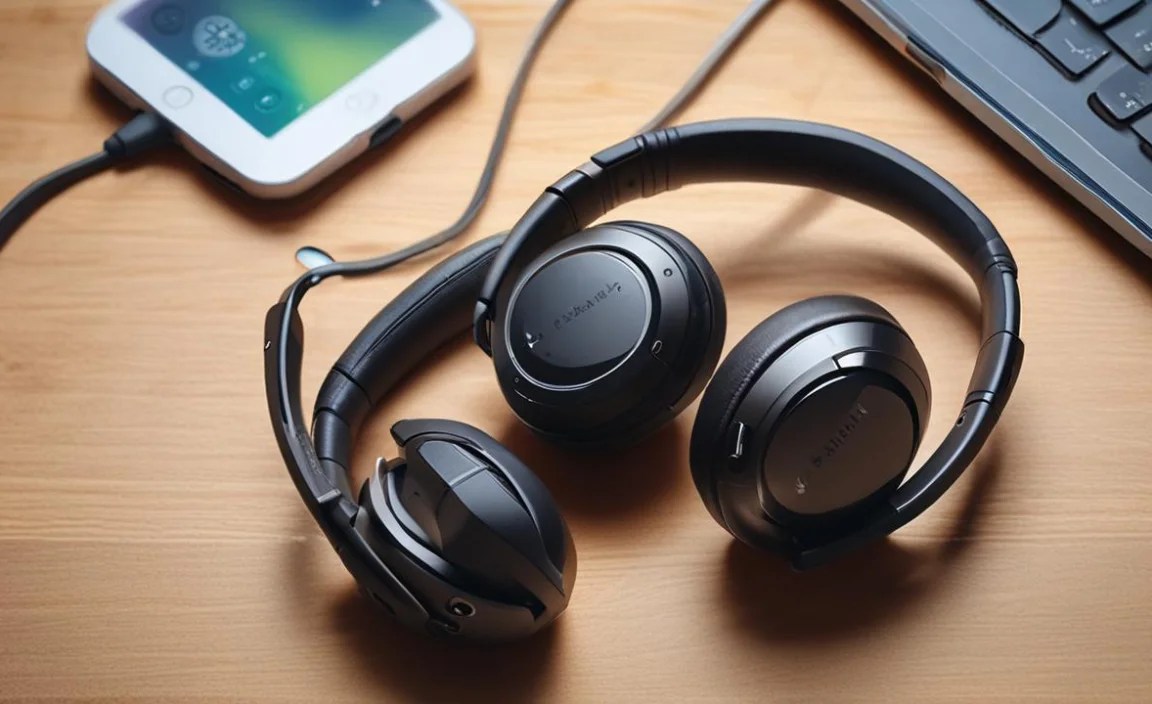
So, how does this magical switching happen? It all boils down to a Bluetooth feature that allows a headset to store connection information for multiple devices and manage those connections simultaneously. When your headphones are paired with two devices, they are essentially “listening” to both. If audio starts playing on one device (like music on your phone), and then a call comes in on the other (like your laptop’s Zoom meeting), the headphones will automatically prioritize the incoming call audio and switch over. Once the call is finished, they often return to the previous audio source.
This intelligent switching requires a bit of sophisticated Bluetooth protocol management. Most headphones supporting multipoint pairing use Bluetooth 5.0 or a later version, which offers improved connectivity and reliability. The specific implementation can vary slightly between manufacturers, but the core functionality remains the same: effortless audio switching.
Why You Need Bluetooth Headphones with Multipoint Pairing

Let’s be honest, life is busy. Whether you’re a professional hopping between work calls and music, a student attending lectures and then relaxing with a podcast, or just someone who enjoys streaming content on different devices, the ability to seamlessly switch is invaluable. Here are some compelling reasons why this feature is a brilliant solution:
- Boosted Productivity: No more fumbling to connect. Take a call on your work laptop immediately without interrupting your music on your phone.
- Enhanced Convenience: Enjoy a movie on your tablet and still be able to answer calls on your smartphone without missing a beat.
- Reduced Frustration: Say goodbye to constant pairing and unpairing. It’s a simple, stress-free experience.
- Versatile Use: Ideal for home offices, commutes, travel, and everyday multitasking.
- Future-Proofing: As more devices become connected, having headphones that can handle multiple active connections becomes increasingly important.
How to Connect Your Bluetooth Headphones to Multiple Devices

Getting your headphones set up with multiple devices is usually quite straightforward. While the exact steps might differ slightly depending on your headphone model and devices, the general process follows a similar pattern. The key is to pair each device individually, but in a specific order sometimes, to enable multipoint functionality.
Step 1: Pair Your Headphones with the First Device
This is your standard Bluetooth pairing process. Turn on your headphones and put them into pairing mode (this usually involves pressing and holding a button until an indicator light flashes or you hear a specific sound). On your first device (e.g., your smartphone), go to Bluetooth settings, search for nearby devices, and select your headphones from the list.
Step 2: Pair Your Headphones with the Second Device
Once connected to the first device, you need to put your headphones back into pairing mode. This is the crucial step that often trips people up. If you just try to find the headphones in the Bluetooth settings of the second device, they might not appear because they are already connected to the first. You typically need to initiate pairing mode again using your headphone’s button combination.
After putting them into pairing mode, go to the Bluetooth settings on your second device (e.g., your laptop) and search for new devices. Select your headphones from the list. You might see a prompt on your first device asking if you allow the headphones to connect to another device, or it might just connect. Confirm the connection on both devices.
Step 3: Enjoy Seamless Switching
Once both devices are successfully paired, your headphones should now be connected to both simultaneously. You can test this by playing audio on one device and then starting audio on the other. Most headphones will pause the first audio source to play the second, or they will simply switch to the device that has active audio playing. If a call comes in on one device, it should automatically take precedence.
Troubleshooting Tip: If your headphones don’t automatically switch, or only connect to one device, try disconnecting both devices from your headphones and your phone/laptop. Then, repeat the pairing process, ensuring you clearly see that both devices are connected to the headphones in their respective Bluetooth menus.
Do All Bluetooth Headphones Support Multipoint Pairing?

Unfortunately, no. Multipoint pairing is a desirable feature, but it’s not universally included in all Bluetooth headphones. It’s more commonly found in:
- Mid-range to High-End Headphones: Brands often reserve this feature for their more premium models.
- True Wireless Earbuds: While some true wireless earbuds support it, it’s less common than in over-ear or on-ear headphones.
- Headsets Designed for Professionals/Business: Many office or communication-focused headsets prioritize multipoint for seamless call management.
- Headphones with Bluetooth 5.0 and Above: While not a guarantee, newer Bluetooth versions generally make multipoint easier to implement.
Always check the product specifications or description before purchasing. Look for terms like “multipoint,” “connects to 2 devices,” or “dual connection.”
Comparing Headphones with and without Multipoint Pairing
To really drive home the benefit, let’s look at how these two types of headphones compare in a practical scenario.
Scenario: A Busy Professional
| Feature | Headphones WITHOUT Multipoint | Headphones WITH Multipoint |
|---|---|---|
| Morning Commute (Music from Phone) | Enjoying music from your phone. | Enjoying music from your phone. |
| Work Starts (Video Call on Laptop) | Action Required: Disconnect from phone. Connect to laptop. Miss the first 2 minutes of the meeting. | Seamless Transition: Headphones automatically switch to laptop audio. Join the meeting instantly. |
| Lunch Break (Podcast on Phone) | Action Required: Disconnect from laptop. Connect to phone. | Effortless Switch: Pause laptop audio (or it stops automatically). Play podcast on phone. Headphones remain connected to both. |
| Afternoon Meeting (Call on Personal Device) | Action Required: If you forgot to disconnect from work laptop, disconnect and reconnect to phone for personal calls. High chance of missed calls. | Integrated Multitasking: If you receive a call on your phone while on a laptop audio, it switches. If you get a call on your laptop during phone audio, it switches. You’re always connected. |
Key Takeaway:
The table clearly shows that for users who juggle multiple audio sources, headphones with multipoint pairing offer a vastly superior and less stressful experience. The time saved and the reduction in cognitive load are significant.
Popular Bluetooth Headphones with Multipoint Pairing
If you’re in the market for headphones that offer this genius solution, here are a few highly-regarded models that typically feature multipoint connectivity. It’s always best to double-check the specific model you’re looking at, as features can sometimes be updated.
Note: This list is not exhaustive and reflects popular choices known for multipoint. Prices and availability can change.
- Sony WH-1000XM Series (e.g., WH-1000XM4, WH-1000XM5): These are industry-leading noise-canceling headphones that excel in sound quality and feature robust multipoint support, allowing connection to two devices simultaneously. They are meticulously designed for both personal listening and professional use.
- Bose QuietComfort Series (e.g., QC45, Headphones 700): Bose is another giant in the headphone world, known for its comfort and excellent noise cancellation. Their flagship models usually come equipped with multipoint pairing, making them ideal for frequent travelers and professionals. For more details on Bose’s multipoint technology, you can refer to their official support page.
- Sennheiser Momentum Series (e.g., Momentum 4 Wireless): Sennheiser offers premium sound quality, and their Momentum line often includes multipoint. These headphones are a great choice for audiophiles who also need the convenience of connecting to multiple devices.
- Jabra Elite Series (e.g., Elite 7 Pro, Elite 8 Active): Jabra is particularly strong in the true wireless earbud market, and many of their higher-end models, especially those geared towards business users, offer excellent multipoint capabilities. They are known for stable connections and clear call quality.
- Plantronics/Poly (e.g., Voyager Series): While perhaps less “mainstream” for pure music listening, Plantronics (now Poly) are kings of professional headsets. If your primary need is for seamless call management across a computer and a phone, their Voyager series is almost guaranteed to have reliable multipoint. You can explore their professional audio solutions at Poly’s official product page.
Tips for Maintaining Your Multipoint Headphones
Just like any electronic device, caring for your Bluetooth headphones will ensure they last longer and perform at their best. Multipoint connectivity doesn’t add significant maintenance burden, but here are a few general tips:
- Keep them Clean: Regularly wipe down the earcups and headband with a soft, dry cloth. For any grime build-up, a slightly damp cloth (water only) can be used, but ensure they dry completely before use.
- Proper Storage: When not in use, store them in a protective case if you have one. This prevents them from getting scratched or damaged. Avoid exposing them to extreme temperatures.
- Battery Care: Avoid fully depleting the battery regularly. For long-term storage, charge them to about 50-60%. Most modern headphones have intelligent charging systems, so overcharging isn’t usually an issue when in use.
- Firmware Updates: Many headphones connect to a companion app (like Sony’s Headphones Connect or Bose Music). Keep the app updated and check for firmware updates for your headphones. These updates can sometimes improve Bluetooth performance, stability, and even add new features. For official Bluetooth specifications and best practices, you can check resources on the Bluetooth SIG website.
- Handle with Care: While they are designed to be robust, avoid unnecessary strain on the headband or headphone cups.
Frequently Asked Questions (FAQ)
Here are some common questions we hear about using Bluetooth headphones with multiple devices.
Q1: My headphones are connected to two devices, but only one produces sound. What’s wrong?
A: This usually happens because the headphones are connected, but the audio playback hasn’t initiated on the second device, or the volume is muted. Ensure that audio is actively playing on the second device and that its volume is turned up. Sometimes, simply pausing and resuming audio on the desired device can trigger the switch.
Q2: Can I use multipoint with a Bluetooth transmitter for my TV?
A: Generally, yes, but it depends on the Bluetooth transmitter. Most modern transmitters that support advanced Bluetooth profiles can work. Your headphones will pair with the transmitter as one device, and you can then pair them with your phone or another device to use multipoint. However, the quality of connection and potential latency can vary significantly with the transmitter.
Q3: My headphones only seem to remember one device. Why?
A: This could be due to a few reasons. Firstly, ensure your headphones explicitly support multipoint. Not all do. Secondly, the initial pairing process might not have been completed correctly for both devices, or the headphone’s memory might have been cleared. Try removing both devices from your headphones’ Bluetooth list and your devices’ Bluetooth lists, then re-pair them following the correct procedure.
Q4: Will multipoint pairing drain my battery faster?
A: Yes, slightly. Maintaining active connections with two devices requires continuous Bluetooth communication, which consumes more power than maintaining a single connection. However, the difference is usually not drastic, especially with modern Bluetooth 5.0+ devices and efficient headphones. The convenience often outweighs the minor battery impact for most users.
Q5: Can I use the microphone from both devices simultaneously?
A: This is where it gets a bit tricky. While multipoint allows for audio from two devices, the microphone is usually active for only one device at a time – typically the one currently providing audio or accepting a call. If you’re on a video call on your laptop and your phone rings, the headphones will switch the microphone to your phone. You can’t technically use both microphones at the exact same time for two separate audio inputs.
Q6: What is the difference between Multipoint and “Fast Pair” or “Swift Pair”?
A: Multipoint is about maintaining simultaneous connections to multiple devices (usually two). Fast Pair (Google) and Swift Pair (Microsoft) are features that simplify the initial pairing process for a single device, making it quicker and easier to discover and connect your headphones to a new phone or computer. They are about the ease of the first connection, not about managing multiple active connections.
Q7: How do I know if my current headphones support multipoint?
A: The best way is to check the product manual or the manufacturer’s official product page online. Look for specifications that mention “multipoint,” “dual device connection,” or similar phrases. If you can’t find it explicitly stated, it’s likely they only support connecting to one device at a time.
Conclusion
Navigating the world of headphones and their connectivity features can seem a bit daunting at first, but you’ve now seen how Bluetooth headphones with multipoint pairing can be an absolute game-changer. It’s not just a fancy tech buzzword; it’s a practical, genius solution that streamlines your workflow, enhances your listening experience, and reduces daily tech frustrations. By understanding what multipoint pairing is, how to set it up, and what to look for when buying, you’re well on your way to owning a pair of headphones that truly work with all your devices.
Whether you’re a busy professional, a student, or simply someone who enjoys seamless audio across their gadgets, investing in headphones that support connecting to multiple devices will undoubtedly bring a significant improvement to your daily routine. So go ahead, explore the options, and enjoy a more connected, less complicated audio life. Happy listening!
