
Quick Summary: Upgrade your headphone comfort and experience with the right ear cushions. This guide explains how to choose and care for ear cushions, focusing on materials, fit, and maintenance to ensure lasting comfort and better sound for your everyday listening.
Essential Ear Cushions For Headphones: Your Ultimate Comfort Guide
Hey audiophiles and everyday listeners alike! Edward Cavitt here from Headphone Horizon, your friendly guide to all things sound. Ever put on your favorite headphones for a long listening session, only to find yourself fidgeting with them, noticing an uncomfortable pinch, or feeling like your ears are overheating? You’re not alone! The secret to truly immersive and comfortable listening often lies in something small, yet mighty: your headphone ear cushions. These often-overlooked components play a huge role in how your headphones feel, sound, and even how long you can wear them. In this beginner-friendly guide, we’ll dive deep into the wonderful world of ear cushions for headphones, uncovering what makes them essential for ultimate comfort and how to pick the perfect ones for you. Get ready to transform your listening experience!
Why Ear Cushions Matter More Than You Think

Think of your ear cushions as the crucial interface between your ears and the world of sound. They do more than just rest against your skin; they actively contribute to your overall headphone satisfaction. A good pair of ear cushions can:
- Enhance Comfort: This is the most obvious benefit. Soft, well-fitting cushions prevent pressure points and ear fatigue, allowing you to enjoy music, podcasts, or calls for hours.
- Improve Sound Quality: A proper seal created by the ear cushions is vital for accurate sound reproduction. It helps to minimize sound leakage, ensuring you hear all the details the artist intended, and also prevents outside noise from interfering with your audio.
- Provide Noise Isolation: A snug fit can significantly reduce ambient noise, especially with over-ear headphones. This means you can enjoy your audio at lower, safer volumes, protecting your hearing.
- Personalize Your Fit: Different head shapes and sizes exist! Swapping out stock ear cushions can help you achieve a more customized and comfortable fit, especially if the originals feel too tight, too loose, or just plain wrong.
- Extend Headphone Lifespan: Worn-out ear cushions can sometimes compromise the structural integrity of the entire headphone. Replacing them is a cost-effective way to keep your beloved headphones in top condition.
Choosing the right ear cushions for headphones is a key step in unlocking their full potential. It’s about more than just appearance; it’s about a tangible improvement in your daily audio experience.
Understanding Different Ear Cushion Materials
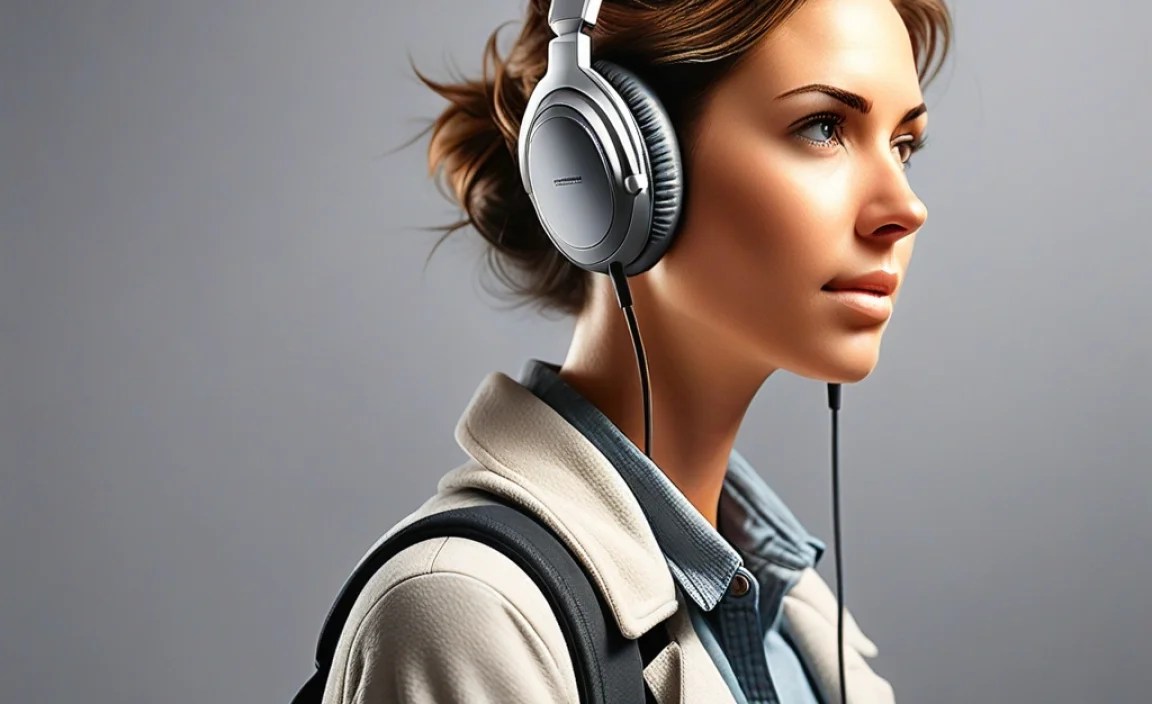
The material of your ear cushions is perhaps the biggest factor influencing comfort, durability, and sound isolation. Each has its own set of pros and cons, making them suitable for different needs and preferences.
1. Genuine Leather
Description: The classic choice for premium headphones, genuine leather offers a luxurious feel and excellent durability. It’s known for its breathability and ability to mold to the shape of your ears over time.
- Pros:
- Luxurious and premium feel.
- Durable and resistant to wear and tear.
- Excellent sound isolation.
- Good breathability, can feel cooler than pleather.
- Develops character with age.
- Cons:
- Most expensive option.
- Requires specific care to prevent drying and cracking.
- Can be less pliable initially than other materials.
- Not ideal for intense workouts as it absorbs sweat.
2. Protein Leather (Pleather/PU Leather/Vegan Leather)
Description: A very popular and cost-effective alternative to genuine leather. Protein leather is made by coating a thin layer of polyurethane onto a fibrous base, often using byproducts from the leather industry (like leather scraps) or plant-based materials. It mimics the look and feel of leather but is generally less durable and breathable.
- Pros:
- More affordable than genuine leather.
- Often softer and more pliable out of the box.
- Easy to clean.
- Good sound isolation.
- Vegan-friendly.
- Cons:
- Less durable than genuine leather; can peel or crack over time, especially with UV exposure or heavy use.
- Less breathable, can lead to ears feeling warm and sweaty.
- Sound isolation can degrade as the material wears.
3. Velour
Description: Velour cushions, often found on audiophile-grade headphones, are made from soft, plush fabric that feels incredibly gentle on the skin. They offer a unique feel and can be particularly comfortable for long listening sessions.
- Pros:
- Extremely soft and comfortable, gentle on skin.
- Highly breathable, keeping ears cooler for longer periods.
- Can contribute to a wider, more open soundstage.
- Cons:
- Offers less sound isolation compared to leather/pleather.
- Can pick up dust and debris more easily.
- May require more frequent cleaning.
- Less durable than leather options.
4. Fabric (Cloth)
Description: Simple and often found on more budget-friendly or sports-oriented headphones, fabric cushions prioritize breathability and a lightweight feel. They are usually made from materials like polyester or nylon blends.
- Pros:
- Maximum breathability, great for active use.
- Lightweight and generally comfortable.
- Easy to wash.
- Affordable.
- Cons:
- Minimal sound isolation.
- Least durable option; prone to wear and tear.
- Can absorb moisture and odors.
- Feel less premium.
5. Memory Foam
Description: Often found encased in leather or velour, memory foam is prized for its ability to conform to the unique contours of your ears and head. It distributes pressure evenly, making it exceptionally comfortable for extended wear.
- Pros:
- Excellent pressure distribution for superior comfort.
- Conforms to your unique ear shape.
- Can enhance passive noise isolation.
- Feels plush and luxurious.
- Cons:
- Can retain heat, leading to warm ears.
- May slightly alter the sound profile by absorbing some frequencies or creating a tighter seal.
- Can be more expensive.
Choosing the Right Ear Cushions: Key Considerations

Now that you know the materials, let’s talk about what else to look for when selecting ear cushions for headphones. It’s about finding the perfect match for your headphones and your lifestyle.
1. Headphone Type and Design
Ear cushions are not one-size-fits-all. They are designed to fit specific headphone models or types.
- Over-Ear Headphones: These have the largest earcups and typically use earpads that encompass the entire ear. The size and shape of the earpad are critical for comfort and seal. Replacement pads for popular over-ear models like the Sony WH-1000XM series or Bose QuietComfort range are widely available.
- On-Ear Headphones: These rest directly on your ears. Their ear cushions are smaller and come into direct contact with the ear’s surface. Fit here is about providing a gentle, even pressure without being constricting.
- In-Ear Monitors (IEMs): While technically eartips, they serve a similar purpose for IEMs. They create a seal within the ear canal to provide comfort, isolation, and optimal sound delivery. Materials like silicone and foam are common here.
2. Fit and Seal
A proper fit is paramount. The ear cushions should:
- Enclose your ears comfortably (for over-ear): They shouldn’t press on your earlobes or the cartilage surrounding your ear.
- Create a good seal: This is crucial for both sound isolation and preventing sound leakage. A leaky seal means less bass and more external noise.
- Not feel too tight or too loose: Too much clamping force leads to headaches, while too little means they’ll slide around or fail to seal.
When buying replacements, check the product description carefully to ensure compatibility with your headphone model. Many manufacturers also offer generic replacement pads that fit a range of popular headphone designs.
3. Your Listening Habits
Consider how and where you’ll be using your headphones:
- Long Listening Sessions (e.g., Work, Travel): Prioritize comfort and breathability. Velour or memory foam encased in soft leather/pleather are excellent choices.
- Commuting/Office Use: Good sound isolation is key. Leather or protein leather cushions will help block out ambient noise.
- Workouts/Gym: Breathability and moisture-wicking are essential. Fabric or specialized sport earpads are best to prevent sweat buildup, although they offer less isolation.
- Critical Listening/Audiophile Use: While comfort is still important, maintaining the headphone’s intended acoustic signature is vital. Check reviews or manufacturer recommendations for pads known to preserve or even enhance sound quality.
4. Allergen Sensitivity
If you have sensitive skin, opting for hypoallergenic materials is a wise choice. Genuine leather, high-quality velour, and certain specially treated fabrics are generally well-tolerated. As always, if you experience any irritation, discontinue use and consult the material safety data sheet if available.
Step-by-Step: Replacing Your Headphone Ear Cushions

Replacing ear cushions is usually a straightforward process, often requiring no special tools. It’s a fantastic DIY upgrade that can breathe new life into your headphones.
Step 1: Identify Your Headphone Model
First, know exactly which headphones you have. Look for the brand name and model number, often printed on the headband, earcups, or in your product manual. This is crucial for finding compatible replacement cushions.
Step 2: Gather Your Tools (Usually Minimal!)
For most headphone models, you won’t need much. You might need:
- Your new ear cushions.
- A plastic pry tool or thin, flat object (like a guitar pick or credit card): This is helpful for gently detaching the old cushions, if they are clipped on. Avoid using metal objects, which can scratch your headphones.
- A soft, dry cloth: For cleaning the earcups after removing the old cushions.
- Optional: Isopropyl alcohol (a few drops): For cleaning stubborn residue, used sparingly. Always test in an inconspicuous area first.
Step 3: Carefully Remove the Old Ear Cushions
The method varies by headphone model:
- For Clip-On Cushions: Look for a seam or edge where the cushion meets the earcup. Gently insert your plastic pry tool into this gap and slowly work your way around, prying the cushion loose. Be patient and apply even pressure to avoid damaging the clips or the earcup.
- For Cushions Attached with Adhesive: You might need to warm the adhesive slightly with a hairdryer on a low setting. Then, gently pull the cushion away. If it’s a tight fit, use the plastic pry tool to help lift the edges.
- For Cushions that Slide On/Off or Screw In: Some headphones have grooves or a ring that holds the cushion in place. You might need to twist the old cushion to disengage it, or unscrew a retaining ring.
Pro Tip: Take a photo of how the old cushion is attached before you start removing it. This can be a helpful reference later.
Step 4: Clean the Earcup Area
Once the old cushions are off, use your soft cloth to wipe away any dust, earwax, or residue from the earcup. If there’s stubborn adhesive or grime, a tiny bit of isopropyl alcohol on the cloth can help, but make sure no liquid seeps into the headphone drivers. Let it dry completely.
Step 5: Attach the New Ear Cushions
Installing the new cushions is usually the reverse of removal:
- For clip-on cushions: Align the new cushion with the earcup and gently press around the edges until it clicks into place. Ensure all the clips are securely engaged.
- For adhesive cushions: Peel off the backing from the new cushion’s adhesive strips and carefully align it with the earcup, pressing firmly to secure it.
- For slide-on or screw-in cushions: Slide the new cushion into place or reattach the retaining ring/screws.
Important Note: If your new cushions have a different material or thickness, be aware that this might slightly alter the sound signature of your headphones. This is perfectly normal and often a desired effect.
Maintaining Your Ear Cushions for Longevity
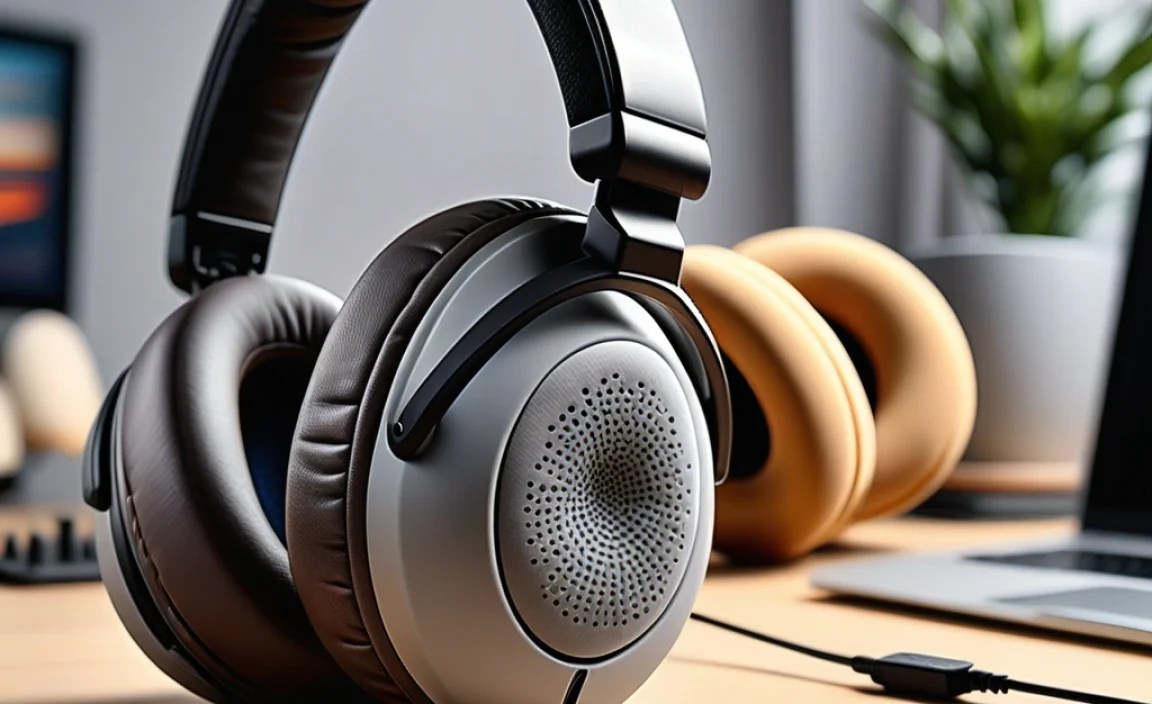
Proper care will significantly extend the life and comfort of your ear cushions. Here’s how to keep them in top shape:
Regular Cleaning
Frequency: Aim for light cleaning weekly, and a more thorough clean monthly, or as needed.
- For most materials (Leather, Pleather, Velour, Fabric):
- Use a soft, slightly damp microfiber cloth. For tougher grime, use a solution of mild soap (like dish soap) and water, but ensure the cloth is only damp, not wet.
- Wipe down the surface of the cushions.
- For velour and fabric, you can use a soft brush to lift out dust and debris.
- Always ensure cushions are completely dry before use or reattaching to headphones. Air drying is best.
Deep Cleaning & Disinfection
Frequency: Every 1-3 months, or if you share your headphones.
- For Leather/Pleather: Use a specialized leather cleaner. For disinfection, a wipe with a cloth lightly dampened with a 70% isopropyl alcohol solution can be effective, but test on an inconspicuous area first and avoid over-saturation. Follow up with a leather conditioner to keep genuine leather supple.
- For Velour/Fabric: You can use a fabric cleaner suitable for upholstery. Some can be spot-cleaned with a gentle detergent. Again, ensure they are fully dry. Be mindful not to soak them.
Important Safety Information: According to the Centers for Disease Control and Prevention (CDC), using household cleaning or disinfection products can be effective for sanitizing frequently touched items, including electronics accessories, provided they are used properly and do not damage the material.
Storage
When not in use, store your headphones in a cool, dry place, away from direct sunlight. Sunlight can degrade leather and plastic over time, and excessive heat can warp materials or weaken adhesives.
Addressing Wear and Tear
If you notice peeling, cracking, or significant wear on your ear cushions, it’s time to consider replacing them. Continuing to use worn-out cushions can lead to discomfort, reduced listening quality, and potential damage to the headphones themselves.
When to Consider Upgrading Your Ear Cushions
Sometimes, even with good care, ear cushions reach the end of their serviceable life. Here are clear signs it’s time for an upgrade or replacement:
Signs Your Ear Cushions Need Replacing:
- Visible Damage: Cracks, tears, peeling material, or significant fading.
- Loss of Comfort: They feel thin, flat, or no longer provide adequate cushioning.
- Degraded Seal: You notice more external noise, or the bass response has diminished significantly.
- Hygiene Concerns: They’ve become difficult to clean, retain odors, or feel perpetually grimy.
- Skin Irritation: New or persistent itching or redness after wearing your headphones.
- Fit Issues: The headphones no longer sit securely on your head due to worn-out cushioning.
Benefits of Upgrading
Upgrading your ear cushions isn’t just about replacing something worn out; it’s an opportunity to:
- Reclaim lost comfort.
- Potentially enhance sound quality (e.g., by choosing a material that offers a better seal or a more open soundstage).
- Freshen up the look of your headphones.
- Adapt your headphones for different uses (e.g., making them more breathable for workouts).
Common Types of Replacement Ear Cushions
When you’re ready to buy replacements, you’ll find
