
Quick Summary:
Choosing a good DAC for your headphones dramatically improves audio quality by converting digital music into an analog signal your headphones can play. This guide explains what a DAC is, why it matters, and how to select the right one for your needs, ensuring you get the best sound possible without getting lost in technical details.
Good DAC For Headphones: Your Essential Choice for Superior Sound
Hey there, fellow music lovers! Edward Cavitt here from headphonehorizon, ready to demystify a little piece of tech that can make a world of difference to your listening experience: the DAC. You’ve got great headphones, but are they truly singing? Often, the missing link is how your digital music files (like those from your phone or computer) get transformed into the analog sound waves that bring your music to life. That’s where a Digital-to-Analog Converter, or DAC, comes in. It’s the unsung hero of clear, rich, and immersive audio. Don’t worry if “DAC” sounds a bit technical; by the end of this guide, you’ll understand exactly why a good DAC for headphones is an essential choice, and how to pick one that will truly elevate your sound.
What Exactly is a DAC, Anyway?

Think of your music files as a secret code. This code is digital – a series of 1s and 0s. Your headphones, however, speak a different language: analog. Analog sound is the smooth, continuous wave of sound you experience in the real world. A Digital-to-Analog Converter (DAC) is the translator. It takes that digital code and converts it into an analog signal that your headphones can understand and reproduce as music. Every device that plays digital audio – your smartphone, laptop, tablet, even your TV – has a built-in DAC. However, these internal DACs are often designed for basic functionality and can be a bottleneck, limiting the true potential of your headphones.
Why Does a “Good” DAC Matter for Headphones?

This is where the magic happens. A high-quality DAC doesn’t just translate; it translates beautifully. Imagine a chef preparing a gourmet meal. The ingredients (your digital music file) are good, but the chef’s skill and the quality of their tools (the DAC) determine the final taste. A superior DAC can:
- Uncover Hidden Details: You might hear nuances in your favorite songs you’ve never noticed before – subtle instruments, vocal inflections, or the texture of a recording space.
- Improve Clarity and Resolution: This means less muddy bass, clearer mids, and crisper highs. Every element of the music sounds more distinct and defined.
- Reduce Noise and Distortion: Cheaper internal DACs can introduce unwanted hiss or grit into your audio. A good external DAC significantly minimizes this, offering a cleaner listening experience.
- Widen the Soundstage: This refers to the sense of space and immersion your audio creates. A better DAC can make music feel like it’s unfolding around you, rather than just coming from your ears.
- Offer More Power and Control: Many DACs come with built-in amplifiers (often called DAC/Amps), which can provide more power to drive demanding headphones, leading to better performance and volume.
In short, a good DAC for headphones acts as a crucial upgrade, unlocking the full sonic potential that your headphones are capable of from your digital music library. It’s like going from a basic black-and-white television to a high-definition color screen – the same content, but experienced with far greater fidelity.
When Should You Consider an External DAC?
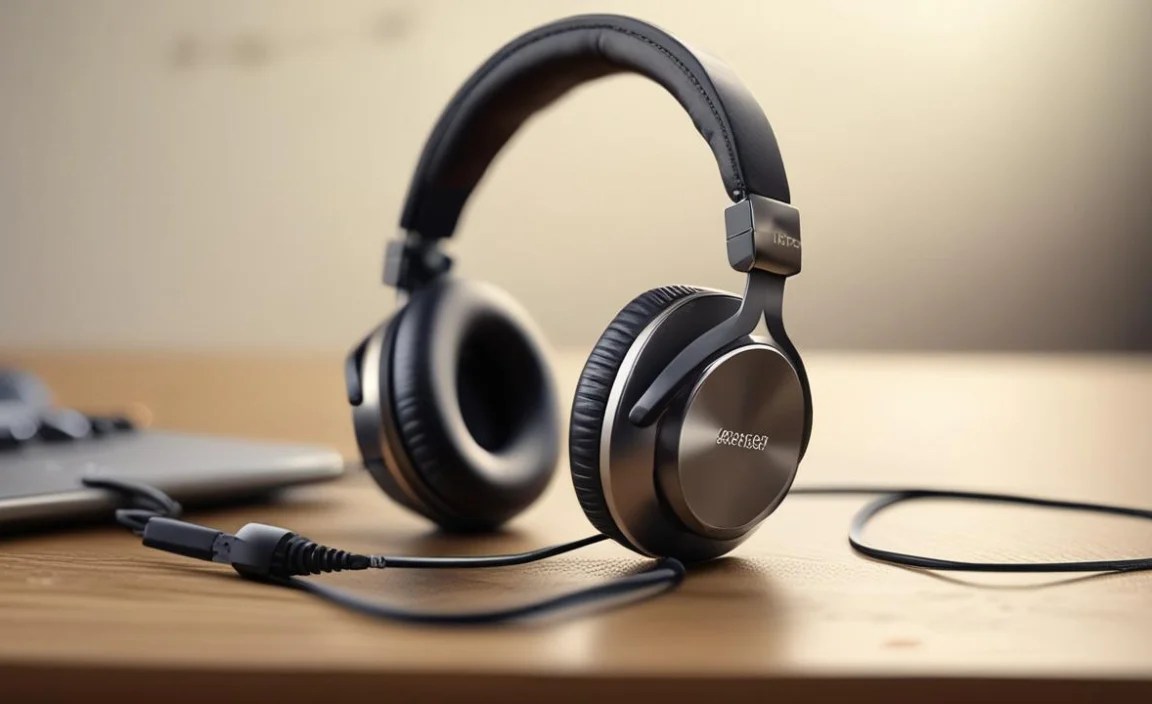
You’re likely a prime candidate for an external DAC if you:
- Own Mid-to-High End Headphones: If you’ve invested in headphones that cost more than a typical pair, their advanced drivers and tuning deserve a better signal than your device’s default DAC might provide.
- Notice Audio Limitations: You hear muddiness, lack of detail, hiss, or simply feel your music isn’t as engaging as it could be.
- Use Your Computer or Smartphone as Your Primary Music Source: These devices often have the most basic built-in DACs.
- Listen to High-Resolution Audio Files: Formats like FLAC, ALAC, or DSD contain more audio data, and a good DAC is essential to appreciate their superior quality.
- Want a More Immersive Experience: You’re looking to get more “out of” your music, whether for critical listening, gaming, or enjoying movies.
Types of DACs for Headphones

DACs come in various shapes and sizes, catering to different needs and budgets. Here’s a breakdown of the most common types you’ll encounter when looking for a good DAC for headphones:
1. USB DAC Dongles
These are small, portable devices that plug directly into your smartphone or computer’s USB port. They are often the most affordable and convenient way to get a significant audio upgrade.
- Pros: Highly portable, easy to use, affordable, great entry point.
- Cons: May have limited power for very demanding headphones, functionality can depend on the host device’s USB port quality.
- Best for: On-the-go listening, upgrading smartphone or laptop audio, users on a budget.
2. Desktop DACs (often combined with Amplifiers – DAC/Amps)
These are larger units designed to sit on your desk. They typically offer superior audio performance and more power than dongles. Many are paired with headphone amplifiers, creating a complete solution for driving your headphones.
- Pros: Generally better sound quality, more powerful amplification, often have multiple input/output options.
- Cons: Less portable, can be more expensive.
- Best for: Home or office listening, powering high-impedance or low-sensitivity headphones.
3. Portable Digital Audio Players (DAPs)
While not exclusively DACs, DAPs are dedicated music players that have high-quality DACs and amplifiers built-in. They often have their own storage and run a specialized music operating system.
- Pros: All-in-one solution for music playback, excellent sound quality, no reliance on other devices.
- Cons: Can be the most expensive option, require managing a separate device.
- Best for: Audiophiles who want a dedicated, high-fidelity music player without using their phone.
4. Integrated Solutions (e.g., Audio Interfaces)
For those who dabble in music creation or production, audio interfaces often include high-quality DACs (and ADCs for recording). While their primary purpose is different, they can serve as excellent DACs for listening.
- Pros: Versatile for both listening and recording, often robust build quality.
- Cons: Can be more complex, may have features you don’t need for pure listening, sometimes pricier.
- Best for: Musicians, podcasters, or anyone bridging the gap between listening and creating.
Key Features to Look For in a Good DAC for Headphones

When you start looking at specific models, there are a few technical aspects and features that will help you make an informed decision. Don’t let these scare you; we’ll break them down simply.
1. Digital-to-Analog Conversion Chipset (The “Brains”)
The DAC chip is the heart of the device. Manufacturers use chips from companies like ESS Sabre, AKM, Burr-Brown, and Wolfson. While you don’t need to become an expert on every chip, knowing that a reputable chip is used is a good sign.
- What it means: Different chips have different sonic characteristics. High-end chips generally offer better performance, lower noise, and higher resolution.
- Look for: Common, well-regarded chip series (e.g., ESS ES90xx, AKM AK44xx). Reviews often highlight the sonic traits associated with these chips.
2. Supported Sample Rates and Bit Depths
This refers to how much audio data the DAC can process. Music files come in different resolutions. Common CD quality is 16-bit/44.1kHz. High-resolution audio can go much higher, like 24-bit/192kHz or even DSD (Direct Stream Digital) formats.
- What it means: A DAC that supports higher sample rates and bit depths can accurately reproduce the nuances in high-resolution audio files. If you only listen to standard MP3s or Spotify streams, a DAC capable of anything above CD quality might be overkill, but it future-proofs your setup.
- Supported Specs:
- PCM (Pulse-Code Modulation): Look for support up to – 32-bit / 384kHz.
- DSD: Look for support for DSD64, DSD128, or even DSD256.
- External Resource: For a deeper dive into digital audio basics, check out resources like ITU-T recommendations on digital audio or educational articles at sites like SoundGuys.
3. Connectivity (Inputs and Outputs)
How will you connect your DAC to your music source, and how will you connect your headphones? This is crucial.
- Inputs:
- USB (Type-A or Type-C): The most common for connecting to computers and smartphones.
- Optical (TOSLINK): Found on some digital sources like TVs or CD players.
- Coaxial: Another digital input option, less common on consumer devices than USB or Optical.
- Outputs:
- 3.5mm (1/8-inch) Headphone Jack: Standard for most headphones.
- 6.35mm (1/4-inch) Headphone Jack: Common on desktop units, sometimes requiring an adapter for smaller headphone plugs.
- Balanced Outputs (e.g., 4.4mm Pentaconn, XLR): For advanced setups and headphones with balanced cable inputs, offering potentially cleaner sound and more power.
- Line-Out (RCA or 3.5mm): Useful if you want to connect the DAC to powered speakers or a separate amplifier.
4. Built-in Headphone Amplifier (DAC/Amp)
As mentioned, many DACs come with an integrated amplifier. This is often where the real-world performance difference lies, especially for powering headphones.
- What it means: An amplifier boosts the signal from the DAC to a level that can drive your headphones effectively. Some headphones (especially those with high impedance or low sensitivity) require more power than a standard phone or laptop can provide to reach adequate volume and sound their best.
- Key Specs to Consider:
- Output Power: Often rated in milliwatts (mW) into a specific impedance (e.g., 300mW at 32 Ohms). Higher numbers generally mean more power.
- Output Impedance: A low output impedance (ideally less than 1 Ohm) is desirable to ensure the amplifier doesn’t negatively color the sound of your headphones.
- Compatibility: Ensure the amplifier can handle your headphones’ impedance and sensitivity.
5. Build Quality and Portability
Consider where you’ll be using the DAC. For travel, a robust, compact dongle or a small desktop unit is ideal. For a home office, aesthetics and build materials might be more important.
6. Price and Budget
DACs range from $20 for basic dongles to over $1000 for high-end desktop units. For beginners, a USB dongle or an entry-level desktop DAC/amp offers excellent value and a significant improvement. You can always upgrade later!
Choosing the Right DAC For Your Needs: A Step-by-Step Approach
Let’s walk through the process of finding that perfect DAC for your headphones.
Step 1: Identify Your Primary Music Source(s)
Where will you be plugging your DAC in most often?
- Smartphone/Tablet: You’ll likely need a USB OTG (On-The-Go) compatible dongle or a portable DAC/amp with USB-C or Lightning connectors.
- Laptop/Desktop Computer: A USB DAC (dongle or desktop unit) is the standard choice.
- Other Devices (TV, CD Player): You might need a DAC with Optical or Coaxial inputs.
Step 2: Assess Your Headphones
This is critical. What kind of headphones do you have?
- Low-Impedance/High-Sensitivity (most earbuds, many consumer headphones): These are generally easy to drive and might not need a powerful amplifier. A good basic DAC or a dongle will likely suffice.
- High-Impedance/Low-Sensitivity (some audiophile headphones, studio monitor headphones): These require more power to reach optimal volume and perform their best. You’ll want a DAC with a robust, dedicated headphone amplifier (a DAC/amp combo).
Quick Guide to Headphone Impedance:
| Impedance Range (Ohms) | Typical Suitability | Likely DAC/Amp Needs |
|---|---|---|
| < 30 Ohms | Easy to drive (most portable devices) | Basic DAC or Dongle |
| 30 – 70 Ohms | Moderately easy to drive | Good quality Dongle or Entry-level DAC/Amp |
| 70 – 150 Ohms | Requires a bit more power | Dedicated DAC/Amp recommended |
| > 150 Ohms | Difficult to drive, needs significant power | Powerful desktop DAC/Amp essential |
Step 3: Determine Your Listening Environment
Will you be listening on the go, at your desk, or in a dedicated listening room?
- On the Go: Focus on portable DAC dongles or small, battery-powered DAC/amps.
- Desk/Office: A desktop DAC/amp offers more power and features, and portability is less of a concern.
- Home Listening Room: You have the most flexibility, and can opt for higher-end desktop solutions.
Step 4: Consider Your Budget
DAC prices vary significantly. Set a realistic budget based on your needs and the value you expect:
- Entry-Level ($20 – $100): Great for basic upgrades from smartphones/laptops (e.g., Apple USB-C dongle, FiiO LT-TC3, Tempotec Sonata BHD).
- Mid-Range ($100 – $400): Offers noticeable improvements in resolution, power, and features (e.g., iFi Zen DAC V2, Topping DX3 Pro+, Schiit Fulla 3).
- High-End ($400+): For enthusiasts seeking the best possible audio fidelity and driving power (e.g., Chord Mojo 2, RME ADI-2 DAC FS, Schiit Jotunheim DAC module).
Step 5: Read Reviews and Watch Comparisons
Once you have a few potential candidates, dive into reviews from reputable audio websites and YouTube channels. Look for:
- Comparisons to other DACs you might know.
- Discussions about the DAC’s synergy with different types of headphones.
- Technical performance measurements (if available).
- User opinions on build quality and ease of use.
Putting It All Together: Example Scenarios
Let’s imagine a few common user profiles and suggest a good DAC for headphones type.
Scenario 1: The Commuting Music Lover
- User: Listens to Spotify and downloaded music on their iPhone while commuting. Owns Sennheiser HD 599 headphones (120 Ohms).
- Needs: Portability, decent power for the 120 Ohm headphones, good clarity.
- Recommended Solution: A portable USB-C DAC/amp with a good amplifier section and MFi (Made for iPhone) certification if using an iPhone. Examples might include the FiiO BTR7 (which can also be used wired) or a portable DAC like the
