
Quick Summary: A USB-C headphone adapter lets you connect your favorite wired headphones to devices with only a USB-C port. This guide explains what they are, how they work, key features to consider, and how to choose the best one for your needs, ensuring seamless audio experiences on modern tech.
Headphone Adapter for USB-C: Your Essential Guide to Seamless Audio
Hey audio adventurers! Edward Cavitt here from Headphone Horizon. Chances are, you’ve got a fantastic pair of wired headphones you love – the ones that deliver that rich, immersive sound you can’t get enough of. But maybe your new smartphone, tablet, or laptop has ditched the traditional headphone jack in favor of the sleek, versatile USB-C port. Don’t worry! This isn’t the end of your beloved headphones. The solution is simpler than you think: a headphone adapter for USB-C. These little marvels are your bridge to uninterrupted listening pleasure on modern devices. This guide is all about demystifying these adapters, helping you pick the perfect one, and keeping your tunes flowing without a hitch.
What Exactly is a Headphone Adapter for USB-C?

Think of a headphone adapter for USB-C as a translator. Your standard headphones likely use a 3.5mm audio jack (that familiar round plug), but many newer devices are moving towards USB-C for all their connections – charging, data transfer, and even audio. A USB-C headphone adapter takes the audio signal from your device’s USB-C port and converts it into a format your 3.5mm headphones can understand. It’s a crucial accessory for anyone who wants to keep using their existing audio gear with the latest technology.
These adapters are usually small, portable, and plug directly into your device’s USB-C port. The other end typically features a 3.5mm female jack where you plug in your headphones. Some might also include additional USB-C ports for charging, which is a super handy feature so you don’t have to choose between listening to music and topping up your battery.
Why Do You Need a USB-C Headphone Adapter?

The move towards USB-C by manufacturers is driven by the desire for thinner devices, improved durability (as ports get more robust), and the ability to carry more data signals through a single port. For us users, it means one port does it all. However, it also presents a challenge for those with existing audio equipment.
Here are the main reasons you’ll find yourself needing one:
- Newer Devices Lack a Headphone Jack: Most modern smartphones (like many Samsung Galaxy, Google Pixel, and newer iPhones – when using a USB-C to Lightning adapter for older iPhones) and many laptops have completely removed the 3.5mm audio jack.
- Preserve Your Existing Headphones: You might have invested in high-quality, comfortable wired headphones that you love the sound of. An adapter allows you to continue enjoying that audio experience without buying new Bluetooth or USB-C headphones.
- Simplicity and Portability: Adapters are small and easy to carry around, making them an unobtrusive addition to your tech bag.
- Enhanced Audio Capabilities (Sometimes): Some USB-C adapters contain their own Digital-to-Analog Converter (DAC) and amplifier, which can potentially offer better sound quality than the audio chip built into a device.
How Do USB-C Audio Adapters Work?
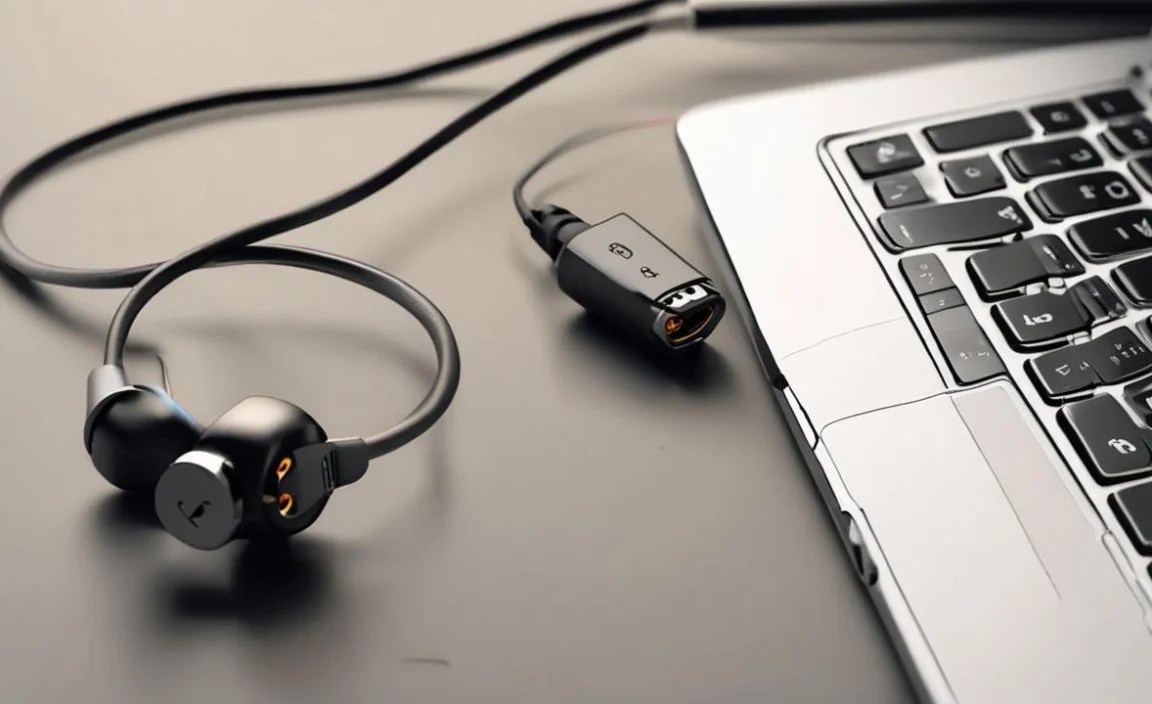
This is where things can get a little technical, but I’ll break it down simply. There are generally two main ways USB-C ports handle audio:
1. Analog Audio Output via USB-C
Some devices are designed with a USB-C port that can still output an analog audio signal. In this case, the adapter doesn’t need to do much converting. It simply acts as a physical connector, allowing your 3.5mm headphones to plug in. These are often simpler and sometimes less expensive.
2. Digital Audio Output via USB-C (USB Audio Class)
This is becoming more common. When a device only supports digital audio over USB-C, the audio signal is sent in a digital format. Your adapter will then need a built-in Digital-to-Analog Converter (DAC) to transform that digital signal into an analog one that your headphones can produce sound from. Many adapters also include a small amplifier to boost the signal, ensuring your headphones play at a comfortable volume.
The presence of a DAC in the adapter is key. If your device outputs only digital audio and you use a simple adapter without a DAC, you won’t get any sound. Most reputable USB-C headphone adapters are designed to work with devices that output digital audio, meaning they include their own DAC. This technology is standardized under something called “USB Audio Class,” which ensures compatibility across many devices and accessories. You can learn more about USB Audio standards on the official USB Implementers Forum website (PDF link for technical details).
Key Features to Look For in a USB-C Headphone Adapter

Not all adapters are created equal! Here are some important features to consider to ensure you get the best performance and experience:
- Built-in DAC: As we discussed, this is crucial for devices that only support digital audio. Most adapters designed for modern smartphones and laptops will include one. If unsure, check the product description. A good DAC can significantly improve sound quality.
- High-Resolution Audio Support: If you’re an audiophile who enjoys listening to lossless audio files (like FLAC or ALAC), look for adapters that explicitly state support for high-resolution audio sampling rates (e.g., 24-bit/96kHz or higher).
- Charging Passthrough (Power Delivery): This feature is a lifesaver. An adapter with a secondary USB-C port allows you to plug in your charger while your headphones are connected. This means you can listen to music and charge your device simultaneously without interruption.
- Build Quality and Durability: Look for adapters with robust connectors and a strain-relief design on the cable (if it has one) to prevent wear and tear. Braided cables or reinforced joints are good indicators of durability.
- Microphone Support: Most adapters will support the microphone on your headphones, allowing you to take calls or use voice commands. However, it’s always good to double-check, especially if you use your headphones extensively for calls.
- Brand Reputation and Reviews: Stick with well-known brands or check customer reviews to gauge reliability and performance. A few bad reviews can save you a lot of frustration.
- Cable Length: Some adapters are just a small dongle, while others have a short cable. Consider which will be more convenient for your usage. A longer cable might be better if you want to place your phone in your pocket while listening.
Choosing the Right Adapter: A Quick Comparison
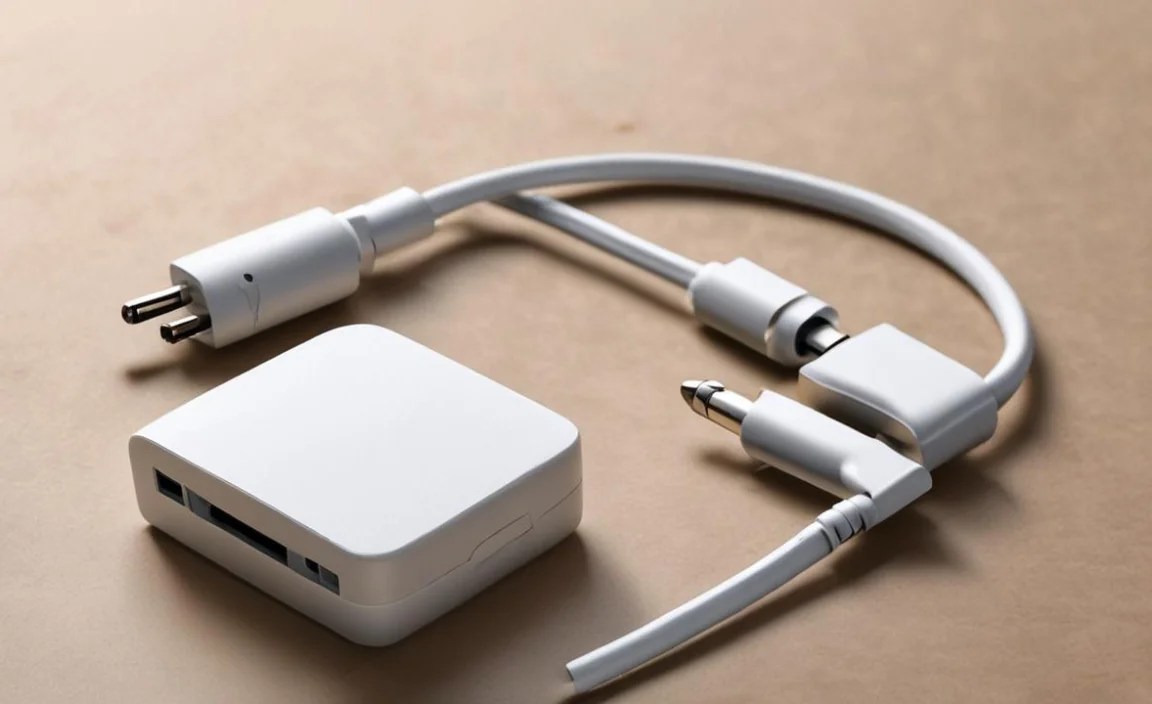
To help you decide, here’s a table comparing different types of adapters you might encounter:
| Adapter Type | Key Feature | Best For | Potential Downsides |
|---|---|---|---|
| Basic Analog Adapter | Simple physical connection. No conversion needed if device supports analog out. | Older USB-C devices that still output analog audio. Budget-conscious users. | No sound if the device only outputs digital audio. Limited features. |
| DAC/Digital Adapter | Built-in DAC converts digital audio to analog. | Most modern smartphones/laptops with USB-C only. Users wanting reliable sound. | Slightly more expensive than basic adapters. |
| DAC/Digital Adapter with Charging Passthrough | Includes DAC AND a USB-C port for charging. | Heavy users who listen to music/take calls while charging. Long commutes, workdays. | Can be bulkier. May be more expensive. |
| High-Resolution Audio Adapter | Supports higher sampling rates for audiophile-grade sound. | Audiophiles with lossless music files and compatible headphones. | Often the most expensive. May be overkill for casual listeners. |
Step-by-Step Guide: Using Your USB-C Headphone Adapter
Getting started with your new adapter is super straightforward. Here’s how:
- Unbox Your Adapter: Carefully take your new USB-C headphone adapter out of its packaging.
- Identify the Ports: You’ll see a USB-C connector on one end (this plugs into your device) and a 3.5mm female jack on the other (where your headphones plug in). If it has charging passthrough, there will be an additional USB-C port on the adapter itself.
- Connect the Adapter to Your Device: Plug the USB-C end of the adapter firmly into the USB-C port on your smartphone, tablet, or laptop.
- Connect Your Headphones: Take your favorite wired headphones and plug their 3.5mm audio jack into the female jack on the adapter.
- Play Audio: Open your music app, podcast player, or video and start playing content. Your audio should now be coming through your headphones!
- (Optional) Charge Your Device: If your adapter has a charging passthrough port, you can plug your USB-C charger into this port. Then, plug the charger into a power outlet. Your device will now charge while you listen.
Troubleshooting Tip: If you don’t hear any sound, first ensure your headphones are plugged in securely. Then, check your device’s audio settings to make sure it’s outputting audio through USB-C. Sometimes, a simple restart of your device can resolve minor glitches. If you’re still having trouble, try plugging the adapter into a different USB-C port (if your device has multiple) or test the adapter with another pair of headphones to isolate the issue.
When to Consider a USB-C Native Headphone
While adapters are fantastic, there are times when going “native” with USB-C headphones might be a better solution. These headphones plug directly into your USB-C port, eliminating the need for an adapter entirely. They can offer:
- Simplicity: One less thing to carry and potentially lose.
- Optimized Performance: Some USB-C headphones are designed to work seamlessly with specific devices, potentially offering better power management or higher quality audio with less reliance on the adapter’s DAC.
- Advanced Features: Some USB-C headphones come with active noise cancellation (ANC) or other smart features directly integrated.
However, the downside is that you’ll need to buy entirely new headphones again, and the range of high-quality, affordable USB-C native headphones is still growing compared to the vast selection of 3.5mm wired options.
For many, the adapter remains the most practical and cost-effective way to bridge their existing audio gear with new technology. It’s a fantastic way to preserve your investment and enjoy your preferred sound signature without compromise.
Frequently Asked Questions (FAQ)
Q1: Will any USB-C headphone adapter work with my phone?
While most adapters are designed for broad compatibility, it’s best to check your device’s specifications or look for adapters that explicitly state compatibility with your phone model or operating system. Some older devices might have had issues with non-certified adapters, but this is less common with modern USB-C standards.
Q2: Can I use my gaming headset with a USB-C adapter?
Generally, yes. As long as your gaming headset uses a standard 3.5mm connector and its microphone is compatible with the TRRS (Tip, Ring, Ring, Sleeve) standard used in most audio jacks, it should work fine with a USB-C adapter that supports microphone input. Check adapter specifications for mic support.
Q3: Do USB-C headphone adapters affect sound quality?
A good quality adapter with a decent DAC can actually improve sound quality over the built-in audio chip of some devices. However, a poorly made adapter or one with a low-quality DAC might introduce noise or reduce audio fidelity. For most everyday listening, a reputable adapter will provide perfectly satisfactory sound.
Q4: How do I know if my device supports audio over USB-C?
Most phones and laptops released in the last few years that lack a 3.5mm headphone jack will support audio over USB-C. You can usually confirm this by checking the device’s official specifications online or by looking for mentions of “USB Audio Class” support. If you plug in a standard USB-C headphone adapter with a DAC and get sound, your device supports digital audio over USB-C.
Q5: Is it safe to charge my phone while using a USB-C headphone adapter?
Yes, if your adapter specifically features “Charging Passthrough” or “Power Delivery” capability. This allows you to connect your charger to the adapter’s separate USB-C port, which then charges your device while your headphones remain plugged in. Using regular adapters without this feature while charging might not be possible or could lead to overheating issues.
Conclusion
The headphone adapter for USB-C is a small but mighty piece of tech that ensures your beloved wired headphones remain relevant in a USB-C world. By understanding how they work, what features to prioritize, and how to use them, you can continue to enjoy your high-quality audio without missing a beat. Whether you’re a student listening to lectures, a traveler enjoying podcasts, or an audiophile savoring your favorite albums, this adapter is your key to seamless, uninterrupted sound. So, embrace the convenience, pick the right adapter for your needs, and keep that incredible sound flowing from your favorite headphones to your ears. Happy listening!
