
Quick Summary: Picking the right headphones for your iPhone 15 Pro unlocks immersive sound. This guide covers top Bluetooth and USB-C options, explaining key features like Active Noise Cancellation and battery life. We’ll help you find essential gear that enhances your music, calls, and overall listening experience, whether you’re on the go or at home.
Headphone for iPhone 15 Pro: Your Essential Gear Guide
Hello audio adventurers! Edward Cavitt here, your friendly guide from Headphone Horizon. You’ve just got your shiny new iPhone 15 Pro, and it’s time to pair it with some stellar audio gear. Gone are the days of the Lightning port on iPhones, and with the iPhone 15 Pro’s move to USB-C, the headphone landscape has shifted slightly, but the good news is your options are better than ever! Whether you’re a music aficionado craving crystal-clear highs, a podcast lover needing uninterrupted clarity, or someone who just wants to make crystal-clear calls on the go, the right headphones can transform your experience. Let’s dive into the world of headphones that will make your iPhone 15 Pro sing, ensuring you get the best sound without any hassle.
Why the iPhone 15 Pro Changes Things (Slightly!)
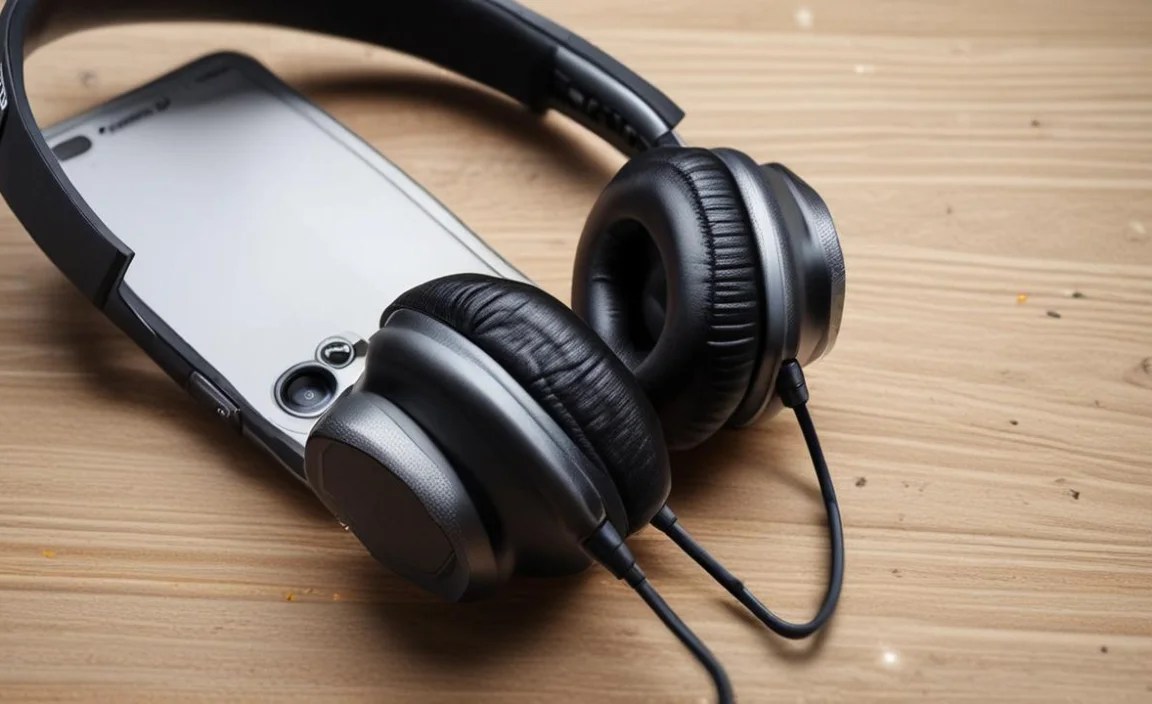
The biggest change with the iPhone 15 Pro is the adoption of the USB-C port. This universal standard replaces Apple’s proprietary Lightning port. For headphone users, this means:
- Direct USB-C Connectivity: Many new wired headphones will now plug directly into your iPhone 15 Pro using a USB-C connector, potentially offering higher quality audio than traditional analog connections.
- Easier Compatibility: USB-C is a global standard, meaning many non-Apple accessories will now work seamlessly with your iPhone.
- Wireless Dominance: While wired USB-C options are great, Bluetooth headphones remain incredibly popular and offer immense convenience. The iPhone 15 Pro continues to support the latest Bluetooth standards for robust wireless audio.
Choosing Your Sound Companion: Wired vs. Wireless

The first big decision is whether to go wired or wireless. Both have their unique advantages, and the best choice really depends on your lifestyle and preferences.
Wired Headphones: The Power of Direct Connection
With the iPhone 15 Pro’s USB-C port, wired headphones are making a strong comeback for those who prioritize audio fidelity and don’t want to worry about battery life. USB-C audio can bypass the iPhone’s internal Digital-to-Analog Converter (DAC) and amplifier, potentially delivering a cleaner, more powerful audio signal directly to the headphones. This can result in:
- Higher resolution audio playback.
- More consistent sound quality, regardless of your phone’s battery level.
- Often, a more secure physical connection.
However, you are tethered by a cable, which some users find restrictive for workouts or active lifestyles. Also, remember that not all USB-C ports on headphones are created equal; some might simply pass through an analog signal via a USB-C connector, while others will have their own DAC. For the best experience, look for headphones specifically designed for digital audio over USB-C.
Wireless Headphones: Freedom and Convenience
Bluetooth headphones offer unparalleled freedom. No tangled wires, no fussing with cables when you’re on the move. Modern Bluetooth technology, like that supported by the iPhone 15 Pro (likely Bluetooth 5.3 or newer), provides:
- Stable connections with long range.
- Improved power efficiency, leading to longer battery life.
- Support for advanced audio codecs (like AAC, and potentially others depending on the headphones) for near-CD quality sound.
The primary consideration here is battery life. You’ll need to keep your wireless headphones charged, and connection quality can sometimes be impacted by interference or distance. However, for most everyday users, the convenience of wireless audio is a huge win.
Key Features to Consider for Your iPhone 15 Pro

No matter if you go wired or wireless, several features can significantly enhance your listening experience with the iPhone 15 Pro. Let’s break them down:
1. Sound Quality
This is paramount, right? It’s subjective, but generally, look for:
- Balanced Sound Profile: Not too bass-heavy, not too tinny. You want to hear all the instruments and vocals clearly.
- Good Detail and Clarity: The ability to distinguish individual instruments and nuances in the music.
- Wide Soundstage: This refers to how open and spacious the music sounds.
For wired USB-C headphones, look for those that explicitly mention an integrated DAC and amplifier for the best digital signal processing. For Bluetooth, check for support of high-quality audio codecs such as AAC (which iPhones excel at), aptX HD, or LDAC if the headphones support it (though those are less common for iPhone-compatible devices). Apple’s own AirPods Pro 2nd Gen with USB-C use AAC extensively.
2. Active Noise Cancellation (ANC)
This feature is a game-changer for commuters, frequent flyers, or anyone who wants to block out distracting ambient noise. ANC uses microphones to detect external sounds and then generates opposing sound waves to cancel them out. It’s incredibly effective at reducing the hum of engines, chatter in coffee shops, or office noise.
Tip: ANC uses power, so wireless headphones with ANC will naturally have slightly shorter battery life when it’s enabled.
3. Comfort and Fit
You’ll be wearing these for extended periods, so comfort is non-negotiable. Consider:
- Ear Cup Material: Plush leatherette or breathable fabric can make a big difference during long listening sessions.
- Headband Pressure: It should be snug but not painful.
- Ear Tip Material (for earbuds): Silicone and memory foam come in various sizes. Finding the right fit ensures a good seal for bass response and passive noise isolation, and it prevents them from falling out.
For true wireless earbuds, ensure they come with multiple ear tip sizes. For over-ear headphones, trying them on if possible is ideal, or look for reviews that specifically mention comfort for different head shapes.
4. Battery Life (Wireless Headphones)
If you opt for wireless, battery life is crucial. Check these figures:
- Earbud Playtime: How many hours of listening time you get on a single charge.
- Charging Case Capacity: How many additional charges the case provides.
- Quick Charge Feature: Many headphones offer a short charge (e.g., 15 minutes) for a few hours of playback.
- ANC Impact: Remember that ANC will reduce the overall playtime.
For wired USB-C headphones, this isn’t a concern, which is a major advantage!
5. Microphone Quality
If you plan to use your headphones for calls, video conferences, or voice memos, a good microphone is essential. Look for headphones that boast:
- Clear Voice Pickup: Microphones designed to isolate your voice from background noise.
- Multiple Microphones: Often, using several microphones helps process your voice more effectively.
Reviews often detail microphone performance, so it’s worth checking those out.
6. Durability and Water Resistance
If you’re an active user or prone to accidental spills, consider headphones with a good build quality and water resistance rating (IPX ratings: higher numbers mean better protection against dust and water). An IPX4 rating, for example, means they can withstand splashes, making them suitable for workouts in light rain or sweat.
Top Picks: Headphones for Your iPhone 15 Pro

Here are some fantastic options, categorized to help you decide. These are general recommendations, and specific models are constantly updated, but these categories represent the best gear available. Always check for the latest versions!
Best Overall Wireless (True Wireless Earbuds)
These offer a perfect blend of features, convenience, and sound for everyday use with your iPhone 15 Pro.
- Apple AirPods Pro (2nd generation) with USB-C Charging Case: Naturally, Apple’s own earbuds are a top contender. They offer seamless integration with iPhones, excellent Active Noise Cancellation, Transparency mode, spatial audio, and good sound quality. The new USB-C case ensures compatibility without adapters.
- Pros: Effortless Apple ecosystem integration, top-tier ANC, comfortable fit, Transparency mode is excellent, Spatial Audio support.
- Cons: Can be pricier, sound quality is good but audiophiles might seek more.
- Sony WF-1000XM5: Consistently lauded for class-leading Active Noise Cancellation and superb audio quality. These earbuds deliver rich, detailed sound and impressive ANC performance.
- Pros: Industry-leading ANC, excellent sound reproduction, comfortable fit, long battery life.
- Cons: Premium price point, might be slightly bulky for some.
- Bose QuietComfort Ultra Earbuds: Bose is synonymous with noise cancellation, and these earbuds continue that legacy. They offer a supremely comfortable fit and powerful ANC.
- Pros: Elite noise cancellation, very comfortable for long wear, balanced sound.
- Cons: App can be a bit basic, premium price.
Apple’s Official USB-C Wired Earbuds (Likely Future Release or Option)
While not officially launched yet, it’s highly anticipated Apple will eventually release wired EarPods with a USB-C connector. If they do, they would offer:
- Pros: Guaranteed compatibility, decent sound for the price, no battery concerns, affordable.
- Cons: Basic features, likely less advanced ANC and sound than premium wireless options.
Update: As of now, Apple’s primary wired offering for USB-C is through third-party DAC adapters or headphones that natively support USB-C audio. Users can also utilize any standard 3.5mm wired headphones by purchasing a USB-C to 3.5mm adapter.
Best Wired USB-C Headphones
For the audiophiles and those who want the most direct, high-fidelity connection.
- Meze 109 Pro (with a USB-C DAC dongle): While these headphones have a 3.5mm jack, pairing them with a high-quality USB-C DAC (Digital-to-Analog Converter) dongle will deliver exceptional audio. Brands like Apple, iBasso, or Questyle make excellent USB-C DACs. The Meze 109 Pro offer a warm, engaging sound.
- Pros: Stunning audiophile-grade sound, comfortable design, durable build.
- Cons: Requires a separate USB-C DAC, higher total cost, wired for convenience.
- Beyerdynamic DT 770 PRO (with a USB-C DAC dongle): A studio staple, these offer excellent detail and isolation. Again, they’ll need a USB-C DAC for direct connection to your iPhone 15 Pro.
- Pros: Impeccable clarity for detail, robust construction, comfortable for long sessions.
- Cons: Requires a USB-C DAC, generally designed for studio use (can be larger).
Best Over-Ear Wireless Headphones
If comfort, immersion, and powerful ANC are what you seek for longer listening sessions, these are excellent.
- Sony WH-1000XM5: The over-ear sibling to the WF-1000XM5 earbuds, these offer phenomenal noise cancellation, excellent battery life, and a refined, comfortable design.
- Pros: World-class ANC, superb sound quality, exceptional battery life, very comfortable.
- Cons: Premium pricing, not the most compact for travel.
- Bose QuietComfort Ultra Headphones: Another leader in ANC technology, Bose headphones provide a plush fit and immersive sound that effectively blocks out the world.
- Pros: Unmatched noise cancellation, comfortable and lightweight design, great for travel.
- Cons: Sound can be a bit bass-forward for some, price.
Best Budget-Friendly Option
You don’t always need to break the bank for good sound. These offer great value.
- Anker Soundcore Liberty 4 NC: These true wireless earbuds offer surprisingly good ANC for their price point, decent sound, and robust battery life, all controllable via a comprehensive app.
- Pros: Excellent value for ANC, good battery, customizable EQ via app.
- Cons: Sound quality not as refined as premium options, build materials feel less premium.
- Anker USB-C to 3.5mm Headphone Jack Adapter: If you have beloved old 3.5mm headphones, this adapter is your best friend. It’s affordable and ensures compatibility with your iPhone 15 Pro, allowing you to use any standard wired earphones.
- Pros: Enables use of existing 3.5mm headphones, affordable, compact.
- Cons: Relies on your iPhone’s internal DAC, so audio quality is limited by that.
Table: Wireless vs. Wired for iPhone 15 Pro
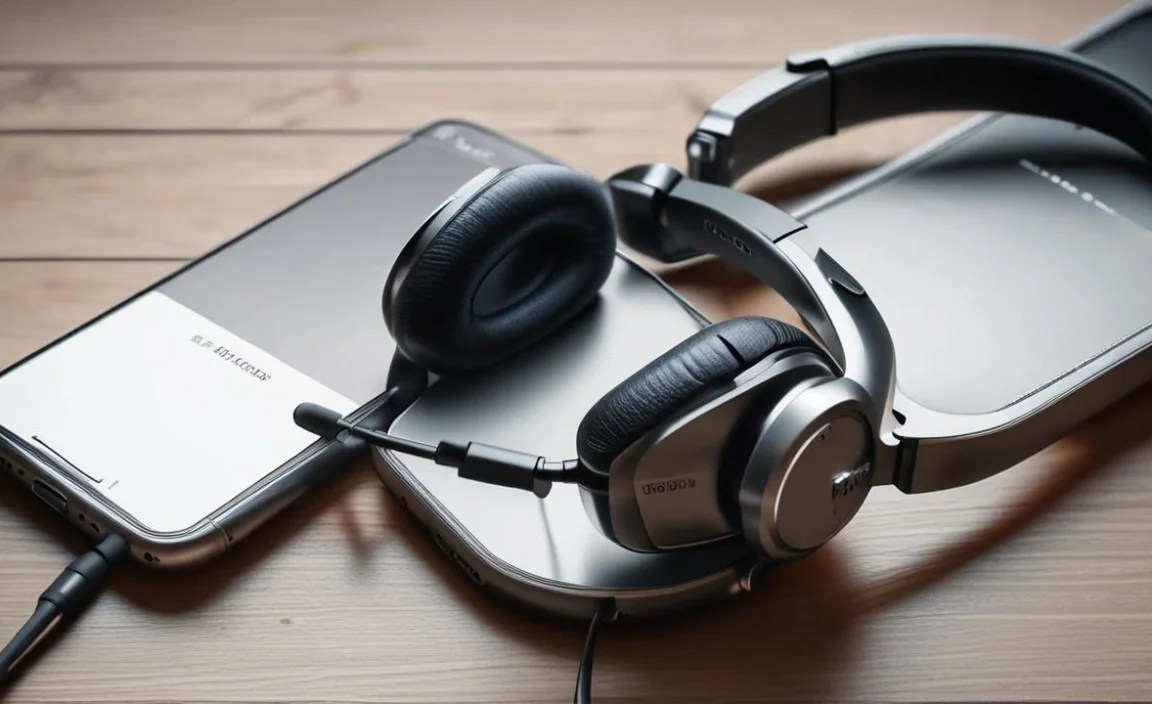
Here’s a quick comparison to help solidify your choice:
| Feature | Wireless Bluetooth Headphones | Wired USB-C Headphones (with DAC) |
|---|---|---|
| Convenience | High (no cables) | Medium (cable can be restrictive) |
| Audio Quality Potential | Very Good (with good codecs) | Excellent (direct digital signal) |
| Battery Dependency | Yes (requires charging) | No (powered by phone) |
| Active Noise Cancellation | Common and effective | Rare (more common in wireless) |
| Microphone Quality for Calls | Varies, can be excellent | Varies, often good but can be affected by cable placement |
| Cost Potential | Wide range, can be very expensive | Can be moderate to very expensive (especially with high-end DACs) |
Setting Up Your New Headphones
Congratulations on your new headphones! Here’s how to get them working with your iPhone 15 Pro.
For Wireless Bluetooth Headphones:
- Charge Them Up: Ensure your headphones (and their charging case, if applicable) are fully charged before first use.
- Enable Bluetooth on iPhone: Go to Settings > Bluetooth and toggle it ON.
- Put Headphones in Pairing Mode: This process varies by brand. Usually, you press and hold a button on the headphones or the charging case until an indicator light flashes (often blue or white). Consult your headphone’s manual.
- Select Your Headphones: On your iPhone’s Bluetooth screen, you’ll see a list of “Other Devices.” Tap on the name of your headphones when they appear.
- Confirm Pairing: Your iPhone might ask you to confirm a pairing request. Tap “Pair.”
- Enjoy! Once paired, your headphones should connect automatically whenever they are turned on and within range, with Bluetooth enabled on your iPhone.
For Wired USB-C Headphones:
- Plug Them In: Simply connect the USB-C plug of your headphones directly into the USB-C port on your iPhone 15 Pro.
- Auto-Detection: Your iPhone will automatically detect the connected headphones.
- Check Audio Output: If you want to be sure, you can go to Settings > Sounds & Haptics, and under “Audio Output,” your connected headphones should be listed.
- No Battery Worries: These headphones draw power from your iPhone, so no separate charging is needed for the headphones themselves.
For Wired Headphones with a USB-C Adapter:
- Connect Adapter to iPhone: Plug the USB-C end of the adapter into your iPhone 15 Pro.
- Connect Headphones to Adapter: Plug the 3.5mm jack of your headphones into the 3.5mm port on the adapter.
- Enjoy: Your iPhone will recognize the adapter and route audio through it.
Maintaining Your Headphones for Longevity
Treating your headphones well ensures they’ll keep sounding great. Here are some simple maintenance tips
