
Unlock the full potential of your wired headphones on modern Android phones without a headphone jack using a simple adapter. This guide explains what a headphone jack adapter is, how it works, and how to choose and use the best one to enjoy your music, calls, and podcasts with ease.
Headphone Jack Adapter for Android: Your Genius Solution to Missing Ports
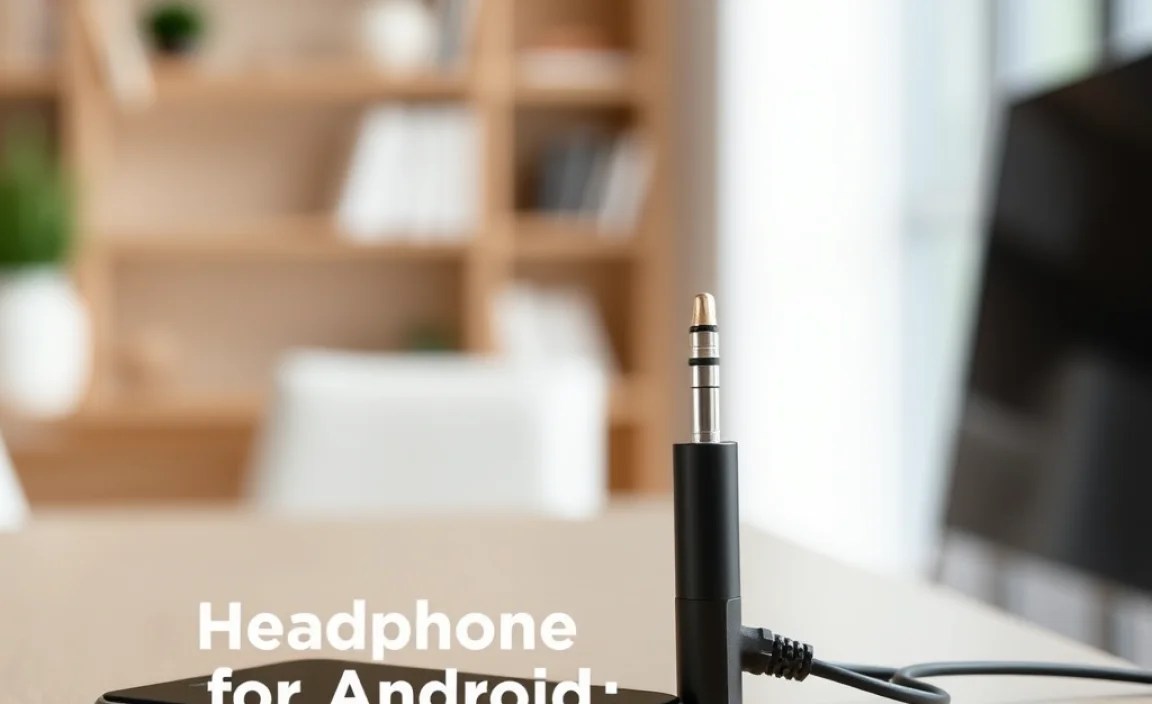
Remember when plugging in your favorite wired headphones to your phone was as simple as, well, plugging them in? Many newer Android devices have done away with the traditional 3.5mm headphone jack, a move that can leave music lovers and podcast addicts scratching their heads. If you’ve invested in a fantastic pair of wired earbuds or headphones and now find yourself unable to connect them to your shiny new Android phone, don’t worry! The headphone jack adapter for Android is a brilliant, straightforward solution that brings back that essential connectivity. This guide will walk you through everything you need to know, from understanding what these adapters do to picking the perfect one for your needs.
Why Did Android Phones Lose Their Headphone Jacks?

It’s a question many of us have pondered. The removal of the 3.5mm headphone jack from many Android smartphones isn’t just a random design choice. Manufacturers cite a few key reasons for this shift:
- Space Saving: The headphone jack, while small, occupies valuable internal space. Removing it allows manufacturers to create slimmer phones or allocate that space to larger batteries, more advanced cameras, or better water resistance.
- Promoting Wireless Audio: The industry is pushing towards wireless technology. Removing the wired port encourages users to adopt Bluetooth headphones and earbuds, which is a growing market.
- Improved Audio Quality (Potentially): Some argue that digital audio signals transmitted via USB-C or Bluetooth can offer higher fidelity than analog signals from a traditional jack, especially when combined with high-quality DACs (Digital-to-Analog Converters).
While these reasons have their merits, they often leave existing wired headphone users in a bind. That’s where the headphone jack adapter for Android steps in as a true hero.
What Exactly is a Headphone Jack Adapter for Android?

Simply put, a headphone jack adapter for Android is a small device that bridges the gap between your traditional 3.5mm headphones and your Android phone’s modern port, usually USB-C. It acts as a translator, converting the digital audio signal from your phone into an analog signal that your headphones can understand and play.
Think of it like a universal remote for your audio. Your phone outputs audio in a certain format (digital via USB-C), and your headphones are designed to receive it in another (analog via 3.5mm). The adapter makes this conversion possible, so you don’t have to discard your beloved wired cans.
How Do They Work? The Magic Inside
The core component in most modern headphone jack adapters for Android is a built-in DAC (Digital-to-Analog Converter) and sometimes an amplifier. Here’s a breakdown:
- Digital Audio Signal: Your Android phone processes audio digitally. When you plug in your headphones via USB-C, the digital audio data is sent through the port.
- The DAC’s Role: The adapter’s DAC takes this digital signal and converts it into an analog electrical signal. This is the format that traditional headphone drivers need to produce sound.
- Amplification (Optional but common): Some adapters also include a small amplifier. This boosts the analog signal, ensuring your headphones have enough power to play at a comfortable volume without straining your phone’s internal components.
- To Your Headphones: The converted and amplified analog signal then travels through the adapter’s 3.5mm female port to your headphones, and voilà – sound!
It’s important to note that not all USB-C ports on Android phones inherently support analog audio output. Some phones entirely disable analog audio over USB-C. This means that for these phones, a simple passive adapter (one without a DAC) won’t work. You’ll need an active adapter that contains its own DAC and chip to manage the audio conversion. Most adapters sold today are active, specifically designed to overcome this limitation.
Types of Headphone Jack Adapters for Android

While they might look similar, there are a few variations of headphone jack adapters for Android, and understanding them will help you make the right choice.
1. Active Adapters
These are the most common and recommended type. They contain an internal DAC and amplifier chip. Why are they genius? Because they ensure compatibility with virtually all modern Android phones that have removed the headphone jack, as they bypass the phone’s potentially disabled analog audio output. They handle the entire audio conversion process internally, providing a reliable audio experience.
2. Passive Adapters
These are simpler and essentially just a physical connector. They rely on the Android phone’s USB-C port to have an integrated DAC and support analog audio output. Older Android phones or some specific models might support this, but it’s increasingly rare. Using a passive adapter on a phone that doesn’t support analog audio over USB-C will result in no sound. Generally, avoid these unless you know for certain your specific phone model supports it.
3. Adapters with Extra Features
Beyond basic audio, some adapters offer additional functionality:
- Charging Passthrough: These adapters have a USB-C port for charging your phone while you’re using your headphones via the 3.5mm jack. This is incredibly convenient for long listening sessions or flights.
- Microphone Support: Ensure the adapter specifically states it supports microphone input if you plan to use your headphones for calls or voice commands. Most good adapters do.
- High-Resolution Audio: Some premium adapters boast support for higher sampling rates and bit depths, potentially offering superior audio quality for audiophiles with compatible music files and headphones.
Choosing the Right Headphone Jack Adapter for Your Android
With various options available, selecting the best headphone jack adapter for your Android device might seem daunting, but it boils down to a few key considerations. Let’s break down what to look for:
| Feature | What to Look For | Why It Matters |
|---|---|---|
| Adapter Type | Active (with built-in DAC) | Ensures compatibility with most modern Android phones, as it handles audio conversion internally. Avoid passive adapters unless your phone is known to support analog audio over USB-C. |
| Device Compatibility | USB-C to 3.5mm Aux | The standard connector for newer Android phones. Ensure it’s designed for USB-C devices. |
| Sound Quality | Hi-Res Audio support, good DAC chip (e.g., ESS Sabre, Cirrus Logic) | For audiophiles, this ensures the best possible sound reproduction. For everyday users, a decent DAC will provide clear, crisp audio. |
| Microphone Support | Explicitly stated in product description | Crucial if you plan to use your headphones for calls, voice commands, or in-game chat. |
| Build Quality & Durability | Braided cable, reinforced connectors, reputable brand | A well-built adapter will withstand daily use, bending, and plugging/unplugging without breaking. |
| Extra Features | Charging Passthrough (USB-C charging port) | Extremely useful for charging your phone simultaneously while listening to audio. |
| Price | Varies widely; balance features with cost | You can find functional adapters at affordable prices, with premium options offering better specs for those willing to spend more. |
Brand Spotlight & Reliability
While many generic adapters exist, opting for adapters from reputable brands known for audio accessories can often provide greater peace of mind. Brands like Anker, UGREEN, Google (for their Pixel phones), and Samsung often produce well-tested adapters that are guaranteed to work with their devices and are generally reliable. Check reviews and look for official compatibility lists if available.
Understanding DAC Quality
For the technically inclined, the quality of the DAC chip matters. Reputable DAC manufacturers like ESS Technology (with their Sabre series) or Cirrus Logic often produce chips that are known for their excellent audio performance, low noise floor, and high signal-to-noise ratio. While you don’t need to become an audio engineer, knowing that an adapter uses a respected DAC can be a good indicator of its audio capabilities. You can often find this information in the product specifications.
How to Use Your Headphone Jack Adapter for Android
Using a headphone jack adapter for Android is refreshingly simple. It’s designed for plug-and-play convenience. Here’s a step-by-step guide:
-
- Identify Your Phone’s Port: Locate the USB-C port on your Android phone. This is where you’ll connect the adapter.
- Connect the Adapter to Your Phone: Plug the USB-C end of the adapter firmly into your phone’s USB-C port.
- Connect Your Headphones: Plug the standard 3.5mm audio cable from your wired headphones into the 3.5mm female port on the adapter.
- Play Your Audio: Open your music app, podcast player, or any audio source. The sound should now play through your connected headphones. If you have an adapter with microphone support, test your microphone by making a call or recording a voice note.
- Charging Passthrough (If Applicable): If your adapter has a charging port, you can plug your USB-C charger into the adapter’s port to charge your phone simultaneously.
Troubleshooting Common Issues
Most of the time, it’s smooth sailing. However, if you encounter problems, here are a few quick fixes:
-
- No Sound:
- Ensure the adapter is securely plugged into the phone and the headphones are firmly in the adapter.
- Check if your phone is set to output audio to USB accessories. Some phones have this setting in Developer Options.
- Try a different pair of headphones to rule out a headphone issue.
- Restart your phone. A simple reboot can often resolve temporary glitches.
- If you purchased a passive adapter, your phone likely doesn’t support analog audio over USB-C, and you’ll need an active adapter.
- Microphone Not Working:
- Confirm the adapter explicitly supports microphone input.
- Check your phone’s audio input settings to ensure it’s not set to an external source that doesn’t have a mic.
- Test the microphone on a call and then in a voice recording app to isolate the issue.
- Intermittent Sound or Static:
-
- Ensure all connections are snug. Loose connections are a common cause.
- Check for damage on the adapter’s ports or cable. If damaged, it may need replacement.
- Try the adapter with a different USB-C device if possible, to see if the issue lies with the phone or the adapter.
-
- No Sound:
