
Imagine this: you put on your favorite headphones, and the music makes you feel alive. But what if the sound isn’t as crisp as it used to be? This is where a headphone maintenance checklist comes in handy. Sounds interesting, right?
Many people forget that their headphones need care, just like any other device. Small steps can help boost sound quality and keep your gear lasting longer. Have you ever wondered how simple cleaning might enhance your listening experience? Regular upkeep can make a huge difference.
In this article, we will explore easy tips and tricks that anyone can follow. With a proper inspection, you can improve your sound and keep your headphones in top shape. You’ll enjoy your favorite tunes even more!
So, let’s dive into the world of headphone maintenance. You might be surprised at how much better your music can sound!
Headphone Maintenance Checklist for Sound Quality Improvement

Do you love listening to music with clear sound? A simple headphone maintenance checklist can boost your audio experience. Regular cleaning helps remove dirt that can muffle sound. Checking for frayed wires ensures you won’t miss a beat. Proper storage protects your headphones from damage. Did you know that equalizing sound settings on your device can also enhance playback? Use these tips to keep your headphones sounding their best and enjoy every note.
Cleaning and Care Techniques

Stepbystep guide for cleaning earpads and headphones. Recommended cleaning products and tools for optimal maintenance.
Keeping your headphones clean can help them sound great and last longer. First, remove the earpads. Use a damp cloth with mild soap to wipe them down. Avoid soaking them! Rinse with a clean, damp cloth. For stubborn grime, consider using rubbing alcohol on a cotton swab.
Next, don’t forget the headband! Wipe it gently with a cloth. Cleaning tools like soft brushes or microfiber cloths work wonders. They get rid of dust without scratching. Regular cleaning can make your music sound even better!
| Cleaning Task | Recommended Product |
|---|---|
| Earpads | Mild soap and water |
| Headband | Microfiber cloth |
| Small cracks | Cotton swabs and rubbing alcohol |
Remember, a clean headphone is a happy headphone. Your tunes deserve some TLC too!
Regular Inspection Practices
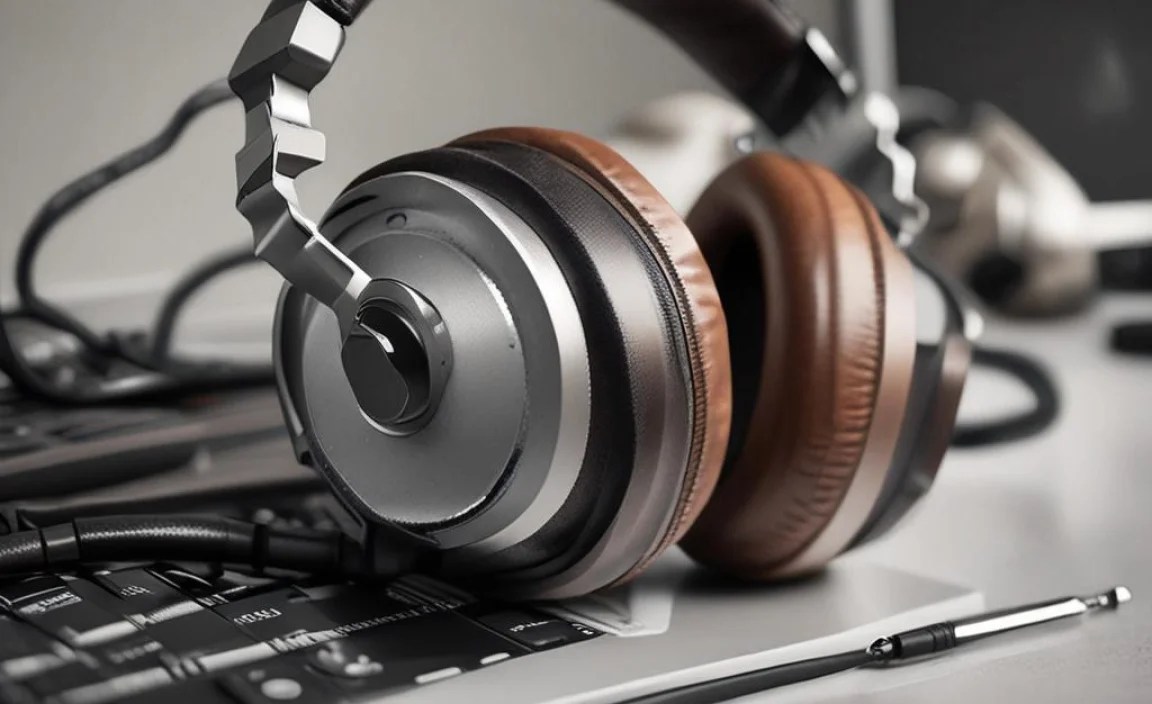
Signs to look for indicating wear and tear on headphones. How to inspect cables and connections for potential issues.
Look for signs that your headphones need some tender care. Check for frayed wires, worn-out ear cushions, or anything that makes your sound experience tinny. Give those cables a good look; if they twist or bend strangely, they might be on their last leg. By catching problems early, you can keep the sweet sound alive. It’s like nurturing a plant—ignore it, and it’ll wilt!
| Signs of Wear | Action to Take |
|---|---|
| Frayed Wires | Replace or repair |
| Loose Connections | Check and tighten |
| Worn Cushions | Replace for comfort |
Storage Tips for Longevity
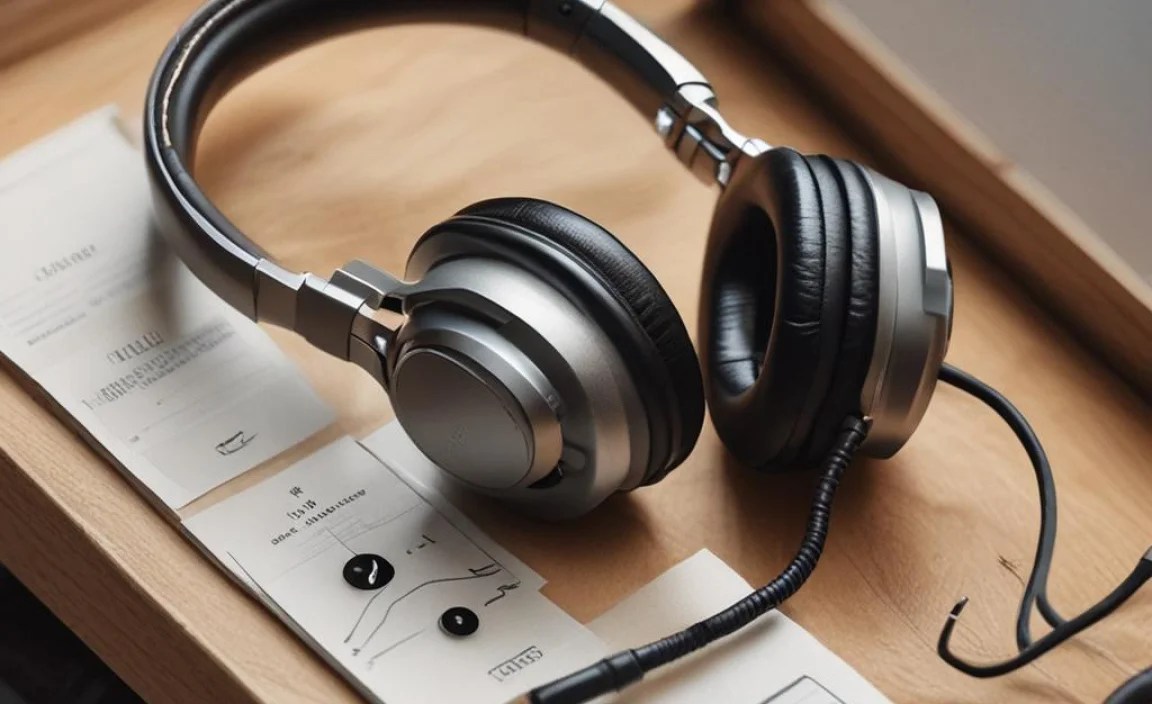
Best practices for storing headphones when not in use. Importance of avoiding extreme temperatures and moisture.
To keep your headphones happy and working well, proper storage is key. Remember to find a cozy, dry spot for them when you’re not using them. Avoid hot places like the car on a sunny day, and steer clear of damp basements. Moisture can make them as sad as a soggy sandwich! Keep a protective case nearby, and treat your headphones like royalty—they deserve it!
| Tip | Details |
|---|---|
| Use a Case | Protects from dust and damage. |
| Avoid Heat | Extreme temps can harm sound quality. |
| Keep Dry | Moisture is the enemy! |
Software and Firmware Checks

Importance of software updates for wireless headphones. Tools and apps for enhancing headphone sound quality.
Keeping your wireless headphones updated is like giving them a health check-up! Regular software updates can improve sound quality and fix bugs. Who likes bugs in their music, anyway? You wouldn’t want your favorite tunes to sound like they’re playing through a tin can! Using specialized apps can also enhance your listening experience, letting you adjust bass, treble, and more!
| App/Tool | Function |
|---|---|
| SoundCheck | Customizes sound settings |
| Equalizer | Adjusts frequency settings |
| Firmware Updater | Keeps software fresh |
Remember, the right apps can turn your headphones into a whole new sound adventure! Like magic, but no wands required!
Upgrading Components for Enhanced Performance
When and how to replace earpads for improved comfort and sound. Considerations for upgrading cables and connectors for better audio.
To boost your headphone’s comfort and sound, consider upgrading certain parts. Earpads wear out over time. Replace them for a snug fit and better sound quality. You can also enhance audio by swapping cables and connectors.
- Check earpads for cracks or thinning.
- Choose soft materials for comfort.
- Upgrade cables for clearer sound.
- Look for gold-plated connectors for better conductivity.
These changes can make your listening experience much better!
When should I replace earpads?
Change earpads when they feel stiff or uncomfortable. Also, replace them if you notice reduced sound quality.
Why upgrade cables and connectors?
Upgrading cables and connectors can greatly improve audio. They help sound travel better, resulting in clearer tunes and deeper bass.
Frequency of Maintenance Tasks
Recommended schedule for cleaning and inspection. Factors influencing maintenance frequency based on usage.
Cleaning your headphones keeps them sounding crisp and clear. Aim to clean them every two weeks for the best results. If you’re a daily DJ or just love jamming out, consider inspecting them weekly. Factors like sweat, dust, and how often you use them can affect this schedule. The more you use them, the more love and care they need. Think of maintenance as a spa day for your ears!
| Usage Level | Cleaning Frequency |
|---|---|
| Daily Use | Weekly |
| Moderate Use | Every Two Weeks |
| Occasional Use | Once a Month |
This checklist keeps your headphones in top shape so they can keep jamming without compromising sound quality!
Common Mistakes to Avoid
Mistakes in headphone maintenance that can degrade sound quality. Myths about headphone care debunked for clarity.
Taking care of your headphones is important for great sound quality. Many people make mistakes that can hurt the sound. Here are some common mistakes to avoid:
- Not cleaning your headphones often.
- Exposing them to liquids or extreme temperatures.
- Using them too loud for long times.
- Believing all headphones are waterproof.
Remember, keeping your headphones safe can help them sound better. Avoiding these mistakes will keep your music or movies enjoyable!
What should I avoid to keep my headphones in good shape?
The best way to keep your headphones sounding great is to avoid any damage. Make sure to handle them carefully and clean them well. Listening too loudly can also harm both your ears and your headphones!
Conclusion
In summary, following a headphone maintenance checklist can boost sound quality. Clean your headphones regularly, check for damages, and store them properly. You’ll notice better sound and longer-lasting gear. Try these simple steps today. For more tips on how to care for your headphones, keep exploring and learning. Your listening experience will thank you!
FAQs
What Are The Best Cleaning Methods To Enhance Headphone Sound Quality And Maintain Hygiene?
To keep your headphones clean and sounding great, first remove the padding or ear tips if you can. Wipe them gently with a soft, damp cloth. For small holes, use a cotton swab to clean dirt and dust. You can also spray a little rubbing alcohol on the cloth to kill germs. Always let everything dry before using your headphones again!
How Often Should I Check And Replace Headphone Ear Pads And Cushions For Optimal Sound Performance?
You should check your headphone ear pads and cushions every few months. Replace them if they feel worn, have tears, or smell bad. If you notice your sound isn’t clear, it might be time for new pads. Keeping them clean helps, too. This way, you’ll enjoy better sound and comfort when listening!
What Types Of Storage Solutions Help Prevent Damage And Maintain The Audio Quality Of My Headphones?
To keep your headphones safe, use a hard case or a pouch. These protect them from bumps and dust. You should also wrap the cord carefully to avoid tangles. Store them in a dry place to prevent moisture damage. This way, your headphones will stay in great shape and sound clear!
How Can I Troubleshoot And Identify Issues Affecting The Sound Quality Of My Headphones?
To check your headphones, start by looking for any visible damage like frayed wires. Try using them with a different device to see if the sound improves. If you’re using wireless headphones, make sure they’re fully charged. Clean the headphone jack and the ear cups to remove dirt. If none of this works, it might be time for new headphones.
Are There Specific Technologies Or Features To Look For In Headphones That Can Aid In Sound Quality Improvement?
Yes, there are features that can make headphones sound better. Look for noise cancellation. This helps block out outside sounds. Also, check for good drivers, which make the music clearer. A comfortable fit is important too, so you can enjoy the music longer!
