
Quick Summary: Choosing the right headphones for your phone is easy! This guide covers everything from understanding connection types (wired vs. wireless) and audio features to finding the perfect fit and style for your everyday listening needs. Get ready to enjoy clearer calls and richer music!
Hey there, audio adventurers! Edward Cavitt here from Headphone Horizon. So, you’ve got your trusty phone, but are you truly experiencing its audio potential? The right pair of headphones can transform your commutes, workouts, and even your chill time into immersive sonic journeys.
But with so many options out there – each with its own jargon and gizmos – it’s easy to feel a little lost. That’s where I come in! My goal is to demystify the world of headphones, especially when it comes to pairing them with your smartphone. Let’s dive in and find the perfect set to elevate your everyday listening.
Why the Right Headphones Matter for Your Phone

Think about it: your phone is more than just a communication device; it’s your portable music player, podcast hub, audiobook library, and video streaming companion. The quality of your audio experience hinges directly on the headphones you use. Cheap, generic earbuds might get the job done for a quick call, but they often lack the clarity, comfort, and features that truly enhance your listening pleasure. Investing in a good pair of headphones for your phone means:
- Richer, more detailed sound for your music.
- Clearer voice quality during calls and video chats.
- Better noise isolation, so you can focus on what you’re listening to.
- Improved comfort for extended listening sessions.
- Added features like active noise cancellation (ANC) or voice assistant integration.
Getting the right headphone can genuinely upgrade your daily digital interactions. It’s about making your phone work better and sound its best for you.
Understanding Headphone Types: Wired vs. Wireless
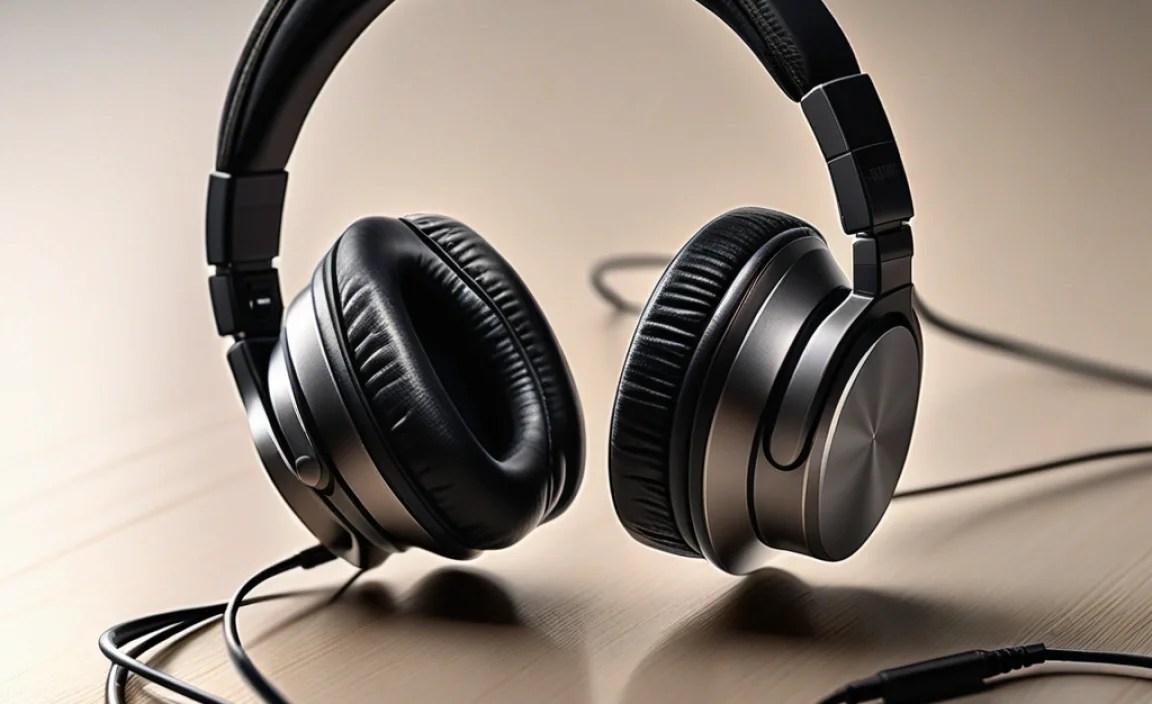
This is often the first big decision you’ll make. Both wired and wireless headphones have their unique advantages, and the best choice depends on your lifestyle and preferences.
Wired Headphones: The Classic Connection
Wired headphones connect directly to your phone, typically via a 3.5mm audio jack or a USB-C/Lightning port (depending on your phone model). Many modern phones have ditched the traditional headphone jack, so you might need an adapter.
Pros of Wired Headphones:
- No Batteries Required: They draw power directly from your phone, so you never have to worry about charging them.
- Potentially Better Sound Quality: For a given price point, wired headphones can sometimes offer slightly better audio fidelity due to a direct, uncompressed signal.
- No Latency: There’s no delay between the audio and video, which is great for watching videos or playing games.
- Often More Affordable: Generally, you can find excellent sounding wired headphones at a lower price than their wireless counterparts.
Cons of Wired Headphones:
- Cable Clutter: The cable can get tangled in pockets, bags, or around your neck.
- Limited Freedom of Movement: You’re tethered to your phone, which can be inconvenient especially during workouts or when moving around.
- Compatibility Issues: The increasing removal of the 3.5mm jack means you might need an adapter, adding an extra item to carry.
Wireless Headphones: Freedom and Convenience
Wireless headphones connect to your phone via Bluetooth. They’ve become incredibly popular due to their convenience and the freedom they offer.
Pros of Wireless Headphones:
- Untethered Freedom: Move around freely without being physically connected to your device.
- Tangle-Free: No cables means no tangles!
- Universal Compatibility (via Bluetooth): Most modern smartphones have Bluetooth, ensuring broad compatibility.
- Convenient Features: Many wireless models offer advanced features like active noise cancellation, touch controls, and voice assistant integration.
Cons of Wireless Headphones:
- Need Charging: They rely on a battery, so you’ll need to charge them regularly. Battery life varies significantly by model.
- Potential Latency: In some cases, especially with older Bluetooth versions or cheaper models, there can be a slight delay between audio and video.
- Can Be More Expensive: Bluetooth technology and batteries add to the manufacturing cost, often making wireless options pricier.
- Sound Quality Dependence on Codecs: Audio quality can be affected by Bluetooth codecs (like SBC, AAC, aptX), although for most users, the difference is minor.
Types of Headphone Wear Styles

Beyond wired vs. wireless, the physical design of headphones greatly impacts comfort and how they’re used. Here’s a look at the most common styles:
1. In-Ear Headphones (Earbuds)
These fit directly into your ear canal. They are typically small, portable, and offer good passive noise isolation because of their snug fit. True wireless earbuds are a popular sub-category here, consisting of two separate earpieces with no connecting wire.
Pros:
- Extremely portable and lightweight.
- Excellent passive noise isolation.
- Often come with multiple ear tip sizes for a custom fit.
- Great for exercise due to their secure fit and minimal bulk.
Cons:
- Some people find them uncomfortable for long periods.
- Can sometimes feel intrusive if not fitted correctly.
- Soundstage (the sense of space in the audio) can be more limited compared to over-ear designs.
2. On-Ear Headphones
These rest on top of your ears. They offer a balance between portability and sound quality, but don’t fully enclose the ear.
Pros:
- More comfortable for some people than in-ear types for longer listening.
- Generally more compact than over-ear headphones.
- Allow some ambient sound in, which can be safer in certain environments.
Cons:
- Can cause ear discomfort or heat for some users over extended use.
- Less effective at blocking external noise than in-ear or over-ear designs.
- Sound leakage can occur, meaning others might hear what you’re listening to.
3. Over-Ear Headphones (Circumaural)
These completely surround your ears. They usually offer the best comfort for long listening sessions and the most immersive sound experience, often providing superior audio quality and noise isolation.
Pros:
- Most comfortable for long listening sessions.
- Excellent passive noise isolation.
- Generally provide the best sound quality and widest soundstage.
- Can offer superior bass response.
Cons:
- Bulkiest type, least portable.
- Can cause ears to get warm.
- Can be overkill for casual phone use if portability is a priority.
Key Features to Consider
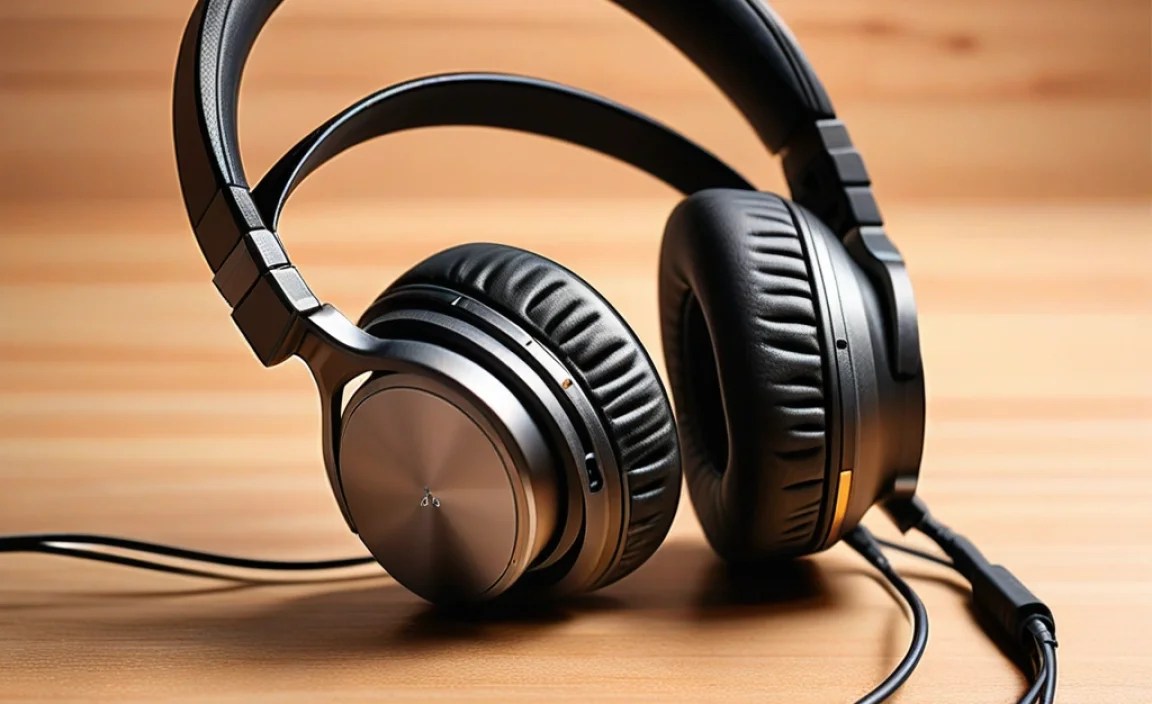
Now that you know the types, let’s look at the crucial features that will impact your listening experience:
1. Sound Quality
This is subjective, but generally, you’re looking for clarity, balanced frequencies (bass, mids, treble), and good detail. Read reviews from trusted sources to get an idea of a headphone’s sound signature. Some headphones are tuned for a bass-heavy sound, while others aim for a more neutral, balanced profile.
2. Noise Cancellation
This is a game-changer for noisy environments.
- Passive Noise Isolation: This is achieved through the physical design of the headphones – a good seal in your ear (for earbuds) or plush earcup padding (for over-ear) that blocks out external noise.
- Active Noise Cancellation (ANC): This technology uses microphones to detect ambient noise and then generates an opposite sound wave to cancel it out. It’s highly effective for constant noises like airplane engines or office hum. Many high-end wireless earbuds and headphones feature ANC.
You can find more about noise cancellation technologies on sites like the Federal Communications Commission (FCC), which regulates radio frequencies used by wireless devices.
3. Microphone Quality
If you plan to make calls or use voice commands, a good microphone is essential. Look for headphones that advertise clear call quality or have features like multiple microphones to isolate your voice from background noise.
4. Battery Life (for Wireless)
For wireless headphones, battery life is paramount. Check the manufacturer’s specifications for continuous playback time on a single charge, and also consider how many additional charges the charging case (for earbuds) provides. Fast charging is another convenient feature to look for.
5. Comfort and Fit
This is highly personal. Headphones should feel comfortable for extended wear. For earbuds, look for models that come with various sizes of ear tips. For on-ear and over-ear headphones, consider the weight and the clamping force they exert.
6. Durability and Build Quality
Especially if you’ll be using your headphones on the go or for sports, look for robust materials and good construction. Water and sweat resistance (IPX ratings) are also important for active users.
7. Connectivity
For wireless, ensure your phone supports the Bluetooth version the headphones use. Newer Bluetooth versions (like 5.0 and above) offer better range, stability, and power efficiency.
Choosing the Right Connector for Your Phone

The connector type is a critical compatibility factor. Your phone model will dictate what you can use directly or what adapter you might need.
| Connector Type | Description | Common Phone Types | Notes |
|---|---|---|---|
| 3.5mm Audio Jack | The traditional “headphone jack.” | Older Android phones, some budget phones. | Becoming rare on flagship devices; may require an adapter on newer phones. |
| USB-C | Universal connector for charging and data, now with audio output capabilities. | Most modern Android phones (Samsung, Google Pixel, OnePlus, etc.). | Provides a direct digital audio signal. May require DAC (Digital-to-Analog Converter) in the headphones or adapter. |
| Lightning | Apple’s proprietary connector. | Older iPhones (before iPhone 7), some iPads. | Requires Lightning-terminated headphones or an adapter. |
| Bluetooth | Wireless connection standard. | Virtually all modern smartphones. | Pairing required. Offers freedom from cables but requires charging. |
If your phone lacks a 3.5mm jack, you’ll likely need either headphones with a USB-C or Lightning plug (depending on your phone) or a Bluetooth headset. Some USB-C headphones include a built-in DAC, which is crucial for converting digital audio signals from your phone into analog signals your headphones can play. You can learn more about digital-to-analog conversion from resources like The Audio Engineering Society (AES).
Step-by-Step: Finding Your Perfect Phone Headphones
Let’s break down the process into manageable steps:
Step 1: Identify Your Phone’s Audio Output
Check your phone’s specifications or look at the ports on the bottom. Does it have a 3.5mm jack? Is it USB-C? Or does it only rely on wireless connections like Bluetooth?
Step 2: Define Your Primary Use Case
Where and how will you use your headphones most often?
- Commuting/Travel: Noise cancellation and portability are key.
- Workouts/Sports: Sweat resistance, secure fit, and wireless convenience are important.
- Office/Study: Comfort for long sessions, passive or active noise isolation.
- Casual Listening at Home: Comfort and sound quality take precedence.
- Calls/Conferencing: Microphone quality is paramount.
Step 3: Choose Between Wired and Wireless
Based on your primary use case and preferences (battery concern, freedom of movement), make this crucial choice.
Step 4: Select Your Preferred Wear Style
Consider comfort, portability, and sound isolation needs: earbuds, on-ear, or over-ear?
Step 5: Prioritize Key Features
Rank the importance of features like sound quality, ANC, microphone clarity, battery life, and durability.
Step 6: Set Your Budget
Headphones range from very affordable to high-end. Knowing your budget will help narrow down options considerably. A good starting point for quality basic headphones is often in the $50-$150 range, with premium features increasing the price.
Step 7: Read Reviews and Compare Models
Once you have a shortlist, dive into reviews from reputable tech websites and audio enthusiast blogs. Look for feedback on sound, comfort, battery life, and durability relevant to your needs.
Step 8: Try Them On (If Possible)
If you can, try on different styles in a store. Fit and comfort are subjective, so a personal “test drive” can be invaluable.
Popular Headphone Brands for Phones
While personal preference is key, some brands consistently deliver quality audio for smartphone users:
- Apple: For iPhone users, AirPods (Pro, Max) offer seamless integration and excellent features. Wired EarPods are also a solid, affordable option.
- Sony: Renowned for their industry-leading noise cancellation (e.g., WH-1000XM series) and excellent sound quality across both wireless and wired models.
- Bose: Another giant in noise cancellation, offering supremely comfortable headphones and earbuds with great sound.
- Sennheiser: A long-standing audio brand known for its balanced sound quality, offering a range of wired and wireless options.
- Jabra: Excels in true wireless earbuds, often focusing on durability, secure fit, and good microphone performance, making them great for active users and calls.
- Samsung: Offers a decent range of earbuds and headphones, often with good value and features, especially for Samsung phone owners.
- Beats by Dr. Dre: Known for their energetic bass, stylish designs, and strong brand appeal, especially popular among younger users.
Maintaining Your Headphones for Longevity
A little care can extend the life of your headphones significantly. Here are some simple tips:
- Keep them clean: Regularly wipe down earpads and earbuds with a soft, dry cloth. For stubborn grime, a slightly damp cloth (water only, no harsh chemicals) can be used, but ensure they are fully dry before use. Ear tip cleaning is crucial for hygiene.
- Avoid moisture: Unless they are specifically rated for water resistance, keep headphones away from rain, sweat, and high humidity.
- Proper storage: When not in use, store them in a protective case or a safe place where they won’t be crushed or have their cables snagged.
- Handle cables with care (for wired): Don’t yank on the cable to unplug them; grasp the connector firmly. Avoid wrapping the cable too tightly.
- Charge responsibly (for wireless): Avoid draining the battery completely too often, and don’t leave them plugged in for days after reaching 100% charge, if possible.
For more in-depth maintenance, organizations like the Electronics Technicians Association, International (ETA-I) sometimes offer resources or can point to professional repair information, although for most consumer headphones, replacement might be more common than repair.
Troubleshooting Common Headphone Issues
Encountering a glitch? Don’t worry, these are common fixes:
| Problem | Possible Solutions |
|---|---|
| One side not working (wired) |
|
| No sound (wireless) |
|
| Bluetooth connection keeps dropping |
|
