
Quick Summary: Choosing the right headphone for running ensures comfort, safety, and an enjoyable workout. Explore types like true wireless, bone conduction, and neckbands, considering fit, durability, and sound quality to find your perfect audio companion for every stride.
Headphone for Running: Your Essential Gear Guide

Lacing up for a run is a fantastic way to boost your mood and fitness. To make those miles even more enjoyable, the right audio gear is crucial. But with so many options, finding the best “headphone for running” can feel a bit overwhelming. Don’t worry! This guide is here to simplify things. We’ll break down the key features, explore different styles, and help you pick headphones that stay put, sound great, and keep you motivated, whether you’re hitting the pavement or tackling a trail.
Why the Right Headphones Matter for Runners

It’s not just about the music; headphones can be a vital part of your running experience. The best headphones for running offer:
- Motivation: Your favorite playlists or podcasts can push you through tough workouts.
- Safety: Some headphones allow you to hear your surroundings, which is crucial for urban running.
- Comfort: Headphones that fit well won’t bounce around or cause irritation during exercise.
- Durability: They need to withstand sweat, rain, and the general wear and tear of an active lifestyle.
Understanding Key Features for Running Headphones
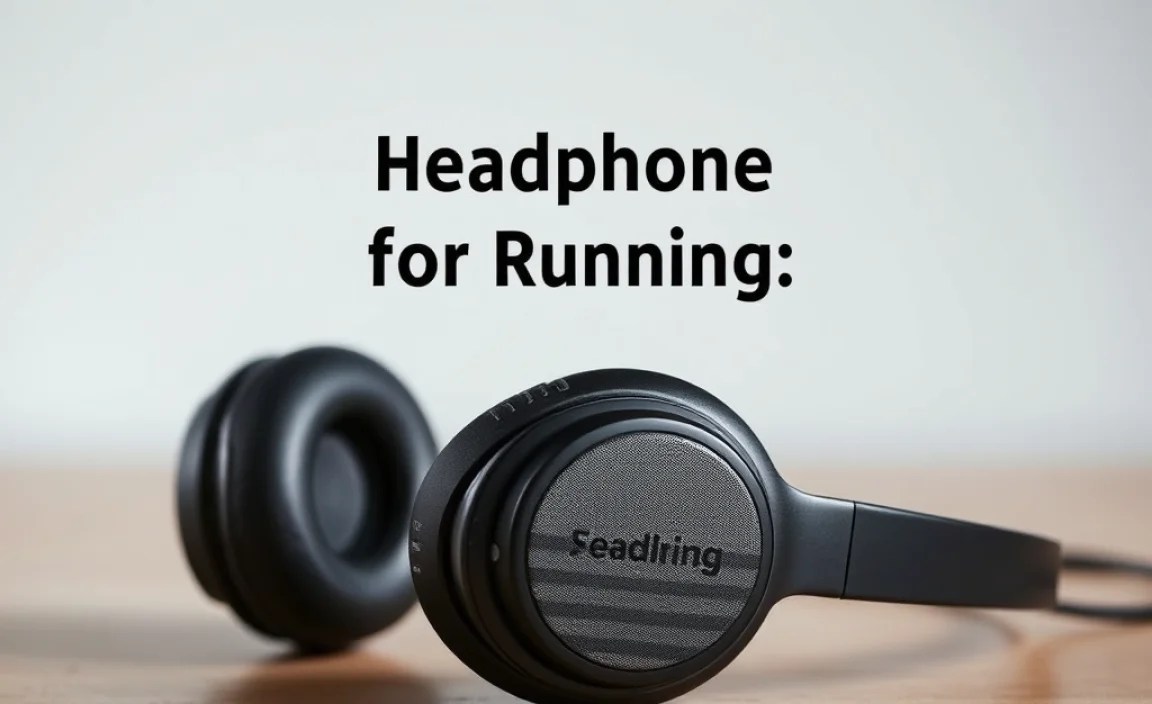
Before diving into specific types, let’s get acquainted with the features that make a headphone “run-worthy.”
1. Fit and Stability
This is paramount. Headphones need to stay securely in your ears without constant readjustment. Look for:
- Earhooks: These wrap around your ear for extra security.
- Wingtips/Fins: Small, flexible pieces that tuck into the natural contours of your ear.
- Secure Earbud Tips: Materials like silicone and various sizes ensure a snug fit.
- Headbands: For over-ear or on-ear styles, a snug, non-slip band is key.
2. Sweat and Water Resistance
You’ll be sweating, and you might get caught in the rain. A good water resistance rating (IPX rating) is essential.
- IPX4: Protects against splashes of water from any direction. Ideal for sweat and light rain.
- IPX5: Protects against low-pressure jets of water. Good for heavier sweat and rain.
- IPX7: Can be submerged in water up to 1 meter for 30 minutes. Great for intense workouts and accidental dips.
You can learn more about IP ratings from resources like the IEC standard.
3. Battery Life
Long runs require long battery life. Aim for headphones that offer at least 5-8 hours of playback on a single charge. Fast charging can also be a lifesaver for quick top-ups.
4. Sound Quality
While not always the top priority for runners, good sound can significantly enhance your workout. Look for clear highs, present mids, and a punchy bass that keeps you moving. Some headphones offer “awareness modes” or ambient sound passthrough, which is excellent for safety.
5. Connectivity
Bluetooth is standard. Ensure the version is modern (e.g., Bluetooth 5.0 or higher) for a stable connection and good power efficiency. Multipoint connectivity, which allows connection to two devices simultaneously, can be handy if you use your phone for calls and music.
6. Comfort and Weight
Heavy or bulky headphones can be a distraction. Lightweight designs, especially with secure-fitting eartips or earhooks, are preferred.
Types of Headphones for Running

Now that we know what to look for, let’s explore the most popular styles of headphone for running.
1. True Wireless Earbuds
These are the most popular choice for many. They have no wires at all, offering ultimate freedom of movement.
Pros:
- Completely wire-free, offering maximum freedom.
- Compact and portable, fitting easily into a small charging case.
- Many models offer excellent comfort and secure fit with various ear tip options.
Cons:
- Can be easier to lose if not stored properly.
- Battery life can vary significantly, though charging cases extend playtime.
- Fit is highly individual; what works for one person might not for another.
Best for: Runners who prioritize minimal bulk and complete freedom from wires.
2. Wireless Neckband Earbuds
These earbuds are connected by a flexible band that rests around your neck. The wires from the earbuds connect to this band.
Pros:
- Less likely to be lost than true wireless earbuds as they hang around your neck when not in use.
- Often have longer battery life than comparable true wireless models.
- Inline controls on the neckband are usually easy to access.
Cons:
- The neckband can sometimes bounce or feel noticeable during intense activity.
- Not as minimalist as true wireless options.
Best for: Runners who want a balance of wire-free convenience and security, and those who worry about losing buds.
3. Bone Conduction Headphones
These unique headphones don’t go in or over your ears. Instead, they rest on your cheekbones and transmit sound vibrations through your skull directly to your inner ear.
Pros:
- Exceptional Situational Awareness: Your ear canals remain open, allowing you to hear traffic, other runners, and your surroundings. This is a huge safety benefit.
- Lightweight and comfortable for long periods.
- Resistant to sweat and elements.
Cons:
- Sound quality is generally not as rich or powerful as traditional headphones, especially for bass.
- Sound leakage can occur at higher volumes, meaning others might hear your audio.
- May take some getting used to the sensation of vibrations.
Best for: Runners who prioritize safety and need to be aware of their environment, especially for road running.
4. Open-Ear Headphones (with Speakers)
Similar to bone conduction in that they keep your ears open, these typically use small speakers that are directed towards your ears but don’t block the ear canal.
Pros:
- Maintains situational awareness.
- Can offer better sound quality than bone conduction for some listeners.
- Comfortable for long wear.
Cons:
- Can be less secure than in-ear options for very vigorous activity.
- Sound leakage can be an issue.
- May not be ideal for very loud environments where ambient noise can drown out the audio.
Best for: Runners who want ambient sound without the specific vibration sensation of bone conduction.
5. Traditional Wireless (Neckband or Behind-the-Head)
While less common for running now, some runners still prefer the security of a wire that connects earbuds or over-ear cups, with a band going around the head or neck.
Pros:
- Often robust and durable.
- Less prone to falling out than loose earbuds.
- Can offer good battery life and sound quality.
Cons:
- The wire can be an annoyance, catching on clothing or hair.
- Can feel bulkier than other wireless options.
Best for: Runners who have had trouble with other styles staying in place and don’t mind a minimal wired connection.
How to Choose Your Perfect Running Headphone

With so many options, how do you narrow it down? Consider these practical steps:
Step 1: Assess Your Running Environment
Where do you run most often? This is the biggest factor for safety.
- Roads/Urban Areas: Prioritize awareness. Bone conduction or open-ear headphones are highly recommended. If you must use in-ear buds, ensure they have an ambient sound mode.
- Trails/Parks: You might have more flexibility. If you’re less concerned about traffic, traditional earbuds or even noise-canceling headphones (used cautiously) could work.
- Gym/Treadmill: Here, ambient awareness is less critical. You can focus more on sound quality, fit, and noise isolation/cancellation.
Step 2: Prioritize Fit and Comfort
A bouncing or falling earbud is a deal-breaker. If possible, try headphones on before buying. Look for models that come with multiple sizes of ear tips and wingtips. Read reviews specifically mentioning fit during exercise.
Step 3: Check for Durability and Water Resistance
Always look for that IPX rating. For runners, IPX4 is the minimum you should consider. If you sweat heavily or run in all kinds of weather, aim for IPX5 or higher.
Step 4: Consider Battery Life Needs
A marathoner needs more battery than someone doing 30-minute jog. Check the advertised playtime, but also factor in the extra charges provided by a charging case for true wireless models.
Step 5: Set Your Budget
Headphones for running range from budget-friendly to premium. Determine how much you’re willing to spend and look for the best features within that range.
Top Features to Look for (Cheat Sheet)
Here’s a quick comparison to help you decide:
| Feature | Best for Road/Safety | Best for Comfort/Freedom | Best for All-around Use |
|---|---|---|---|
| Situational Awareness | Bone Conduction, Open-Ear | Awareness Mode (True Wireless) | Awareness Mode (True Wireless) |
| Fit Security | Earhooks, Wingtips (True Wireless/Neckband) | Wingtips, Secure Ear Tips (True Wireless) | All types with good fit mechanisms |
| Sweat Resistance | IPX5+ for all types | IPX4+ for all types | IPX4+ for all types |
| Minimal Bulk | Bone Conduction, True Wireless | True Wireless | True Wireless, Neckband |
| Battery Life | Neckband, Traditional Wireless | Neckband, True Wireless (with case) | Neckband, True Wireless (with case) |
Maintaining Your Running Headphones
To ensure your headphones last and perform well, a little care goes a long way.
Cleaning Your Earbuds
Sweat and earwax can build up. Regularly cleaning your earbuds will keep them hygienic and maintain sound quality.
- Disconnect: Make sure your headphones are powered off and disconnected.
- Wipe Down: Use a slightly damp, lint-free cloth to wipe down the earbuds and charging case. Avoid harsh chemicals. For silicone ear tips, you can often remove and rinse them with water and mild soap, then dry thoroughly.
- Eartips: If removable, gently remove them and clean them separately. Ensure they are completely dry before reattaching.
- Drying: Allow all parts to air dry completely before using them again or returning them to the case.
- Drying for Bone Conduction: Wipe the contact points and the band with a dry or very slightly damp cloth.
Charging and Battery Care
Follow these tips for optimal battery health:
- Avoid leaving headphones in extreme temperatures (hot or cold) for extended periods.
- Don’t overcharge. Most modern devices have protection to prevent this, but it’s still good practice to disconnect when fully charged, especially if using a wired charger.
- Use the correct charging cable and adapter.
Storage
When not in use, store your headphones in their protective case. This prevents damage and keeps them clean. Ensure the case is dry before putting the earbuds back in.
Troubleshooting Common Running Headphone Issues
Even the best gear can have occasional hiccups. Here are solutions to common problems:
1. Headphones Not Connecting (Bluetooth)
- Restart Devices: Turn both your headphones and your phone/device off and on again.
- Re-pair: Go to your phone’s Bluetooth settings. “Forget” the headphones and then try pairing them again from scratch.
- Check Battery: Ensure your headphones are charged. Low battery can cause connectivity issues.
- Distance/Interference: Make sure your device is close to the headphones and that there aren’t too many other Bluetooth or Wi-Fi signals causing interference.
2. Sound Cutting Out
- Check Connection: Ensure you have a strong Bluetooth signal. Move your phone closer to your headphones.
- Update Software: Sometimes, firmware updates for your headphones or your device’s operating system can resolve issues.
- Interference: Other devices can interfere. Try disabling nearby Wi-Fi or Bluetooth devices temporarily to see if it helps.
- Physical Damage: Inspect the earbuds and wires (if applicable) for any visible damage.
3. One Earbud Not Working
This is common with true wireless earbuds.
- Check Charge: Make sure both earbuds have power.
- Clean Contacts: Clean the charging contacts on both the earbud and inside the charging case with a dry cotton swab.
- Reset Earbuds: Consult your headphone’s manual for reset instructions. This often involves placing them in the case and holding a button for a set time.
- Re-pair: After a reset, try pairing them again.
4. Headphones Falling Out During Runs
This is frustrating but usually fixable!
- Try Different Eartips: Experiment with all the sizes and types of eartips included.
- Use Wingtips/Earhooks: If your headphones have them, ensure they are properly engaged.
- Proper Insertion: Make sure you’re inserting them correctly into your ear canal.
- Consider a Different Style: If secure fit remains an issue, you might need to switch to bone conduction or headphones with earhooks.
Frequently Asked Questions (FAQ)
Q1: Are bone conduction headphones good for running?
Yes, bone conduction headphones are excellent for running, especially if you run near traffic or need to stay aware of your surroundings. They keep your ear canals open, allowing you to hear ambient sounds like cars, cyclists, and other people. This significantly enhances safety.
Q2: What IPX rating do I need for running headphones?
For running, you should look for a minimum IPX4 rating, which protects against sweat and splashes of water. If you sweat profusely or run in heavier rain, an IPX5 or IPX7 rating would be even better.
Q3: How long should the battery life of running headphones be?
For shorter runs (under an hour), 4-5 hours might suffice. However, for longer distances or multiple workouts between charges, aim for headphones offering at least 6-8 hours of playback. True wireless earbuds can have their playtime extended significantly by their charging case.
Q4: Can I use noise-canceling headphones for running?
While noise-canceling headphones can provide an immersive audio experience, they are generally not recommended for outdoor running, particularly on roads. They block out ambient sounds, which is a significant safety hazard. If you use them, ensure they have an ambient sound mode to let in important environmental cues.
