
Choosing the right headphones for your audio interface is crucial for accurate monitoring and enjoyable listening. This guide simplifies the process, explaining key features like impedance and driver size, and offering practical advice to help beginners select the perfect pair without getting lost in technical jargon.
Headphones For Audio Interface: Your Essential Beginner’s Guide

Hey there, audio enthusiasts and music makers! Edward Cavitt here from headphonehorizon, your friendly guide to all things sound. Ever plugged your headphones into that sleek audio interface and wondered, “Am I getting the best sound possible?” You’re not alone! For anyone stepping into the world of music production, podcasting, or even just enjoying studio-quality audio at home, pairing the right headphones with your audio interface is a game-changer.
But with so many options out there, it can feel a bit overwhelming. Don’t worry, I’m here to break it down. We’ll explore what makes a headphone a great match for your audio interface, what all those technical terms mean, and how to pick a pair that will make your listening experience shine. Let’s dive in!
Why Different Headphones for an Audio Interface?
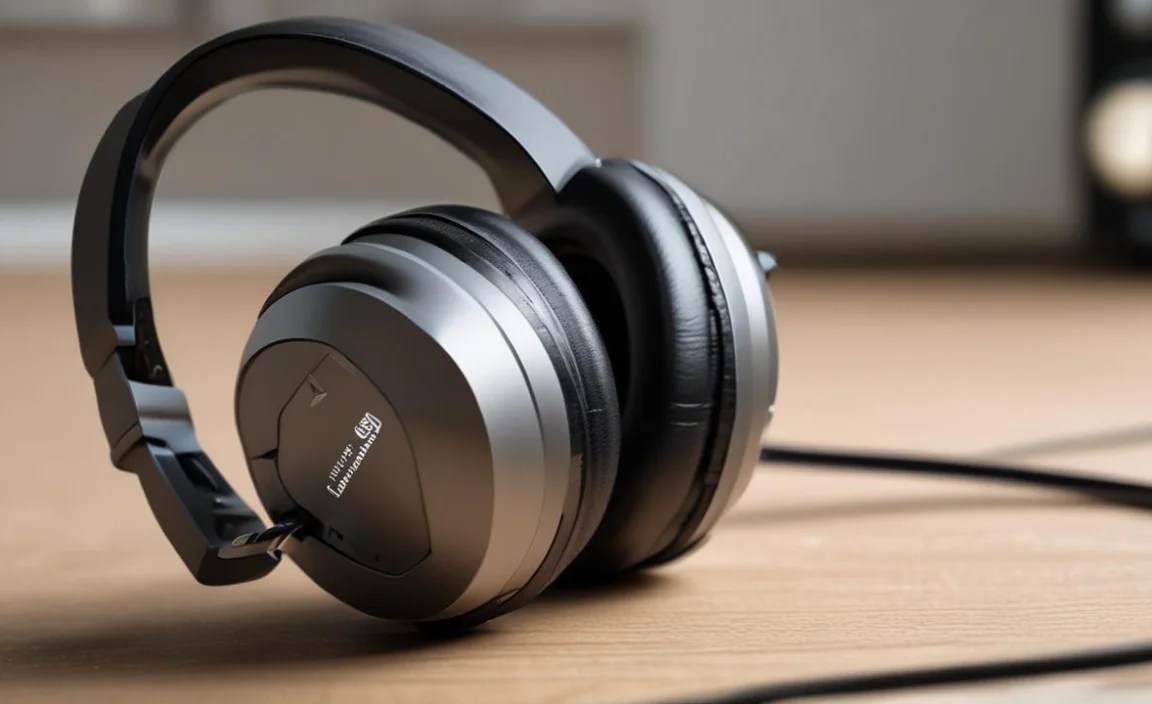
You might be thinking, “Can’t I just use any headphones?” While you can, using headphones specifically suited for an audio interface makes a significant difference, especially if you’re creating music or critically listening. Your audio interface is designed to deliver a clean, uncolored signal. To truly benefit from this, you need headphones that do the same.
Cheap consumer headphones often hype up certain frequencies (like bass) to make music sound more exciting, but this isn’t accurate. For monitoring your recordings or mixes, you need to hear exactly what’s going in – the good, the bad, and the in-between. This is where specialized studio headphones come into play.
Think of it like this: if you’re a chef, you wouldn’t taste your food with a spoon that adds its own flavor, right? You want to taste the ingredients as they are. Similarly, studio headphones act as your objective taste-testers for sound. They reveal the true character of your audio, allowing you to make informed decisions when recording or mixing.
Understanding Key Headphone Specs for Your Audio Interface

To make an informed choice, it helps to understand a few common terms you’ll see when browsing headphones. Don’t let these scare you; they’re actually quite straightforward!
1. Impedance (Ohms – Ω)
This is probably the most important spec when connecting headphones to an audio interface. Impedance measures how much electrical resistance the headphone’s drivers have. It’s expressed in Ohms (Ω).
- Low Impedance (Under 50 Ω): These headphones are easier to drive and work well with most portable devices like smartphones or laptops. They often don’t require a dedicated headphone amplifier.
- Medium Impedance (50-150 Ω): These can work with some audio interfaces directly, but might benefit from an amplifier for optimal volume and clarity, especially if your interface has a weaker headphone output.
- High Impedance (Over 150 Ω): These headphones generally require a more powerful source, like a dedicated headphone amplifier connected to your audio interface. They often offer a cleaner, more detailed sound but need that extra power to perform their best.
Audio interfaces often have built-in headphone amplifiers, but their power output can vary. Some interfaces are designed to handle higher impedance headphones better than others. It’s always a good idea to check your audio interface’s specifications to see what impedance range it’s recommended to drive.
2. Driver Size
The driver is the part of the headphone that produces sound. It’s like the speaker cone in a larger speaker. Driver size, usually measured in millimeters (mm), can influence the sound quality, particularly the bass response and overall volume. While bigger isn’t always better, larger drivers (e.g., 40mm, 50mm) often provide a fuller, more impactful sound, which can be desirable in studio environments.
3. Frequency Response
This describes the range of frequencies (from low bass to high treble) a headphone can reproduce, and how evenly it reproduces them. It’s usually represented by a graph or a range like “20 Hz – 20,000 Hz”. A wider range sounds like it’s better, but what’s more important for audio interfaces is a flat or neutral frequency response. This means the headphones reproduce sound without artificially boosting or cutting certain frequencies, giving you an accurate representation of your audio.
4. Open-Back vs. Closed-Back Designs
This refers to how the earcups are constructed and how sound is released.
- Closed-Back Headphones: These have sealed earcups.
- Pros: Excellent at blocking out external noise (good for loud environments) and preventing sound from leaking out (crucial when recording vocals or instruments to avoid mic bleed).
- Cons: Can sometimes create a more “in your head” soundstage, which might feel less natural.
- Open-Back Headphones: These have vents or perforated earcups.
- Pros: Offer a more natural, spacious soundstage, allowing you to hear instruments as if they were in front of you. They tend to be more comfortable for long listening sessions as they breathe better.
- Cons: They leak sound significantly, meaning others can hear what you’re listening to, and you’ll hear everything around you. Not suitable for recording.
For recording and monitoring, closed-back headphones are generally preferred. For pure mixing and critical listening in a quiet environment, open-back can be a fantastic choice.
Choosing Your Headphones: A Step-by-Step Approach

Let’s walk through how to select the best headphones for your audio interface.
Step 1: Assess Your Audio Interface’s Headphone Output
Before you even look at headphones, understand what your audio interface can handle. Check its manual or the manufacturer’s website. Look for information on:
- Output Power: Does it mention wattage or decibels (dB) for its headphone out? This gives you an idea of how much “juice” it has.
- Recommended Headphone Impedance: Most interfaces will suggest a range (e.g., “suitable for headphones between 32 and 250 Ohms”).
If your interface is basic, it likely has a moderate power output, making headphones in the 32-80 Ohm range a safe bet. If you have a more robust interface or a dedicated preamp with a strong headphone out, you might be able to drive higher impedance headphones (like 250 Ohms or even 600 Ohms, though 600 Ohms is rare for beginners and often needs serious amplification).
Step 2: Define Your Primary Use Case
What will you mostly be doing with your headphones and audio interface?
- Recording (Vocals, Instruments): You need closed-back headphones to prevent sound leakage into your microphone.
- Mixing & Mastering: Open-back headphones are often preferred for their natural soundstage, but closed-back can also work if you need isolation. A neutral frequency response is paramount here.
- Critical Listening / Enjoying Music: This is where personal preference shines. Both open and closed-back can be excellent.
- Gaming / Podcasting: Comfort and clarity are key. Closed-back is often preferred for immersion or avoiding background noise.
Step 3: Consider Your Listening Environment
Are you in a quiet home studio, a shared living space, or a noisy dorm room?
- Noisy Environment or need for Isolation: Go for closed-back headphones. They will block out ambient sounds and prevent your audio from disturbing others.
- Quiet Environment: Open-back headphones can offer a more immersive and natural listening experience.
Step 4: Set Your Budget
Headphones for audio interfaces range from under $100 to over $1000. For beginners, a solid pair can be found in the $100-$200 range. These often offer excellent value and performance. As you get more serious, you might invest in higher-end models.
Step 5: Research and Read Reviews
Once you have an idea of the type, impedance, and price range, start looking at specific models. Read reviews from reputable audio sites and user feedback. Pay attention to comments about:
- Sound quality (especially neutrality and detail)
- Comfort for long sessions
- Build quality
- Compatibility with audio interfaces
Don’t just look at the specs; see how they translate into real-world listening. For example, sites like Rtings.com provide in-depth, objective measurements and user reviews for headphones.
Recommended Types of Headphones for Audio Interfaces

Based on the above, here are some common types and what they’re best suited for when paired with an audio interface:
| Headphone Type | Best For | Key Features/Considerations |
|---|---|---|
| Closed-Back Studio Monitors | Recording, Tracking, Mixing in noisy environments, General monitoring |
|
| Open-Back Studio Monitors | Mixing, Mastering, Critical Listening, Audiophile enjoyment (in quiet spaces) |
|
| High-Impedance Headphones | Critical listening, Mixing (requires adequate amplification) |
|
| Low-to-Mid Impedance Headphones | General use, Home studios with basic interfaces, Budget-conscious users |
|
Popular Beginner-Friendly Headphones for Audio Interfaces
Here are a few widely respected models that are excellent starting points for anyone using an audio interface. These are generally reliable, sound good, and are built to last.
| Model | Type | Impedance | Notable Features |
|---|---|---|---|
| Audio-Technica ATH-M40x | Closed-Back | 35 Ohms | Flat, neutral sound; good isolation; durable; detachable cables. Versatile for tracking and mixing. |
| Sennheiser HD 280 Pro | Closed-Back | 64 Ohms | Excellent isolation; comfortable; robust build; good value for studio use. Great for recording. |
| Beyerdynamic DT 770 Pro (80 Ohm version) | Closed-Back | 80 Ohms | Comfortable velour pads; powerful bass response; good transient detail; a studio staple. Excellent all-rounder. |
| AKG K240 Studio | Semi-Open Back | 55 Ohms | Semi-open design offers a spacious soundstage with some isolation; balanced sound; legendarily good for the price. Good for mixing and listening. |
| Sony MDR-7506 | Closed-Back | 60 Ohms | Durable, foldable design; bright, detailed sound profile; long history in broadcast and studios. A workhorse. |
Note: Impedance values can sometimes vary slightly based on the revision or specific product line. Always double-check the exact model you are considering.
Making the Connection: Volume and Headphone Amplifiers
Once you have your headphones, connecting them to your audio interface is usually as simple as plugging in a 1/4-inch or 1/8-inch (3.5mm) jack into the headphone port. Many audio interfaces come with adapters if you have a 1/8-inch headphone plug but the interface has a 1/4-inch jack.
Finding the Right Volume Level
Start with the headphone volume knob on your interface turned all the way down. Put on your headphones, then slowly increase the volume until it’s at a comfortable listening level. For mixing and detailed work, avoid excessively loud volumes. Listening at moderate levels for extended periods is healthier for your ears and allows for more accurate judgment of the sound. The World Health Organization provides guidelines on safe listening levels to protect your hearing.
Do I Need a Headphone Amplifier?
As we discussed with impedance, a dedicated headphone amplifier might be necessary if:
- You are using high-impedance headphones (e.g., 250 Ohms or higher) and your audio interface’s built-in amp can’t drive them to sufficient volume or clarity.
- You want to get the absolute best performance and detail out of your headphones.
- Your audio interface’s headphone output is notoriously weak.
Headphone amplifiers can be standalone units or integrated into other audio gear. They provide a cleaner, more powerful signal specifically designed to get the most out of your headphones. If you’re just starting with headphones in the 32-80 Ohm range and a decent audio interface, you likely won’t need one immediately. However, it’s a common upgrade path for serious users.
Headphone Maintenance for Longevity
Your new headphones are an investment! Here’s how to keep them in great shape:
- Handle with Care: Always handle your headphones gently. Avoid yanking on the cable, as this can damage the connection point.
- Store Properly: When not in use, store them in a case or on a stand to protect them from dust, impact, and tangled cables.
- Clean Regularly: Ear pads can accumulate sweat and earwax. Gently wipe them down with a slightly damp cloth (avoiding harsh chemicals). For removable pads, follow manufacturer instructions – some can be washed, others are best wiped.
- Cable Management: Coil cables loosely, or use a Velcro strap to keep them tidy. Avoid wrapping them tightly around the headphones, which can strain the connector.
- Travel Smart: If you travel, a hard-shell case is your best friend for protecting your headphones from damage.
Frequently Asked Questions (FAQ)
Q1: What’s the single most important factor when choosing headphones for an audio interface?
A1: For beginners, matching the headphone’s impedance (Ohms) to your audio interface’s capabilities is key. If the i
