
Quick Summary: Choosing the right headphones for your computer enhances your audio experience, whether for work,
gaming, or entertainment. This guide breaks down essential factors like connection types, comfort, and sound quality,
helping you find the perfect pair with insider tips and easy-to-understand advice.
Headphones For Computers: Your Essential Guide to Clearer Sound and Better Listening
Hey there, audio explorers! Edward Cavitt from Headphone Horizon here. Ever feel like your computer’s built-in speakers are just… missing something? Maybe your video calls sound muffled, your music lacks that punch, or you’re totally lost in the game’s soundscape. The good news is, unlocking a richer, more immersive audio world is simpler than you think. Adding the right pair of headphones to your computer setup can transform everything from online meetings to your favorite playlists. But with so many options out there, where do you even begin? Don’t sweat it! I’m here to guide you through finding the perfect headphones for your computer, making sure you get the most bang for your buck and enjoy crystal-clear sound every time.
Why Headphones Even Matter for Your Computer
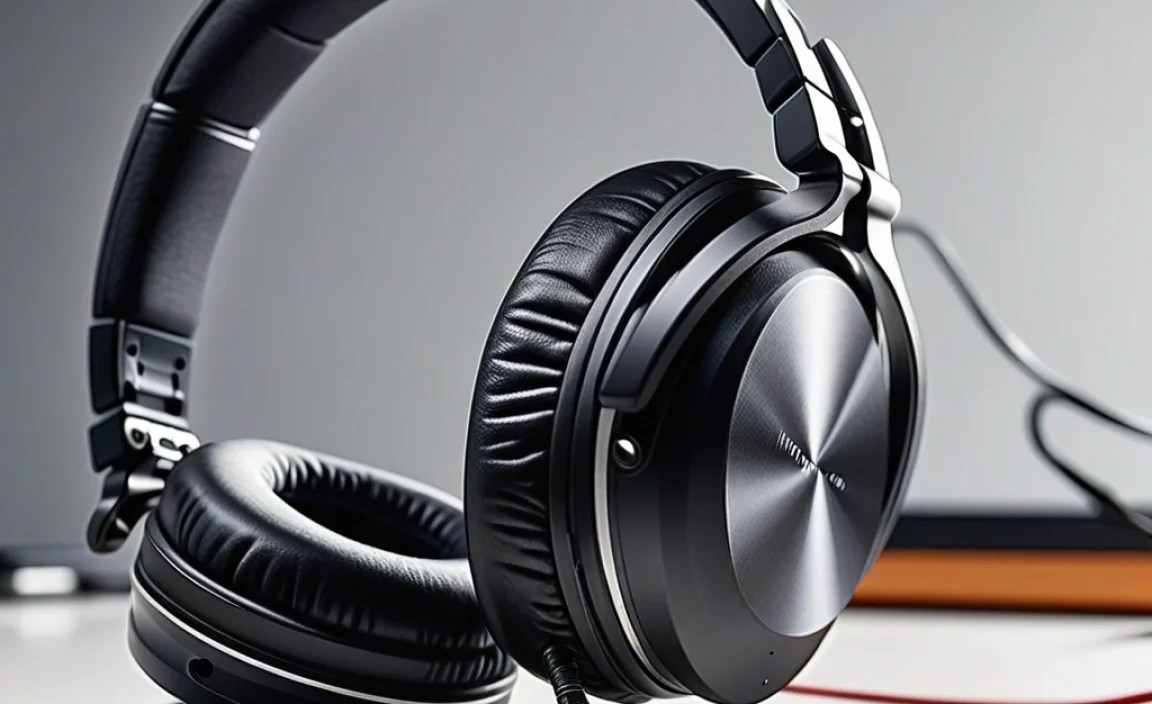
Think of your computer as the hub for so much of our daily lives. We work, learn, connect, and play through it. And sound is a massive part of that experience! Relying solely on built-in speakers often means sacrificing clarity, detail, and immersion. Headphones create a personal audio bubble, which is fantastic for several reasons:
- Privacy: Keep your audio to yourself, especially during late-night work sessions or when others are around.
- Clarity: Hear every word clearly in video calls, understand subtle game cues, and appreciate the nuances in music.
- Immersion: Get truly lost in movies, games, and music with sound that surrounds you.
- Focus: Block out distracting background noise to concentrate on your tasks.
- Comfort: Often more comfortable for extended listening sessions than speakers.
Understanding the Types of Computer Headphones

When we talk about headphones for computers, a few key categories and features usually come up. Let’s break them down so you know exactly what you’re looking at.
Connection Types: How They Hook Up
This is one of the first things you’ll notice. How your headphones connect to your computer can significantly impact convenience and audio quality.
Wired Headphones
These are the classics, plugging directly into your computer’s audio ports. They’re reliable and generally offer excellent sound quality without worrying about battery life or signal interference.
- 3.5mm Audio Jack: The most common. You’ll find this standard on most desktops and laptops. It’s versatile and widely compatible, carrying both audio and, in some cases, microphone signals. This is often referred to as the “headphone jack” or “aux port.”
- USB Connection: Some headphones connect via USB. This can offer a higher-quality digital audio signal directly from your computer, bypassing its built-in sound card, which can sometimes lead to cleaner sound. USB headphones often have their own built-in DAC (Digital-to-Analog Converter) and amplifier.
- XLR/TRS Connectors: Less common for everyday computer use, these are typically found on professional audio equipment.
Wireless Headphones
Offering freedom from cables, wireless headphones provide convenience. There are a couple of main ways they connect.
- Bluetooth: The most popular wireless option. It connects wirelessly to your computer’s Bluetooth receiver. It’s convenient and great for mobility, but audio quality can sometimes be affected by signal strength and the Bluetooth codec used (like aptX or LDAC for better quality, or SBC as a universal standard). Battery life is also a consideration here.
- RF (Radio Frequency) Wireless: These often come with a dedicated USB dongle that plugs into your computer. They tend to offer a more stable connection than Bluetooth and can sometimes provide higher fidelity audio with less latency (delay), making them a favorite for gaming.
Form Factors: How They Feel and Fit
The physical design of headphones plays a huge role in comfort and how well they isolate you from your surroundings.
Over-Ear Headphones
These have earcups that completely surround your ears. They are often the most comfortable for long listening sessions and provide excellent passive noise isolation. They can be further divided:
- Open-Back: The earcups have openings, allowing sound to escape and ambient sound to enter. This creates a more natural, spacious soundstage, ideal for critical listening and immersive gaming where you might want to hear your surroundings. However, they offer little noise isolation and can disturb others.
- Closed-Back: These have sealed earcups. They block out external noise effectively and prevent sound from leaking out, making them great for shared spaces, noisy environments, and for preventing your music from distracting others.
On-Ear Headphones
These have earcups that rest directly on your ears. They are generally more compact and lighter than over-ear models but can sometimes become uncomfortable after extended wear due to pressure on the ears. They offer moderate noise isolation.
In-Ear Monitors (IEMs) / Earbuds
These fit directly into your ear canal or just outside it. They are highly portable and offer excellent noise isolation. IEMs, in particular, are designed for a snug, deep fit, providing a secure seal for maximum bass response and isolation. Earbuds are a more casual fit, often resting in the outer ear.
Key Features to Consider
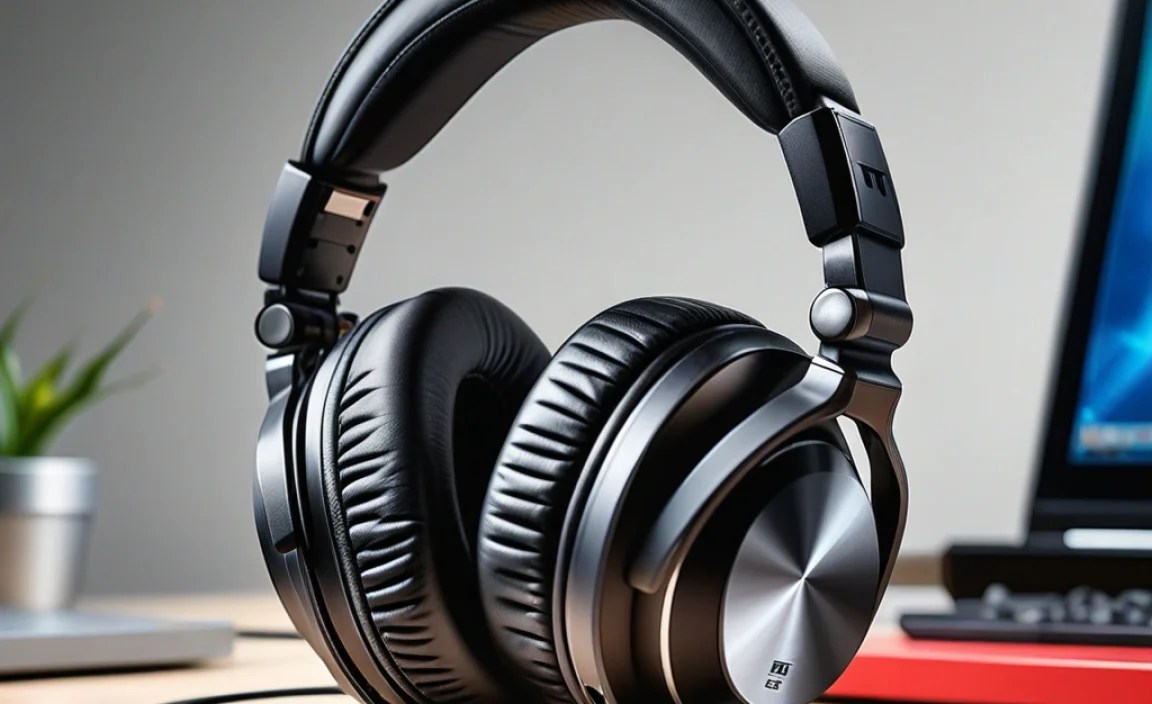
Beyond connection and form, several features will make a big difference in your daily experience.
Sound Quality
This is subjective, but generally, you’re looking for:
- Clarity: Can you hear distinct instruments and vocals without muddiness?
- Balance: Are the bass, mids, and treble all present and playing nicely together, or is one overpowering the others?
- Soundstage: How wide and deep does the music or game audio feel? Open-back headphones often excel here.
- Frequency Response: While specs can be technical, a wider range (e.g., 20Hz – 20kHz) means the headphones can reproduce more of the audible spectrum.
Comfort and Fit
If you wear headphones for hours, comfort is paramount. Look for:
- Earcup Material: Breathable fabrics like velour or soft leather can be more comfortable than cheap pleather.
- Headband Padding: A well-padded headband distributes weight evenly and prevents pressure points.
- Clamping Force: How tightly do the headphones grip your head? Too tight is painful; too loose, and they’ll slip. Over-ear designs are often most forgiving.
- Weight: Lighter headphones are generally more comfortable for long periods.
Microphone Quality
Crucial for video calls, online gaming, and voiceovers. A good microphone should:
- Capture your voice clearly without excessive background noise.
- Be positioned correctly (either built into an earcup or on a boom arm) for optimal voice pickup.
- Some headphones offer detachable or retractable microphones for added versatility.
Noise Cancellation
This technology can be a game-changer for focus and immersion.
- Active Noise Cancellation (ANC): Uses microphones to detect ambient noise and generate opposing sound waves to cancel it out. Excellent for reducing constant hums like airplane engines or office chatter.
- Passive Noise Isolation: Achieved through the physical design of the headphones (like well-fitting earcups) to block out external sounds. Closed-back and in-ear designs excel here.
Durability and Build Quality
Consider how the headphones are constructed. Are they made from sturdy plastics, metal, or a combination? Look for reinforced joints and robust cables (if wired). A good build means your investment will last.
Step-by-Step: Choosing Your Ideal Computer Headphones

Ready to find your perfect match? Follow these steps:
Step 1: Define Your Primary Use Case
What will you be doing most with your headphones connected to your computer? Your main activity will heavily influence your best choice.
- Work & Video Calls: Clarity for speech is key. A good microphone and comfortable fit for long wear are essential. Noise cancellation can help you focus. (Consider: Closed-back over-ear or comfortable on-ear with a good mic).
- Gaming: Immersive sound, accurate spatial audio (to pinpoint enemy locations), low latency, and a good microphone are vital. (Consider: Closed-back gaming headsets, or open-back for pure soundstage; wireless RF or low-latency Bluetooth can be good).
- Music Listening: Sound quality is king. Depending on preference, you might lean towards headphones known for detailed mids, rich bass, or a wide soundstage. (Consider: Open-back for critical listening, closed-back for isolation, or high-fidelity IEMs).
- General Entertainment (Movies/Videos): Immersion and clear dialogue are important. A good soundstage can make movies feel more cinematic. (Consider: Closed-back over-ear for immersive feel, or even open-back if you value soundstage above isolation).
Step 2: Select Your Connection Preference
Now, link your use case to the connection type that best suits it.
- For Maximum Reliability & Quality: Wired (3.5mm or USB). USB can offer a slight edge as it bypasses the computer’s often less-than-stellar internal sound card.
- For Freedom of Movement: Wireless. Bluetooth is convenient for general use and portability. RF wireless is often preferred for gaming due to lower latency.
A quick note on Computer Compatibility: Ensure your computer has the necessary ports or Bluetooth capabilities. Most modern computers do, but for older machines or specific setups, you might need adapters or external USB sound cards. For example, many modern laptops have combined headphone/microphone jacks, which might require a splitter for headphones with separate mic inputs. You can learn more about audio connectors and their uses on resources like Dolby’s official site regarding audio technologies.
Step 3: Choose Your Comfort-Driven Form Factor
This is where personal preference and listening duration come into play.
- Long sessions, maximum immersion, and don’t mind bulk: Over-ear.
- Open-back: For when you want natural sound and don’t need isolation.
- Closed-back: For when you need to block out the world (or keep your audio private).
- Portability and good isolation without full ear coverage: On-ear. (Be mindful of comfort over very long periods).
- Ultimate portability, active noise blocking, and discreetness: In-ear (IEMs or earbuds).
Step 4: Prioritize Essential Features
Based on your primary use case, rank these features:
- Must-Have: e.g., Excellent Microphone for work.
- Very Important: e.g., Spatial Audio for gaming.
- Nice-to-Have: e.g., Active Noise Cancellation for commuting.
When looking at specifications, don’t get too bogged down in numbers unless they are critically important for your specific need (like impedance if you plan to use a separate amplifier, which is rare for standard computer use).
Step 5: Set Your Budget and Read Reviews
Headphones range from $20 to $500+, and even budget options can be great.
- Budget ($<100): You can find reliable wired or Bluetooth headphones with decent sound and microphones. Look for reputable brands known for value.
- Mid-Range ($100-$250): This is where you’ll find excellent all-around performers with better build quality, improved sound, and features like ANC or better microphones.
- Premium ($250+): Expect top-tier audio fidelity, premium materials, advanced features, and perhaps specialized designs for audiophiles or professional gaming.
Once you have a few models in mind, dive into reviews. Look for reviews from reputable tech sites and user reviews that echo your priorities. Pay attention to comments about comfort, microphone performance, and reliability.
Popular Headphone Types for Computer Use: A Quick Comparison
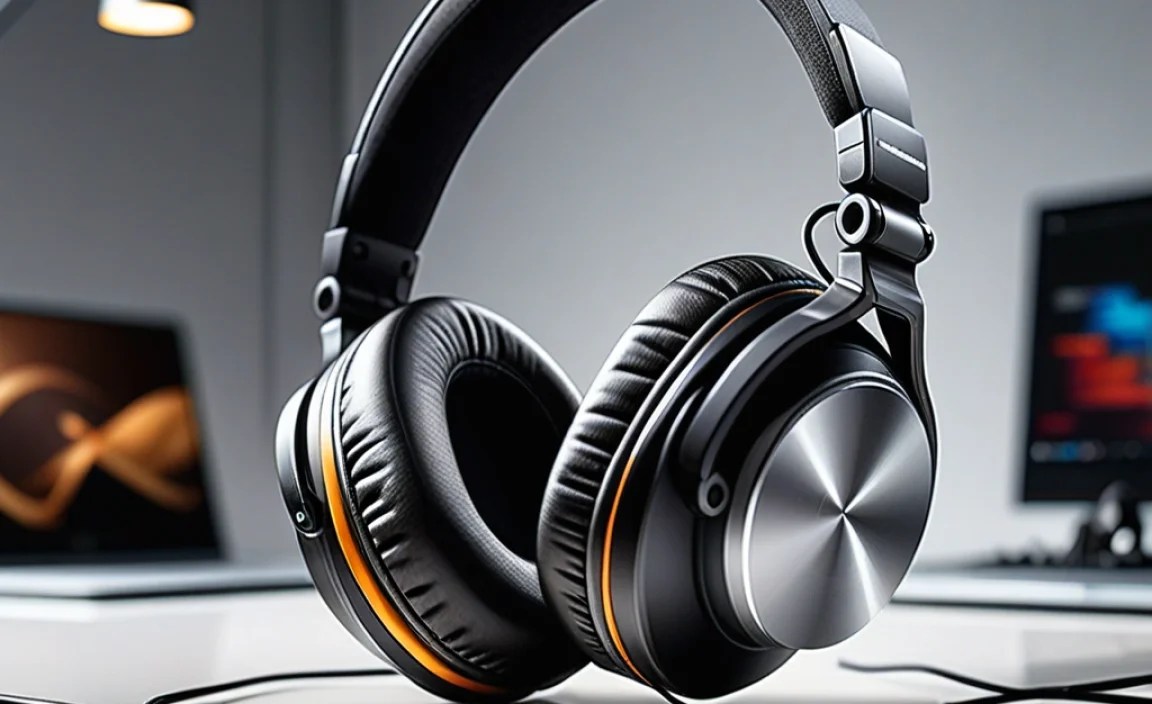
To help you visualize your options, here’s a look at common types and their strengths for computer users.
| Headphone Type | Connection | Pros | Cons | Best For |
|---|---|---|---|---|
| Closed-Back Over-Ear | Wired (3.5mm, USB), Wireless (Bluetooth, RF) | Excellent noise isolation, immersive sound, good bass response, private listening. | Can feel warm on ears over time, soundstage may be less expansive than open-back. | Gaming, focused work, noisy environments, general media consumption. |
| Open-Back Over-Ear | Wired (3.5mm, USB) | Natural, spacious soundstage, excellent detail and clarity, comfortable for long sessions (less heat). | No noise isolation (can hear surroundings), sound leaks out (disturbs others). | Critical music listening, immersive single-player gaming, audio editing. |
| Gaming Headsets | Wired (3.5mm, USB), Wireless (RF, Bluetooth) | Often integrate high-quality boom mics, good positional audio for gaming, durable build. | Can be bulky, sound quality may prioritize gaming over music fidelity. | Serious gamers, streamers, anyone needing a dedicated gaming setup. |
| Wireless Earbuds / IEMs | Bluetooth | Highly portable, good noise isolation, discreet, convenient for calls. | Battery life dependent, microphone quality can vary greatly, can be prone to losing/misplacing. | Commuting, on-the-go work, discreet calls, light user of computer audio. |
| USB Headsets | USB (Type-A or Type-C) | High-quality digital audio, bypasses computer’s internal sound card, often provides mic controls. | Requires a free USB port, less universal than 3.5mm jacks. | Work calls, gaming, users looking for potentially cleaner audio without complex setups. |
Essential Tech Terms Explained Simply
You might see these terms, and they’re not as scary as they sound:
- DAC (Digital-to-Analog Converter): Converts the digital audio signal from your computer into an analog signal that headphones can play. Often built into headphones (especially USB ones) or your computer.
- Impedance: Measures how much electrical resistance a headphone has. Higher impedance headphones (e.g., 250 Ohms or more) generally require more power to drive them to a comfortable listening volume and are usually paired with a separate amplifier. For most computer use, headphones with lower impedance (e.g., 16-80 Ohms) are perfectly fine and will work directly with your computer’s audio output.
- Frequency Response: The range of sound frequencies a headphone can reproduce, measured in Hertz (Hz). The human hearing range is generally considered 20Hz to 20kHz. A wider range, like 10Hz-25kHz, might indicate the potential for more detailed sound, but it’s not the only factor.
- Latency: The delay between when the audio is sent and when you hear it. This is crucial for gaming and watching videos. Wired headphones have virtually no perceptible latency. Bluetooth latency varies; newer codecs like aptX Low Latency aim to minimize this.
- Codec (Bluetooth): The technology used to compress and transmit audio over Bluetooth. Common ones include SBC (basic, universal), AAC (popular with Apple devices), aptX (better quality, common on Android), and LDAC (high-resolution, advanced Android).
For a more in-depth look at audio concepts, you might find educational resources from organizations like the Audio Engineering Society (AES) insightful, though their content can be quite technical.
Quick Maintenance Tips for Longevity
To keep your new headphones sounding great and feeling comfortable, a little care goes a long way.
Cleaning
- Earcups: Gently wipe with a slightly damp, soft cloth. For fabric pads, a gentle brush can remove dust. Avoid harsh chemicals. For leather/pleather, use specialized cleaners if needed.
- Ear Tips (In-ear/IEMs): Remove them and
