
Quick Summary: This guide makes choosing desk phone headphones simple. Learn about crucial features like comfort, sound quality, microphone clarity, and connectivity options (wired vs. wireless). We’ll help you find the perfect pair to boost your conversations and productivity without the fuss.
Headphones For Desk Phone: Your Essential Buying Guide
Hey there! Edward Cavitt from Headphone Horizon here. If you’re spending a significant chunk of your day on a desk phone, you know how vital clear communication is. Fumbling with a handset, dealing with background noise, or experiencing muffled conversations can be frustrating and impact your productivity. That’s where a good pair of headphones for your desk phone comes in. They aren’t just accessories; they’re essential tools that can transform your workday. But with so many options out there, how do you pick the right one? Don’t worry, I’m here to break it all down for you in a way that’s easy to understand, no matter your tech experience. Let’s make sure your calls are crystal clear and comfortable!
Why You Need Dedicated Headphones for Your Desk Phone

Using your desk phone’s built-in handset might be the default, but it’s often far from ideal. Holding the handset can be uncomfortable for long calls, leading to neck and shoulder strain. Furthermore, the audio quality from a handset isn’t always optimized for clarity, especially in noisy environments. Dedicated headphones offer a hands-free solution, significantly improving comfort and allowing you to multitask. More importantly, they are designed to deliver superior microphone clarity and speaker sound, ensuring you hear and are heard perfectly. This can reduce miscommunication, improve call efficiency, and make your overall work experience much more pleasant. Think of it as upgrading from a tin can and string to a modern communication system!
Key Features to Look For in Desk Phone Headphones

When you’re shopping for headphones specifically for your desk phone, a few key features really make a difference. It’s not just about plugging them in; it’s about ensuring they integrate seamlessly and enhance your daily interactions. Let’s walk through the most important aspects:
1. Comfort is King (Especially for Long Calls)
You’ll be wearing these for extended periods, so comfort is paramount. Look for headphones with:
- Plush Ear Cushions: Soft, breathable materials like memory foam or faux leather prevent ear fatigue and pressure.
- Adjustable Headband: A well-padded and adjustable headband ensures a snug but comfortable fit for various head sizes.
- Lightweight Design: Heavy headphones can cause discomfort over time. Opt for models designed with ergonomics in mind.
- Over-Ear vs. On-Ear: Over-ear models tend to be more comfortable for long-term wear as they surround the ear. On-ear models can be lighter but might create more pressure on the ear itself.
2. Microphone Clarity: Be Heard Loud and Clear
This is non-negotiable for business calls. A great mic ensures the person on the other end hears your voice clearly, without background distractions. Key points to consider:
- Noise-Canceling Microphones: These actively reduce background noise, making your voice the focus. This is a lifesaver in busy offices or home environments.
- Boom Microphone: A microphone that extends on an adjustable arm allows for optimal positioning closer to your mouth, further enhancing voice pickup and clarity.
- Adjustable Mic Position: The ability to mute or adjust the mic’s location on the fly is incredibly convenient.
3. Sound Quality: For Your Ears and Theirs
While office calls might not require audiophile-grade sound, clear audio output is crucial for understanding the other party. Look for:
- Clear Voice Reproduction: The speakers should be tuned to deliver voice frequencies accurately.
- Decent Bass Response (Optional but nice): Some users appreciate a bit more richness in sound, though it’s less critical for voice calls than music.
- Volume Control: Easy-to-access volume controls on the headset or cable are very helpful.
4. Connectivity: How Do They Plug In?
This is where you need to match the headphones to your specific desk phone. The most common connection types are:
- RJ9 Connector: This is a small, four-pin connector specifically designed for telephones. Many office headsets use this directly.
- 3.5mm Jack: A standard audio jack. Some desk phones have a dedicated headset port that accepts this.
- USB: Some modern desk phones or VoIP systems have USB ports that can be used for headsets. This often provides digital audio quality.
- Bluetooth: Wireless freedom! If your desk phone supports Bluetooth, this offers the most mobility. You might also find Bluetooth adapters for phones that don’t have native support.
- Direct Connect (DECT or with an Amplifier/Adapter): Some systems use specialized connectors or require an adapter/amplifier to manage call control signals and audio.
Crucially, check your desk phone’s manual or look at its ports to determine which connection type it supports. This is often the first step to narrowing down your options.
5. Durability and Build Quality
An office headset can take a beating. Look for sturdy construction, reinforced cables, and well-made hinges. This ensures your investment lasts.
6. Call Controls
Integrated controls for answering/ending calls, muting the microphone, and adjusting volume directly on the headset or inline control unit are incredibly convenient. They save you from fumbling with your phone during a call.
Types of Desk Phone Headphones

Beyond the basic features, desk phone headphones come in a few distinct styles, each with its own set of pros and cons. Understanding these can help you decide what fits your workspace and habits best.
Wired Headphones
These are your traditional plug-and-play companions. They connect directly to your desk phone via a cable.
Pros:
- Generally more affordable.
- No need to worry about battery life or charging.
- Often offer superior audio quality for the price.
- Plug-and-play simplicity.
Cons:
- Limited mobility; you’re tethered to your desk by the cord.
- Wires can sometimes get tangled or caught on desk items.
- Can be less convenient if you need to move around while on a call.
Wireless Headphones (Bluetooth or DECT)
These offer the freedom to move around your workspace without being tethered by a cord.
- Bluetooth: Widely compatible, offering good range and often seamless integration with other devices like your computer or mobile phone. Requires pairing.
- DECT (Digital Enhanced Cordless Telecommunications): Often found in professional settings, DECT offers a more robust and secure wireless connection with a longer range than typical Bluetooth. It’s specifically designed for voice communications.
Pros:
- Excellent mobility and freedom to move around.
- Reduces desk clutter (no cords).
- Can often handle multiple calls or devices.
Cons:
- More expensive than wired options.
- Require charging or battery replacement.
- Potential for wireless interference or connection dropouts (though less common with quality DECT).
- Setup might be slightly more complex (pairing Bluetooth).
Headset Styles: Monaural vs. Binaural
This refers to how many ears the headset covers.
- Monaural (Single Ear): Covers one ear, leaving the other free to hear your surroundings. This can be great for multitasking or staying aware of your environment.
- Binaural (Dual Ear): Covers both ears, immersing you in the call and effectively blocking out background noise. This is ideal for concentration and critical listening.
Choosing Between Wired and Wireless: A Quick Comparison
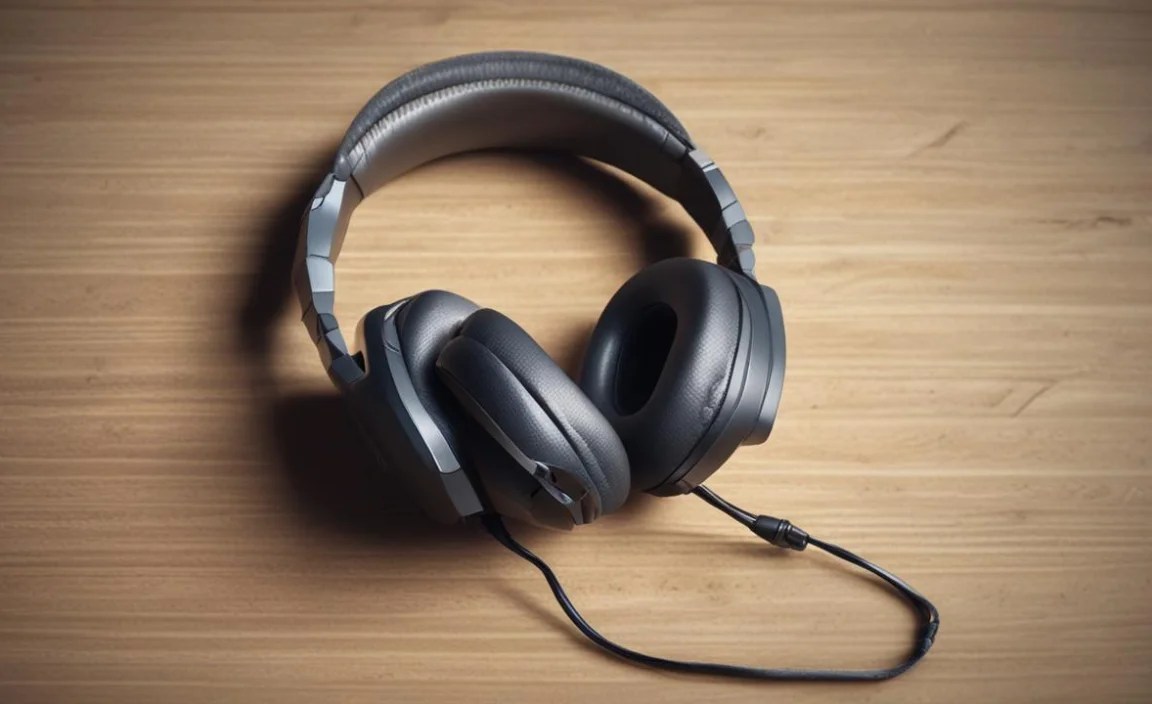
Deciding between wired and wireless often comes down to your budget, work style, and the limitations of your desk phone. Here’s a handy table to help visualize the differences:
| Feature | Wired Headphones | Wireless Headphones |
|---|---|---|
| Price | Generally lower | Generally higher |
| Mobility | Limited by cord length | High, up to base station range |
| Power Source | Phone (no charging needed) | Rechargeable battery (requires charging) |
| Setup | Plug-and-play | May require pairing or base station setup |
| Call Quality | Often excellent for the price | Can be excellent, especially with DECT |
| Durability | Cord can be a point of failure | Battery life degrades over time; potential for connection issues |
Step-by-Step Guide to Buying and Setting Up Your Desk Phone Headphones

Ready to find the perfect headset? Follow these steps to ensure you make the best choice and get it working smoothly.
Step 1: Identify Your Desk Phone’s Headset Port
This is the most critical first step. Grab your desk phone’s manual or carefully examine its ports. Look for:
- A small, rectangular port labeled “Headset” or with a headset icon.
- Check for RJ9, 3.5mm, or USB labels near the port.
- If you’re unsure, search online for your specific desk phone model and “headset compatibility.”
Step 2: Determine Your Preferred Connectivity Type
Based on your phone’s port and your personal needs, decide:
- Wired (RJ9/3.5mm/USB): If your phone has a compatible port and you’re on a budget or prefer simplicity.
- Wireless (Bluetooth/DECT): If your phone supports it and you need mobility. Some wireless systems come with a base station that connects to your phone via RJ9 or USB, and the headset connects wirelessly to the base.
Step 3: Consider Your Daily Usage and Environment
Ask yourself:
- How many hours a day will I be on calls? Longer calls mean comfort is paramount.
- Is my workspace noisy? If so, noise-canceling microphones and binaural headsets are essential.
- Do I need to move around while talking? This directly points towards wireless.
- Do I need to use this headset for other devices (e.g., computer for video calls)? Some headsets are designed as dual-purpose.
Step 4: Set Your Budget
Desk phone headphones can range from $30 for a basic wired model to $300+ for advanced wireless systems. Having a budget in mind will help narrow your search.
Step 5: Research Brands and Read Reviews
Look for reputable brands known for office headsets. Some popular and reliable manufacturers include:
- Jabra
- Plantronics (now Poly)
- Sennheiser
- Logitech
- Yealink
Once you have a few models in mind, read user reviews on retail sites and tech blogs. Pay attention to comments about comfort, microphone clarity, and durability.
Step 6: Make Your Purchase
Buy from a reputable retailer, preferably one with a good return policy, just in case the headset isn’t compatible or doesn’t meet your expectations.
Step 7: Setup and Testing
Installation is usually straightforward:
- For wired headsets: Simply plug the headset’s connector into the designated port on your desk phone.
- For wireless headsets (with a base station): Connect the base station to your desk phone using the provided cable (RJ9 or USB). Plug in the power adapter for the base station. Follow the manufacturer’s instructions for pairing the headset to the base.
- For Bluetooth headsets with direct phone support: Enable Bluetooth on your phone and headset, then initiate pairing from your phone’s settings.
- Test the Microphone: Make a test call to a colleague or voicemail. Ask them to confirm your voice is clear and that background noise is minimal.
- Test the Speaker: Ensure you can hear the other person clearly at a comfortable volume.
- Test Call Controls: Practice answering, ending, and muting calls using the headset controls.
Popular Desk Phone Headset Features to Consider

Beyond the core functionalities, some advanced features can elevate your headset experience. These might be worth the extra investment depending on your needs.
- Wideband Audio (HD Voice): This technology allows for a wider range of frequencies, resulting in more natural and clearer voice transmission, similar to high-definition audio you might experience with music. Many modern VoIP systems and headsets support this.
- Active Noise Cancellation (ANC): While noise-canceling microphones filter outgoing sound, ANC in the earpieces actively blocks out ambient noise for the wearer, allowing for better focus and clearer listening. This is more common in higher-end wireless models.
- Multi-device Connectivity: Some headsets can connect to both your desk phone and your computer or mobile phone simultaneously, allowing you to switch between audio sources with ease.
- Hot-Swappable Batteries: For wireless headsets, the ability to swap out a depleted battery for a fully charged one without interrupting your call is a significant productivity booster.
- Microphone Mute Indicator: A visual or audio cue to let you know when your microphone is muted.
- Ergonomic Designs with Accessories: Options like different sized ear tips, customizable microphone booms, or carrying cases can enhance the overall user experience.
Maintaining Your Desk Phone Headphones for Longevity

Just like any piece of equipment, a little care goes a long way in ensuring your desk phone headphones perform optimally and last for years. Here are some simple maintenance tips from Headphone Horizon:
- Keep them Clean:
- Ear Cushions: Gently wipe them down with a damp, soft cloth. For removable cushions, you might be able to wash them according to the manufacturer’s instructions (often by hand with mild soap and water, then air-dried completely).
- Microphone Boom/Headset Body: A dry or slightly damp microfiber cloth is usually sufficient to remove dust and grime. Avoid harsh chemicals.
- Connectors: If you notice any audio issues, gently clean the RJ9 or 3.5mm jack with a cotton swab lightly moistened with isopropyl alcohol. Ensure it’s completely dry before plugging back in.
- Handle with Care: Avoid yanking the cord when unplugging; grasp the connector. When not in use, place them on a stand or in their case rather than leaving them tangled on your desk.
- Manage Wireless Devices:
- Charging: Follow the manufacturer’s recommendations for charging the battery. Avoid leaving it plugged in indefinitely after it’s fully charged, as this can sometimes degrade battery health over time.
- Storage: If storing wirelessly for an extended period, ensure the battery has a partial charge (around 50%) to prolong its life.
- Cable Management: If you have a wired headset, consider using a cable clip or tie to keep the cord neat and prevent tangles or damage.
- Avoid Extreme Conditions: Don’t expose your headset to extreme temperatures, humidity, or direct sunlight for prolonged periods.
Following these simple steps will help you get the most out of your investment. A well-maintained headset means clearer calls and a more comfortable workday!
Where to Get Reliable Information on Desk Phone Compatibility
Navigating compatibility can sometimes feel like a maze. Here are some authoritative sources you can rely on:
- Your Phone Manufacturer’s Website: This is your best bet for finding official documentation on your specific desk phone model, including its headset compatibility. Look for support sections or manuals.
- Headset Manufacturer Websites (e.g., Jabra, Poly): Leading headset brands often have compatibility wizards or guides on their sites. You can typically select your desk phone model, and they’ll recommend compatible headsets.
- IT Department or Telecom Provider: If you work for a larger organization, your IT department is an invaluable resource. They often have a list of approved and tested headsets for their phone systems. Your telecom provider may also offer guidance.
- Trusted Technology Review Sites: Websites that specialize in business technology or VoIP often publish detailed reviews and compatibility lists. Look for reputable sites that cite their sources and offer in-depth testing.
For instance, understanding the nuances of Voice over IP (VoIP)
