
Quick Summary: Discover how to choose the best headphones for TV with a long cable to enjoy movies and shows without disturbing others. This guide explains cable lengths, connection types, sound quality, and comfort, ensuring you find the perfect, hassle-free listening experience.
Headphones for TV With Long Cable: Your Essential Guide to Uninterrupted Viewing

Are you tired of being tethered too close to your TV, or perhaps you miss out on crucial dialogue because the volume needs to be too high? Using headphones with your television can be a game-changer for your viewing experience, offering personal audio immersion and the freedom to move around. But what if you need a little extra reach?
That’s where headphones for TV with a long cable come in! Whether you want to stretch out on the couch, grab a snack from the kitchen, or simply avoid disturbing housemates, a longer cord provides the liberation you crave. In this guide, we’ll explore everything you need to know to find the perfect pair, ensuring crystal-clear sound and ultimate comfort for all your binge-watching sessions.
Why Choose Long Cable TV Headphones?

The appeal of headphones for TV with long cables is simple: freedom and flexibility. No longer are you confined to a specific spot in front of the screen. This allows for a more dynamic and comfortable viewing experience, especially for longer movies or shows. Beyond just convenience, they offer:
- Privacy: Enjoy your content without bothering family members, roommates, or neighbors, especially during late-night viewing or early morning shows.
- Enhanced Audio Clarity: Many headphones designed for TV offer superior sound quality compared to built-in TV speakers, allowing you to catch every whisper and explosion.
- Accessibility: For individuals with hearing impairments, headphones can be set to a comfortable volume without affecting others, making TV viewing more inclusive.
- Immersion: Get closer to the action with dynamic sound that draws you into the movie or game.
- Reduced Strain: Avoid the need to turn up the TV volume to uncomfortable levels, which can be jarring for others and potentially strain your own ears over time.
Understanding Cable Length
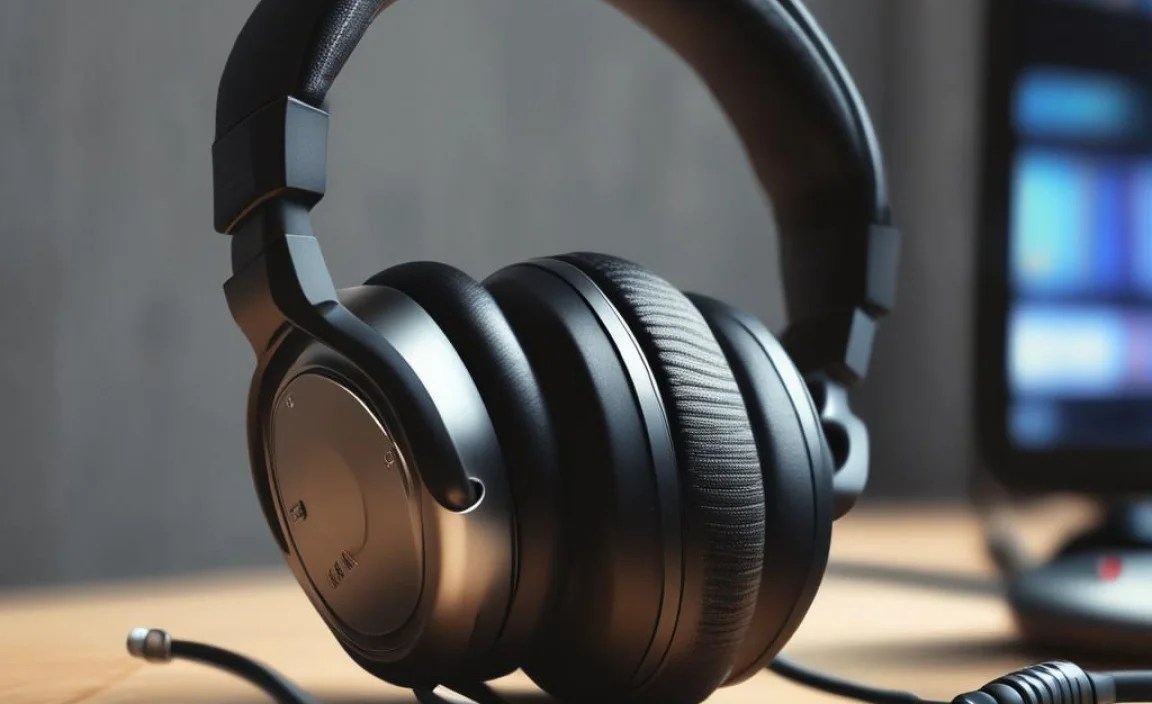
When we talk about “long cables” for headphones, what exactly are we referring to? Generally, standard headphone cables are around 1 to 1.5 meters (3-5 feet). For TV use, “long cable” typically means anything from 3 meters (10 feet) upwards. Some specialized TV headphones can boast cables up to 10 meters (over 30 feet) or even more. The length you need depends entirely on your living space and preferred viewing setup.
Determining Your Ideal Cable Length
To figure out how long a cable you truly need, do a simple measurement:
- Sit in your favorite TV-watching spot.
- Imagine your TV’s audio output jack (usually a headphone jack or RCA ports).
- Stretch out your arm or imagine walking around the room – how far do you typically move away from the TV?
- Add a little extra length for safety and comfort, so the cable isn’t taut.
For example: If you usually sit about 2 meters (6-7 feet) from the TV and might occasionally get up to adjust something, a 5-meter (15-foot) cable might be a good starting point. If you have a large living room and like to lounge in distant recliners, you might consider 10 meters (30+ feet).
Types of Connections for TV Headphones

Connecting headphones to your TV is usually straightforward, but different connection types exist. Most long-cable TV headphones utilize one of these standard audio jacks:
- 3.5mm (1/8-inch) Headphone Jack: This is the most common port found on virtually all TVs, laptops, phones, and other audio devices. It’s a simple plug-and-play connection.
- 6.35mm (1/4-inch) Audio Jack: Less common on modern flat-screen TVs, but you might find it on some older models or specialized audio equipment. Many 3.5mm plugs can be adapted to fit a 6.35mm jack with a simple adapter.
- RCA Connectors: These are often red and white plugs. Many TVs have RCA audio outputs, and headphones designed for TV might come with an adapter cable that converts the 3.5mm plug to RCA connectors.
It’s crucial to check your TV’s rear or side panels for available audio output ports. Look for symbols resembling a headphone or small circular jacks labeled “Audio Out” or “Line Out.”
Adapters: Your Best Friend for Compatibility
Don’t worry if your TV doesn’t have a direct 3.5mm headphone jack. Adapters are readily available and inexpensive. You might need:
- 3.5mm to RCA Adapter: If your TV has red and white RCA audio outputs.
- Y-Splitter: If you want to connect multiple headphones to a single output.
- Extension Cable: If you find headphones with a good cable length but it’s still not quite enough, an extension cable can add precious extra feet.
Always ensure adapters are of good quality to avoid signal loss or crackling noises.
Key Features to Look For
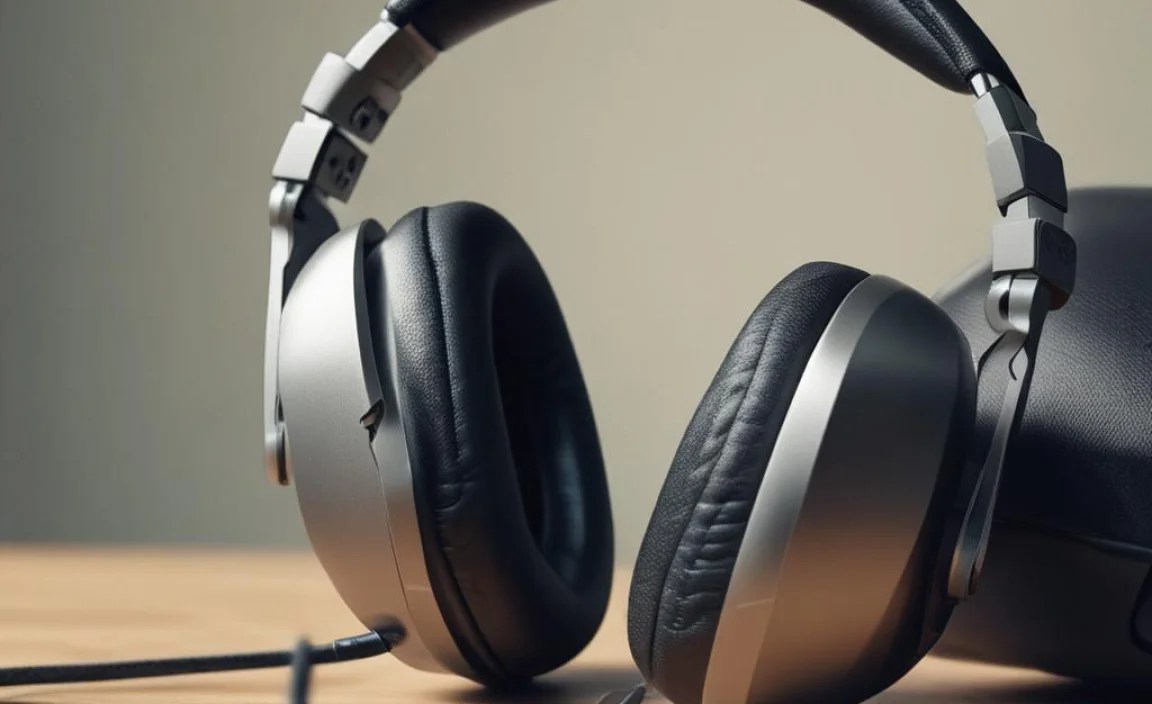
Beyond cable length and connection type, several other features contribute to a great TV headphone experience:
Sound Quality
This is paramount for enjoying your shows. Look for headphones that offer:
- Clear Dialogue: A balanced sound profile where vocals are prominent and easy to understand, even at lower volumes.
- Good Bass Response: For immersive action scenes and music, decent bass is important, but it shouldn’t overpower dialogue.
- Wide Soundstage: This creates a more spacious and realistic audio experience, making you feel like you’re in the middle of the action.
While audiophile-grade sound might not be the top priority for casual TV watching, a noticeable improvement over TV speakers is definitely achievable.
Comfort and Fit
You’ll likely be wearing these for extended periods, so comfort is non-negotiable. Consider:
- Earcup Design: Over-ear (circumaural) headphones fully enclose your ears, offering great passive noise isolation and comfort. On-ear (supra-aural) models rest on your ears and can be lighter but may cause pressure over time.
- Padding: Look for plush earcups and a well-padded headband.
- Weight: Lighter headphones are generally more comfortable for long sessions.
- Adjustability: A good adjustable headband ensures a secure yet comfortable fit for various head sizes.
Durability
A long cable can be prone to tangling and wear. Look for:
- Sturdy Construction: Robust materials for the headband, earcup housing, and especially the cable itself.
- Reinforced Cable Entry: The point where the cable connects to the earcup is a common failure point. Higher-quality headphones will have reinforced strain relief here.
- Braided Cables: While less common on very long cables due to bulk, braided cables can sometimes be more resistant to tangling and damage.
Wired vs. Wireless (with long cable consideration)
While this guide focuses on wired headphones for their simplicity and reliability with long cables, it’s worth mentioning wireless options. Many wireless TV headphone systems use their own base station that connects to your TV, offering an extremely long range and often a dedicated audio channel. However, if you prefer a simple, plug-and-play wired solution without worrying about charging or pairing, a long-cable wired option is perfect. These typically retail for significantly less than wireless systems.
Top Picks for Long Cable TV Headphones
Finding the “best” headphones is subjective and depends on your budget and specific needs. However, certain models are consistently praised for their suitability for TV use with long cables. While specific models can change, here are categories and well-regarded brands that often offer excellent long-cable options:
Entry-Level Options (Budget-Friendly)
These are great for basic needs and offer a significant upgrade from TV speakers without breaking the bank.
- Arctis 3 / Arctis 5 by SteelSeries: While marketed as gaming headsets, their comfortable design, good sound, and often include a long, detachable cable with a splitter for PC/mobile use that works perfectly for TV.
- Panasonic ErgoFit In-Ear Headphones (with extension): While these are earbuds, they are incredibly affordable and often come with or support the use of long extension cables, providing decent sound for their price.
- JVC HA-FX17: Another budget-friendly earbud option known for surprisingly decent sound for its cost, and can be paired with an adapter and extension.
Mid-Range Options (Enhanced Features)
Offering better sound quality, comfort, and durability, these are a solid investment for frequent viewers.
- Sennheiser RS 175 / RS 185 Series (Wireless systems, but worth noting): Although wireless, these systems use a base station that plugs into your TV and offers a fantastic wireless range and excellent sound. If budget allows and you want ultimate freedom, these are top-tier.
- Audio-Technica ATH-M20x / ATH-M30x: These are studio monitor headphones known for their neutral sound, clarity, and comfortable build. They typically come with a decent length cable (around 3 meters) and are excellent for detailed audio.
- Sony MDR-V6 (Discontinued, but often found used/refurbished): A legendary studio headphone, the MDR-V6 has a long, coiled cable and phenomenal sound clarity for dialogue and music. If you can find one, it’s a durable and reliable choice.
Higher-End Options (Premium Experience)
For those who prioritize the absolute best in sound and comfort for their home theater setup.
- Beyerdynamic DT 770 PRO (80 Ohm version): Renowned for their comfort, robust build, and excellent sound isolation. They come with a long, non-detachable coiled cable (around 3 meters), perfect for extended listening.
- Philips Fidelio X2HR: These open-back headphones offer an incredibly immersive and spacious soundstage, making movies feel more cinematic. They typically include a long, detachable cable with a secure locking mechanism.
Note: Availability and specific cable lengths can vary by region and retailer. Always check product specifications before purchasing.
Setting Up Your Long Cable TV Headphones
Connecting your headphones is usually a simple process. Here’s a general walkthrough:
Step 1: Identify Your TV’s Audio Output
Locate the headphone jack (usually a 3.5mm port) or RCA audio outputs (red and white ports labeled “Audio Out”) on your TV. Refer to your TV’s manual if you’re unsure.
Step 2: Connect the Headphones
- If your TV has a 3.5mm headphone jack: Simply plug the 3.5mm connector from your headphones directly into the jack.
- If your TV has RCA audio outputs: Use an adapter cable that has a 3.5mm female connector on one end and a red and white RCA male connector on the other. Plug the RCA ends into your TV and then plug the headphone’s 3.5mm cable into the adapter’s female jack.
Step 3: Adjust TV Settings (If Necessary)
Some smart TVs might require you to go into the audio settings menu to enable headphone output or prioritize it over the TV speakers. Look for options like “Audio Output,” “Speaker Settings,” or “Sound Output.” You might need to select “Headphones,” “External Speakers,” or disable internal speakers.
Step 4: Power On and Test
Turn on your headphones (if they have power, like noise-canceling features) and play some content on your TV. Start with the volume on your headphones at a low setting and gradually increase it. You may also need to adjust the TV’s volume output to a moderate level, which will then control the overall loudness sent to the headphones.
For more detailed information on audio outputs and settings, you can check resources like the Rtings.com guide on TV speaker output types, which provides clear explanations and diagrams.
Troubleshooting Common Issues
Even with the best setup, you might encounter occasional hiccups. Here are some common problems and their solutions:
- No Sound:
- Ensure the headphone plug is fully inserted into the port.
- Check that the correct audio output is selected in your TV’s settings.
- Try using the headphones with another device (like a phone or computer) to confirm they are working.
- If using an adapter, ensure it’s connected securely at both ends.
- Low Volume:
- Increase the volume on the headphones themselves.
- Turn up the TV’s volume to a moderate level, as it sets the signal strength for the headphones.
- Check if your TV has a specific headphone volume setting that might be set too low.
- Crackling or Static Sound:
- This often indicates a loose connection. Ensure the plug is firmly seated.
- Try a different headphone port or adapter if available.
- Interference from other electronic devices nearby can sometimes cause issues. Try moving the TV or headphones further away.
- The cable might be damaged. Inspect it for nicks or kinks.
- Cable Tangling:
- Coiled cables are designed to reduce tangling, but can still get tangled. Gently loosen and detangle.
- When not in use, loosely coil the cable and secure it with a velcro strap. Avoid tightly wrapping it, which can strain the wires.
- Discomfort During Extended Use:
- Adjust the headband for a less tight fit.
- Take short breaks to give your ears and head a rest.
- Ensure the earcups are positioned correctly over your ears.
If you’re still facing persistent issues, consult the manufacturer’s support website or user manual for specific troubleshooting steps for your headphone model.
Maintaining Your Long Cable Headphones
To ensure your headphones with long cables continue to deliver great sound for years to come, a little care goes a long way:
- Storage:
- When not in use, loosely coil the cable. Avoid sharp bends or kinks, which can damage internal wiring.
- Store them in a dry, dust-free environment. A headphone stand or a dedicated storage case is ideal.
- Keep them away from direct sunlight and extreme temperatures.
- Cleaning:
- Wipe the earcups and headband with a slightly damp, soft cloth. Avoid harsh chemicals or excessive moisture.
- For cloth earpads, you can often remove them and wash them gently by hand with mild soap and water, allowing them to air dry completely before reattaching.
- Use a dry, soft brush or a can of compressed air to gently clean any dust from speaker grilles or connection ports.
- Cable Care:
- Never yank the cable to disconnect it. Always grasp the plug itself.
- Inspect the cable periodically for any signs of wear or damage, especially near the connectors.
- If you notice fraying or damage, it might be time to invest in a replacement cable or new headphones to prevent further damage or potential electrical hazards, as highlighted by safety guidelines on electronics care, such as those found on the U.S. Consumer Product Safety Commission (CPSC) website, which often touches upon the importance of maintaining and safely using electronics.
Frequently Asked Questions (FAQ)
Q1: How long is a “long” cable for TV headphones?
A: Generally, a “long” cable for TV headphones is considered to be 3 meters (about 10 feet) or more. Standard headphone cables are usually 1 to 1.5 meters (3-5 feet).
Q2: Do I need any special adapters?
A: It depends on your TV. Most modern TVs have a 3.5mm headphone jack, which requires no adapter. If your TV only has RCA audio outputs (red and white ports), you’ll need a 3.5mm to RCA adapter. Always check your TV’s available audio ports.
