
Quick Summary: Infrared wireless headphones for cars offer a fantastic way to enjoy audio privately without disturbing others. They use invisible light signals for a clear, lag-free connection, perfect for movies or games in the car. This guide covers setup, troubleshooting, and choosing the best pair for your needs.
Infrared Wireless Headphones for Car: Your Essential Guide
Hey there, audio adventurers! Edward Cavitt here from Headphone Horizon. Ever find yourself on a long car ride, wishing you could dive into your favorite movie or podcast without the whole family hearing? Or maybe you’re a parent who needs a moment of peace while the kids are entertained in the back? If so, you’re in the right place! Infrared wireless headphones for cars are a brilliant solution, offering private listening experiences that feel almost magical. They work by sending audio signals through invisible infrared light, meaning you get a clear, instant connection without annoying wires or Bluetooth pairing headaches. This guide is designed to make understanding and using these handy devices a breeze, no matter your tech comfort level. Let’s unlock a more peaceful and personalized in-car entertainment experience together!
Why Infrared Wireless Headphones for Your Car?

In the world of in-car entertainment, distractions and noise can quickly turn a pleasant journey into a frustrating one. Traditional headphones with cords can be a tangled mess, and even Bluetooth can sometimes have a slight delay or connection issues, especially with multiple devices. This is where infrared wireless headphones for cars truly shine.
The Magic of Infrared Technology
Infrared (IR) wireless headphones use invisible beams of infrared light to transmit audio signals from a base transmitter to the headphones. Think of it like a remote control for your TV, but instead of sending commands, it’s sending your audio all around the car cabin. This technology has some fantastic advantages for car use:
- Lag-Free Audio: Unlike some wireless technologies, IR offers near-instantaneous audio transmission. This is crucial for watching movies or playing games, ensuring the sound syncs perfectly with the visuals.
- No Pairing Hassles: Most IR systems don’t require complicated Bluetooth pairing. You simply turn on the headphones and the transmitter, and they connect automatically.
- Privacy: Because the signal is based on infrared light, it’s contained within the vehicle. This means your audio stays private, and you won’t be broadcasting your movie soundtrack to the outside world (or your neighbors parked nearby!).
- Multiple Headphones: Many IR systems allow you to connect several headphones to a single transmitter, perfect for a family with kids who want to watch the same movie.
- Reduced Interference: IR signals are less prone to interference from other electronic devices in the car compared to some radio frequency (RF) wireless systems.
When Are They Most Useful?
Infrared wireless headphones for car are most commonly used with in-car entertainment systems that have built-in IR transmitters. These are often found in:
- Vehicles with built-in rear-seat entertainment systems: Many minivans, SUVs, and luxury cars come with screens and audio options designed to work seamlessly with IR headphones.
- Aftermarket car DVD players or screens: If you’ve installed an aftermarket unit, it might have an IR transmitter integrated into the player or display.
They are ideal for:
- Keeping children entertained on long road trips without disturbing the driver or other passengers.
- Allowing adults to enjoy their own audio or podcasts during a drive.
- Providing a clear audio experience for movies, so you don’t miss any dialogue or sound effects.
Understanding the Components: What You’ll Need
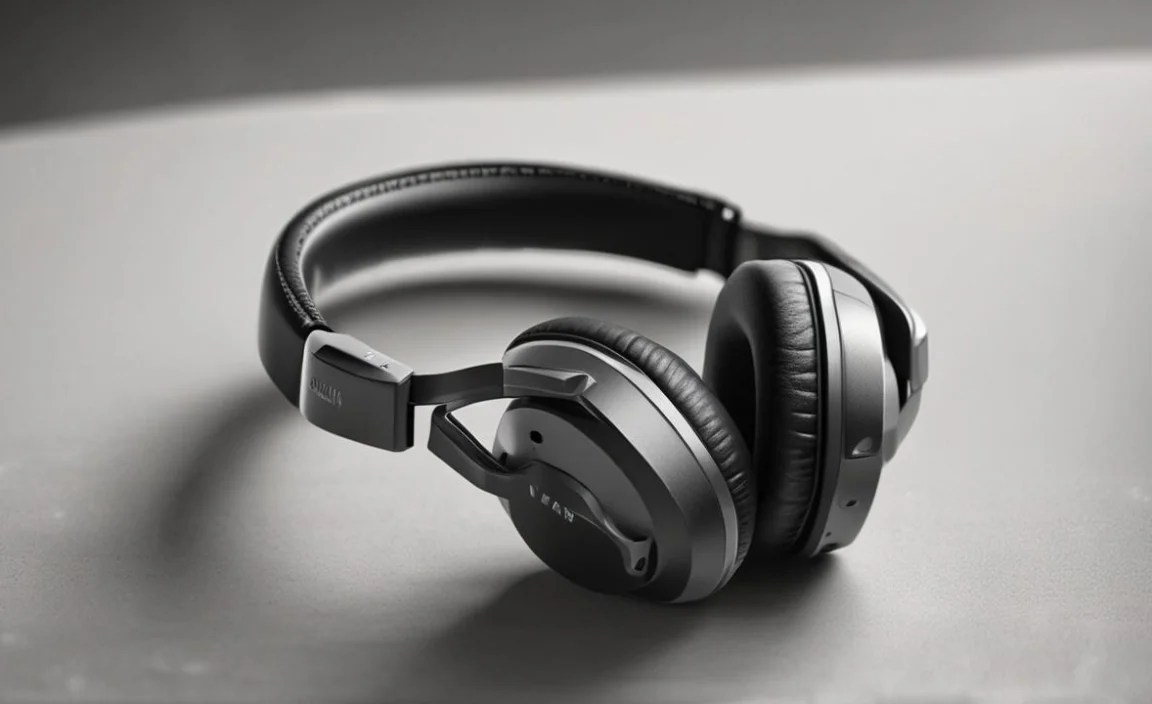
Setting up infrared wireless headphones in your car typically involves a few key components. Understanding what each part does will make the process much smoother.
1. The IR Transmitter
This is the heart of the system. The transmitter receives the audio signal from your car’s entertainment system (like a DVD player, or the car’s main audio system) and converts it into invisible infrared light signals. It usually plugs into your car’s audio output jacks (often a 3.5mm headphone jack or RCA audio outputs).
- Mounting: Transmitters are often designed to be mounted discreetly, perhaps on the dashboard, the back of a headrest, or integrated into the car’s existing entertainment console.
- Power: Most transmitters draw power from your car’s electrical system, usually via a USB connection or a direct 12V adapter.
2. The IR Headphones
These are the headphones that pick up the infrared signals. They have built-in IR receivers that convert the light signals back into audible sound. Most headphones will have volume controls and an on/off switch.
- Ergonomics: Look for comfortable earcups and an adjustable headband for long listening sessions.
- Power: IR headphones are typically battery-powered (e.g., AA or AAA batteries) or have rechargeable batteries with a charging dock or cable.
- Auto-Shutoff: Many models feature an auto-shutoff function to conserve battery life when no signal is detected for a period.
3. Connection Cables
These are essential for linking the IR transmitter to your car’s audio source. Common connectors include:
- 3.5mm Audio Cable: A standard headphone jack cable, often used for connecting to portable devices or auxiliary audio outputs.
- RCA Audio Cables: Red and white connectors, typically used to connect to older audio/video equipment.
You’ll need to identify the audio output ports on your car’s entertainment system and ensure you have the correct cable to match. Sometimes, a 3.5mm to RCA adapter cable is needed.
Step-by-Step Setup Guide

Getting your infrared wireless headphones up and running in your car is usually a straightforward process. Follow these steps for a seamless setup:
Step 1: Identify Your Car’s Audio Output
First, locate the audio output ports on your car’s entertainment system. This could be:
- A 3.5mm headphone jack (often marked with a headphone icon).
- RCA audio output jacks (usually red and white ports, labeled “Audio Out” or similar).
Consult your car’s or entertainment system’s manual if you’re unsure. This is a crucial step, as the wrong connection will prevent any sound from reaching the transmitter.
Step 2: Connect the IR Transmitter
Take the appropriate audio cable based on your car’s output ports and connect it to the transmitter’s input. If you have RCA outputs on your car and a 3.5mm input on your transmitter, you’ll need a 3.5mm to RCA adapter cable or a cable with the correct combination.
Example Connection:
Car’s 3.5mm Headphone Jack IR Transmitter’s 3.5mm Input Port
Step 3: Power the IR Transmitter
Connect the transmitter to a power source in your car. This is typically a USB port or a 12V adapter that plugs into the cigarette lighter socket.
- Ensure the power connection is secure.
- Some transmitters have a power indicator light; make sure it’s illuminated.
Step 4: Mount the IR Transmitter
Position the transmitter so that it has a clear line of sight (or as unobstructed as possible) to where the headphones will be used. While IR signals are invisible, they can be blocked by solid objects. Aim for a central location in the car, or near the audio source.
- Many transmitters come with adhesive pads or mounting brackets.
- Avoid placing it directly facing a window if possible, as direct sunlight can sometimes interfere.
Step 5: Prepare the IR Headphones
Insert batteries into the headphones if they are not rechargeable, or ensure they are charged. Check the battery compartment is securely closed.
- Most headphones use standard AA or AAA batteries.
- If rechargeable, place them on their charging dock or connect the charging cable.
Step 6: Power On and Tune In
Turn on your car’s entertainment system and start playing your audio source (e.g., a movie or music). Turn on the IR headphones. They should automatically detect the infrared signal from the transmitter.
- Locate the power switch on the headphones.
- Adjust the volume using the controls on the headphones.
Tip: If you don’t hear anything, double-check all your connections, ensure the transmitter and headphones are powered on, and confirm the audio source is actually playing on your car’s system.
Choosing the Right Infrared Headphones for Your Car

Not all infrared wireless headphones are created equal. Here’s what to consider when selecting a pair:
Key Features to Look For:
- Number of Channels: Most IR systems offer multiple channels (often two). This is useful if your transmitter supports two different audio streams, allowing passengers to choose different languages or audio options. For most single-movie setups, one channel is sufficient.
- Comfort and Fit: Since you’ll be wearing them for potentially long periods, comfort is paramount. Look for padded earcups, an adjustable and comfortable headband, and a lightweight design.
- Battery Life: Check how long the headphones can operate on a single set of batteries or a full charge. Extended battery life is essential for long road trips.
- Durability: Kids can be tough on electronics. If children will be using the headphones, opt for a durable, well-built model.
- Audio Quality: While convenience is key with IR, don’t sacrifice too much on sound. Read reviews to gauge audio clarity and soundstage.
- Auto-Shutoff: A great battery-saving feature that automatically turns off the headphones when no signal is detected for a set time.
- Foldable Design: For easy storage when not in use, foldable headphones are a plus.
- Compatibility: Ensure the headphones are compatible with your car’s transmitter or if they come as a complete system (transmitter + headphones).
Infrared vs. Other Wireless Technologies (Bluetooth, RF)
While IR is excellent for in-car entertainment, it’s good to know how it stacks up against other common wireless audio technologies:
| Feature | Infrared (IR) | Bluetooth | Radio Frequency (RF) |
|---|---|---|---|
| Signal Type | Invisible light beams | Radio waves (short-range) | Radio waves (longer-range) |
| Lag/Latency | Very low / None | Low to moderate (can vary) | Low |
| Pairing | Automatic (no pairing needed) | Requires device pairing | Usually automatic or simple pairing |
| Range | Line of sight within cabin; signal degrades with distance/obstructions | Typically 30 feet (10 meters) | Up to 100 feet (30 meters) or more |
| Interference | Minor interference from strong sunlight | Can be prone to interference from other devices | Can be prone to interference from other devices or walls |
| Multi-device Support | Easily supports multiple headphones from one transmitter | Limited, usually one-to-one or few-to-one connections | Can support multiple headphones |
| Best Use Case | In-car entertainment, home theatre systems | Personal listening, connecting to phones/tablets/computers | Wireless speakers, home theatre surround sound, some headphones |
For a dedicated in-car entertainment system with a built-in IR transmitter, IR headphones are often the most seamless and reliable choice. If you’re looking for headphones for general personal use or connecting to modern-day tablets and phones, Bluetooth might be more versatile.
Troubleshooting Common Issues
Even the best tech can sometimes throw a curveball. Here are some common issues with infrared wireless headphones for cars and how to fix them:
Issue 1: No Sound in Headphones
- Check Power: Ensure both the transmitter and the headphones are powered on. Check batteries in the headphones and power connection for the transmitter.
- Verify Connections: Make sure the audio cable is securely plugged into both the car’s audio output and the transmitter’s input. Try a different audio cable if possible to rule out a faulty cable.
- Correct Audio Output Selected: On your car’s entertainment system, ensure the correct audio output is selected. If you used the headphone jack, make sure the system isn’t sending audio only to the headphone jack and to external speakers simultaneously in a way that causes conflict.
- Volume Levels: Check the volume on the car’s system and on the headphones themselves.
- Transmitter Placement: Is the transmitter too far from the headphones, or is there a solid object blocking the signal? Try moving closer.
Issue 2: Sound is Distorted or Crackly
- Signal Interference: Direct sunlight can sometimes interfere with IR signals. Try to shield the headphones from strong, direct sunlight.
- Distance: Move the headphones closer to the transmitter. If the sound is fine when closer but poor when further away, you might have a weak transmitter, or the car’s interior is obstructing the signal more than expected.
- Battery Levels: Low batteries in the headphones can sometimes cause audio distortion. Try fresh batteries.
- Audio Source Quality: The issue might be with the original audio source, not the headphones. Try a different movie or audio file.
Issue 3: Headphones Won’t Turn On
- Batteries: Ensure batteries are inserted correctly, or if rechargeable, that they are fully charged. Try fresh batteries.
- Power Switch: Make sure the power switch is fully in the “On” position.
Issue 4: One Headphone Not Working
If your system supports multiple headphones and one isn’t working:
- Check Battery: The most common culprit is a dead battery.
- Check Channel Pairing (if applicable): Some systems allow individual headphone pairing. Consult your headphone’s manual.
- Test Other Headphones: If another pair works, the issue is likely with the specific set of headphones.
Always refer to your specific headphone and transmitter manuals for detailed troubleshooting specific to your model.
Maintaining Your Infrared Wireless Headphones
To ensure your infrared wireless headphones for car last and perform optimally, a little care goes a long way.
Cleaning:
- Earcups: Use a slightly damp, soft cloth to wipe down the earcups. Avoid harsh chemicals or soaking them. If they have removable earpads, you can often wash them gently by hand with mild soap and water, then let them air dry completely before reattaching.
- Headband: Wipe the headband with a soft, dry cloth.
- Plastic Housing: A dry or slightly damp microfiber cloth is best for cleaning the plastic parts of the headphones and transmitter.
- Avoid Moisture: Never submerge any part of the headphones or transmitter in water, as this can cause permanent damage.
Storage:
- Protective Case: If your headphones came with a carrying case, use it to protect them from dust, scratches, and damage when not in use, especially when stored in the car.
- Cool, Dry Place: Store them in a location that isn’t exposed to extreme temperatures or direct sunlight for extended periods.
- Battery Removal: If you won’t be using them for a long time, consider removing the batteries to prevent potential leakage and damage.
Battery Care:
- Use Good Quality Batteries: Opt for reputable brands of alkaline or rechargeable batteries.
- Rechargeable Batteries: If your headphones use rechargeable batteries, ensure you use the correct charger and follow the manufacturer’s recommendations for charging cycles.
- Regular Checks for Rechargeable Models: For headphones with built-in rechargeable batteries, inspect the charging port periodically for any debris.
Regular Checks:
- Inspect Cables: Ensure audio cables are not frayed or damaged. A damaged cable can lead to poor sound or no sound at all.
- Test Periodically: Even if a short trip, turn them on occasionally to ensure they’re still working correctly.
By following these simple maintenance tips, you can significantly extend the lifespan
