
Quick Summary: This guide simplifies iPhones’ need for adapters when charging and listening to audio simultaneously. Learn which adapters are best, how they work, and key features to look for, ensuring you never have to choose between a full battery and your favorite tunes again.
iPhone Adapter for Charger and Headphones: Your Essential Guide
Hey there, audio adventurers! Edward Cavitt here from headphonehorizon. If you’ve recently upgraded to a newer iPhone or are navigating the world of smartphone audio, you might have noticed something: fewer ports! Specifically, that trusty headphone jack seems to have vanished on many models. This can be a bit puzzling, especially when you want to charge your iPhone and listen to music or take a call at the same time. Don’t worry, it’s a common head-scratcher, but the solution is simpler than you might think! This guide is here to walk you through everything you need to know about iPhone adapters for charging and headphones, so you can enjoy uninterrupted audio and a powered-up phone.
Why You Might Need an iPhone Adapter
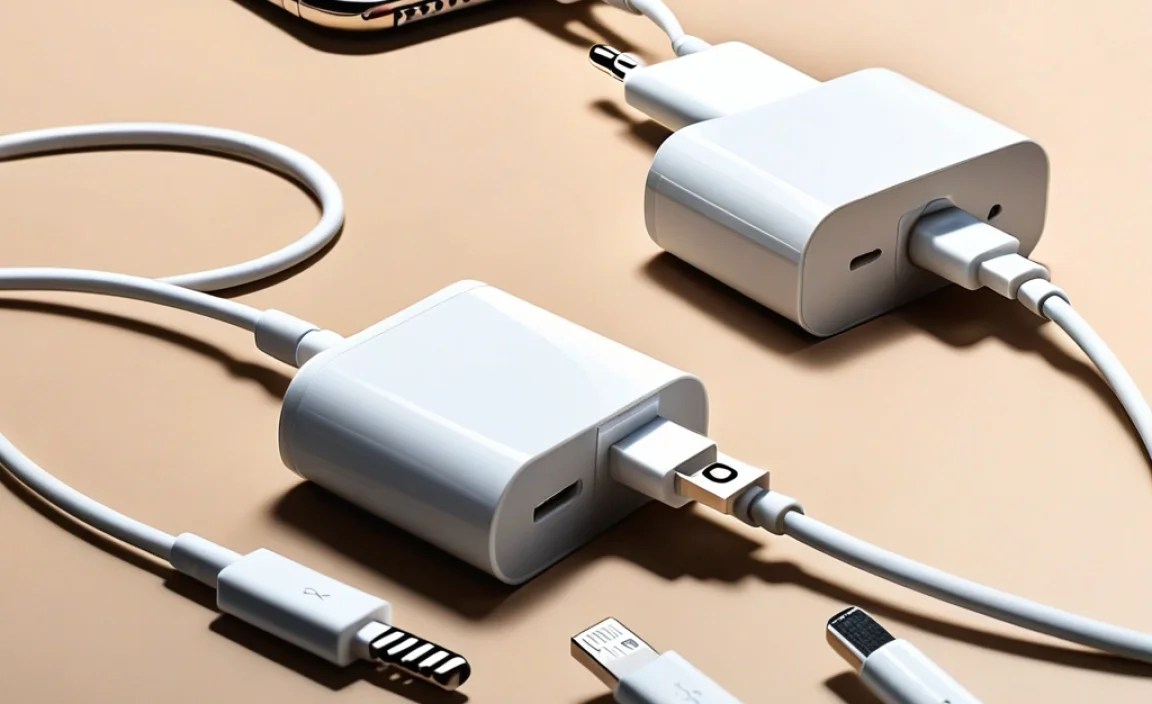
Apple’s move towards simplifying device design, particularly with the removal of the 3.5mm headphone jack on many iPhone models starting with the iPhone 7, has led to a widespread need for adapters. This decision, while aiming to make iPhones more water-resistant and to encourage wireless audio, meant that users who still relied on wired headphones and wanted to charge their phone simultaneously were left in a bit of a lurch.
Think about it: you’re on a long commute, your phone battery is dipping, and you’re trying to catch up on your favorite podcast. Normally, you’d plug in your headphones and your charger. Now, with only one port (typically the Lightning port), doing both at once requires a little help. That’s where the magic of adapters comes in!
Understanding the Types of Adapters

When you’re looking for an iPhone adapter to handle both charging and headphone use, you’ll mainly encounter two types, distinguished by how they split or manage the single Lightning port. It’s crucial to understand these distinctions to pick the right one for your needs.
1. The Aux-to-Lightning Adapter (Also known as a Lightning to 3.5mm Headphone Jack Adapter)
This is the most basic adapter. Its primary function is to convert the Lightning port on your iPhone into a standard 3.5mm headphone jack. While incredibly useful for connecting old-school wired headphones, this adapter alone doesn’t allow simultaneous charging and listening. If you use this, you’ll have to choose: charge your phone, or listen to audio.
Key Feature: Converts Lightning to 3.5mm audio output.
Best for: Users who only need to connect wired headphones to newer iPhones and don’t necessarily need to charge at the same time. It’s a great, affordable option for simply enabling headphone use.
2. The Lightning Splitter Adapter (or Multi-port Adapter)
This is the real hero for simultaneous charging and audio playback. A Lightning splitter adapter features a Lightning port for charging and a separate audio output port (either a 3.5mm headphone jack or sometimes another Lightning port for Apple’s EarPods). This allows you to plug in both your charging cable and your headphones into a single adapter, which then connects to your iPhone’s Lightning port.
Key Features:
- Allows simultaneous charging and audio output.
- Provides a secondary port for accessories (either a headphone jack or another Lightning port).
Best for: Anyone who frequently needs to charge their iPhone while listening to music, watching videos, or taking calls with wired headphones. This is the essential accessory for multitasking on your iPhone’s audio and power needs.
What to Look For in an iPhone Adapter

Not all adapters are created equal! To get the best experience and avoid headaches, here are some key factors to consider when choosing an adapter for your iPhone.
MFi Certification
“Made for iPhone” (MFi) certification is Apple’s stamp of approval for accessories that meet their strict quality and safety standards. When you see the MFi logo, it means the adapter has been tested and approved by Apple. This is crucial for:
- Compatibility: MFi-certified adapters are guaranteed to work with your iPhone and future iOS updates.
- Safety: They use approved components, reducing the risk of damage to your iPhone’s battery or charging port.
- Reliability: You’re less likely to encounter issues like intermittent audio, charging problems, or the dreaded “This accessory may not be supported” message.
You can check for MFi certification on the manufacturer’s packaging or product description. Look for the MFi logo.
Audio Output Type
As mentioned, adapters come with either a 3.5mm headphone jack or an additional Lightning audio port.
- 3.5mm Headphone Jack: This is the most common and versatile option, allowing you to connect the vast majority of wired headphones and earbuds you might already own.
- Lightning Audio Port: Some adapters might offer a second Lightning port for audio output. This is designed to work with Apple’s Lightning-based headphones (like some EarPods) or other Lightning audio accessories.
Consider which type of headphones you primarily use before making a decision.
Number of Ports
For simultaneous charging and audio, you’ll need an adapter with at least two ports: one for your charging cable and one for your headphones. Some advanced adapters might offer even more ports, such as USB ports for data transfer or additional charging ports, but for basic needs, two is the magic number.
Build Quality and Durability
An adapter is a small piece of tech that often gets tossed around in bags or pockets. Look for adapters with a robust build. Braided cables or reinforced connectors can add to the durability. A well-made adapter will feel sturdy and less likely to fray or break with regular use.
Brand Reputation
While MFi certification is paramount, sticking with reputable brands can also give you peace of mind. Companies known for producing quality iPhone accessories are generally a safer bet than obscure, unbranded options that might be cheaper.
How to Use Your iPhone Adapter (Step-by-Step)
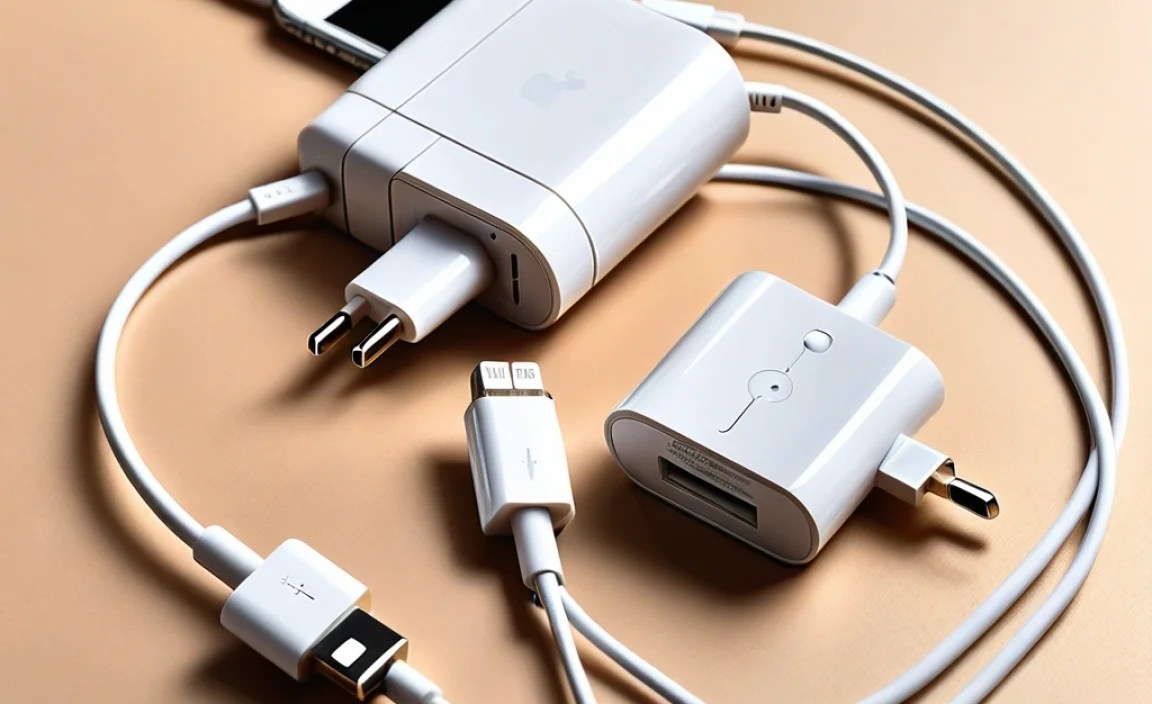
Using an adapter is straightforward, but following these steps ensures a smooth experience every time.
Step 1: Identify Your Adapter Type
First, confirm if you have an MFi-certified Lightning splitter adapter that offers both charging and audio output.
Step 2: Connect Your Charging Cable
Plug your standard iPhone charging cable (the one that came with your iPhone or a certified replacement) into the charging port on the adapter. Then, connect the other end of the charging cable to a power source (wall adapter, computer, power bank).
Step 3: Connect Your Headphones
Plug your wired headphones or earbuds into the audio output port on the adapter. This will typically be a 3.5mm headphone jack, but could also be a Lightning audio port depending on your adapter.
Step 4: Connect the Adapter to Your iPhone
Finally, plug the Lightning connector of the adapter into the Lightning port on your iPhone.
Step 5: Enjoy!
Your iPhone should now be charging, and you should be able to hear audio through your connected headphones. You can now listen to music, podcasts, or take calls without interruption. The adapter effectively splits the single Lightning port’s functionality.
Troubleshooting Common Adapter Issues
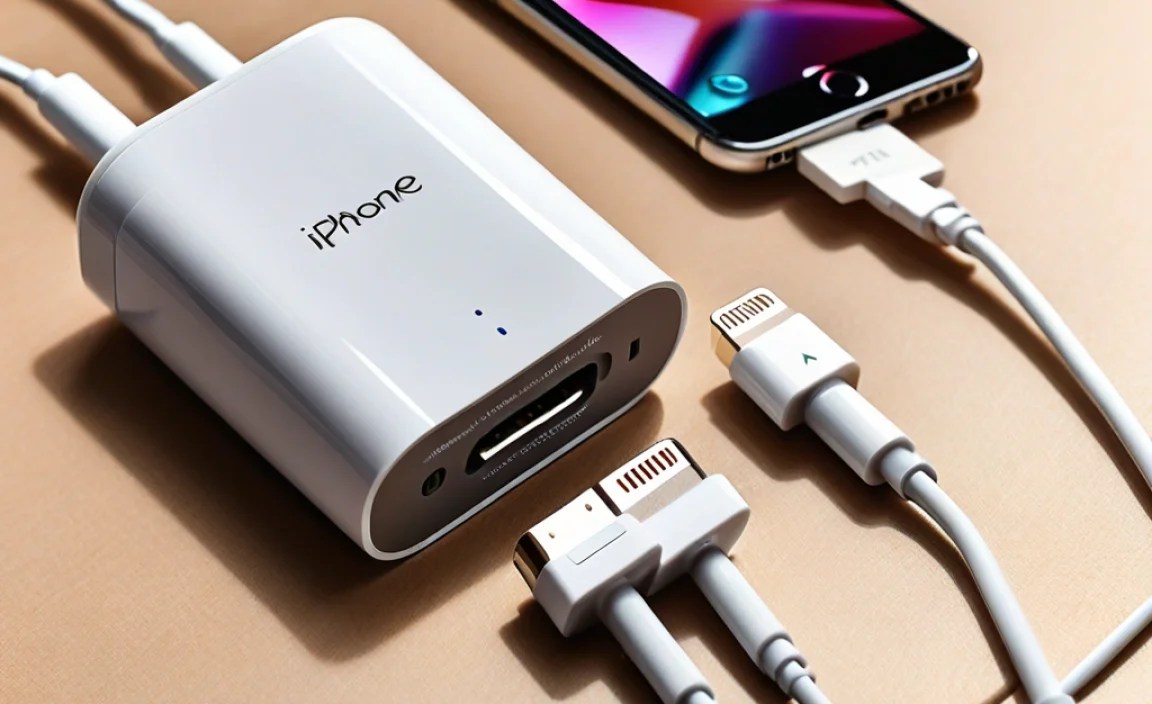
Even with the best adapters, you might occasionally run into a hiccup. Here are some common problems and how to solve them:
Problem: “Accessory Not Supported” Message
Solution: This is almost always an indication that the adapter is not MFi certified.
- Ensure the adapter you purchased explicitly states it is MFi certified.
- Try unplugging and replugging the adapter.
- Restart your iPhone.
- If the problem persists, you likely need to replace the adapter with an MFi-certified one.
Problem: No Sound Through Headphones
Solution:
- Check that your headphones are fully plugged into the adapter’s audio port.
- Confirm that the audio source (e.g., music app, YouTube) is playing and not muted.
- Try a different pair of headphones to rule out a headphone issue.
- Ensure your iPhone’s volume is turned up.
- If using a Lightning audio port, make sure your headphones are compatible with Lightning audio.
Problem: iPhone Not Charging
Solution:
- Verify that your charging cable is properly connected to both the adapter and the power source.
- Try plugging your charging cable directly into the iPhone without the adapter to see if it charges. If it doesn’t, the issue might be with the cable or power source.
- Ensure the charging port on the adapter is clean and free of debris.
- If the issue persists, it could be the adapter itself. Test with a different MFi-certified adapter if possible.
Problem: Intermittent Audio or Charging
Solution: This often points to a poor connection or a faulty adapter.
- Wiggle the connections gently to see if they improve.
- Ensure the adapter is firmly seated in the iPhone’s Lightning port.
- It’s usually best to replace the adapter if you experience consistent intermittent issues.
iPhone Adapter for Charger and Headphones: A Quick Comparison
To help you decide which type of adapter is right for you, here’s a simple comparison. Remember, the key difference lies in the ability to simultaneously charge and listen.
| Feature | Lightning to 3.5mm (Single Port) | Lightning Splitter (Multi-port) |
|---|---|---|
| Simultaneous Charging & Audio | No | Yes |
| Primary Function | Connect 3.5mm headphones | Connect 3.5mm headphones + charge |
| Ports | 1 x Lightning (input), 1 x 3.5mm (output) | 1 x Lightning (input), 1 x 3.5mm (output), 1 x Lightning (for charging) |
| Ideal For | Basic headphone connectivity on newer iPhones | Users needing to charge and listen at the same time |
| Common Price Range | $9 – $20 (MFi) | $15 – $40 (MFi) |
| MFi Certification Essential? | Highly Recommended | Absolutely Essential |
Where to Buy Reputable iPhone Adapters
When it comes to accessories for your iPhone, especially those involving power and data, quality is key. Here are reliable places to look:
- Apple Store: The most straightforward and guaranteed MFi option. Apple’s own adapters are the benchmark for compatibility.
- Major Electronics Retailers: Stores like Best Buy, Amazon, and other reputable tech shops carry a wide range of MFi-certified adapters from various brands. Always check the product description and look for the MFi logo.
- Manufacturer Websites: Many well-known accessory brands (e.g., Anker, Belkin, UGREEN) sell their MFi-certified adapters directly through their own websites.
A Note on Non-MFi Adapters: While cheaper, non-MFi adapters might work initially, they pose significant risks. Apple often updates iOS, and these updates can cause non-MFi accessories to stop working entirely. Furthermore, they can potentially damage your iPhone’s battery or charging port over time. For more information on why MFi certification matters, you can refer to Apple’s official MFi Program page. External link: Apple MFi Program.
Beyond the Splitter: Exploring Wireless Options
While adapters are a fantastic solution for using your existing wired headphones, it’s worth noting that the trend in audio is increasingly towards wireless. If you’re looking for ultimate convenience and freedom from cables (and adapters!), consider these options:
- Wireless Earbuds/Headphones: Bluetooth-enabled earbuds (like AirPods or Beats) and headphones connect wirelessly to your iPhone. This eliminates the need for any adapter whatsoever for audio. You can charge your iPhone and listen wirelessly simultaneously.
- Lightning Earphones: Apple also sells headphones and earbuds that plug directly into the Lightning port, bypassing the need for a 3.5mm jack.
- USB-C iPads & iPhones (Newer Models): Future iPhones (and current iPads) are transitioning to USB-C. If your device has a USB-C port, you’ll need USB-C compatible accessories, which include USB-C to 3.5mm adapters or USB-C audio devices and chargers.
Embracing wireless technology can simplify your setup even further, but for those who love their current wired gear, an adapter remains an indispensable tool.
Frequently Asked Questions (FAQ)
Q1: Do I really need an MFi-certified adapter?
A1: Yes, for the best and safest experience. MFi certification guarantees compatibility with your iPhone, ensures it won’t damage your device, and means it’s designed to work reliably. Non-MFi adapters can stop working after iOS updates or even harm your iPhone.
Q2: Can I use any 3.5mm headphones with an adapter?
A2: Generally, yes. Most standard wired headphones that use a 3.5mm audio jack will work with a Lightning to 3.5mm adapter. The adapter essentially converts the iPhone’s digital audio signal to an analog one that your headphones can understand.
Q3: Will using a splitter adapter charge my iPhone slower?
A3: It’s unlikely to make a significant difference for most users. The adapter passes through the charging power from your source. If you’re using a weak power source (like a low-wattage computer USB port) with demanding tasks, charging might seem slower, but the adapter itself isn’t usually the bottleneck if it’s MFi certified and well-built.
Q4: Can I use a splitter adapter for audio recording?
A4: It depends on the adapter and your iPhone. Most basic splitters are designed for audio output (listening). For audio input (recording), you might need specific adapters or interfaces that support microphone input, which is a different function than simple headphone listening.
Q5: What’s the difference between a splitter and a hub for my iPhone?
A5: A splitter typically focuses on audio and charging. An iPhone hub is usually a more comprehensive accessory that might include multiple ports like USB-A for data transfer, HDMI for display output, SD card readers, and charging ports, all connecting via the Lightning port.
Q6: How do I know if my iPhone has a headphone jack?
A6: iPhones 6s and earlier models include a 3.5mm headphone jack. Starting with the iPhone 7 and newer models, the 3.5mm jack has been removed. You can usually tell by looking at the bottom edge of your phone – if there’s a circular hole alongside the charging port, it’s likely a headphone jack.
Conclusion
Navigating the world of iPhone adapters might seem a bit daunting at first, but it’s really about understanding your needs and choosing the right tool. For many of us, the ability to charge our iPhone while keeping our music, podcasts, or calls flowing is essential. The Lightning splitter adapter, particularly an MFi-certified one, is your best friend for this task.
By opting for quality, understanding the MFi certification, and knowing how to use and troubleshoot your adapter, you can ensure a seamless audio and charging experience. So go ahead, plug in, power up, and enjoy your entertainment without compromise. Your iPhone is ready, and so is your sound!
