
Quick Summary: Discover the best lightweight headphones with a mic for your PC. This guide helps beginners choose comfortable, clear-sounding options for work, gaming, and calls, ensuring an essential audio experience without the bulk.
Hey there, audio adventurers! Edward Cavitt here from headphonehorizon. Are you tired of heavy, clunky headphones weighing you down during long work sessions or gaming marathons? Finding the perfect pair of lightweight headphones with a mic for your PC can transform your entire digital experience. It’s not just about sound quality; comfort and crystal-clear communication are key. Whether you’re a busy student, a remote professional, or a dedicated gamer, this guide is your friendly companion to navigating the world of lightweight PC audio. Let’s dive in and find a pair that feels as good as it sounds!
Why Lightweight Headphones With Mic Are a PC Essential

In today’s world of remote work, online gaming, and constant video calls, your PC’s audio setup is more important than ever. But not all headphones are created equal. The “essential sound” for your PC often involves more than just great audio output. It’s about a seamless blend of comfort, performance, and convenience.
Traditional over-ear headphones can be fantastic, but their weight and bulk can become a real bother during extended use. This is where lightweight headphones with a mic come into play. They offer all the functionality you need – clear audio for listening, a good microphone for communicating – without the physical strain. Imagine being able to focus entirely on your task or game, rather than constantly adjusting an uncomfortable headset. That’s the power of choosing wisely.
When we talk about “essential sound,” we’re referring to headphones that deliver reliable performance across the board. This means:
- Comfortable Fit: Designed for long wear without pressure points or fatigue.
- Clear Microphone: Ensuring your voice is heard loud and clear by others.
- Decent Audio Quality: For enjoying music, podcasts, or in-game audio.
- Durability: Built to withstand daily use.
- Ease of Use: Simple plug-and-play functionality for your PC.
These aren’t just accessories; for many, they are indispensable tools that enhance productivity, entertainment, and connection. Let’s explore what makes a pair of lightweight headphones truly stand out.
Understanding the Key Features to Look For

Before you start clicking “add to cart,” let’s break down the essential features that make lightweight headphones with a mic a great choice for your PC. Knowing these will help you make an informed decision and avoid common pitfalls.
Comfort and Fit: The Foundation of Lightweight Design
This is paramount for anything you’ll wear for extended periods. Lightweight is the keyword here, but it’s also about how that weight is distributed and managed.
- Weight: Aim for headphones weighing 250 grams (about half a pound) or less. Many premium lightweight options can be found in the 150-200 gram range.
- Materials: Look for plush earcups made of memory foam or breathable fabric. Headbands should have adequate padding and flexibility.
- Clamping Force: This refers to how tightly the headphones grip your head. Too much force causes discomfort; too little means they might slip. Adjustable headbands are a lifesaver.
- Earcup Design: Over-ear (circumaural) cups fully enclose your ears for better isolation and comfort. On-ear (supra-aural) cups rest on your ears and can sometimes be lighter but may cause pressure over time. For PC use, over-ear is often preferred for prolonged comfort.
Microphone Quality: Crystal Clear Communication
A built-in microphone is what elevates a regular pair of headphones to a headset, crucial for calls, gaming, and video conferences. You want to be heard clearly, not muffled or distant.
- Type of Microphone:
- Boom Microphone: These are typically attached to a flexible arm that can be positioned closer to your mouth, offering excellent voice pickup and often the best quality for clear communication. Many are also retractable or detachable.
- In-line Microphone: Located on the cable, these are less common on PC-specific headsets but can be found on some universal models. They are generally less optimal for voice clarity compared to boom mics.
- Noise Cancellation: Some microphones incorporate noise-canceling technology to filter out background sounds, ensuring your voice is the focus. This is incredibly useful in noisy environments.
- Directionality: Uni-directional mics pick up sound primarily from one direction (your voice), while omni-directional mics pick up sound from all directions. For PC headsets, uni-directional is usually preferred.
- Adjustability: A boom mic that can be bent or positioned near your mouth makes a huge difference in pickup quality.
Audio Performance: Hear Every Detail
While lightweight headphones might not always compete with audiophile-grade, heavy cans, good audio is still vital. You want clear sound for both voice and media.
- Driver Size: Larger drivers (e.g., 40mm or 50mm) generally produce a fuller sound, but the quality of the tuning is more important than sheer size.
- Frequency Response: This indicates the range of sounds the headphones can produce. A broad range (e.g., 20Hz – 20kHz) is standard.
- Sound Signature: Do you prefer balanced sound, pronounced bass, or clear highs? Reading reviews can help you understand a headphone’s sound profile.
Connectivity Options: How They Plug In
How your headphones connect to your PC matters for ease of use and compatibility.
- 3.5mm Jack: The most universal and simple connection. Some PCs have separate jacks for mic and audio, while others have a single combo jack. Ensure you have the right connector or an adapter if needed.
- USB Connector: Offers a digital audio signal, which can sometimes provide better sound quality and eliminates the need for your PC’s sound card. Many USB headsets also offer plug-and-play convenience.
- Wireless (Bluetooth or Proprietary Dongle): Offers freedom of movement but adds weight, complexity, and potential for connection issues. For true “lightweight” and simplicity, wired options are often best for beginners.
Durability and Build Quality: Investing in Longevity
Even lightweight gear needs to be built well.
- Materials: While plastic is common for lightweight headphones, look for sturdy plastics and metal reinforcement in key areas like the headband sliders.
- Cable: A braided cable is generally more durable than a rubberized one. Ensure the cable length is sufficient for your setup.
Step-by-Step Guide: Choosing Your Lightweight PC Headphones

Ready to find your perfect pair? Follow these steps to make sure you’re getting exactly what you need. It’s an exciting process, and taking it one step at a time makes it much easier.
Step 1: Define Your Primary Use Case
How will you use your headphones most often? This is the most crucial first step in narrowing down your options.
Consider these scenarios:
- Work/Video Conferencing: Your priority is microphone clarity and long-term comfort. Audio quality for speech is key, and you want to minimize fatigue.
- Gaming: You’ll want good spatial audio (if possible), a clear mic for team communication, and a comfortable fit for marathon sessions.
- Casual Listening/Mixed Use: A balance of decent audio for music and clear communication for calls. Comfort is still king.
Example: If you spend 8 hours daily on video calls for work, your focus should be on the microphone quality and the comfort of wearing them all day. If you’re a gamer, the audio fidelity might play a slightly larger role, alongside mic clarity for essential team chat.
Step 2: Set Your Budget
Lightweight headphones with good microphones are available at various price points. Knowing your budget will help filter out options that are too expensive or might be too low in quality.
A helpful price range breakdown:
- Budget-Friendly ($20 – $50): You can find decent, functional options here, often with basic but adequate mics and good comfort. Great for occasional use or as a backup.
- Mid-Range ($50 – $100): This is often the sweet spot, offering a significant upgrade in microphone quality, audio performance, and build materials. Many excellent choices reside here.
- Premium Lightweight ($100+): Expect top-tier comfort, exceptional microphone clarity, superior audio, and more advanced features.
Step 3: Research Specific Models Based on Your Needs
Now, armed with your primary use and budget, it’s time to look at actual products. Don’t get overwhelmed by the sheer number of options; focus on reputable brands and models that fit your criteria.
Resources to use include:
- Tech Review Websites: Look for sites that specialize in audio gear reviews. They often test microphones and comfort extensively.
- Online Retailer Reviews: Pay attention to user reviews, especially those mentioning “comfort,” “mic quality,” and “long use.”
- YouTube Reviews: Many channels offer video reviews where you can see the product’s build and sometimes even hear mic samples.
As you research, pay attention to these specifications:
| Feature | What to Look For (Beginner Focus) | Why It Matters |
|---|---|---|
| Weight | Under 250 grams (ideal: 150-200g) | Reduces neck and head strain during long sessions. |
| Microphone Type | Boom mic, preferably adjustable or retractable. Look for “noise canceling” if in a noisy environment. | Ensures your voice is clear and minimizes background distractions for others. |
| Connectivity | 3.5mm jack (single combo or dual plug) or USB. | Ensures compatibility with your PC and simple setup. |
| Earcup Style | Over-ear (circumaural) with soft padding. | Provides comfort and better passive noise isolation. |
| Brand Reputation | Look for well-known brands in PC peripherals or audio. | Often indicates better quality control, support, and reliability. |
Step 4: Check Connectivity Compatibility
This is a vital step that can cause headaches if overlooked. Modern PCs usually have a few options.
- Single 3.5mm Combo Jack: Most laptops and some newer desktops have one 3.5mm port that handles both audio input (mic) and output (headphones). Headphones with a single 3.5mm TRRS plug work here.
- Dual 3.5mm Jacks: Older or more traditional desktops often have separate pink (mic) and green (headphone) jacks. You’ll need headphones with two separate 3.5mm plugs or a splitter/adapter.
- USB Ports: Any PC with available USB-A or USB-C ports can use USB headsets. These often bypass your PC’s internal sound card and can be very plug-and-play.
Tip: If you’re unsure, check your PC’s ports. For laptops, look at the side. For desktops, check the front and back. If you have a single jack often marked with a headphone/mic icon, you likely need a TRRS plug. If you have separate jacks, you need separate plugs or an adapter.
Step 5: Read Reviews, Focus on “Long Wear” Comfort and Mic Quality
Once you have a few potential models, dive deep into reviews. Don’t just look at star ratings.
Specifically search for comments regarding:
- “Comfortable for 8 hours,” “No ear fatigue,” “Lightweight feel.”
- “Mic clear,” “Voice audible,” “Background noise,” “Colleagues can hear me well.”
- “Easy setup,” “Plug and play.”
Ignore reviews that focus purely on bass-heavy music production if you’re primarily using them for calls, as their priorities might differ significantly from yours.
Step 6: Consider Essential Extras (If Applicable)
While focusing on lightweight, some small features can enhance your experience without adding significant bulk.
- In-line Volume Control: Quick access to adjust audio levels without fiddling with PC settings.
- Microphone Mute Button: Essential for privacy and quickly cutting off your mic during unexpected interruptions.
- Detachable/Retractable Mic: For when you’re just listening to music and want the mic out of the way.
These are “nice-to-haves” that can significantly improve daily usability.
Top Lightweight Headphones With Mic for PC (Beginner Picks)
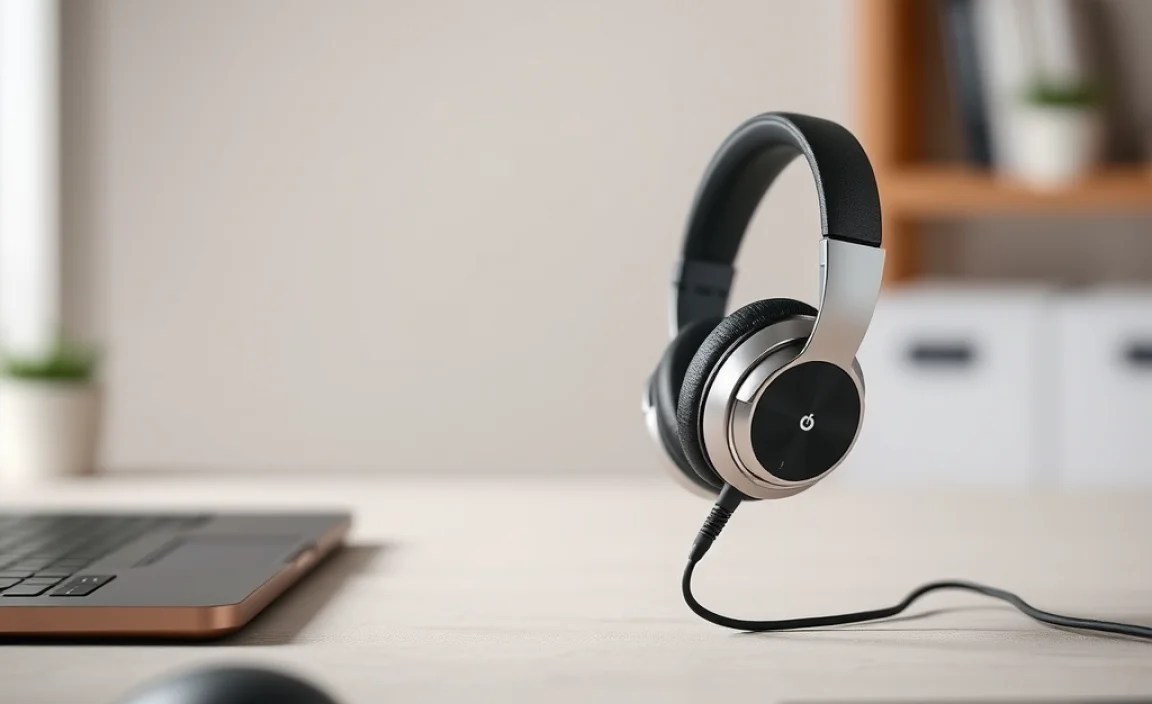
To get you started, here are a few types of popular and reliable lightweight headphones with mics that are great for PC users. These are general categories and specific models will vary, but this gives you a solid idea of what to look for.
Category 1: The Reliable Office Workhorse
These focus on extreme comfort for all-day wear and excellent microphone clarity for clear communication.
- Features: Lightweight, soft padded earcups, high-quality boom mic with noise cancellation, often USB connectivity for stability.
- Ideal For: Professionals, anyone on frequent video calls.
- What to look for: Brands like Jabra, Logitech, and Plantronics (now Poly) often have dedicated business headsets.
Category 2: The Versatile Gamer Companion
Balances good audio for immersive gaming with a clear mic for team coordination and comfort for long sessions.
- Features: Often feature a lightweight frame, decent audio drivers, a clear (often retractable) boom mic, and comfortable earcups. May use 3.5mm jacks or USB.
- Ideal For: Gamers who also use their PC for other tasks.
- What to look for: Gaming brands like Razer, HyperX, SteelSeries offer many lightweight options. Look for reviews that mention “soundstage” and “mic clarity.”
Category 3: The Everyday All-Rounder
A great compromise for students or home users who do a bit of everything – calls, music, light gaming, browsing.
- Features: Focus on general comfort and usability. Mic quality will be good for calls but perhaps not as specialized as business headsets. Uses standard 3.5mm jacks for broad compatibility.
- Ideal For: Students, home users, general PC multitasking.
- What to look for: Brands like Logitech (their general consumer lines), some of HyperX’s simpler models, or even higher-end consumer headphone brands with detachable mics.
Example Models to Research (Note: availability and specific features change):
- Logitech H390 USB Computer Headset: Known for comfort and a solid USB microphone, a popular choice for office and home use.
- HyperX Cloud Stinger Core: A very popular lightweight gaming headset that also works well for general PC use, often available with a 3.5mm connection.
- Jabra Evolve 20: A business-focused headset prioritizing mic quality and comfort for long calls.
Maintaining Your Lightweight Headphones for Longevity
Taking good care of your headphones will ensure they sound great and feel comfortable for years to come. It’s simpler than you might think!
Regular Cleaning
Dust and earwax can accumulate, affecting both comfort and sound quality.
- Earcups: Wipe them down with a slightly damp, soft cloth. For stubborn grime, use a mild soap solution, but ensure the cloth is only damp, not wet. If they are removable, you can often wash fabric ones gently by hand and let them air dry completely.
- Headband: Wipe with a similar damp cloth.
- Microphone Boom: Gently wipe the microphone grille with a dry, soft brush or a slightly damp cloth if needed.
Cable Care
The cable is often the first point of failure if not treated well.
- Avoid tightly winding the cable; loosely coil it instead.
- Don’t let the cable hang off the desk or drag on the floor, where it can be stepped on or snagged.
- When unplugging, grab the connector, not the cable itself.
