
Quick Summary: Most JBL headphones take around 2-3 hours to fully charge. Some models vary, with quick charges offering hours of playback in just a few minutes. Always check your specific model’s manual for the most accurate charging time and optimal charging practices.
Hello, fellow audio adventurers! Edward Cavitt here from headphonehorizon, your friendly guide to all things sound. Today, we’re tackling a question that pops up quicker than a catchy chorus: “How long does it take for JBL headphones to charge?” Whether you’re a seasoned audiophile or just starting your headphone journey, knowing how to keep your audio powered up is essential. Low battery frustration is a thing of the past! We’ll dive into the specifics, demystify charging times, and offer some handy tips to ensure your JBLs are always ready for your next listening session, commute, or workout. Let’s get your tunes flowing without interruption!
Understanding JBL Headphone Charging Times

It’s a common concern: you’re ready to dive into your favorite playlist or join an important call, and your JBL headphones flash a low battery warning. The immediate question is, “How long will this take to fix?” The answer isn’t a single number, as JBL offers a wide range of headphones, from compact earbuds to noise-canceling over-ear models. However, we can establish some general guidelines and understand the factors that influence charging speed. Generally, you’re looking at a charging window that can vary, but most models aim for a full battery within a few hours. This allows for a convenient charging routine, often manageable overnight or during a work break.
Several factors play a role in how quickly your JBL headphones gain power:
- Battery Capacity: Larger batteries naturally take longer to fill up. Bigger headphones with bigger power cells will have a different charging curve than tiny earbuds.
- Charging Method: Are you using the included JBL charging cable and a standard USB port? Or perhaps a higher-wattage adapter? The power source matters.
- Headphone Model: As mentioned, different models have different battery sizes and charging circuitry. The latest flagship model might have faster charging technology than an older, more basic one.
- Current Battery Level: Charging from 0% will take longer than topping up from 50%. Batteries often charge faster in the initial stages than when nearing full capacity.
- Charging Cable and Adapter Quality: Using a certified, quality charging cable and adapter can make a difference. Cheap, uncertified accessories might not deliver power efficiently or safely.
Understanding these variables helps set realistic expectations. While you might not get a full charge in 10 minutes, many JBL headphones incorporate features like “quick charge,” designed to give you a significant amount of listening time with just a short burst of charging. This is a lifesaver when you’re in a hurry!
Typical Charging Times for Popular JBL Headphone Ranges

JBL has a vast ecosystem of headphones, each designed for different use cases and budgets. This diversity means charging times can vary. Let’s break down some common categories and their approximate charging needs.
JBL Wireless Earbuds (e.g., JBL Tune, Reflect Series)
These compact powerhouses are designed for portability and active lifestyles. Their small size means smaller batteries, which generally translates to quicker charging times.
- Full Charge: Typically between 1.5 to 2.5 hours.
- Quick Charge: Many models offer about 1 hour of playback from just 10-15 minutes of charging.
- Charging Case: The charging case itself usually takes about 1.5 to 2 hours to reach full capacity. Some cases can also provide multiple recharges for the earbuds.
Example: The JBL Reflect Flow Pro 2 earbuds, with their charging case, typically take around 2 hours for a full charge of both earbuds and case. A 15-minute quick charge can give you up to an hour of playtime.
JBL Over-Ear Headphones (e.g., JBL Tune, Live, Tune Series)
These headphones offer more space for larger batteries, leading to extended listening times and, consequently, slightly longer charging periods. They are often preferred for long listening sessions, travel, and immersive audio experiences.
- Full Charge: Usually between 2 to 3 hours.
- Quick Charge: Some models can provide up to 2-3 hours of playback from a 10-15 minute charge.
Example: The JBL Tune 710BT, a popular wireless over-ear model, typically charges fully in about 2 hours, offering an impressive 24 hours of playtime.
JBL Noise-Cancelling Headphones (e.g., JBL Tour, Live Pro 2 NC Series)
Active Noise Cancellation (ANC) requires extra power, so manufacturers often pair these headphones with robust batteries. While they offer long listening times, their charging complexity can sometimes extend the time needed for a full charge compared to non-ANC counterparts.
- Full Charge: Often in the range of 2 to 3.5 hours.
- Quick Charge: Many premium models will offer substantial playback (~2-4 hours) with a 10-15 minute charge.
Example: The JBL Tour One M2 noise-cancelling headphones take approximately 2 hours for a full charge, providing around 30 hours of playtime with ANC off and about 20 hours with ANC on.
JBL Portable Bluetooth Speakers (e.g., JBL Flip, Charge, Go, Xtreme Series)
While not headphones, it’s worth noting that JBL’s popular portable speakers also fall under the charging query umbrella. Their larger battery capacities mean longer charging times, but also extended playtime.
- Full Charge: Varies significantly by model, typically from 2.5 hours (for smaller units) to 4-6 hours (for larger, more powerful speakers).
- Quick Charge: Some larger speakers might offer a quick charge for a few hours of playback, but this is less common than in headphones.
Example: The JBL Charge 5 speaker takes about 4 hours to charge fully, providing up to 20 hours of audio playback.
Table: Approximate Charging Times by JBL Product Type
| JBL Product Type | Typical Full Charge Time | Quick Charge Benefit (Approx.) | Typical Playtime (Full Charge) |
|---|---|---|---|
| Wireless Earbuds | 1.5 – 2.5 hours | 1 hr playback in 10-15 mins | 4 – 10+ hours (earbuds only) |
| Over-Ear Headphones | 2 – 3 hours | 2-3 hrs playback in 10-15 mins | 20 – 50+ hours |
| Noise-Cancelling Headphones | 2 – 3.5 hours | 2-4 hrs playback in 10-15 mins | 20 – 40+ hours (ANC dependent) |
| Portable Bluetooth Speakers | 2.5 – 6 hours | Less common for significant boost | 10 – 24+ hours |
How to Charge Your JBL Headphones Correctly: A Step-by-Step Guide
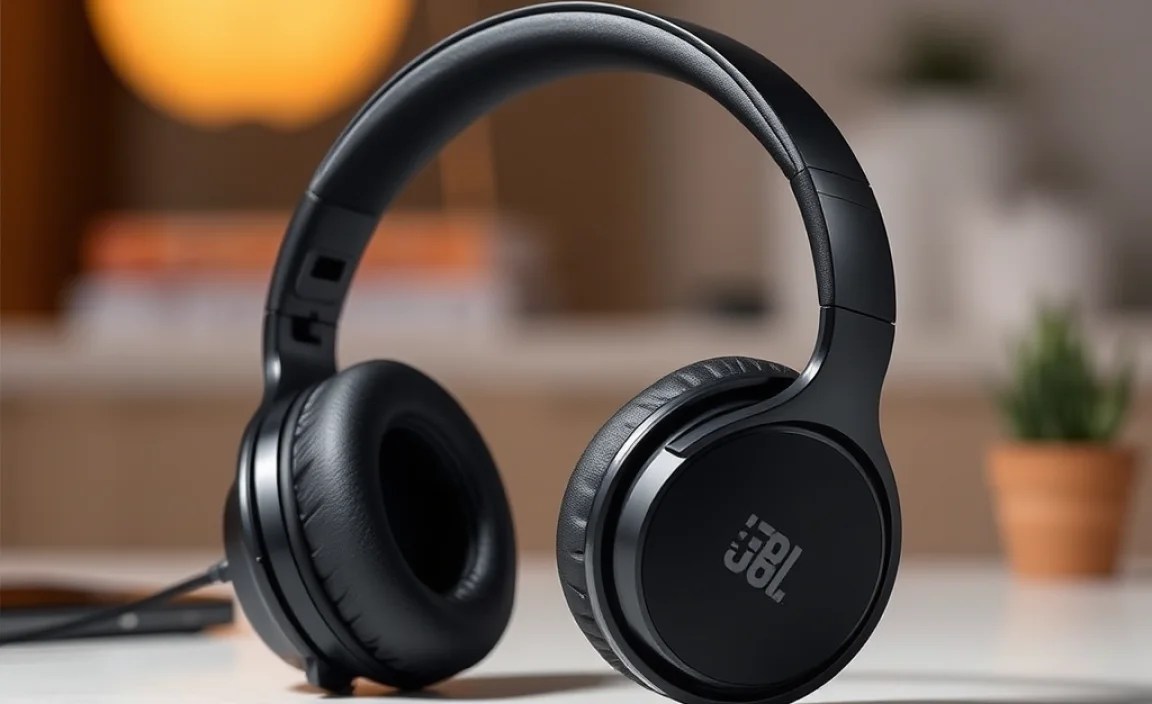
Getting the most life out of your JBL headphones starts with proper charging. It’s simple, but following these steps ensures optimal battery health and performance.
Step 1: Identify Your Charging Cable and Port
Most modern JBL headphones use a USB-C port for charging. Some older models might still use Micro-USB. Always use the charging cable that came with your headphones, or a high-quality replacement. The port is usually located on the earcup (for over-ear headphones), the stem (for some earbuds), or the charging case itself.
Step 2: Connect to a Power Source
You have a few reliable options:
- USB Wall Adapter: This is often the fastest and most consistent method. Use an adapter that came with your phone or another reputable device. Ensure it’s not a faulty or uncertified one. Higher wattage adapters (e.g., 10W, 18W, or higher) can sometimes charge devices faster, but always check if your JBL headphones have any explicit recommendations for charger wattage. The Federal Communications Commission (FCC) offers general advice on wireless device power.
- Computer USB Port: This is a convenient option, especially if you’re working or studying. However, older USB ports (like USB 2.0) may provide less power, leading to slower charging. USB 3.0 and newer ports generally offer more power.
- Power Bank: Ideal for on-the-go charging, ensuring your headphones stay powered up during travel or outdoor activities.
- Car Charger: Many car chargers also have USB ports; ensure you use one designed for safe charging.
Step 3: Monitor the Charging Indicator
Most JBL headphones and their charging cases have LED indicator lights that show charging status. These lights typically change color or turn off completely when charging is complete.
- Solid Red/Orange: Charging in progress.
- Solid Blue/Green/White (or light off): Fully charged.
Refer to your JBL headphones’ user manual for the specific meaning of the LED indicators, as they can vary slightly between models.
Step 4: Avoid Overcharging (Mostly)
Modern lithium-ion batteries, like those in your JBL headphones, have built-in protection to prevent overcharging. Once the battery reaches 100%, the charging circuitry stops delivering power. So, leaving them plugged in overnight is generally safe and won’t significantly degrade the battery. However, for optimal battery longevity, it’s good practice to unplug them once they are fully charged, if you notice. Constantly keeping a battery at 100% can put a slight strain on it over long periods.
Step 5: Understand “Quick Charge” Features
If your JBL headphones support quick charge, you’ll notice the battery level rise rapidly in the first 10-20 minutes of charging. This feature is designed to give you hours of listening time when you’re in a pinch. It’s a fantastic convenience for busy schedules. For example, a 15-minute charge might be enough to get you through your commute home.
Step 6: Clean Charging Contacts (for Earbuds)
For true wireless earbuds, charging issues can sometimes arise from dirty charging contacts. If you notice your earbuds aren’t charging, or the case isn’t recognizing them:
- Gently clean the metal charging pins on the earbuds themselves with a dry cotton swab or a soft, dry cloth.
- Clean the corresponding charging contacts inside the charging case.
- Ensure there’s no debris in the case that might be preventing proper connection.
Avoid using liquids or abrasive materials that could damage the delicate contacts.
Factors Affecting Charging Speed
While we’ve covered the general charging times, it’s helpful to understand precisely what can make your JBL headphones charge faster or slower. These nuances can explain why your experience might slightly differ from the stated specifications.
1. Power Delivery (Wattage) of the Charger
The amount of power (measured in Watts, W) your charger can deliver is a primary factor. A higher wattage charger can, in theory, charge a battery faster, provided both the charger and the device support it. For instance:
- A basic USB 2.0 port on a computer might offer only 2.5W (5V x 0.5A).
- A USB 3.0 port might offer 4.5W (5V x 0.9A) to 7.5W (5V x 1.5A).
- A standard USB wall adapter might range from 5W to 18W+.
- Fast charging technologies can go much higher, sometimes delivering 25W, 45W, or even 100W for compatible devices.
JBL headphones, especially their higher-end models, are often optimized to work with standard USB power outputs and fast-charging protocols like USB Power Delivery (USB PD) or Qualcomm Quick Charge. Always check your JBL product’s manual to see if it specifies a recommended charger or maximum supported wattage. Using a charger that’s too powerful for a device not designed for it can be unsafe. You can get more information on power adapters and efficiency from the U.S. Department of Energy.
2. Quality of the Charging Cable
Not all USB cables are created equal. A cheap or damaged cable might have thinner wires or poor conductivity, which can limit the amount of power that flows to your headphones. This can lead to significantly slower charging times or even prevent charging altogether. Always use the original JBL cable or a reputable, certified replacement cable that is rated for the appropriate power delivery. For USB-C cables, look for certifications that indicate they meet safety and performance standards.
3. Ambient Temperature
Extreme temperatures can affect battery charging speed and health. Charging in very hot or very cold environments is generally not recommended and can slow down the charging process. Batteries are designed to operate and charge most efficiently within a moderate temperature range (e.g., 10°C to 35°C or 50°F to 95°F). Leaving your headphones in a hot car or a freezing environment can also permanently damage the battery. For best practices on battery care, resources like those from Battery University offer valuable insights.
4. Battery Health Over Time
Like all rechargeable batteries, the one in your JBL headphones will degrade slightly over time with regular use and charging cycles. An older battery may not hold as much charge as it did when new, and in some cases, it might also take marginally longer to reach its (reduced) maximum capacity. This is a natural part of battery aging, not usually a sign of a fault unless the degradation is very rapid.
5. Firmware Updates
Occasionally, JBL might release firmware updates for their headphones that can improve battery management and charging efficiency. Ensuring your headphones have the latest firmware installed can sometimes optimize performance, including charging dynamics. Check the JBL Headphones app or their support website for available updates for your specific model.
Troubleshooting Common Charging Issues
Occasionally, you might encounter charging problems. Don’t worry, most are easily fixable!
Issue: Headphones Not Charging at All
- Check the Connections: Ensure the USB cable is firmly plugged into both the headphones/case and the power source. Try a different USB port or wall adapter.
- Inspect the Cable and Port: Look for any visible damage to the charging cable – bent pins, frayed wires, etc. Also, check the charging port on the headphones or case for debris.
- Try a Different Cable/Adapter: Rule out a faulty cable or adapter by trying known working ones.
- Clean Contacts (Earbuds): As mentioned earlier, dirty charging pins are a common culprit for earbuds.
- Reset Your Headphones: Some JBL models have a reset function. Consult your manual to see if yours does and try it.
- Contact JBL Support: If none of these steps work, there might be a hardware issue, and it’s time to contact JBL customer support for further assistance or warranty claims.
Issue: Headphones Charging Very Slowly
- Power Source: You might be using a low-power USB port (e.g., on an older computer). Try a higher-wattage wall adapter.
- Cable Quality: A subpar USB cable can limit charging speed.
- Background Usage: If the headphones are on and actively being used while charging, it will take much longer than if they are powered off.
- Battery Temperature: If the battery is too hot or too cold, it may charge slower to protect itself.
Issue: Charging Indicator Light Not Working
This can be frustrating, as the light is your primary indicator. Try charging in a dark room to see if you can faintly see the light. If it’s completely unresponsive, it might indicate an issue with the LED itself or the charging circuitry. Focus on whether the headphones are actually gaining battery life (e.g., if they turn on and have power after charging) rather than solely relying on the light.
Frequently Asked Questions (FAQ)
Let’s address some common beginner questions about charging JBL headphones.
Q1: How can I tell if my JBL headphones are charging?
A1: Most JBL headphones and their charging cases
