
Essential for gamers, noise-canceling headphones create immersive worlds by blocking distractions. This guide simplifies choosing and using them, revealing how they boost focus, improve communication, and enhance your overall gaming experience, making them a must-have for serious players.
Hey gamers! Ever been in the middle of an epic boss battle, or a tense stealth section, only to have real-world noise yank you right out of the game? A barking dog, a noisy roommate, or even just the hum of your PC can really break the spell.
That’s where noise canceling headphones for gaming come in, acting like your personal sound sanctuary. They’re not just a cool gadget; they’re becoming an essential tool for serious players who want to dive headfirst into their virtual worlds without unwanted interruptions. Let’s explore why they’re so vital and how to pick the right pair to level up your gameplay.
Why Noise Canceling Headphones Are a Gamer’s Best Friend

Imagine this: You’re finely tuned into the subtle audio cues of an enemy approaching in a first-person shooter, or you’re fully immersed in the cinematic soundtrack of an RPG. Suddenly, a siren wails outside, or a family member calls your name. It shatters the immersion, potentially costing you precious in-game moments and a lot of frustration. Noise canceling headphones dramatically reduce these distractions, creating a bubble of pure game audio.
For competitive gamers, this translates to quicker reaction times and better situational awareness. For casual players, it means deeper immersion and a more enjoyable, uninterrupted experience. It’s like upgrading your gaming rig for your ears!
Boosting Focus and Immersion
The primary benefit of active noise cancellation (ANC) for gaming is its ability to significantly reduce ambient noise. Think of it as a silent guardian, actively listening to your environment and creating an “anti-noise” signal to counteract it. This leaves more room for the critical game sounds – footsteps, reloads, character dialogue, and crucial environmental cues – to shine through with clarity. This enhanced clarity and lack of distraction allows for deeper focus, helping you stay locked in for longer gaming sessions without feeling mentally fatigued by external interruptions. Studies on attentional control often highlight how reducing extraneous stimuli can improve performance in demanding tasks, and gaming certainly qualifies!
According to research from institutions like the National Center for Biotechnology Information (NCBI), auditory distractions can significantly impair cognitive performance. By mitigating these distractions, noise-canceling headphones directly contribute to your ability to concentrate and perform at your best in-game. This is particularly relevant in fast-paced multiplayer games where split-second decisions are vital.
Improving In-Game Communication
For team-based games, clear communication is paramount. Many gaming headsets with noise canceling capabilities not only block outside noise from reaching your ears but also feature microphones with noise-filtering technology. This means your teammates can hear you clearly, even if you’re gaming in a busy environment. A clear mic prevents misunderstandings, ensures tactical callouts are heard accurately, and fosters a more cohesive team dynamic. No one wants their vital information drowned out by background chatter or the whir of a fan, right?
Reducing Gaming Fatigue
Constantly trying to filter out background noise unconsciously strains your ears and brain. Over time, this can lead to fatigue, headaches, and a diminished enjoyment of your gaming sessions. Noise-canceling headphones alleviate this burden by taking care of the ambient noise filtering for you. This leaves your mind free to focus solely on the game, leading to more comfortable and sustainable gaming marathons. It’s a subtle but significant difference that can save you a lot of discomfort during extended play.
Key Features to Look For in Noise-Canceling Gaming Headphones

When diving into the world of noise-canceling headphones for gaming, you’ll encounter a range of features. Not all ANC is created equal, and the best pairs blend this technology with other gaming-essential qualities. Here’s what to keep your eyes (and ears) on:
Effective Active Noise Cancellation (ANC)
This is the star of the show. Look for headphones that offer robust ANC performance. Some headphones allow you to adjust the level of noise cancellation, which can be useful. For instance, you might want full ANC when concentrating solo but a lower setting when playing with friends locally, so you can still hear them. The effectiveness of ANC can vary, with some headphones excelling at blocking low-frequency hums (like PC fans) and others better at tackling mid-range noises (like conversations).
Sound Quality and Immersion
While noise cancellation is key, the audio itself must be excellent. You want headphones that deliver clear, well-balanced sound across all frequencies. This means crisp highs, clear mids for vocals and dialogue, and punchy lows for explosions and bass. For gaming, a wide soundstage can also be beneficial, creating a more realistic sense of space and directionality, helping you pinpoint enemy locations by sound alone.
Comfort and Design
You’ll likely be wearing these for hours, so comfort is non-negotiable. Look for headphones with plush earcups, an adjustable headband, and a lightweight design. Over-ear designs are generally preferred for gaming due to their comfort and ability to passively seal out noise, complementing the active noise cancellation. Materials like memory foam and breathable fabrics can make a huge difference. A headset that clamps too tightly or gets hot can quickly turn a fun session into an uncomfortable ordeal.
Microphone Quality
As mentioned, a good microphone is crucial for multiplayer gaming. Look for headsets with a clear, detachable, or retractable boom mic that offers good noise suppression. Some high-end options even use beamforming technology to focus on your voice and reduce background noise effectively. Check reviews specifically mentioning microphone performance in noisy environments.
Connectivity and Battery Life
For wireless headphones, consider the connection type (Bluetooth, 2.4GHz dongle) and latency. Low latency is critical for gaming, especially in fast-paced genres, to ensure audio syncs perfectly with the on-screen action. A wired connection bypasses latency issues entirely, which is why many serious gamers still opt for wired solutions. If going wireless, ensure the battery life is sufficient for your typical gaming sessions. Many models offer fast charging, which is a nice bonus.
Surround Sound Features
Many gaming headsets boast virtual surround sound technologies (like Dolby Atmos for Gaming or DTS Headphone:X). These can offer an advantage by creating a 3D audio environment, making it easier to determine an opponent’s location based on sound alone. While not strictly a noise-canceling feature, it’s a complementary audio enhancement that pairs well with ANC for a truly immersive experience.
How to Choose the Right Noise Canceling Headphones for Your Gaming Needs

Navigating the market can feel overwhelming, but by focusing on your priorities, you can find the perfect pair. Here’s a breakdown to help you decide.
Wired vs. Wireless for Gaming ANC
This is a fundamental choice with significant implications for your gaming experience.
| Feature | Wired Noise Canceling Headphones | Wireless Noise Canceling Headphones |
|---|---|---|
| Latency | Virtually zero | Can be an issue (look for low-latency options like 2.4GHz RF or aptX Low Latency Bluetooth codecs) |
| Freedom of Movement | Limited by cable length; can snag | Complete freedom |
| Battery Life | Not applicable (powered by device) | Requires regular charging; varies greatly |
| Setup | Plug and play | Pairing required, potential driver installation |
| Portability | Generally easier to pack compactly | Can be bulkier due to battery; charging cables needed |
| ANC Power | Often very effective as there’s no battery drain limitation for ANC | Effective, but battery life might be a trade-off for maximum ANC |
For competitive, latency-sensitive games like Valorant or CS:GO, a high-quality wired headset with excellent ANC and sound is often the preferred choice. If you value freedom of movement and play less twitch-reflex-dependent games, or if your current setup supports low-latency wireless, then wireless ANC headphones can be a fantastic choice.
Budget Considerations
Noise-canceling headphones, especially those designed for gaming, can range from budget-friendly options to high-end premium models. It’s important to set a budget. Remember that while the most expensive isn’t always the best for your needs, there’s often a correlation between price and the quality of ANC, sound, and build. For a beginner, a mid-range option often strikes a good balance between performance and cost.
Platform Compatibility
Ensure the headphones you choose are compatible with your gaming platform(s). This means checking the ports (3.5mm jack, USB-A, USB-C) and any software requirements for features like virtual surround sound or microphone customization. Some headsets are cross-platform, while others are designed for specific systems like PC, PlayStation, or Xbox.
Setting Up and Optimizing Your Noise Canceling Gaming Headphones

Once you’ve got your new gear, here’s how to get them set up and make sure they’re performing at their best.
-
Unboxing and Initial Charge (for Wireless)
For wireless models, the first step is usually a full charge. Check the manufacturer’s instructions for the best charging practices. Ensure all cables and accessories are accounted for. For wired models, this step is skipped.
-
Connecting Your Headphones
Wired: Simply plug the 3.5mm audio jack into the appropriate port on your PC, console controller, or other device. If it’s a USB headset, plug it into a USB port. You might need to select the headset as the default audio device in your system’s sound settings.
Wireless: Follow the pairing instructions. This usually involves a Bluetooth pairing process or plugging in a USB dongle. For dongle-based connections, ensure the dongle is plugged in and the headset is turned on.
-
Installing Necessary Software (Optional but Recommended)
Many gaming headsets come with companion software that unlocks advanced features. This can include:
- EQ adjustments to customize sound profiles.
- Microphone sidetone control (hearing your own voice in the headset).
- Virtual surround sound activation and configuration.
- ANC level adjustments.
- Firmware updates.
Downloading and installing this software from the manufacturer’s website is highly recommended.
-
Configuring Audio Settings in Your Game and OS
Operating System: Go into your PC or console’s sound settings. Ensure your new headset is recognized and set as the default playback and recording device. For Windows users, right-clicking the speaker icon in the taskbar and selecting “Sound Settings” is the easiest way.
In-Game: Most games have their own audio settings. Look for options related to audio output (stereo, surround sound) and microphone input. Ensure the correct microphone is selected if you use multiple, and choose the audio output that best suits your headset (e.g., Stereo for pure audio, or the virtual surround option if available and enabled).
-
Activating and Adjusting Noise Cancellation
Locate the ANC button or switch on your headphones. Turn it on to experience the immediate reduction in ambient noise. If your headphones allow for adjustable ANC levels, experiment while gaming to find the sweet spot between noise reduction and awareness. Some high-end headsets also feature a “transparency mode” or “ambient sound mode” that lets in external audio without removing the headset – useful for quick conversations or hearing important alerts.
-
Testing Microphone Quality
Use your headset’s microphone in a voice chat application or record a short audio clip of yourself speaking. Ask a friend to confirm your clarity or listen back to the recording. If background noise is still an issue, check if your headset or its software has noise reduction settings for the microphone.
Maintenance Tips for Longevity
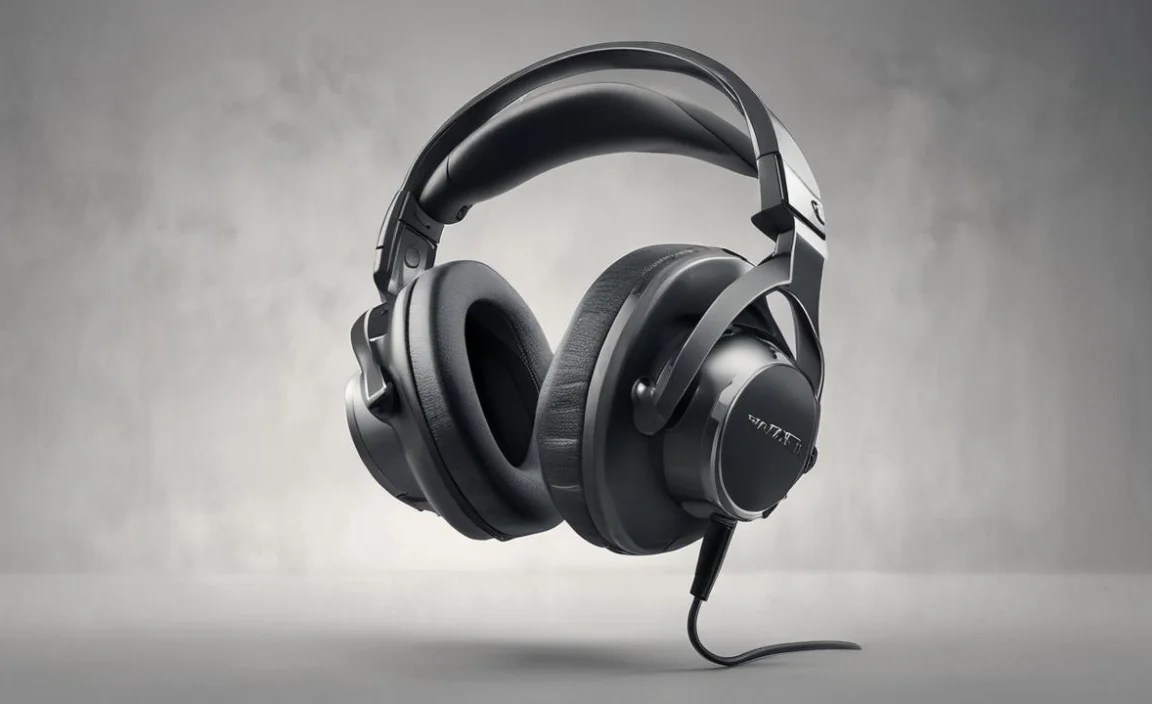
To ensure your investment lasts and continues to provide optimal performance, a little regular care goes a long way.
- Cleaning Earcups: Gently wipe down earcups with a slightly damp, soft cloth. Avoid harsh chemicals. If they are removable, follow manufacturer instructions for deeper cleaning or replacement. Memory foam earcups can sometimes be refreshed with a dry brush.
- Cable Care (Wired): Avoid yanking or tightly coiling cables. Store them loosely. If a cable shows signs of fraying, it’s best to replace it before it fails completely or poses a safety hazard. Static electricity can also be an issue; some users find anti-static wipes helpful for cables.
- Storage: When not in use, store your headphones in a cool, dry place. Using the provided carrying case is ideal for protecting them from dust and physical damage, especially for travel.
- Battery Health (Wireless): For wireless headphones, avoid extreme temperatures. Don’t leave them in a hot car or direct sunlight. Many modern lithium-ion batteries benefit from not being consistently discharged to 0% or charged to 100% for extended periods, though for most users, simply charging them when needed is perfectly fine. Read your manual for specific battery care advice.
- Firmware Updates: Keep your headset’s firmware updated via the manufacturer’s software. Updates often include performance improvements, bug fixes, and sometimes even enhanced ANC capabilities.
A bit of preventative care ensures your noise-canceling gaming headphones remain a reliable companion for countless gaming adventures.
Frequently Asked Questions (FAQ)
Here are some common questions beginners have about noise-canceling headphones for gaming:
Q1: Will noise canceling headphones make my game sound worse?
A: Not at all! Good noise-canceling headphones are designed to enhance your audio experience by removing background distractions, allowing the game’s soundscape to be clearer and more immersive. The quality of the audio itself is separate from the noise-canceling technology.
Q2: Can I use my regular noise-canceling headphones (like for music) for gaming?
A: Yes, you can, but for the best gaming experience, dedicated gaming headsets are recommended. They often feature better microphones, lower latency (especially when wired or using a specific wireless dongle), and comfort features designed for long sessions. However, for casual gaming or if you already own a good pair of ANC headphones, they will certainly work.
Q3: Is active noise cancellation (ANC) or passive noise isolation better for gaming?
A: Both play a role. Passive noise isolation is the physical blocking of sound by the earcups and materials. Active noise cancellation electronically cancels out ambient noise. For gaming, a combination is ideal: good passive isolation from comfortable, well-fitting earcups, enhanced by effective ANC, provides the ultimate barrier against distractions.
