
Quick Summary: Revitalize your Bose QC2 headphones with new ear cushions! This guide explains why replacing them is an essential upgrade for comfort, sound quality, and hygiene. Learn how to easily swap them out yourself, ensuring your beloved headphones stay in top condition for years to come without needing professional help.
Replacement Ear Cushions for Bose QC2 Headphones: An Essential Upgrade
Hey audio adventurers! Edward Cavitt here from Headphone Horizon. If you’re anything like me, your Bose QuietComfort 2 (QC2) headphones are more than just a gadget; they’re your portal to immersive sound, your sanctuary in noisy environments, and your trusty companion for long commutes or focused work sessions. But over time, even the most comfortable gear can show its age. Frayed ear cushions can detract from the sublime listening experience Bose is known for, impacting comfort and even sound isolation. The good news? Revitalizing your QC2s is surprisingly simple! Replacing your ear cushions isn’t just a cosmetic fix; it’s an essential upgrade that can bring back that out-of-the-box feel, enhance sound clarity, and ensure hygiene. Let’s dive into why this small change makes a huge difference and how you can do it yourself with ease.
Why Replace Your Bose QC2 Ear Cushions? The Benefits Explained

Your Bose QC2 headphones are designed for ultimate comfort and superior noise cancellation. The ear cushions play a crucial role in both these aspects. Over time, though, daily wear and tear can take their toll. Understanding why a replacement is so beneficial will help you appreciate this simple yet impactful upgrade.
Comfort is King (and Queen!)
The plush, memory foam interior of the original Bose QC2 ear cushions is what makes them so comfortable for extended listening sessions. However, this foam can compress, lose its shape, and become less yielding with continuous use. This leads to:
- Reduced Padding: Your ears might start to feel the pressure of the headphone’s frame.
- Less Snug Fit: The cushions might not conform around your ears as well, creating gaps.
- Discomfort and Irritation: Frayed, worn-out material can feel rough against your skin, leading to itching or soreness.
New ear cushions restore that original soft, yielding feel, ensuring your headphones remain a joy to wear for hours on end.
Sound Quality: It’s All About the Seal
A good seal around your ears is vital for several reasons, especially with noise-canceling headphones like the QC2. The ear cushions create a barrier that:
- Enhances Noise Cancellation: By blocking out ambient noise effectively, they allow the active noise cancellation technology to work at its peak efficiency. Worn-out or leaky cushions can let external sounds creep in, diminishing the immersive quiet you expect.
- Improves Bass Response: A tight seal is essential for capturing the full range of sound, particularly the lower frequencies. If the seal is compromised, bass can sound weaker and less impactful.
- Maintains Sound Isolation: It prevents sound from leaking out, so you can enjoy your music at comfortable volumes without disturbing others around you.
Fresh ear cushions provide that critical seal, bringing back the rich, detailed audio experience you fell in love with.
Hygiene Matters
Let’s be honest, ear cushions are in direct contact with our skin, absorbing sweat, oils, and even makeup residue. Over time, this can lead to odor buildup and unhygienic conditions. Regular replacement is a simple way to ensure your headphones remain clean and fresh, promoting better ear health and a more pleasant listening experience.
Extend the Lifespan of Your Beloved Headphones
Your Bose QC2 headphones are a significant investment. By replacing worn-out ear cushions, you’re not just fixing a symptom; you’re actively prolonging the life of the entire unit. Protecting the drivers and internal components from direct contact with ear oils and sweat, and preventing further damage to the headband, ensures your headphones remain functional and enjoyable for many more years. It’s a cost-effective maintenance strategy that pays dividends.
Choosing the Right Replacement Ear Cushions

The market offers a variety of replacement ear cushions for Bose QC2 headphones. It’s important to select ones that meet your needs for quality, comfort, and compatibility. Here’s what to look for:
Material Matters: Options and Their Pros
The material of your ear cushions significantly impacts comfort, durability, and sound isolation. Here are the most common options:
| Material | Pros | Cons |
|---|---|---|
| Protein Leather (PU Leather) | Most common and often closest to original feel. Good durability, easy to clean, offers good sound isolation and noise cancellation. Widely available and usually most affordable. | Can eventually crack or peel, especially in humid or hot climates. May not breathe as well as fabric, potentially leading to sweaty ears during long sessions. |
| Velour/Velvet | Extremely soft and breathable, making them ideal for long listening sessions, especially in warmer weather. Can offer a slightly different, sometimes warmer, sound profile. Very comfortable. | Less durable than protein leather and can be harder to clean. May offer slightly less passive noise isolation due to the fabric weave. |
| Sheepskin Leather | Luxurious feel, very soft, and breathable. Natural material that molds well to the ear. Offers a premium experience and good comfort. | Significantly more expensive than protein leather or velour. Can be less durable than high-quality PU leather and requires more careful cleaning. |
| Hybrid (e.g., Protein Leather with Fabric Face) | Combines the durability and isolation of protein leather with the breathability of fabric in the contact area. Offers a good balance of features. | Can occasionally be pricier than standard material options. Durability of the combined materials over time needs to be considered. |
Brand vs. Aftermarket: What’s the Best Choice?
- Official Bose Replacements: These will be identical to your original cushions. They guarantee perfect fit and maintain the Bose signature comfort and acoustic performance. However, they often come with a higher price tag and can be harder to find as the QC2 is an older model.
- Third-Party Replacements: The market is flooded with aftermarket options from various brands (Dekoni Audio, Wicked Cushion, Brainwavz, etc.). Many offer excellent quality at a more affordable price.
- Look for reputable brands known for headphone accessories.
- Read reviews specifically mentioning compatibility with Bose QC2.
- Check material quality and construction.
For the Bose QC2, many users find high-quality third-party ear pads to be a fantastic, cost-effective alternative that can even offer improved comfort or durability.
Key Features to Look For:
- Perfect Fit: Ensure the cushions are specifically designed for the Bose QC2. They should clip or fit securely onto the earcups without being too tight or too loose.
- High-Quality Foam: Look for “memory foam” that provides good rebound and doesn’t flatten out too quickly.
- Durable Stitching: Check that the seams are well-constructed.
- Easy Installation: Most good replacements will mention ease of installation.
How to Replace Your Bose QC2 Ear Cushions: A Step-by-Step Guide
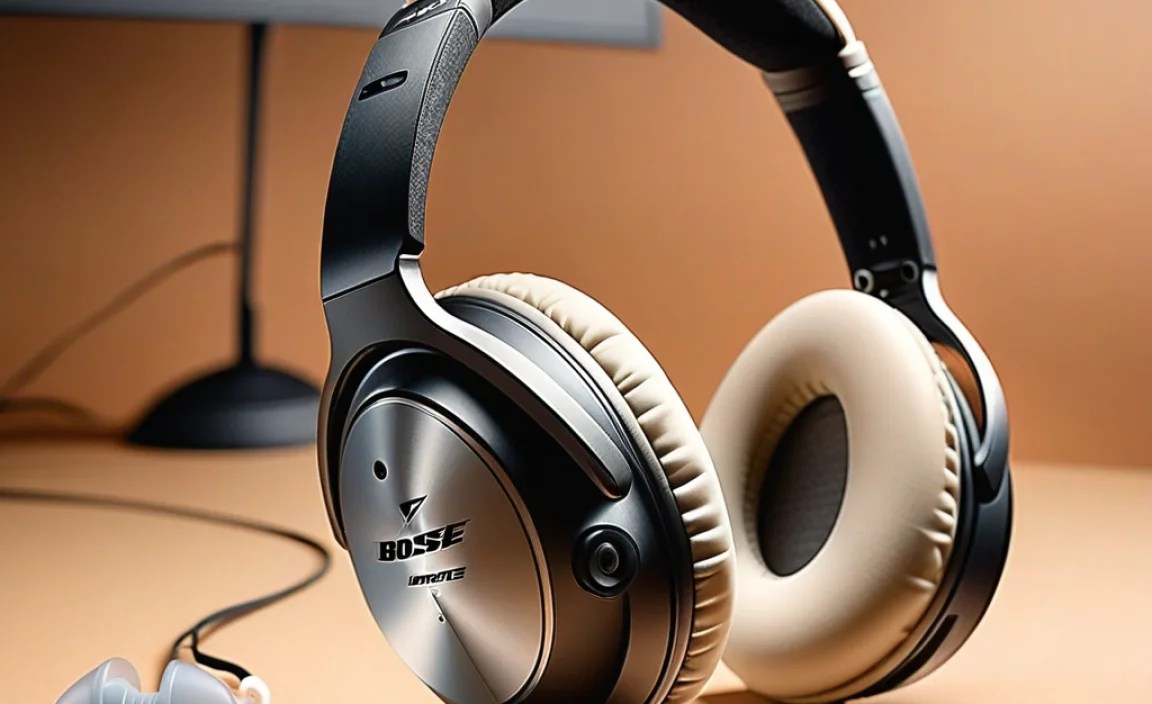
Replacing the ear cushions on your Bose QC2 is a straightforward DIY task. You won’t need any special tools, just a little patience and a gentle touch. This process typically takes less than 15 minutes.
Step 1: Gather Your Materials
Before you begin, make sure you have your new replacement ear cushions ready. Ensure they are the correct ones for the Bose QC2. You might also want a soft, lint-free cloth for cleaning the earcups once the old cushions are removed.
Step 2: Carefully Remove the Old Ear Cushions
This is the most delicate part. Bose QC2 ear cushions are usually attached by small clips hidden around the rim of the earcup.
- Locate the Rim: Gently grip the earcup with one hand. With the other, find the edge of the ear cushion where it meets the plastic earcup.
- Find a Starting Point: Look for a seam or a point where the cushion seems slightly looser.
- Gently Pry: Using your fingernail or a plastic opening tool (like a guitar pick or a spudger, though often not necessary), carefully and slowly work your way around the edge. The goal is to disengage the clips that hold the cushion in place.
- Avoid Force: Do NOT yank or pull hard. The clips are small and the plastic can be brittle. Work slowly and patiently. If you encounter resistance, try a different spot.
- As you work around, you’ll feel the cushion release from the clips. Once all clips are free, the old cushion should lift right off.
Tip: Some users find it easier to start prying from the bottom or side of the earcup.
Step 3: Clean the Earcups
With the old cushions removed, you’ll have access to the inside of the earcups. This is the perfect opportunity to clean them. Use a dry or slightly damp lint-free cloth to wipe away any dust, earwax, or debris. Ensure they are completely dry before attaching the new cushions.
Step 4: Attach the New Ear Cushions
New cushions typically have an inner rim designed to clip back into place.
- Align the Cushion: Take your new ear cushion and align it with the earcup. Notice the small notches or the integrated rim that corresponds to the attachment points on the headphone.
- Start Clipping: Begin by pressing down firmly on one edge of the new cushion, aiming to seat its rim into the corresponding groove on the earcup. You should feel or hear a slight click as the first clip engages.
- Work Around: Continue working your way around the edge of the earcup, applying gentle, even pressure. Press down firmly at each clip location until it snaps into place.
- Check the Fit: Once you’ve worked your way all the way around, give the cushion a gentle tug to ensure it’s securely attached and there are no gaps.
Step 5: Test Your Work
Put on your refreshed Bose QC2 headphones. Listen to your favorite tracks. Do they feel comfortable? Is the noise cancellation effective? Is the sound quality back to what you remember? If so, congratulations! You’ve successfully upgraded your headphones.
Troubleshooting Common Issues
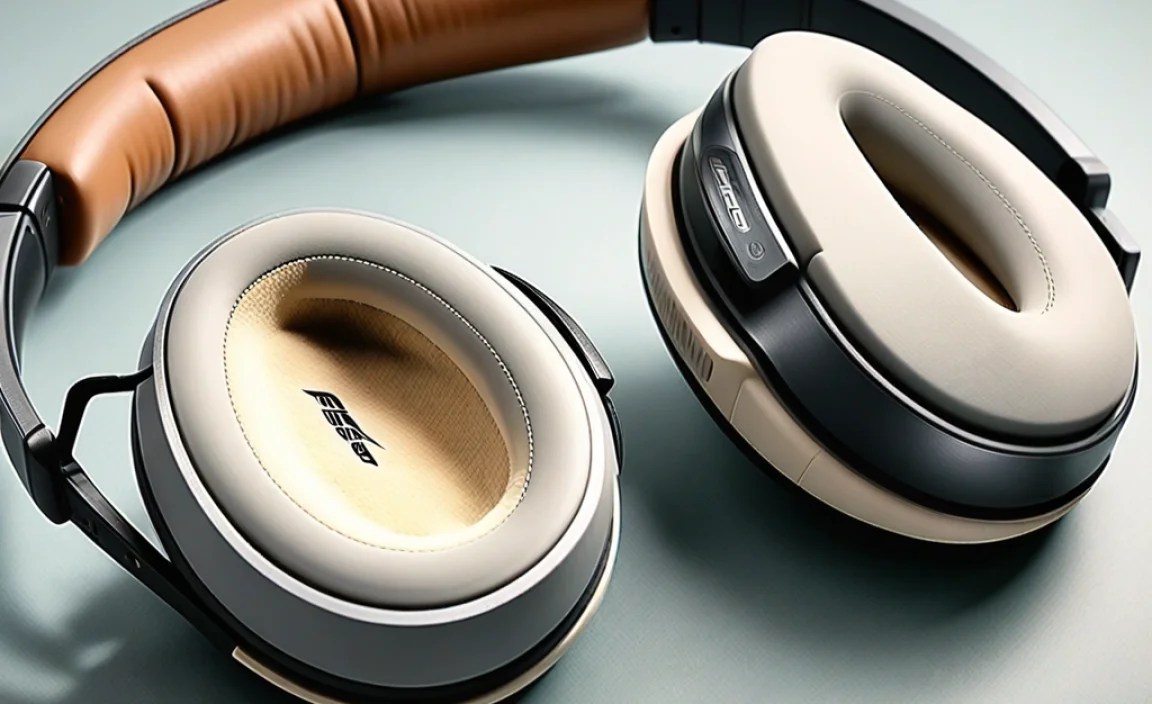
While the replacement process is generally smooth, a few minor hiccups can occur. Here’s how to address them:
Issue: New Cushions Don’t Fit or Feel Loose
- Cause: Incorrect model purchased, or not fully clipped in.
- Solution: Double-check that you bought cushions specified for the Bose QC2. Re-read Step 4 and ensure every clip has fully engaged. Sometimes, a slight misalignment requires you to unclip and re-align before pressing firmly.
Issue: One Side Sounds Different or Noise Cancellation is Worse
Cause: Poor seal on one earcup, or internal damage. The cushions might not be making full contact with your ear, allowing sound to leak in or out.
Solution: Carefully inspect the earcup where the sound issue is present. Ensure the new cushion is perfectly seated all the way around. If the issue persists, try re-attaching the cushion. If it still doesn’t resolve, the problem might be with the headphone drivers themselves, which would typically require professional attention or consideration of a new pair of headphones.
Issue: New Material Feels Odd or Staticy
Cause: Some synthetic materials can have a slight static cling when new.
Solution: This usually dissipates after a few hours of use or with a quick wipe down. If it persists and is bothersome, consider a velour or fabric-faced hybrid option for future replacements.
Comparing Popular Replacement Cushion Brands
While we won’t list them all, some brands have earned a strong reputation in the headphone accessory space for offering quality replacement ear cushions. When searching for your Bose QC2 replacements, you might encounter these:
| Brand Example | Typical Materials Used | Reputation Highlights | Price Range (Approximate) |
|---|---|---|---|
| Dekoni Audio | Sheepskin, Velour, Fenestrated (perforated) Protein Leather, hybrids | High-end materials, excellent fit, often focuses on improving sound quality and comfort beyond original. Known for sound isolation and premium feel. | $$ – $$$ (Higher end for aftermarket) |
| Wicked Cushion | Protein Leather, Velour | Affordable, good quality for the price. Often comes with installation tools and clear instructions. Good value for money. | $ – $$ |
| Brainwavz | Protein Leather, Velour, Hybrids | Long-standing popular choice. Offers a wide range of materials and styles. Generally good quality and value, fit is usually reliable. | $ – $$ |
| Generic / Unbranded | Primarily Protein Leather | Most budget-friendly option. Quality can vary wildly. May fit but comfort and durability are less predictable. | $ |
Note: Price ranges are general estimates and can vary based on retailer, region, and specific product lines.
Maintaining Your New Ear Cushions
Once you’ve installed your new cushions, a little care will go a long way in keeping them in great shape:
- Regular Cleaning: Wipe them down weekly with a dry or slightly damp microfiber cloth to remove surface dust and oils. For protein leather, a mild, mild soap and water mixture can be used sparingly, but always dry thoroughly.
- Avoid Harsh Chemicals: Never use alcohol, solvents, or abrasive cleaners, as they can damage the material.
- Be Mindful of Moisture: Try to avoid excessive sweating directly onto the cushions. If they get wet from rain or sweat, wipe them dry as soon as possible.
- Proper Storage: When not in use, store your headphones in a case or a safe place where they won’t be crushed or exposed to extreme temperatures or direct sunlight.
Proper maintenance can significantly extend the lifespan of your replacement ear cushions, ensuring they continue to provide comfort and excellent sound for years to come. For more on headphone care, you might find resources from organizations like the Hearing Loss Association of America useful in understanding the importance of ear health and proper headphone hygiene.
Frequently Asked Questions (FAQ)
Q1: How often should I replace my Bose QC2 ear cushions?
A: This really depends on your usage. For daily, heavy users, you might notice wear and tear within 1-2 years. For moderate users, cushions can last 2-3 years or more. Signs to look for include flattening, cracking, peeling material, reduced comfort, or a noticeable degradation in noise isolation.
Q2: Will using aftermarket ear cushions void my Bose warranty?
A: Generally, replacing ear cushions with aftermarket parts does not void the manufacturer’s warranty on the headphones themselves. However, Bose would not be responsible for any issues caused by the aftermarket part. Since Bose QC2 is an older model, warranty may no longer be applicable anyway.
Q3: Can I use replacement cushions designed for other Bose models (like QC15 or QC35) on my QC2?
A: It’s highly unlikely and not recommended. While they are all Bose products, the QC2 earcups have specific dimensions and mounting mechanisms. Always ensure you are purchasing cushions explicitly stated to be compatible with the Bose QuietComfort 2 (QC2) model to guarantee a proper fit.
Q4: My new cushions feel a bit stiff at first. Is that normal?
A: Yes, some materials, especially higher-density memory foam or certain types of protein leather, might feel a little stiff or firm right out of the package. They typically soften up considerably after a few hours of wear as they conform to the shape of your ears and head. This “burn-in” period is normal for many new ear cushions.
Q5: How do I know if the sound quality is actually being affected by my old cushions?
A: If you can easily hear background noise creeping in disrupting your music, or if the bass sounds weak and muddy, it’s a strong indicator that your ear cushions are no longer providing a good seal. A loss of that “seal” effect around your ears is
