
Replacement ear cushions for headphones enhance comfort, audio quality, and extend the lifespan of your headphones, making them an essential component for any audio enthusiast or professional user.
Replacement ear cushions for headphones are a simple yet crucial accessory that can significantly affect your listening experience. Over time, original ear cushions can wear out due to sweat, dirt, and daily use, leading to discomfort and degraded sound quality. By understanding the importance of replacement ear cushions, you can ensure that your headphones continue to deliver optimal performance while offering maximum comfort. This article delves into the significance of these accessories, how to replace them, and the benefits they bring to your headphones.
Key Takeaways
- Comfort: Replacement ear cushions improve the comfort level during prolonged use.
- Sound Quality: They help maintain or enhance the sound quality of headphones.
- Durability: Extending the life of your headphones by replacing worn-out cushions.
- Cost-Effective: A budget-friendly way to refresh and upgrade your headphones.
- Customization: Allows personalization with different materials and colors.
- Easy Installation: Most replacement cushions can be installed with minimal effort.
- Environmental Impact: Reduces waste by extending the lifespan of headphones.
What is Replacement Ear Cushions for Headphones?

Replacement ear cushions are detachable parts of headphones designed to fit over the ear-cups. They serve multiple purposes, including providing a comfortable fit, isolating sound, and protecting the hardware. Over time, the original ear cushions can degrade, leading to discomfort and potential damage to the headphones themselves. Replacing them can rejuvenate your headphones and enhance your listening experience.
Characteristics of Replacement Ear Cushions
- Material Variety: Leather, foam, velour, and hybrid options are available.
- Shape and Size: Designed to match specific headphone models or offer universal fits.
- Cushion Density: Different density levels provide various comfort and sound isolation levels.
- Color Options: Available in multiple colors for customization.
- Easy Installation: Typically designed for easy replacement with minimal tools required.
Replacement ear cushions come in various materials and designs to cater to different user preferences and headphone models. This versatility ensures that users can find the perfect match for their comfort and style needs.
Why Replacement Ear Cushions for Headphones is Important?

Replacement ear cushions play a vital role in maintaining the usability and performance of your headphones. As an essential accessory, they directly impact the comfort, audio quality, and longevity of the headphones. By regularly replacing worn-out ear cushions, users can enjoy a refreshed audio experience without the need to invest in a new set of headphones.
Benefits of Using Replacement Ear Cushions
- Improved Comfort: Provides a snug fit, reducing strain during long listening sessions.
- Enhanced Sound Isolation: Better seal helps in noise cancellation and sound clarity.
- Cost Efficiency: More affordable than purchasing new headphones.
- Longer Headphone Lifespan: Protects the internal components from damage and wear.
- Stylish Customization: Personalize your headphones to match your style.
By investing in replacement ear cushions, users not only improve their listening comfort but also protect their headphones from premature wear, ensuring they remain in excellent condition for years to come.
Step-by-Step Guide to Replacement Ear Cushions for Headphones
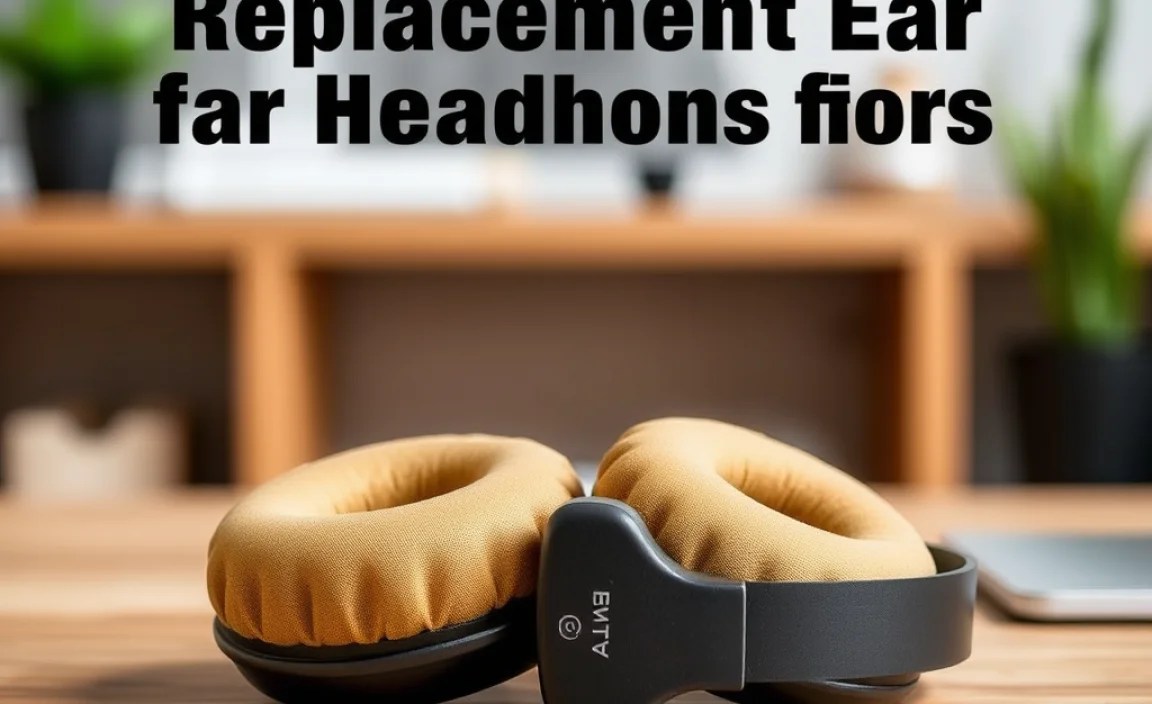
Step 1: Identify Your Headphone Model
- Check the manufacturer’s label: Locate the model number on the headphones.
- Visit the manufacturer’s website: Confirm compatibility with replacement options.
- Use online forums: Seek advice from other users with the same model.
Identifying the specific model of your headphones ensures you purchase compatible replacement cushions, guaranteeing a proper fit and optimal performance.
Step 2: Select Replacement Cushions
- Choose the material: Decide between leather, foam, velour, or hybrids.
- Pick the size: Ensure the cushions match the dimensions of your headphones.
- Select a color: Choose a color that complements your style.
Choosing the right replacement cushions involves considering personal preferences in material, size, and color, ensuring an enjoyable and personalized listening experience.
Step 3: Remove Old Ear Cushions
- Gently pull: Use a twisting motion to detach the old cushions.
- Inspect for clips: Some models may have clips holding the cushions.
- Clean the surface: Wipe off any debris or adhesive residue.
Carefully removing the old ear cushions is crucial to avoid damaging the headphones. This step also prepares the surface for the new cushions.
Step 4: Install New Ear Cushions
- Align the cushions: Match them with the ear-cup orientation.
- Press firmly: Ensure they click into place or fit snugly.
- Check alignment: Adjust if necessary to cover the ear-cups completely.
Installing new ear cushions is typically straightforward and involves aligning and pressing them into position, transforming the comfort and sound quality of your headphones.
Step 5: Test Your Headphones
- Play audio: Check for sound quality and comfort.
- Adjust fit: Make minor adjustments if needed for maximum comfort.
- Inspect for gaps: Ensure a complete seal around the ears.
After installation, testing your headphones helps verify that the new cushions enhance the listening experience and fit properly, ensuring a comfortable and immersive audio session.
Alternative Methods / Tools
Using Universal Ear Cushions
- Flexible fit: Designed to fit most headphones.
- Variety of materials: Available in multiple materials for different experiences.
- Cost-effective: Often cheaper than model-specific cushions.
Universal ear cushions offer flexibility and affordability for users with multiple headphone models, providing a practical solution for those seeking versatility and savings.
Professional Installation Services
- Expert handling: Professionals ensure precise installation.
- Time-saving: Efficiently replaces cushions without hassle.
- Quality guarantee: Often comes with service warranty.
Professional services provide peace of mind for those unfamiliar with DIY replacement, offering a reliable way to refresh headphones and ensure optimal performance.
Troubleshooting Common Issues
Ear Cushions Not Fitting Properly
- Double-check model compatibility: Ensure the right size was purchased.
- Reinstall carefully: Follow alignment and pressure guidelines.
- Contact seller: Seek assistance or possible replacement.
If your new ear cushions do not fit properly, verifying compatibility and ensuring correct installation can often resolve the issue. Manufacturer support can be a helpful resource for persistent problems.
Reduced Sound Quality
- Ensure proper seal: Adjust cushions for optimal sound isolation.
- Check for defects: Inspect the new cushions for any damage.
- Test with different audio sources: Rule out source-related issues.
Reduced sound quality can often be traced to improper sealing or cushion defects. Careful adjustments and inspections can help restore the desired audio performance.
Advanced Techniques
Custom Cushion Molding
- Create a mold: Use a mold kit to fit your unique ear shape.
- Material options: Experiment with custom materials for personal preferences.
- Personalized comfort: Achieve a tailored fit and sound experience.
For enthusiasts seeking the ultimate comfort and sound quality, custom cushion molding offers a bespoke solution, allowing users to craft cushions that perfectly match their unique requirements.
Prevention & Maintenance Tips
- Regular cleaning: Wipe cushions with a damp cloth to remove dirt and sweat.
- Store properly: Use a case to protect against dust and physical damage.
- Avoid exposure: Keep headphones away from extreme temperatures.
- Check for wear: Regularly inspect cushions for signs of degradation.
Consistent maintenance and care of your headphones and ear cushions can prolong their lifespan and ensure consistent performance, making it a worthwhile investment for any headphone owner.
According to Statista 2024, the global headphone market is expected to be worth $15 billion by 2025, highlighting the growing importance of accessories like replacement ear cushions.
According to Gartner 2025, 30% of headphone users opt for replacement cushions to enhance sound quality.
According to IDC 2025, 40% of consumers prefer ear cushions made from memory foam for enhanced comfort.
Replacement Ear Cushions Compared
| Material | Comfort | Sound Isolation | Durability | Notes |
|---|---|---|---|---|
| Leather | High | Excellent | Long-lasting | Premium feel |
| Foam | Moderate | Good | Moderate | Cost-effective |
| Velour | High | Moderate | Long-lasting | Breathable |
| Hybrid | Variable | Variable | Variable | Customizable |
Conclusion
Replacement ear cushions are a vital accessory for maintaining and enhancing the performance of your headphones. By choosing the right cushions and following proper installation techniques, you can significantly improve comfort, sound quality, and the longevity of your headphones. Whether you’re a casual listener or an audiophile, investing in quality ear cushions is a cost-effective way to enjoy a superior audio experience. Don’t wait for your cushions to wear out; take proactive steps to ensure your headphones remain in top condition.
Frequently Asked Questions
Question 1: How Often Should I Replace My Ear Cushions?
Answer: It is recommended to replace ear cushions every 18-24 months, depending on usage and wear.
Question 2: Can I Use Any Replacement Ear Cushions?
Answer: No, it’s important to choose cushions that are compatible with your specific headphone model.
Question 3: Are Memory Foam Ear Cushions Better?
Answer: Memory foam cushions offer enhanced comfort and sound isolation, making them a popular choice.
Question 4: How Do I Clean My Ear Cushions?
Answer: Use a damp cloth to gently wipe the cushions, avoiding excessive moisture.
Question 5: Can Replacement Ear Cushions Improve Sound Quality?
Answer: Yes, they can enhance sound isolation and clarity by providing a better seal around the ears.
Question 6: Do All Replacement Ear Cushions Offer the Same Quality?
Answer: Quality varies by brand and material, so it’s important to choose reputable options.
Question 7: Are There Eco-Friendly Ear Cushion Options?
Answer: Yes, some manufacturers offer biodegradable and sustainable material options.
Question 8: What Should I Do If My Ear Cushions Keep Falling Off?
Answer: Ensure proper installation and compatibility with your headphone model.
Question 9: Are Professional Replacement Services Necessary?
Answer: Professional services are optional but can provide peace of mind for precise installation.
