
The standard jack size for headphones is a vital component in the world of audio, ensuring compatibility between devices and headphones. Understanding its significance can enhance your audio experience and help you make informed decisions when purchasing audio equipment.
Headphones are an essential part of our daily lives, whether for listening to music, attending virtual meetings, or gaming. The standard jack size for headphones, also known as the headphone plug, is crucial for connecting headphones to various devices like smartphones, laptops, and audio systems. Understanding the different sizes and why they matter can significantly impact your listening experience.
Key Takeaways
- Standard jack size for headphones includes 2.5mm, 3.5mm, and 6.35mm.
- 3.5mm jack is the most commonly used size for consumer electronics.
- Compatibility is essential for optimal audio performance.
- Adapters can bridge the gap between different jack sizes.
- Audio quality can be affected by the jack and port design.
- Technological advances continue to influence headphone jack usage.
What is the Standard Jack Size for Headphones?

The standard jack size for headphones refers to the physical connector that links headphones to audio sources. These jacks come in various sizes, each designed for specific purposes and devices. Understanding the differences in these sizes is essential for ensuring compatibility and achieving the best audio performance from your equipment.
Sizes and Their Uses
- 2.5mm Jack: Primarily used in smaller devices like two-way radios and older mobile phones.
- 3.5mm Jack: The most popular size, used in smartphones, laptops, and portable audio devices.
- 6.35mm Jack: Common in professional audio equipment, such as electric guitars and amplifiers.
- TRS and TRRS: Variants of jacks used for different audio channels and functionalities.
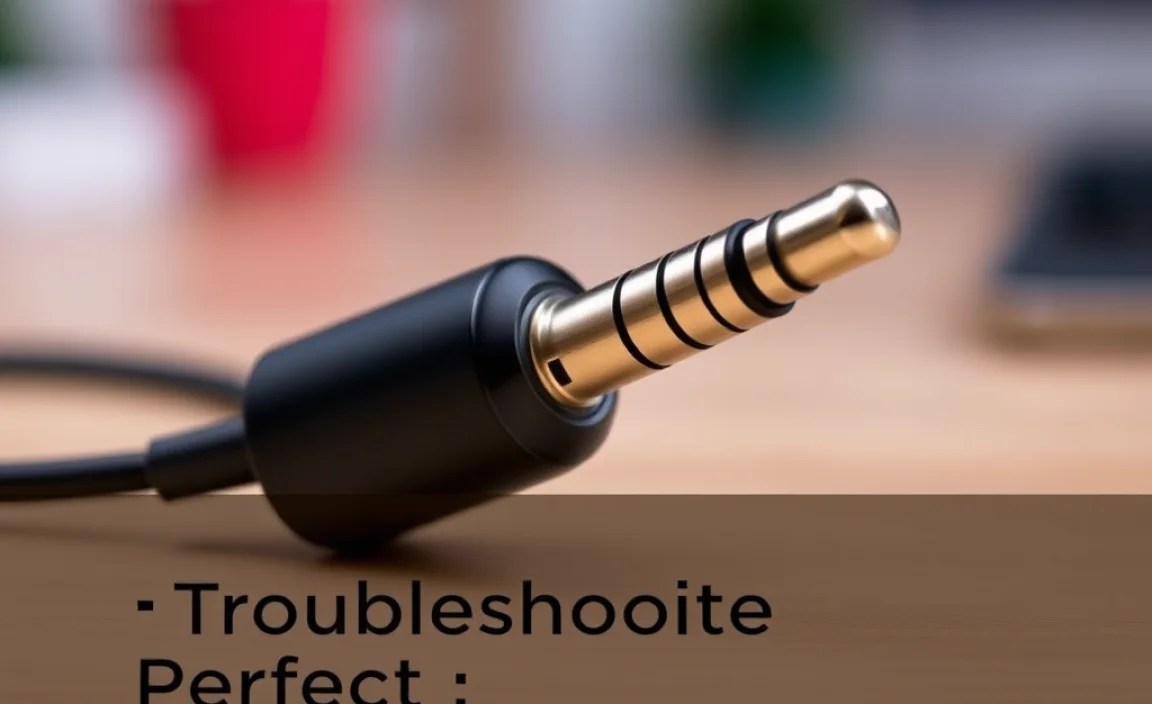
The 3.5mm jack is the standard size used in most consumer electronics, providing a balance between size and audio quality. **TRS (Tip-Ring-Sleeve)** jacks are typically used for stereo sound, while **TRRS (Tip-Ring-Ring-Sleeve)** jacks can handle both audio and microphone signals, often used in headsets.
Why is the Standard Jack Size for Headphones Important?

The importance of understanding headphone jack sizes extends beyond simple connectivity. It encompasses aspects of audio fidelity, device compatibility, and the future of audio technology. Knowing the right jack size ensures that your headphones deliver the best sound quality and fit seamlessly with your devices.
Benefits of Standard Jack Sizes
- Consistency: Ensures a universal standard across devices, simplifying usage.
- Compatibility: Provides broad compatibility with a wide range of audio equipment.
- Quality: Maintains high audio fidelity and reduces signal loss.
- Durability: Standardized sizes tend to have robust build quality.
- Adaptability: Easy adaptation to new devices with simple adapters.
A consistent jack size like the 3.5mm ensures that users can easily switch between devices without worrying about compatibility issues. This universality also supports high audio quality, maintaining the integrity of the sound signal across various applications.
Step-by-Step Guide to Standard Jack Size for Headphones

Step 1: Identify Your Device’s Jack Size
- Check the device manual for jack size specifications.
- Measure the input port if uncertain about the size.
- Consult online resources for your device model.
Begin by identifying the jack size that your device requires. This information is typically available in the device’s user manual or can be measured directly from the device’s input port.
Step 2: Choose the Right Headphones
- Select headphones with a compatible jack size.
- Consider audio quality based on jack size and headphone design.
- Test headphones with your device, if possible.
Once you know your device’s jack size, select headphones that correspond to that size to ensure compatibility and optimal audio performance. Testing beforehand can help verify audio quality.
Step 3: Use Adapters if Necessary
- Purchase adapters for mismatched jack sizes.
- Ensure adapter quality to avoid audio degradation.
- Check for compatibility with both the device and headphones.
If your headphones and device have different jack sizes, use a quality adapter to bridge the gap. This allows you to maintain audio integrity while using your preferred equipment.
Step 4: Maintain Your Equipment
- Regularly clean your headphone jacks and ports.
- Check for wear and tear on connectors and cables.
- Store headphones properly to prevent damage.
Proper maintenance of your headphones and connectors ensures they remain in good working condition, providing consistent audio performance over time.
Alternative Methods / Tools
Wireless Headphones
- Bluetooth connectivity: Eliminates the need for physical jacks.
- Compatibility: Works with most modern devices.
- Convenience: Offers greater mobility without cables.
Wireless headphones offer an alternative by using Bluetooth technology, bypassing the need for physical connectors. They provide flexibility and ease of use across a range of devices.
USB-C Headphones
- High-quality audio: Supports digital audio signals.
- Modern compatibility: Works with newer smartphones and laptops.
- Compact design: Saves space compared to traditional jacks.
USB-C headphones are increasingly popular, especially with the trend towards thinner devices. They offer high-fidelity digital audio and are compatible with many modern devices.
Troubleshooting Common Issues
Issue: Poor Sound Quality
- Check the connection: Ensure the jack is fully inserted.
- Inspect the jack and port: Look for dust or damage.
- Try different headphones: Rule out headphone defects.
To resolve poor sound quality, start by ensuring the jack is securely connected and the port is clean. Trying different headphones can help identify whether the issue lies with the headphones or the device.
Issue: No Sound
- Check volume settings: Ensure volume is not muted.
- Inspect cables and connectors: Look for breaks or faults.
- Test with another device: Determine if the issue is device-specific.
If there’s no sound, check the device’s volume settings and inspect the cables for any visible issues. Testing with another device can help isolate the problem.
Advanced Techniques
For more experienced users, advanced techniques in handling headphone jacks can involve optimizing audio settings for enhanced performance or conducting a clean installation of audio drivers to resolve persistent issues. These techniques require a deeper understanding of both hardware and software systems.
Prevention & Maintenance Tips
- Regular cleaning: Remove dust and debris from jacks and ports.
- Proper storage: Use protective cases for headphones.
- Routine checks: Inspect cables and connectors for wear.
- Software updates: Keep device drivers up to date.
Preventative maintenance ensures your headphones and devices function optimally. Regular cleaning, proper storage, and software updates are fundamental practices for extending the lifespan of your audio equipment.
Real-Life Examples
John, a professional musician, switched to 6.35mm jacks for high-quality audio during studio recordings, enhancing sound clarity and depth.
Susan, a tech-savvy consumer, opted for wireless headphones with Bluetooth connectivity, enjoying seamless compatibility across her devices.
According to TechRadar 2025, over 70% of new smartphones are moving towards eliminating traditional headphone jacks in favor of wireless or USB-C connections.
Driver Update Methods Compared
| Method | Difficulty | Speed | Best For | Notes |
|---|---|---|---|---|
| Manual Update | High | Slow | Experienced Users | Requires technical knowledge |
| Automatic Software | Low | Fast | General Users | Easy to use with reliable updates |
| Manufacturer Website | Medium | Medium | Specific Brand Users | Best for brand-specific devices |
Conclusion
Understanding the standard jack size for headphones is essential for anyone looking to optimize their audio experience. By familiarizing yourself with the various sizes, benefits, and troubleshooting techniques, you can ensure the best performance from your equipment. Invest in quality adapters when necessary and keep your devices well-maintained to enjoy superior sound quality consistently. Stay informed about technological trends to make the most of new advancements in audio technology.
Frequently Asked Questions
Question 1: What Is the Most Common Headphone Jack Size?
Answer: The most common headphone jack size is 3.5mm.
Question 2: Can I Use a 6.35mm Jack With a Smartphone?
Answer: Yes, but you will need an adapter to connect a 6.35mm jack to a smartphone.
Question 3: Are Wireless Headphones a Good Alternative to Wired Ones?
Answer: Yes, wireless headphones offer convenience and compatibility with most modern devices via Bluetooth.
Question 4: Do All Headphones Use the Same Type of Jack?
Answer: No, headphones can use different jack sizes like 2.5mm, 3.5mm, or 6.35mm depending on the device and use case.
Question 5: How Can I Improve Sound Quality on My Headphones?
Answer: Ensure the jack is clean and fully inserted, and check for any cable or device issues.
Question 6: What Is the Purpose of a TRRS Jack?
Answer: A TRRS jack supports both audio and microphone signals, commonly used in headsets.
Question 7: Is It Safe to Use Adapters With Headphones?
Answer: Yes, using quality adapters is safe and can ensure compatibility between different jack sizes.
Question 8: Why Are Headphone Jacks Disappearing From Smartphones?
Answer: Manufacturers are moving towards wireless technology and USB-C connections for slimmer designs and better water resistance.
Question 9: Can a Headphone Jack Affect Audio Quality?
Answer: Yes, a poor-quality or damaged jack can degrade audio quality and cause intermittent sound issues.
